Too Many Tabs? BriskList Is the Read-Later App That Actually Gets You Back to Your Links

After years of losing track of links in a sea of open tabs, overloaded bookmark bars, and the occasional browser crash that wiped everything out, one thing became clear: there was no good read-later app for iPhone that actually solved the problem. Not really.
That's why BriskList was built.
The Problem With How We Save Links Today
If you use an iPhone and spend any meaningful time online, you already know the feeling. You're scrolling through Twitter, stumble on an article you want to read tonight, and tap "Save." It lands somewhere in your Safari reading list or bookmarks bar — a place you'll never look again. Or worse, you leave the tab open. Then another. Then ten more. Soon it's a horde of tabs, most of which never get revisited and their purpose is lost.
The average smartphone user keeps dozens of browser tabs open at any given time, most of them links saved informally because there was nowhere better to put them. Native browser bookmarks are clunky and unsearchable. Notes apps feel like overkill for a single URL. And the built-in Safari reading list has a well-earned reputation as a graveyard — links go in, nothing comes out.
The real problem isn't saving links. It's getting back to them.
What Is BriskList?
BriskList is a free iOS read-later app and link-saving tool that gives you one organized place to save any URL from any platform — articles, videos, online purchases, social posts, recipes, research — and actually return to them when it matters.
Unlike native browser bookmarks or Safari's reading list, BriskList is built around a simple truth: a saved link is only useful if you remember it exists. Every feature in the app is designed to solve that specific failure point.
BriskList is available now as a free download on the Apple App Store, with many 5.0-star ratings from early users.
Key Features: What Makes BriskList Different
1. Save Links From Any Platform
BriskList works across your entire iPhone — not just Safari. Save links from Chrome, Reddit, Twitter/X, Instagram, YouTube, Zillow, or anywhere else you discover content. Everything lands in one centralized list, not scattered across five different apps.
2. Custom Reminders On Your Schedule
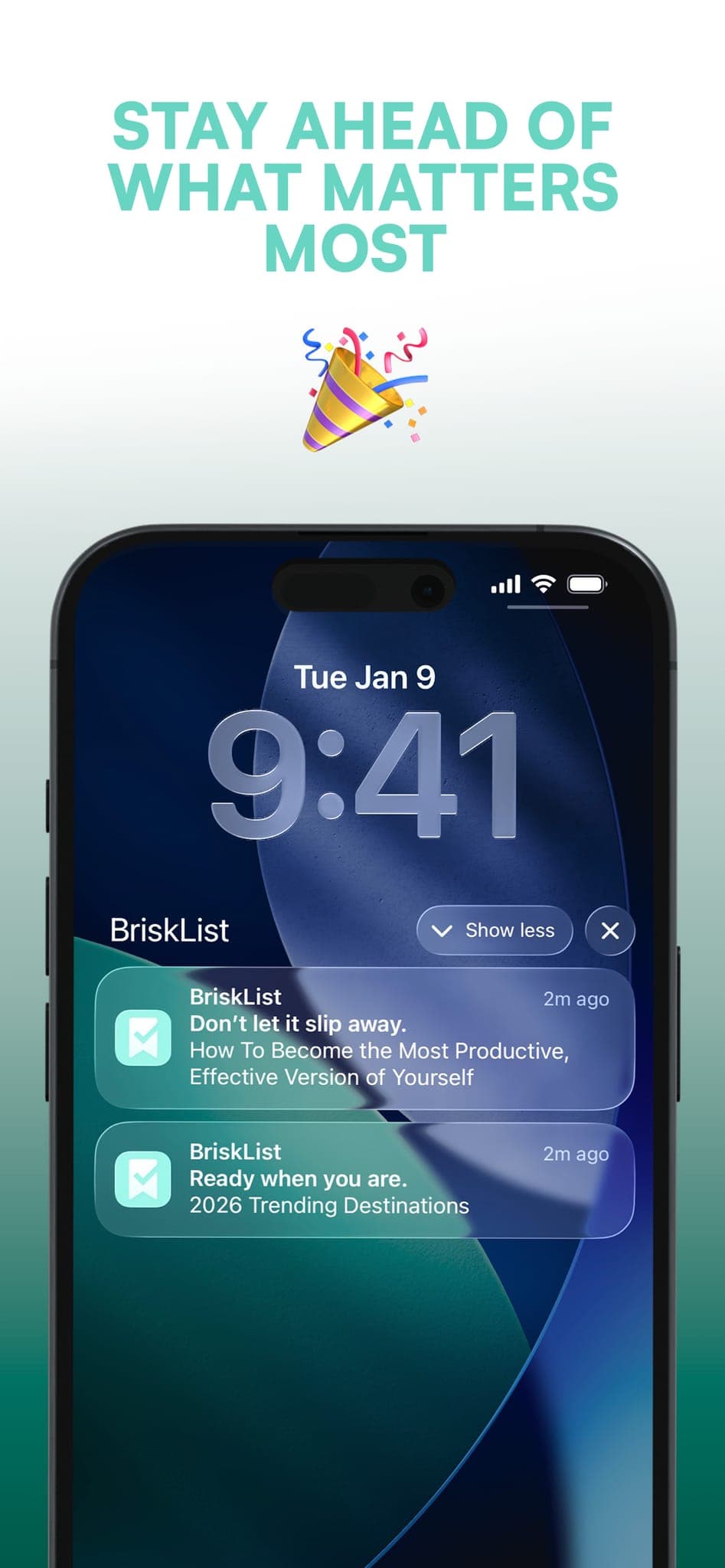
This is the feature that separates BriskList from every bookmark manager and read-later app on the market. You can set a reminder for any saved link, timed to when you'll actually have a moment to read it. Morning commute? Weekend afternoon? Before bed? BriskList pings you when the time is right — not when an algorithm decides.
3. Auto-Clear: Your List Never Becomes a Graveyard
The single biggest failure mode of every read-later tool is accumulation. Links pile up, the list becomes overwhelming, and you stop trusting it. BriskList solves this with automatic list clearing, removing any link older than 7 days old — the app manages the clutter for you, so your reading list stays lean, current, and useful.
4. Permanent Vault — 15 Links, Forever
Not everything belongs in a temporary reading queue. Some links are reference material you'll return to for weeks or months — a project resource, a product you're tracking, a recipe you make regularly. BriskList's permanent vault stores up to 15 links indefinitely, completely separate from your main list. Done with something? A single swipe removes it.
5. Five Custom Categories
You don't think in the same categories every app designer imagined for you. BriskList gives you five fully customizable category labels — name them whatever makes sense for your life. Work, Personal, Shopping, Research, Watch Later — or anything else. Your organizational system, not ours.
BriskList vs. Safari Reading List: How They Compare
| Feature | Safari Reading List | BriskList |
|---|---|---|
| Save from any app or platform | ✗ | ✓ |
| Custom reminders per link | ✗ | ✓ |
| Auto-clearing to prevent clutter | ✗ | ✓ |
| Permanent long-term vault | ✗ | ✓ |
| Custom named categories | ✗ | ✓ |
| Free to use | ✓ | ✓ |
The comparison isn't really close. Safari's native reading list was designed as a convenience feature, not a productivity tool. BriskList was designed specifically around the behavior of people who save a lot of content and need a reliable system to manage it.
Who Is BriskList For?
BriskList is the best link-saving app for iPhone users who:
- Keep too many browser tabs open and want a better system
- Regularly save articles, videos, or products they never get back to
- Use their phone as a primary content discovery tool
- Want to organize saved links by topic or project
- Need a lightweight, no-friction read-later solution that actually works
It's especially well-suited for students, researchers, entrepreneurs, and knowledge workers who use their phone throughout the day and need a reliable place to capture and retrieve information without it getting buried.
The Vault: BriskList's Most Underrated Feature
Most read-later apps treat all saved links the same way. BriskList doesn't.
The permanent vault is a dedicated space for links with a longer shelf life — things you don't want auto-cleared, don't want buried by new saves, and don't want to lose track of. It holds up to 15 links permanently in the free version, and removing one is as simple as a swipe.
Think of your main BriskList as your inbox — active, rotating, current. Think of the vault as your pinned folder — reference material that stays put until you decide otherwise. It's a small distinction that makes a significant difference in how useful the app feels day to day.
Why Most Read-Later Apps Fail (And What BriskList Does Differently)
The read-later app category has existed for over a decade. Instapaper launched in 2008. Pocket started in 2007. So why do so many people still struggle with link clutter and unread saves?
Because most read-later apps are designed around saving, not returning. They optimize for the moment of capture and neglect the follow-through. There's no friction to saving, but there's also no pull to return. Links accumulate without consequence, the list grows unmanageable, and the user eventually abandons the app.
BriskList flips this model. Auto-clearing creates a natural limit on accumulation. Scheduled reminders create a pull back to saved content. Custom categories create a structure that reduces overwhelm. The vault creates a tiered system that mirrors how people actually think about the difference between "I'll read this soon" and "I'll need this for a while."
Download BriskList Free — Available Now on the App Store
BriskList is free to download on iPhone. Search "BriskList" on the App Store or use the direct link below.
→ Download BriskList on the App Store
If you try it, leave a rating on the App Store — it makes a real difference for an independent app. And if you have feedback, the developer reads every comment.
Final Verdict: Is BriskList the Best Read-Later App for iPhone in 2026?
For iPhone users who save a lot of content and want a lightweight, reliable tool to manage it — yes. BriskList is the best free read-later and link-saving app on iOS right now. It solves the problems that native browser tools ignore, adds features that larger apps haven't bothered to build, and stays out of your way when you don't need it.
If your Safari tab count has hit double digits, it's time to try something different.
BriskList is available free on the Apple App Store. Built for iPhone.