Stop juggling 10 different online tools and uploading your files to random websites. Awesome Toolkit brings everything under one roof — and nothing ever leaves your browser.
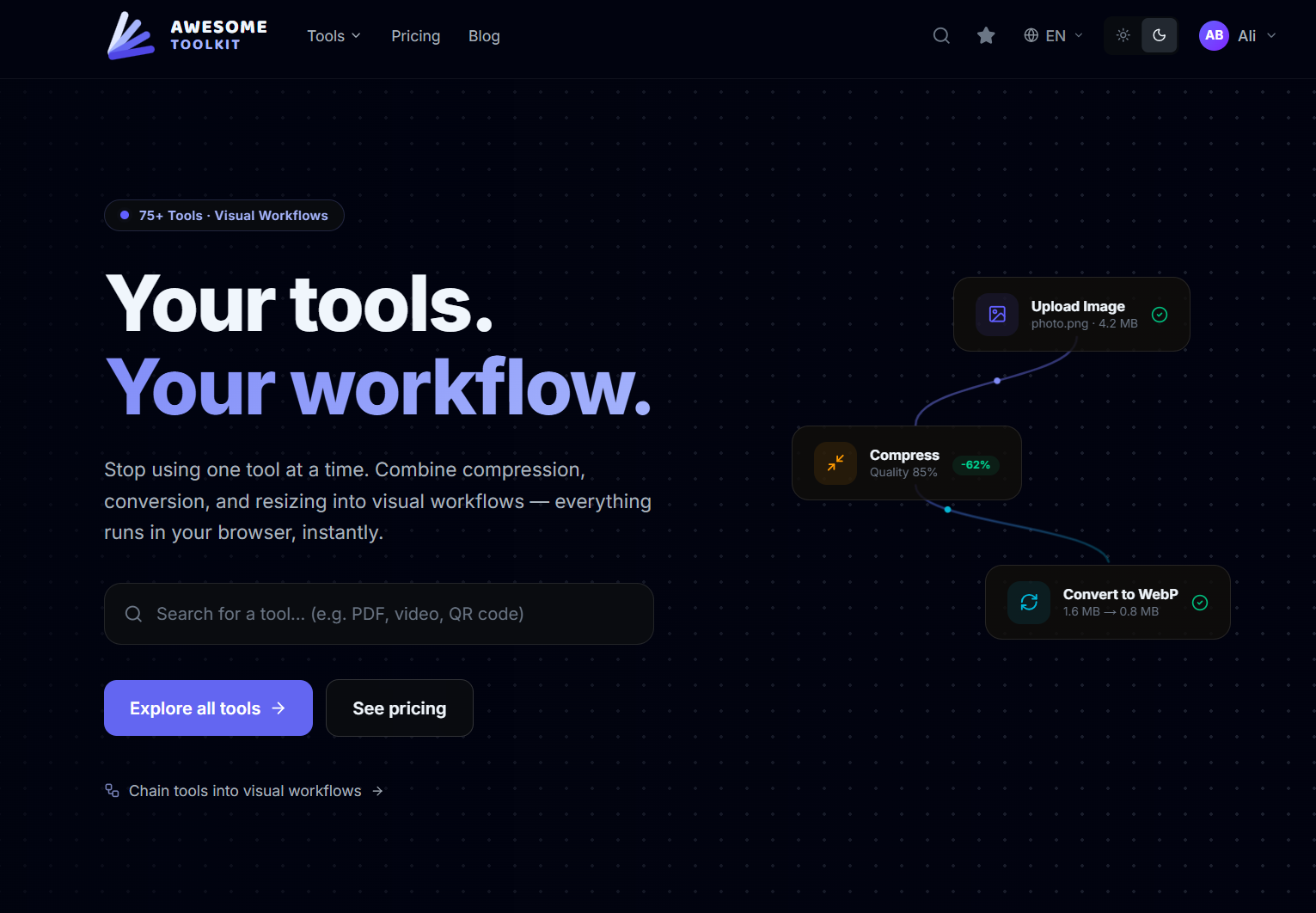
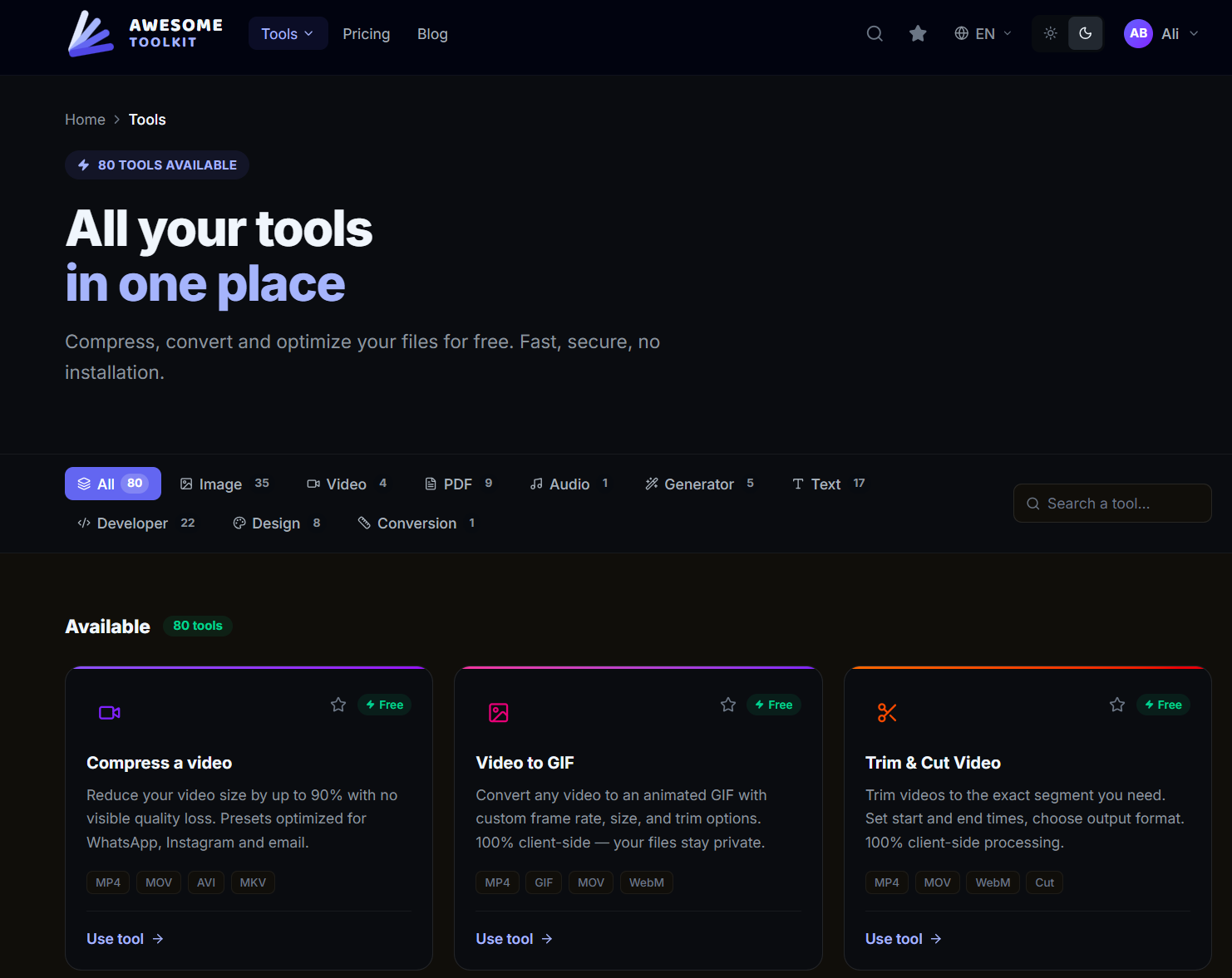
75+ tools, zero uploads
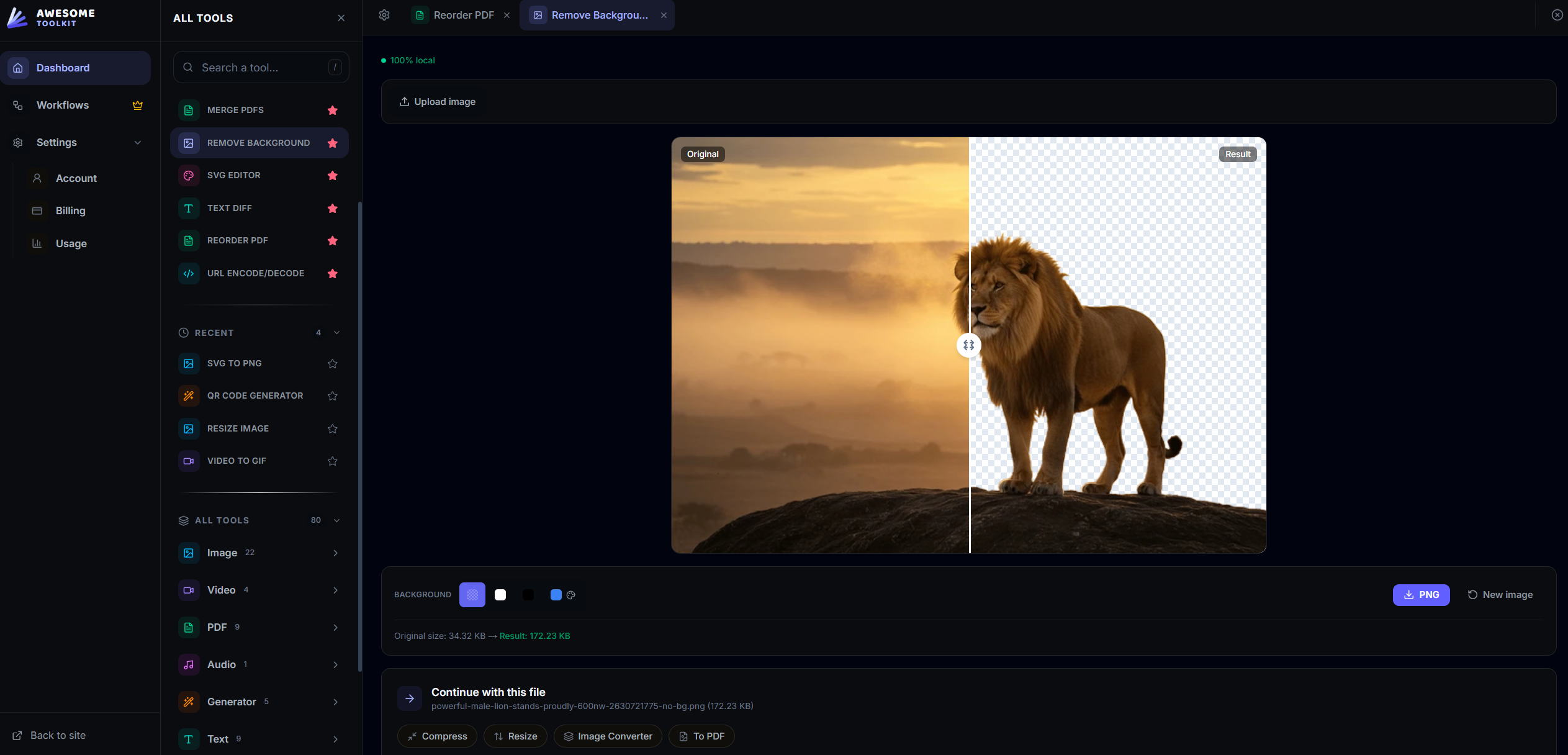
Images: convert (HEIC, PNG, WebP, SVG, ICO), compress, resize, crop, rotate, watermark, remove backgrounds, upscale with AI, generate social media formats in one click.
Video: compress, trim, change speed, extract audio to MP3, convert to GIF.
PDF: convert to/from images, compress, split, rotate, add page numbers, add text stamps, extract text.
Audio: compress and convert.
Text & Dev tools: JSON/CSV/YAML conversion, Markdown to HTML, Base64 encode/decode, case converter, search & replace, sort, filter — all the utilities developers reach for daily.
Every single operation runs client-side using WebAssembly, Canvas APIs, and Web Workers. Your files are processed on YOUR machine. No server uploads, no waiting for a queue, no "processing..." spinner on someone else's computer. It's faster, and it's private by design.
The Workflow engine — this is where it gets powerful
Most online tools let you do one thing at a time. Awesome Toolkit lets you chain them together.
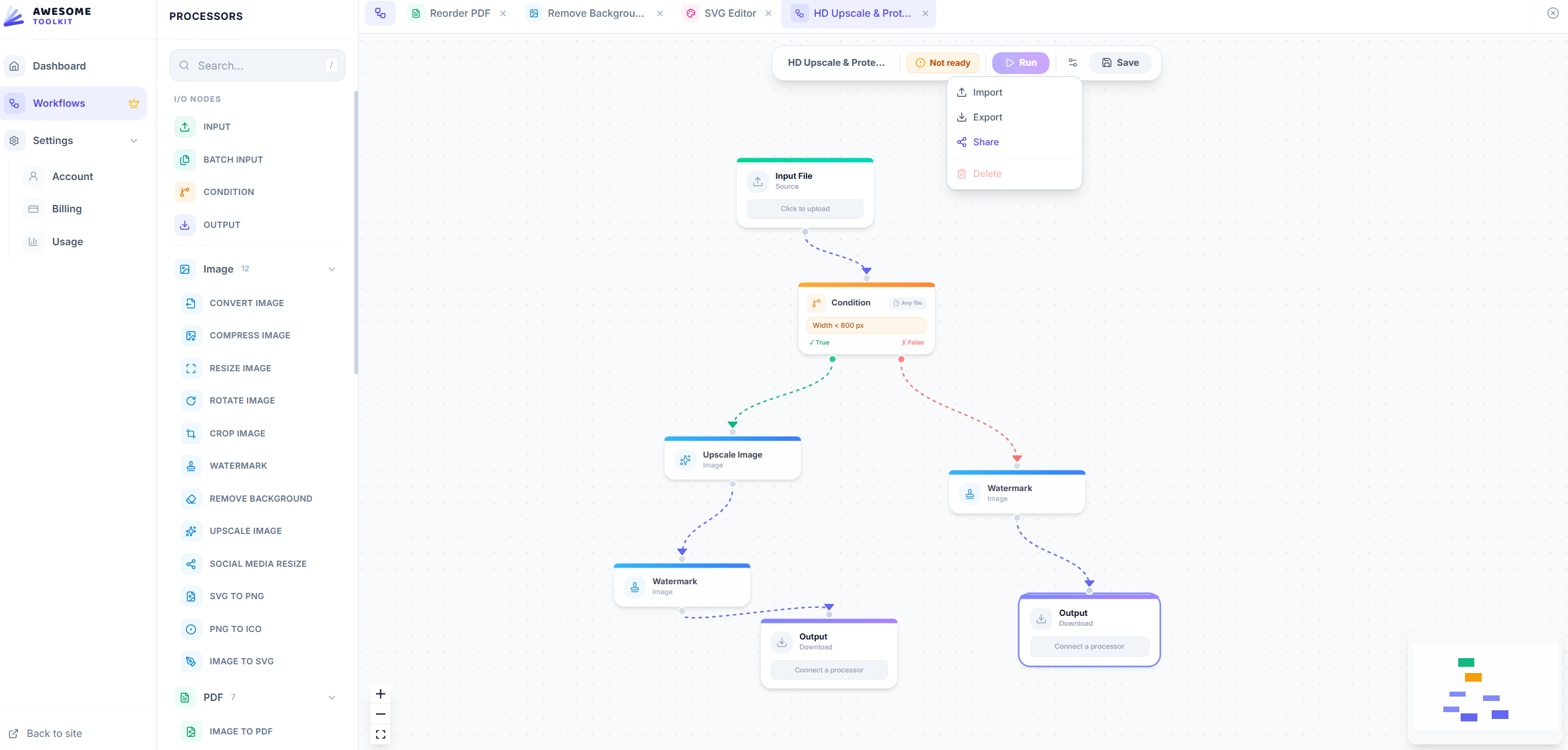
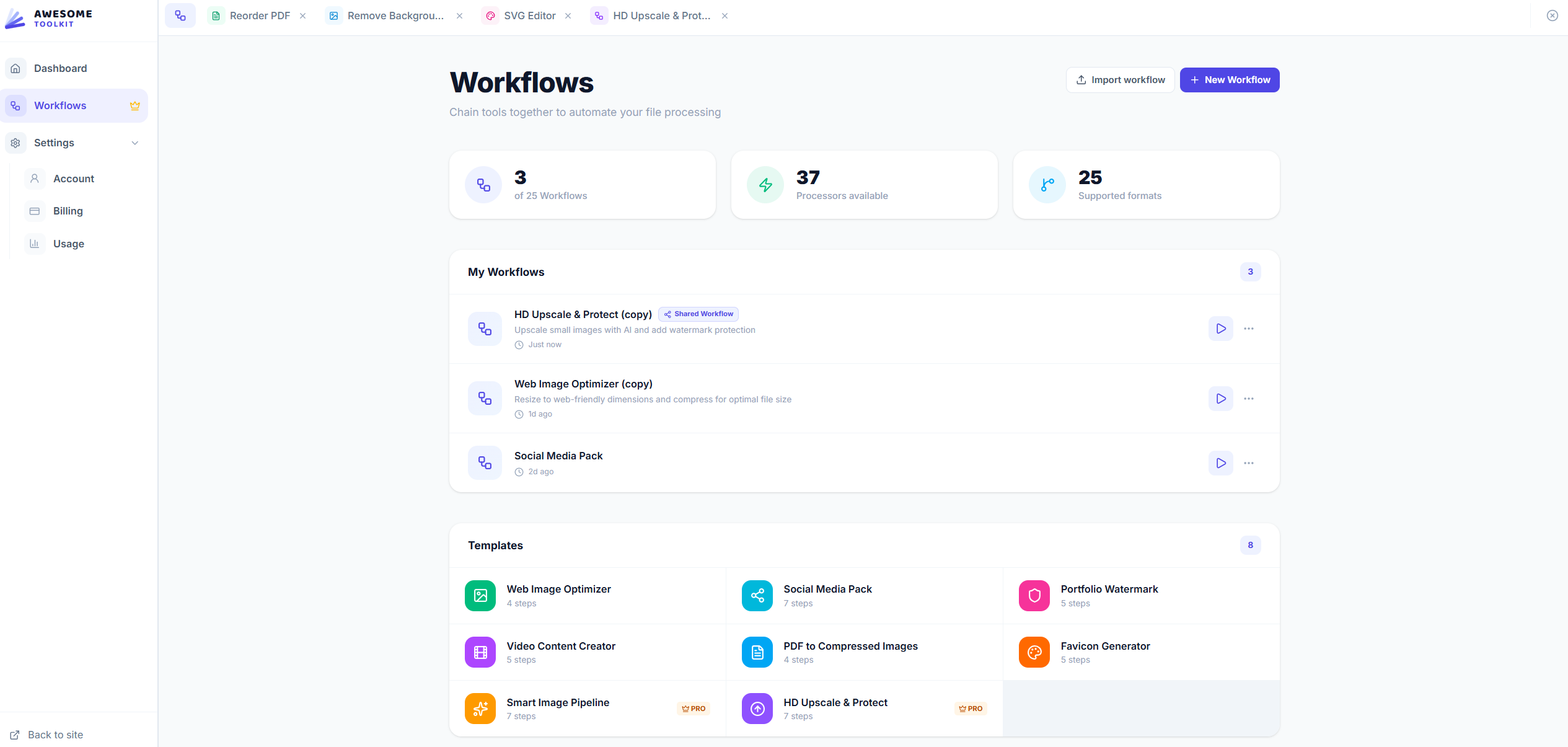
Open the visual Workflow builder, drag processors onto the canvas, connect them, and you've built your own custom pipeline. Want to take every image in a batch, resize it to 1080p, add your brand watermark, convert to WebP, and compress — all in one operation? Build it once, save it, reuse it forever.
The node editor validates connections in real-time (you can't pipe a PDF into a video tool), shows format propagation across the graph, and executes everything sequentially with a progress bar. It feels like a mini Zapier, but for files, and entirely local.
A real dashboard, not a landing page
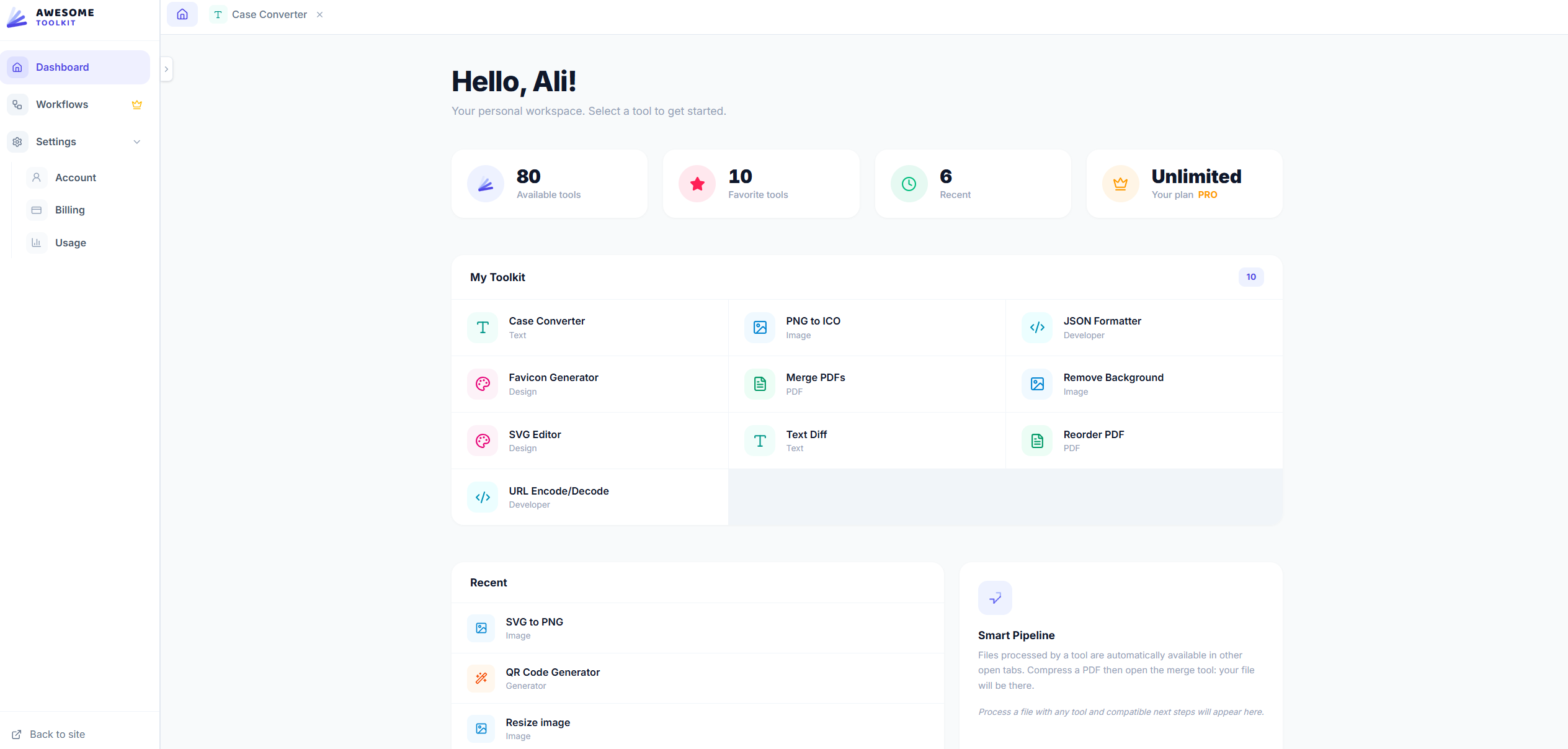
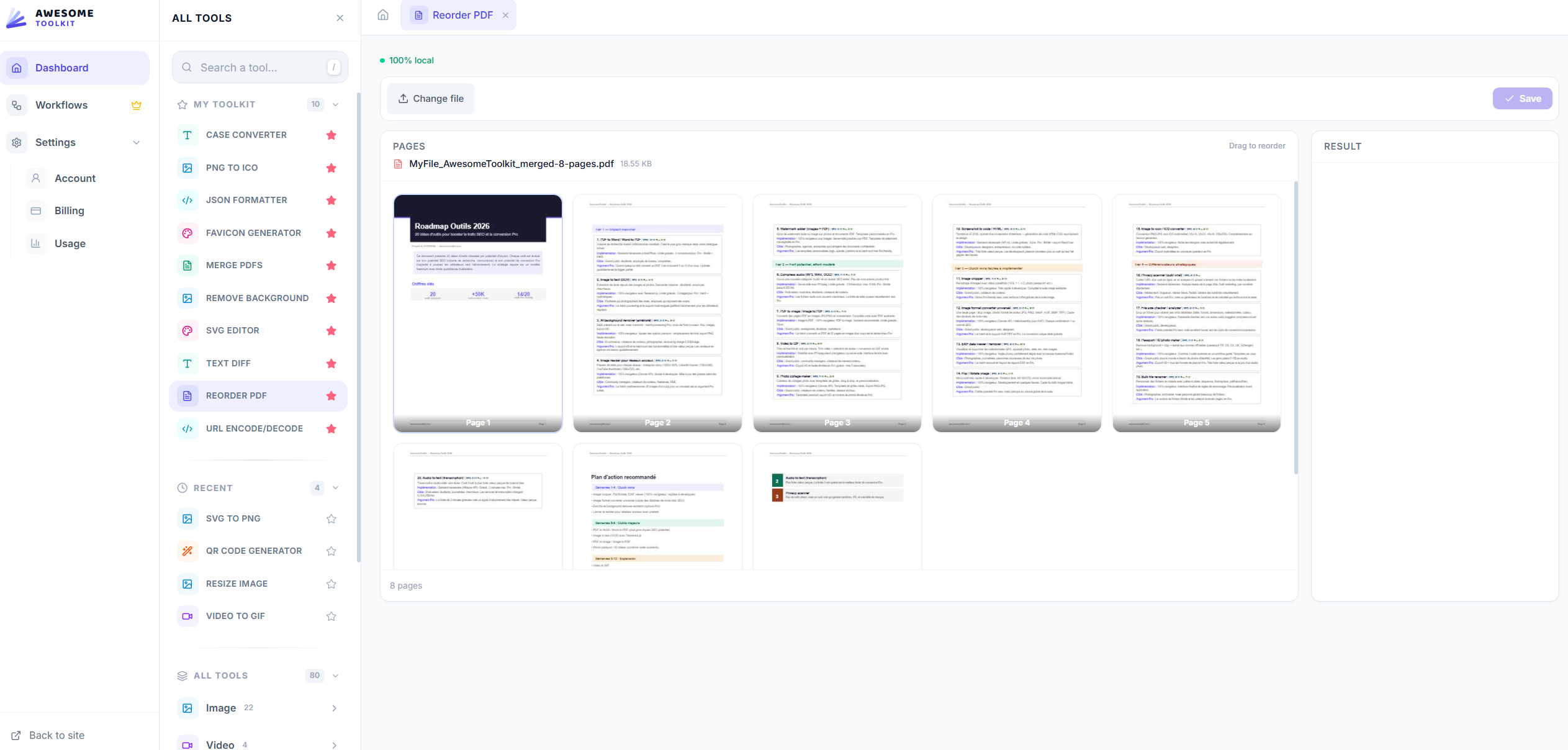
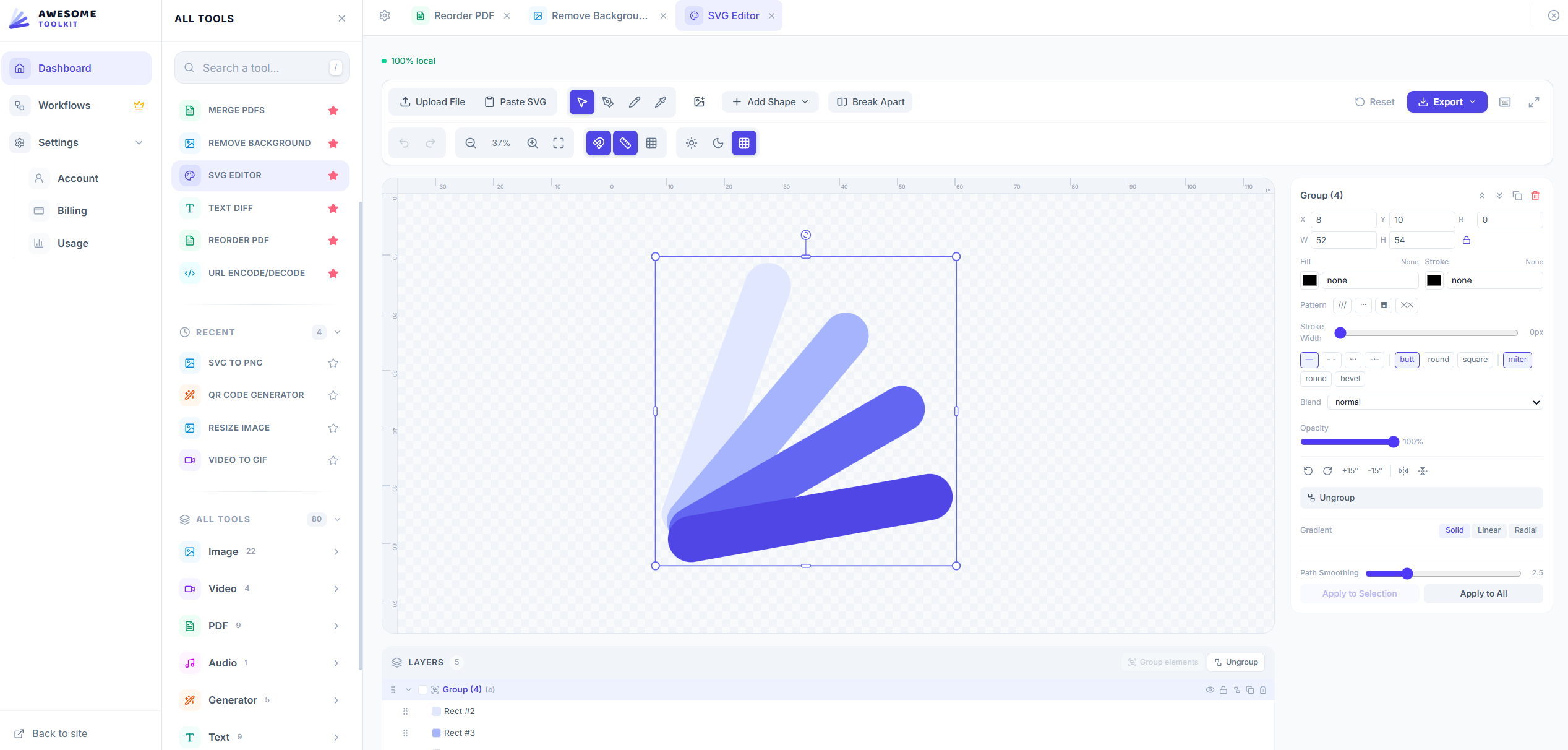
Awesome Toolkit isn't a collection of disconnected pages. The dashboard is a full tab-based workspace. Open up to 8 tools simultaneously, drag-and-drop to reorder tabs, pin your favorites to your Toolbox, and pick up where you left off — your workspace is saved automatically.
When a tool finishes processing, it suggests the next logical action. Compressed a video? One click to extract the audio. Converted a PDF to images? One click to resize them all. This pipeline system means you're always one step away from the next transformation.
Free to use, built for real work
Guests get 5 conversions per day. Create a free account and get 80. Go Pro for unlimited usage, larger file sizes, and up to 50 saved workflows. No watermarks on any plan. No feature gating on the tools themselves — every tool is available to every user.
Available in English and French, with full SEO pages for every tool so your team can find exactly what they need from a search engine and start working immediately.
Built by a solo developer who got tired of the same problems you did.





Comments (3)
nice
This is a smart solution from a clearly smart team. And if you ever need DDoS protection with a proper firewall for your website, just let us know!
We built Awesome Toolkit because we were tired of uploading files to 10 different sites. Every tool runs in your browser — your files stay yours. Try the Workflow engine, that's where the magic is.