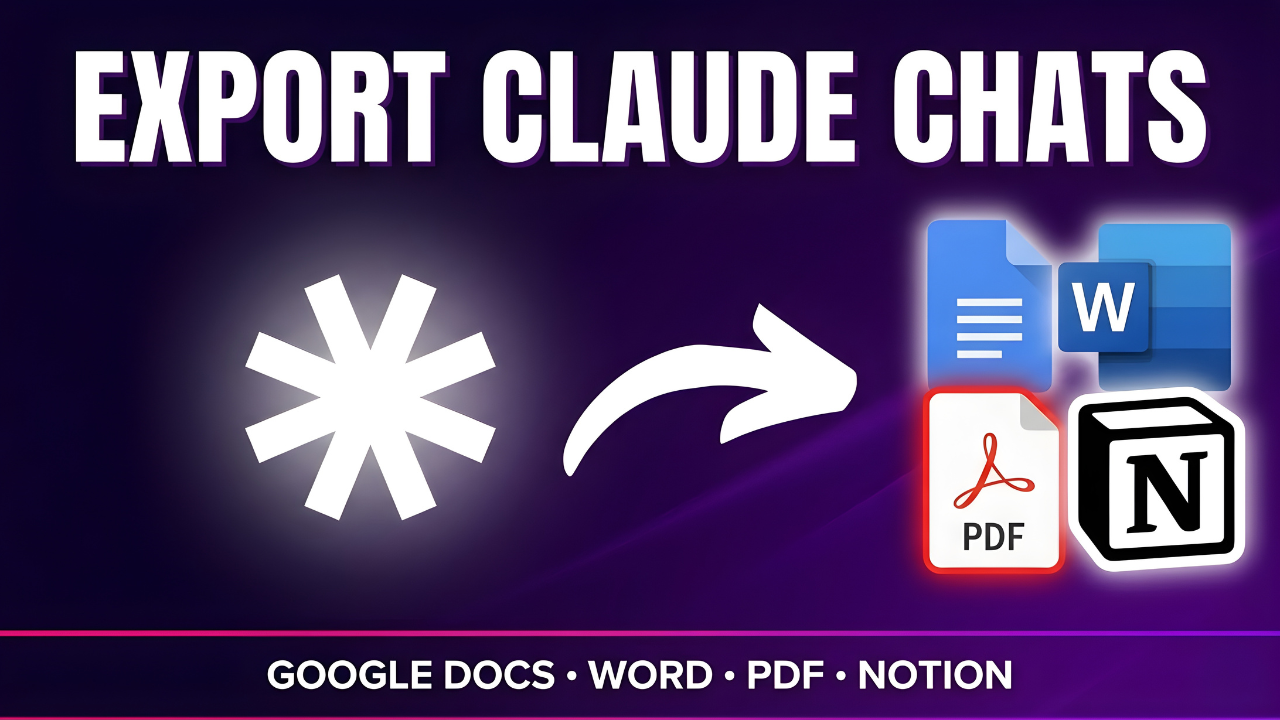



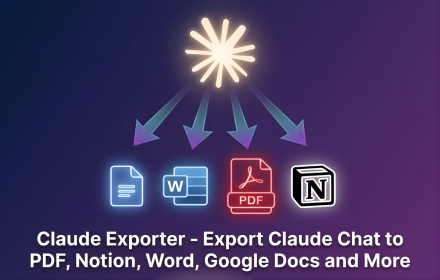
Claude Exporter Chrome Extension

Claude Exporter Chrome Extension

Export Claude chats to PDF, Notion, Word and Google Docs

backrun
@backrun
Published on Apr 19, 2026
Visit site
1PeerPush
PeerPush badge for Claude Exporter Chrome Extension

About Claude Exporter Chrome Extension

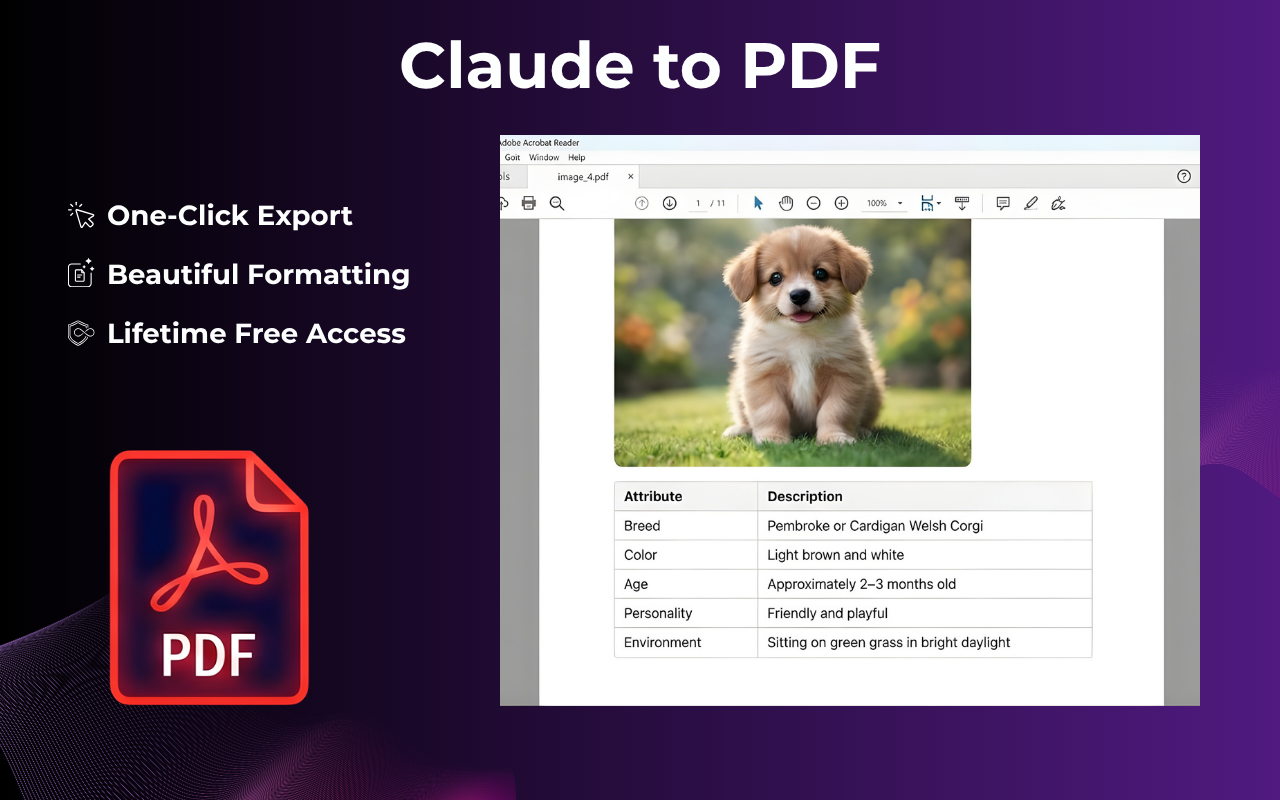
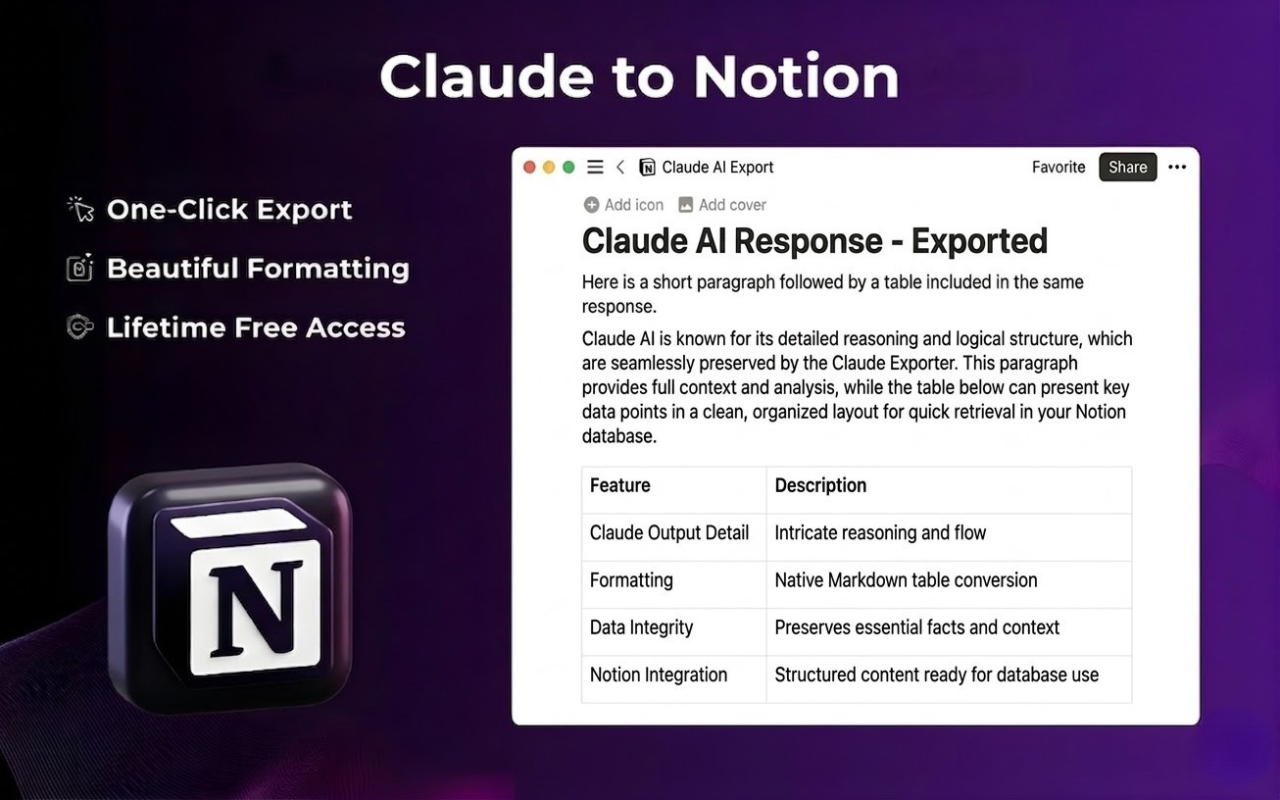
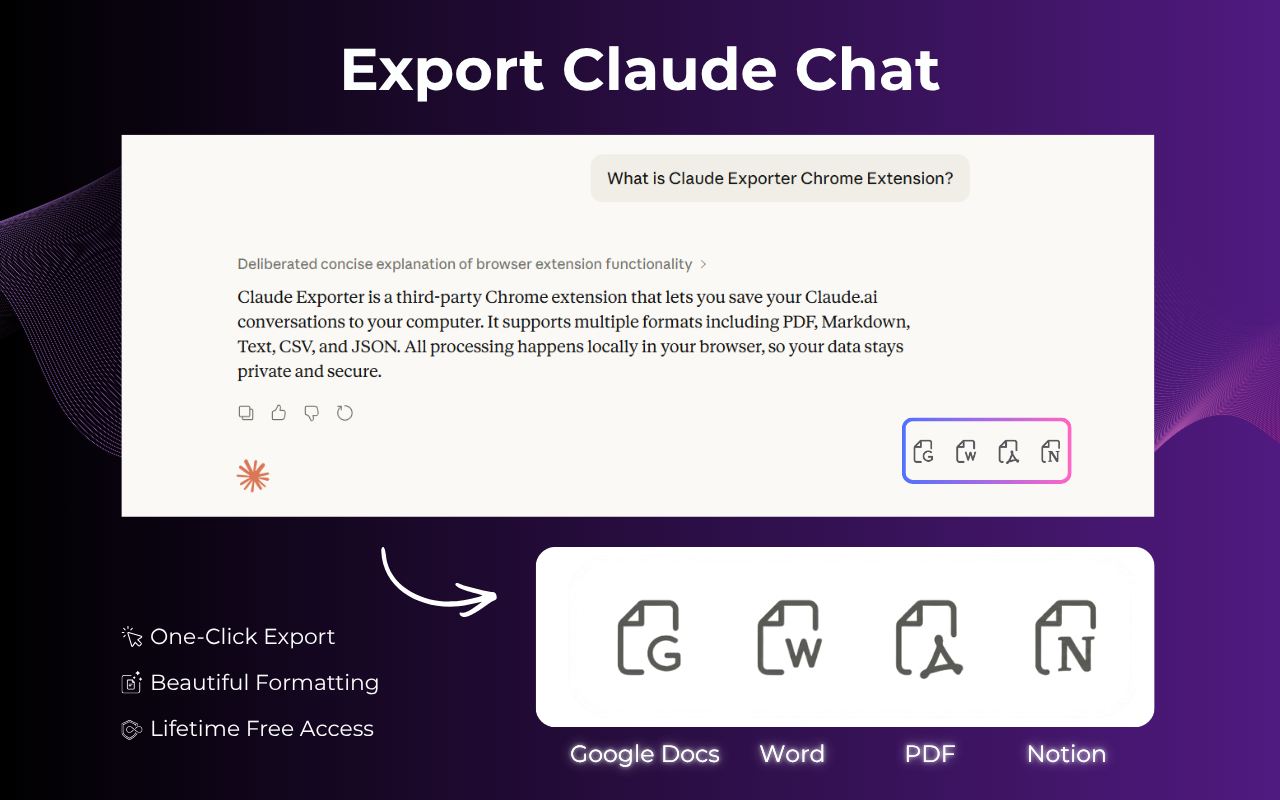
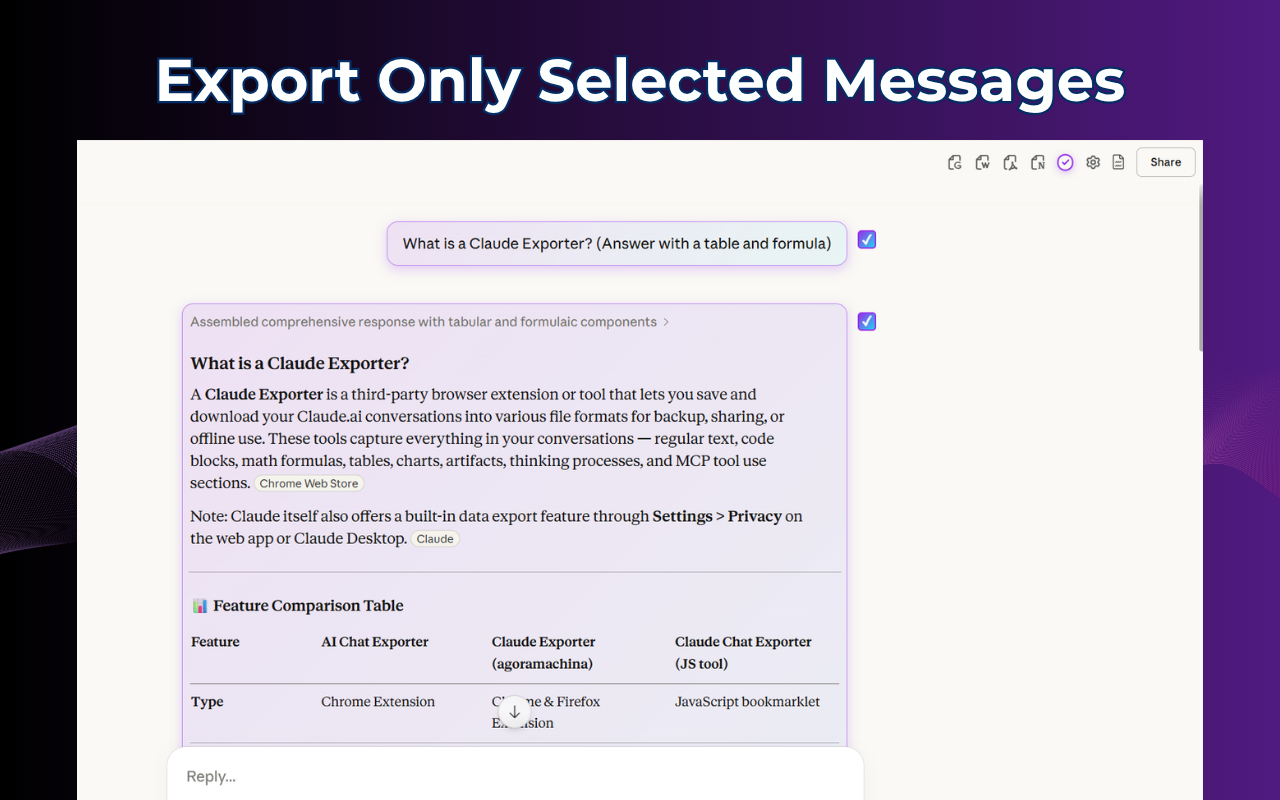
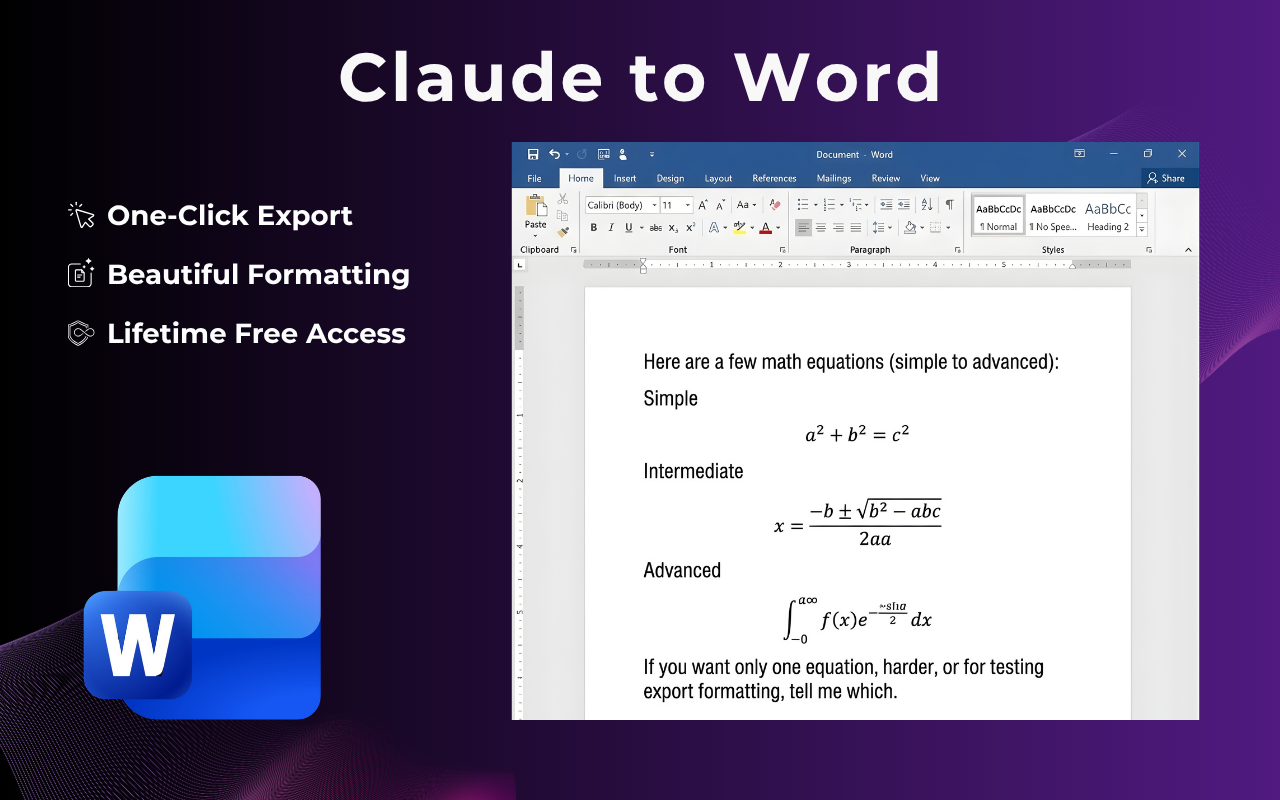
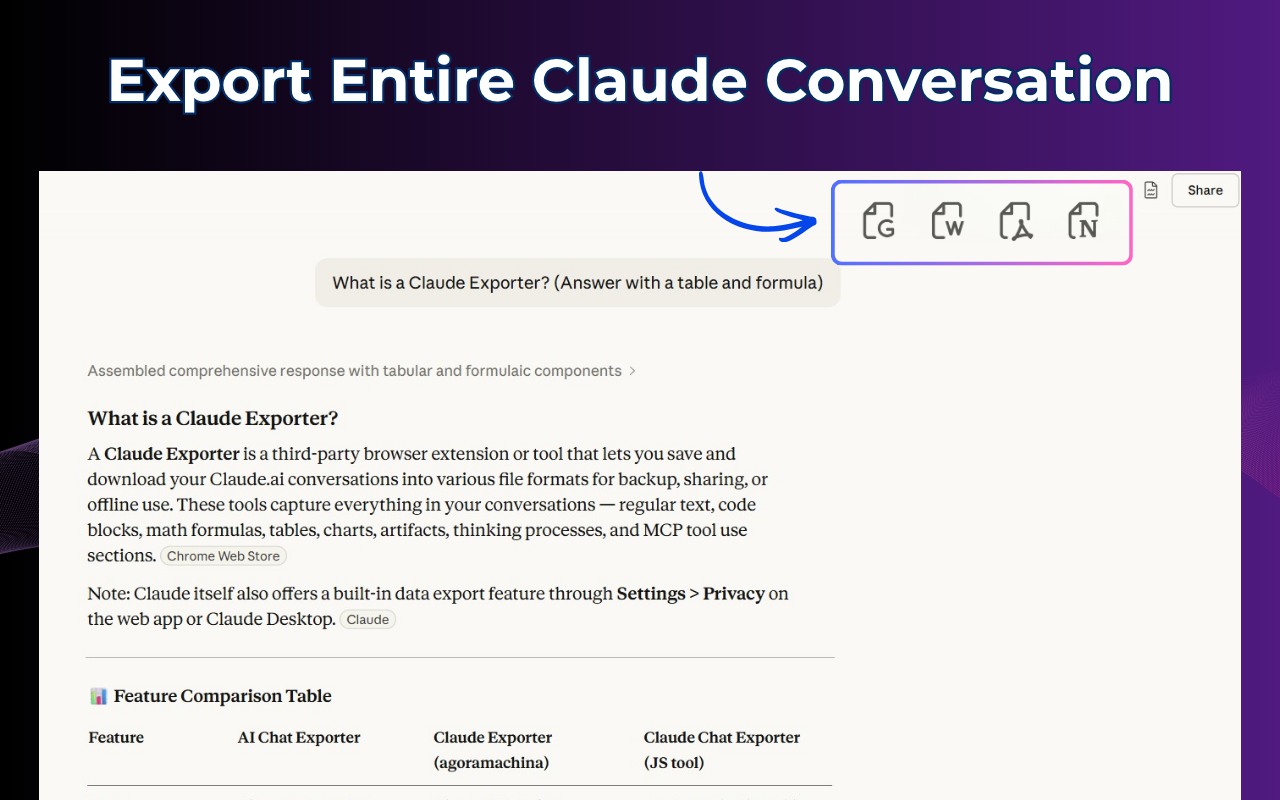
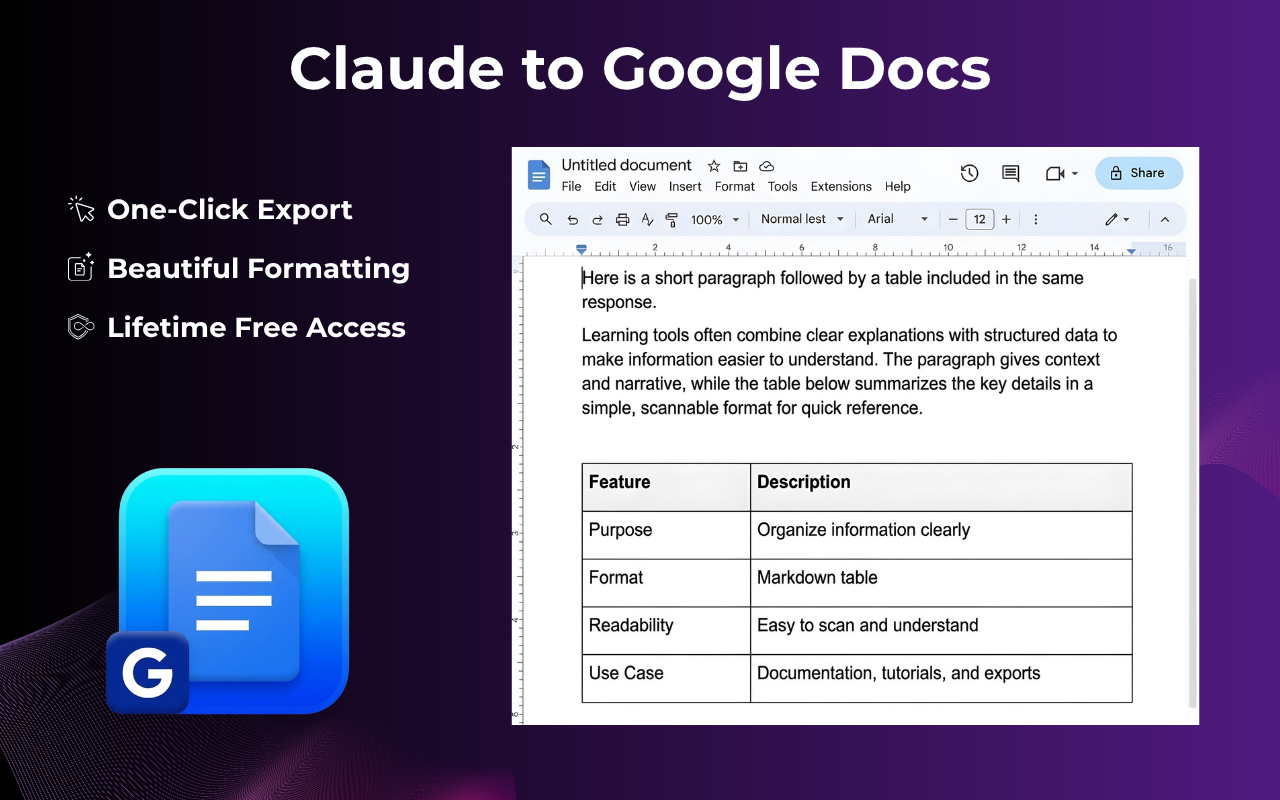
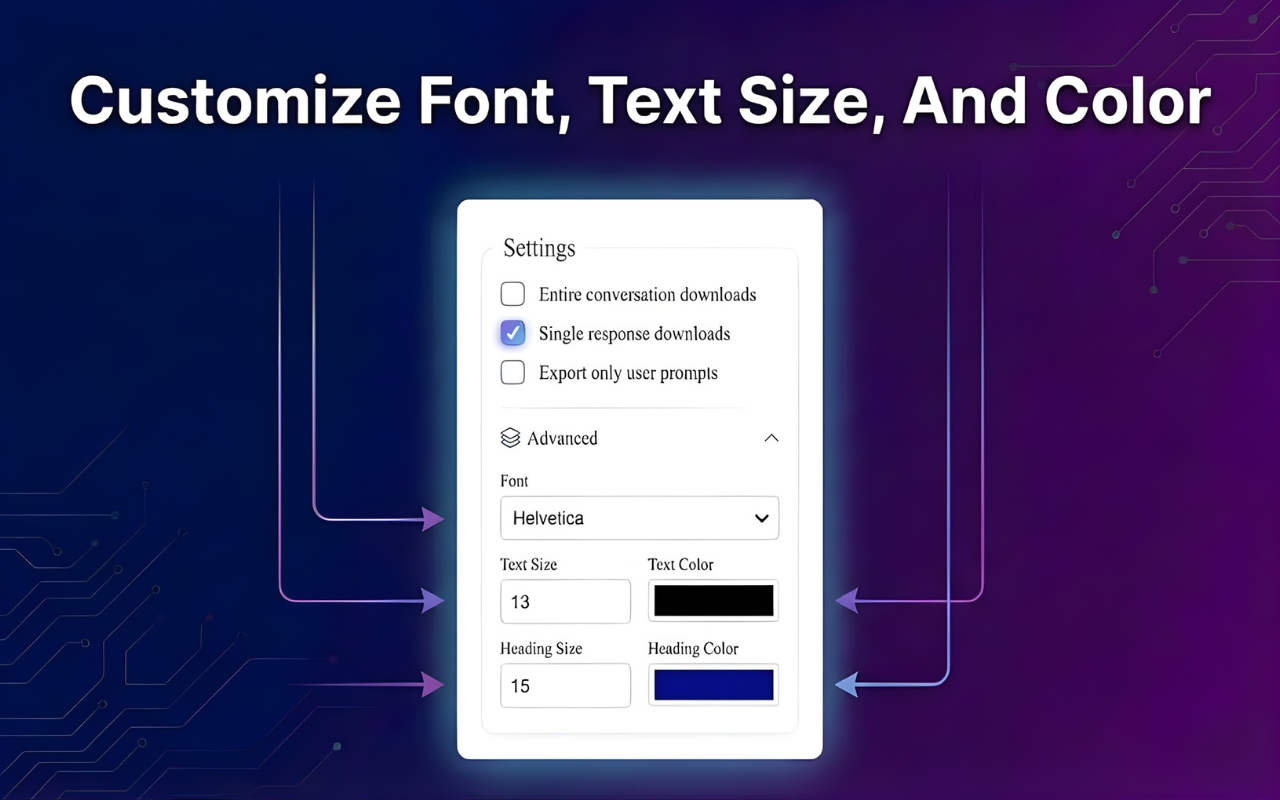
Claude Exporter allows you to instantly transform your Claude chat conversations into professionally formatted documents. With this browser extension, you can easily export your chat history to PDF, Notion, Word, or Google Docs. You have full control over the visual appearance of your exports, including custom options for font selection, text size, and color themes. This tool helps you organize your AI interactions and integrate them seamlessly into your existing workflows and documentation systems. Key Features - Multiple Export Formats: Export chats to PDF for printing, Word for editing, Google Docs for collaboration, or Notion for workspace integration. - Selective Export: Choose specific messages or export entire conversations, including Claude Code sessions. - Typography Customization: Customize font, size, and color to match document style requirements. - Comprehensive Content Support: Supports text, code blocks, tables, and other structured outputs. - Privacy and Security: All processing is done locally in the browser, ensuring data privacy. Use Cases - Developers: Document and share Claude Code sessions. - Writers and Researchers: Export to Word or Google Docs for further editing and collaboration. - Students: Save chats as PDFs for offline reference or submission. - Content Creators: Use Notion integration for content planning and knowledge base building. This Claude Exporter Chrome extension is free to use, with no account or API key required, making it a convenient solution for anyone looking to manage their Claude chat data efficiently.

Product Insights

This free Chrome extension enables browser-based export of Claude conversations into various document formats including PDF, Notion, Word, and Google Docs. It allows users to manage document aesthetics locally through typography and theme customization while supporting structured content like code blocks and tables.

  • Supports four primary export formats: PDF, Microsoft Word, Google Docs, and Notion.
  • Operates entirely in the browser to ensure local data privacy without requiring an API key.
  • Offers granular control over typography including font selection, text size, and color themes.
  • Enables selective export of specific messages or full Claude Code sessions.

Ideal for: Freelancers, technical writers, and developers who need to convert AI-generated documentation and code into collaborative or archival document formats.

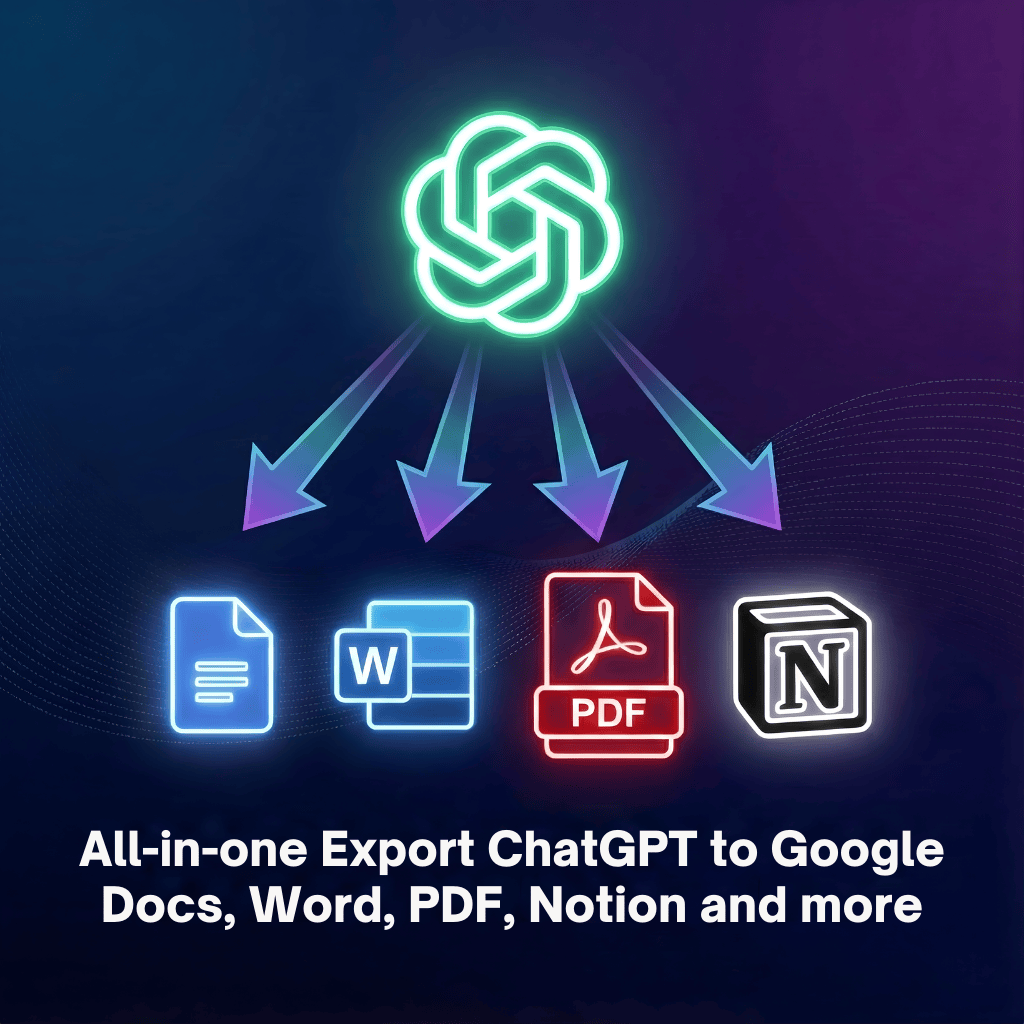
It serves as a specialized tool for Claude users, similar to the Export ChatGPT Conversation Extension designed for the ChatGPT platform.

Screenshots

Screenshot 1 of Claude Exporter Chrome ExtensionScreenshot 2 of Claude Exporter Chrome ExtensionScreenshot 3 of Claude Exporter Chrome ExtensionScreenshot 4 of Claude Exporter Chrome ExtensionScreenshot 5 of Claude Exporter Chrome ExtensionScreenshot 6 of Claude Exporter Chrome ExtensionScreenshot 7 of Claude Exporter Chrome ExtensionScreenshot 8 of Claude Exporter Chrome ExtensionScreenshot 9 of Claude Exporter Chrome Extension

Product Updates (0)

No updates yet. Check back later for updates from the team.

Reviews (0)

No reviews yet. Be the first to rate this product!

Comments (2)

asiffarhankhan
@asiffarhankhanApr 19, 2026

Looks great! Congrats on launching this!

backrun
@backrunMar 25, 2026

I built Claude Exporter to help developers, students, writers, and content creators get more value from their Claude conversations. With support for PDF, Word, Google Docs, and Notion, plus selective

You may also like

Top HN Daily Digest

Top HN Daily Digest

Concise summaries of the top Hacker News stories
802PeerPush
🥇#1 of the Week
13
6
SummarizerDM

SummarizerDM

Professional text summarization

311PeerPush
🔥Trending
3