Clevera turns a single screen recording into two production ready outputs: a narrated, professional tutorial video and a detailed step by step help article. No script, no editing, no mic. Just record your flow and Clevera does the rest.
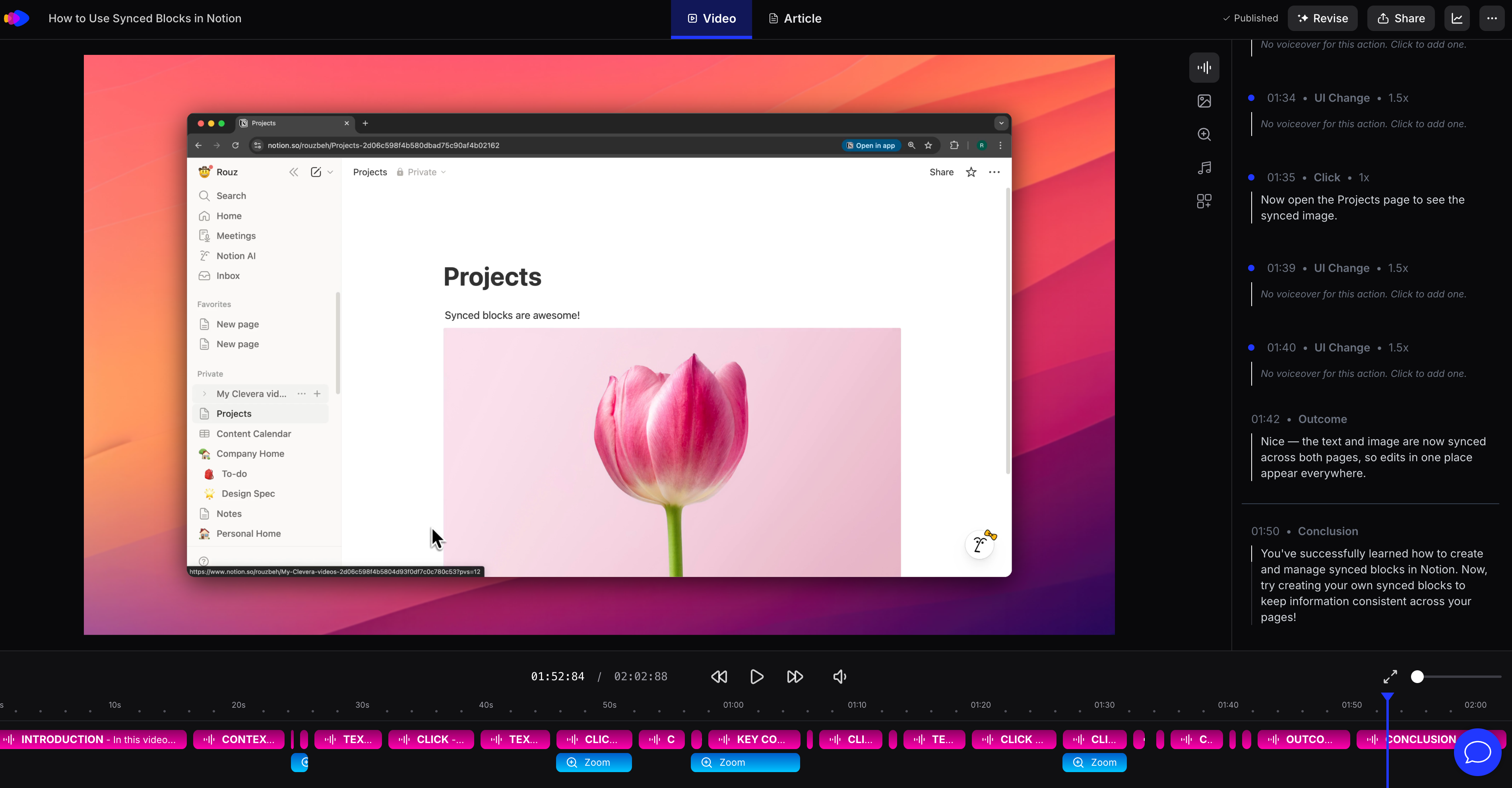
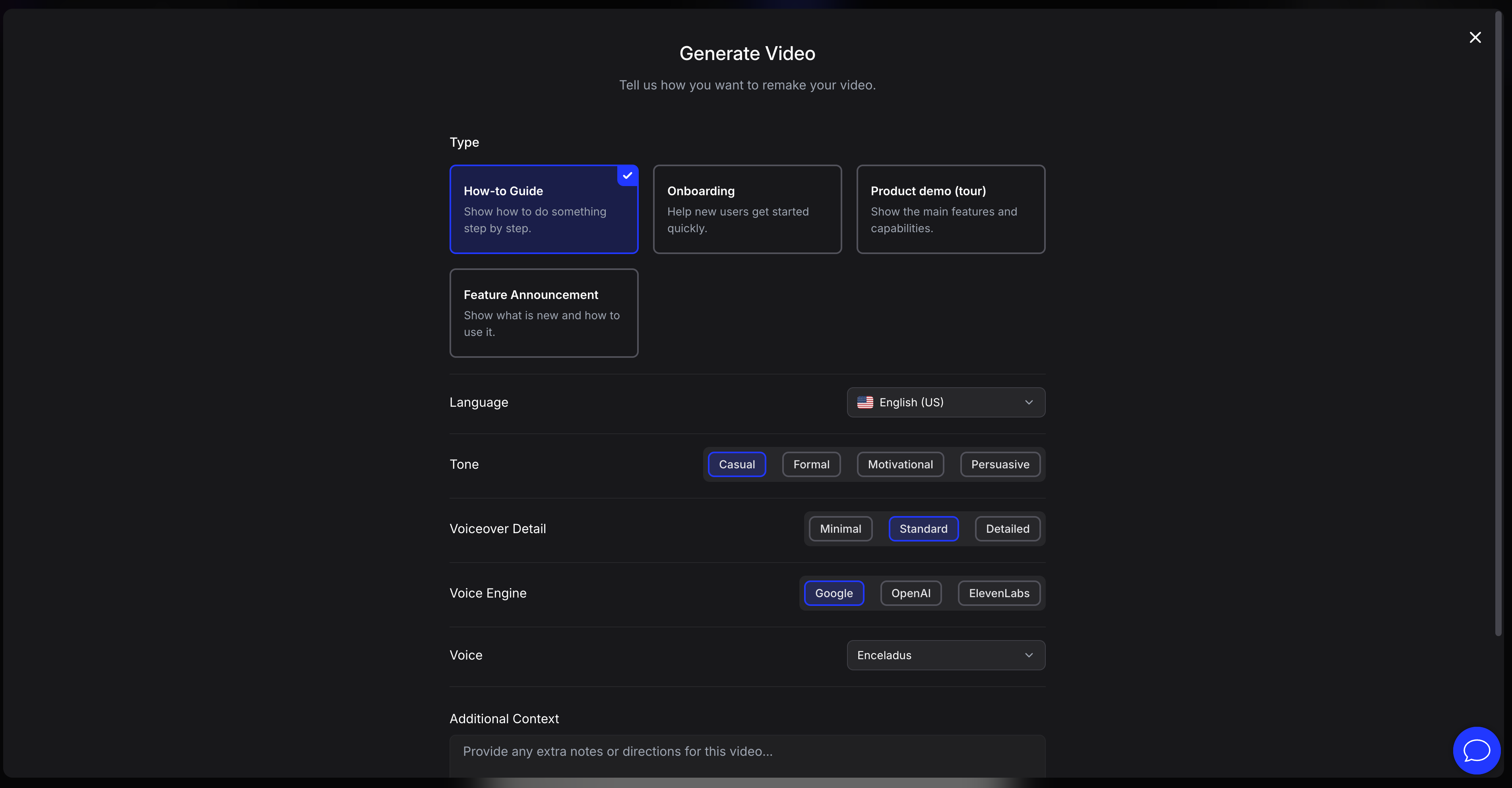
For video, Clevera automatically removes mistakes and pauses, applies smart zoom and highlights, and generates a natural voiceover perfectly synced to the screen. You can edit the timeline, rewrite the narration, change voices, add overlays, blur sensitive areas, and publish live embeds that update instantly when you make changes. Export to MP4 or embed anywhere without re exporting.
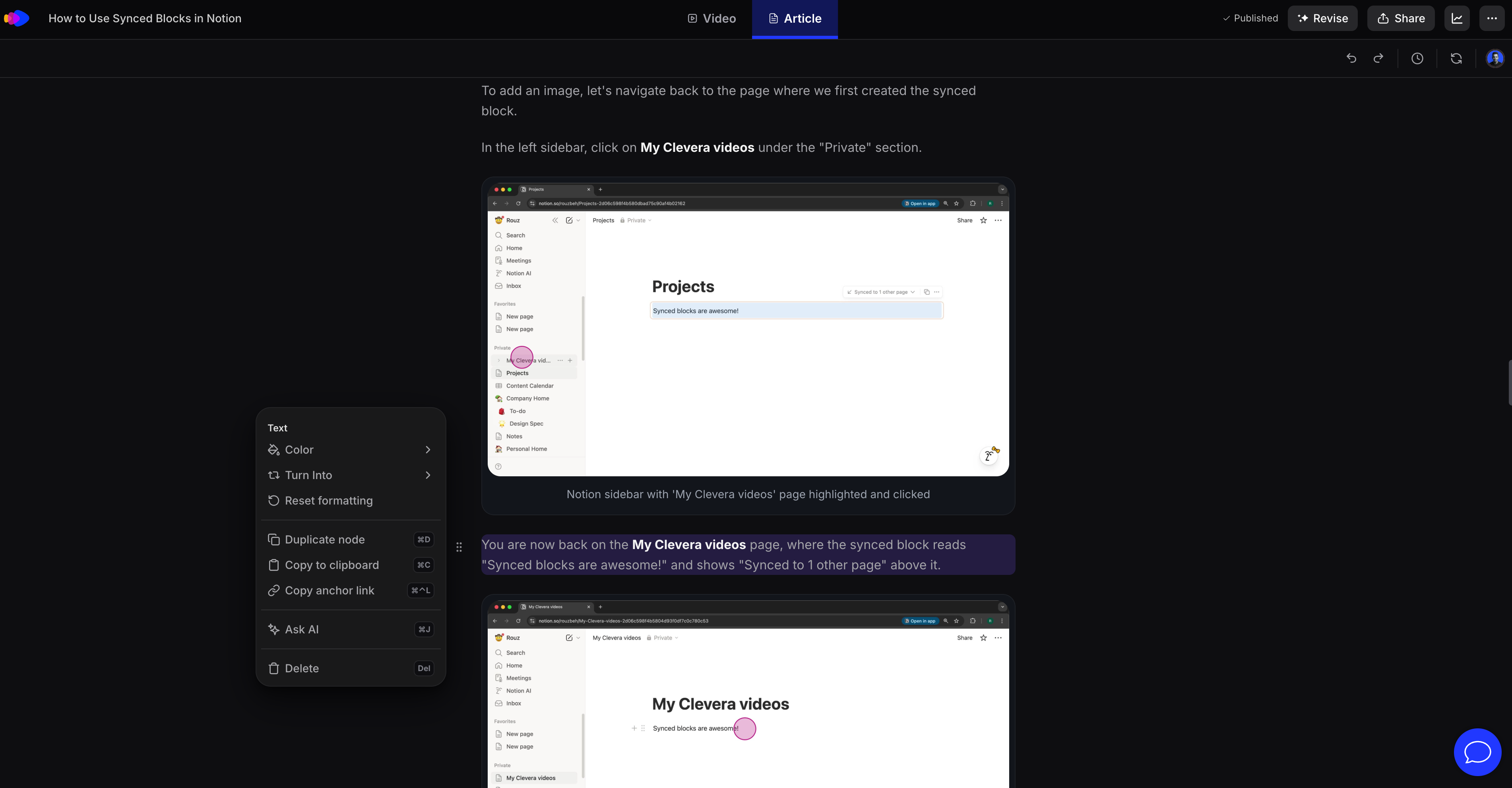
For articles, Clevera generates a full structured guide with clear steps, screenshots, and captions taken directly from the recording. Articles are SEO and LLM friendly, easy to skim, and fully editable in a modern editor or via AI instructions.
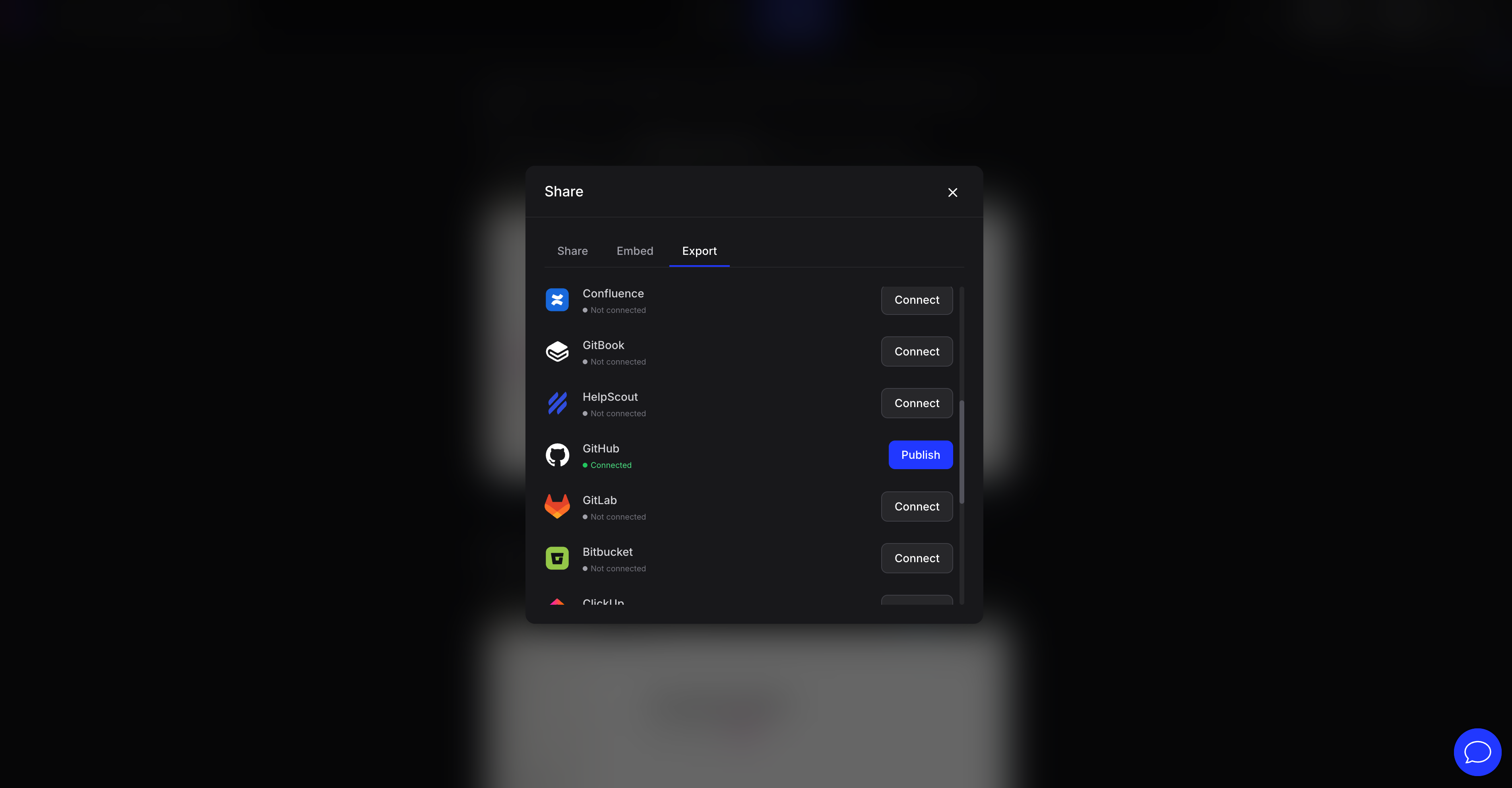
Publish both video and article together or separately. Embed them on your site or export articles to tools like Notion, Confluence, GitHub, GitBook, Zendesk, Intercom, HelpScout, ReadMe, ClickUp, and more. Update once and keep everything in sync. Clevera is built for SaaS teams who want faster onboarding, clearer documentation, and dramatically lower content production costs.





Comments (2)
Was looking for product video recorder. So this might be my solution!
Hey everyone, I'm Roozbeh, co-founder of Clevera 👋 We’re building Clevera to simplify tutorials. Record your screen once and get a polished video plus a detailed article. Would love your feedback.