
DualLane
Two-Lane App Switcher for macOS
Details
- Categories
- Developer ToolsProductivity & Notes
- Target Audience
- DevelopersSoftware Developers
- Pricing
- Free
- Platforms
- Desktop
 Alt Tab
About DualLane
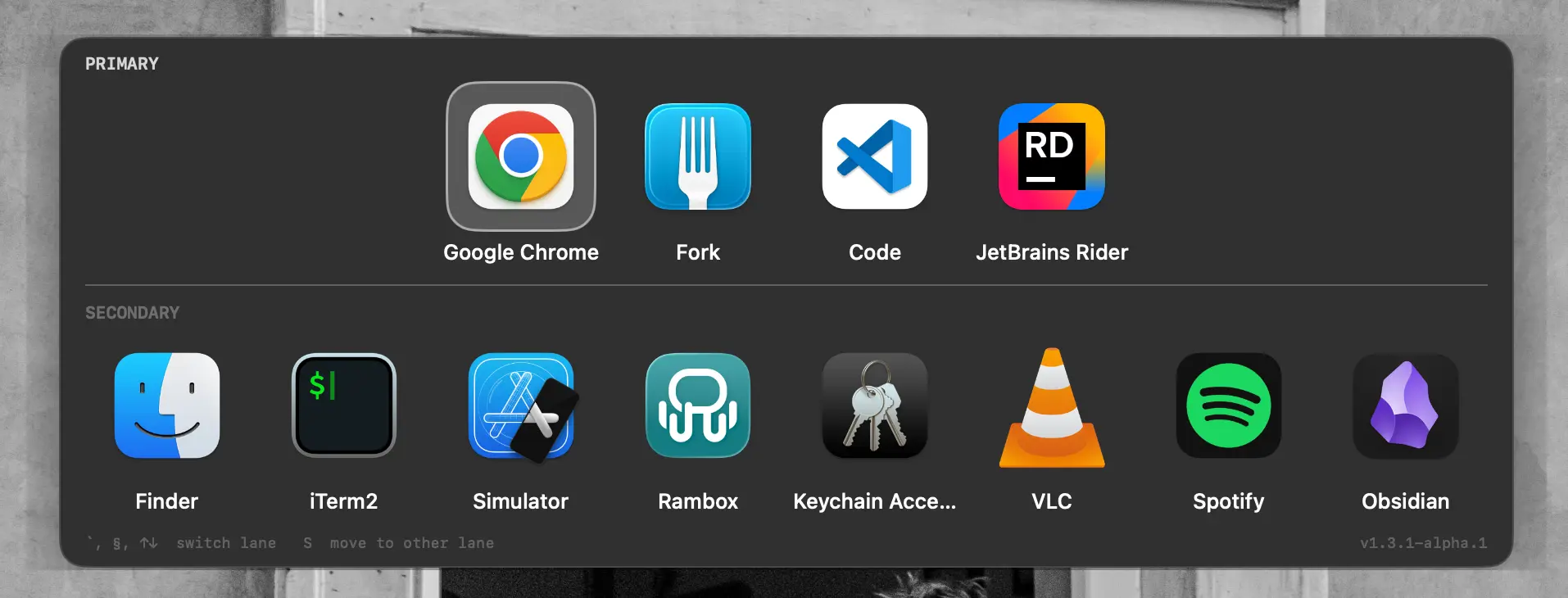
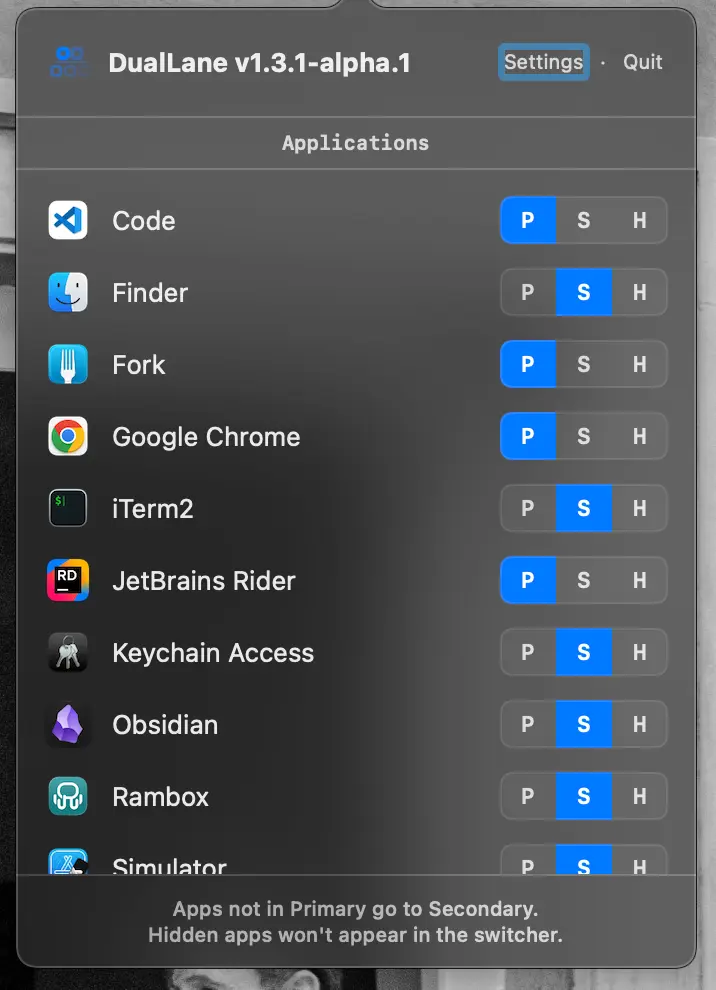
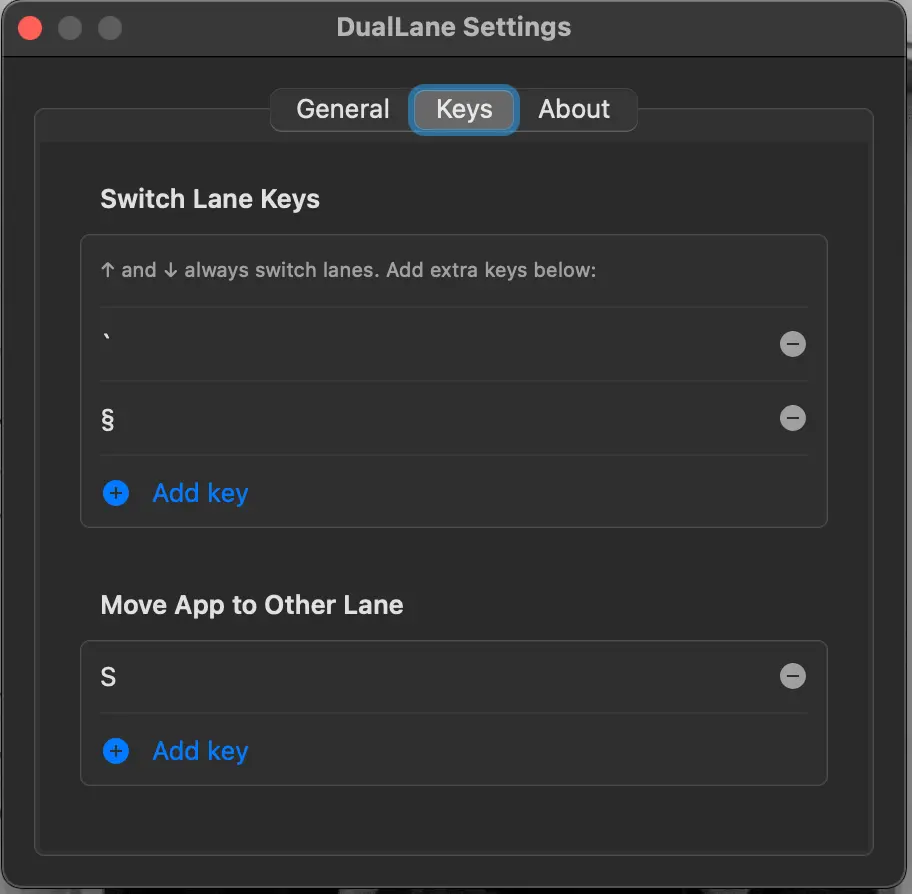
If you live on the keyboard and always have a dozen apps open, Cmd+Tab quickly becomes a chore. DualLane replaces the native switcher with a two-lane interface — pin your most-used apps to the primary lane, keep the rest in the secondary, or hide them entirely. Fast, keyboard-driven, and built to match how you actually work.
Product Insights
DualLane is a free macOS desktop utility that optimizes application switching through a two-lane interface designed for high-density keyboard workflows. It streamlines task management by allowing users to separate pinned essential tools from secondary background processes.
- Native macOS desktop application with a focus on keyboard-driven navigation.
- Dual-lane organization for separating primary and secondary application sets.
- Completely free pricing model for all productivity and development use cases.
- Integrated support for hiding specific applications from the switcher view.
Ideal for: DualLane is ideal for developers and software developers who manage multiple active windows and require a more organized alternative to the standard macOS Cmd-Tab behavior.
This tool serves as an alternative to other macOS productivity utilities such as Alt Tab and Contexts.
Screenshots
Reviews (1)
Average 4.0 out of 5
Based on 1 review

Comments (0)
No comments yet. Be the first to share your thoughts!