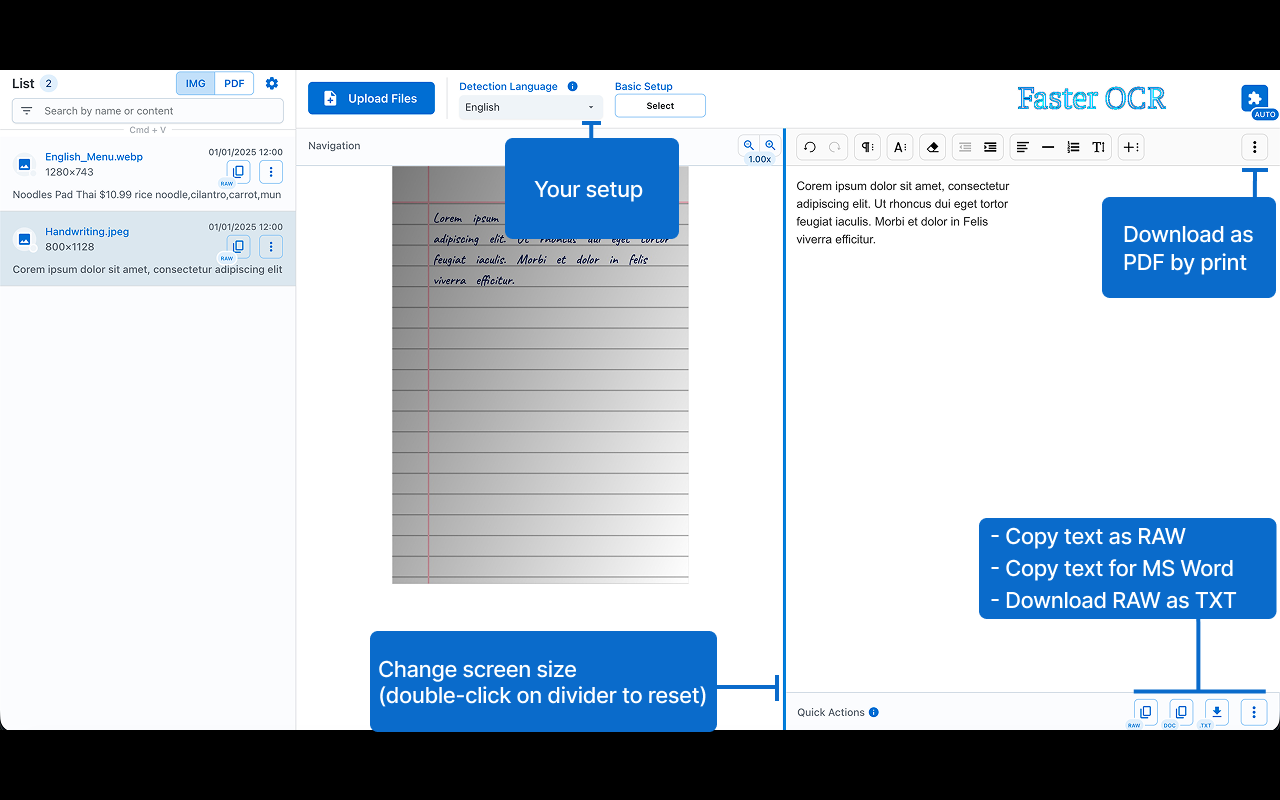
Faster OCR improves your workflow by extracting text from images and PDFs that may contain images, all while ensuring that your data stays secure and is never exposed online.
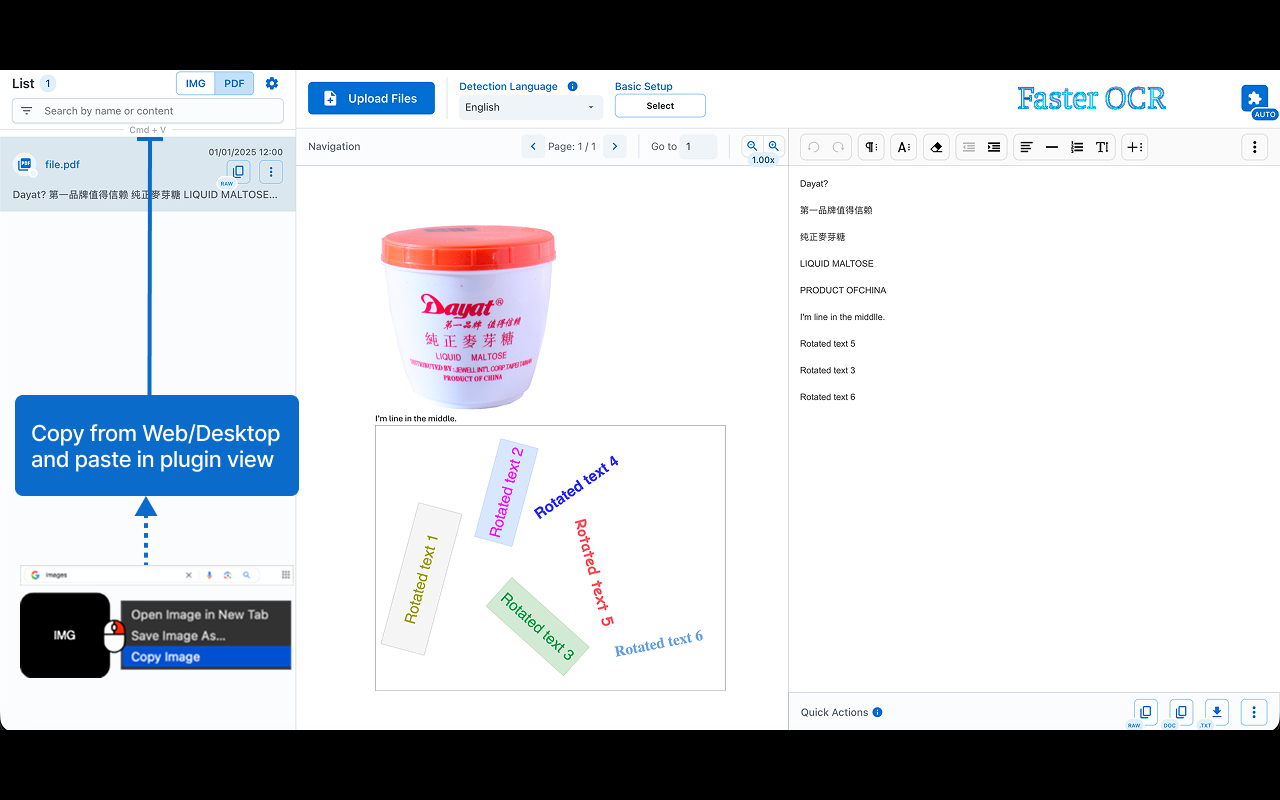
Languages: English - Chinese [中文] - Japanese [日本語] - Korean [한국어] - Arabic [العربية] - Tamil [தமிழ்] - Devanagari [देवनागरी]
Features:
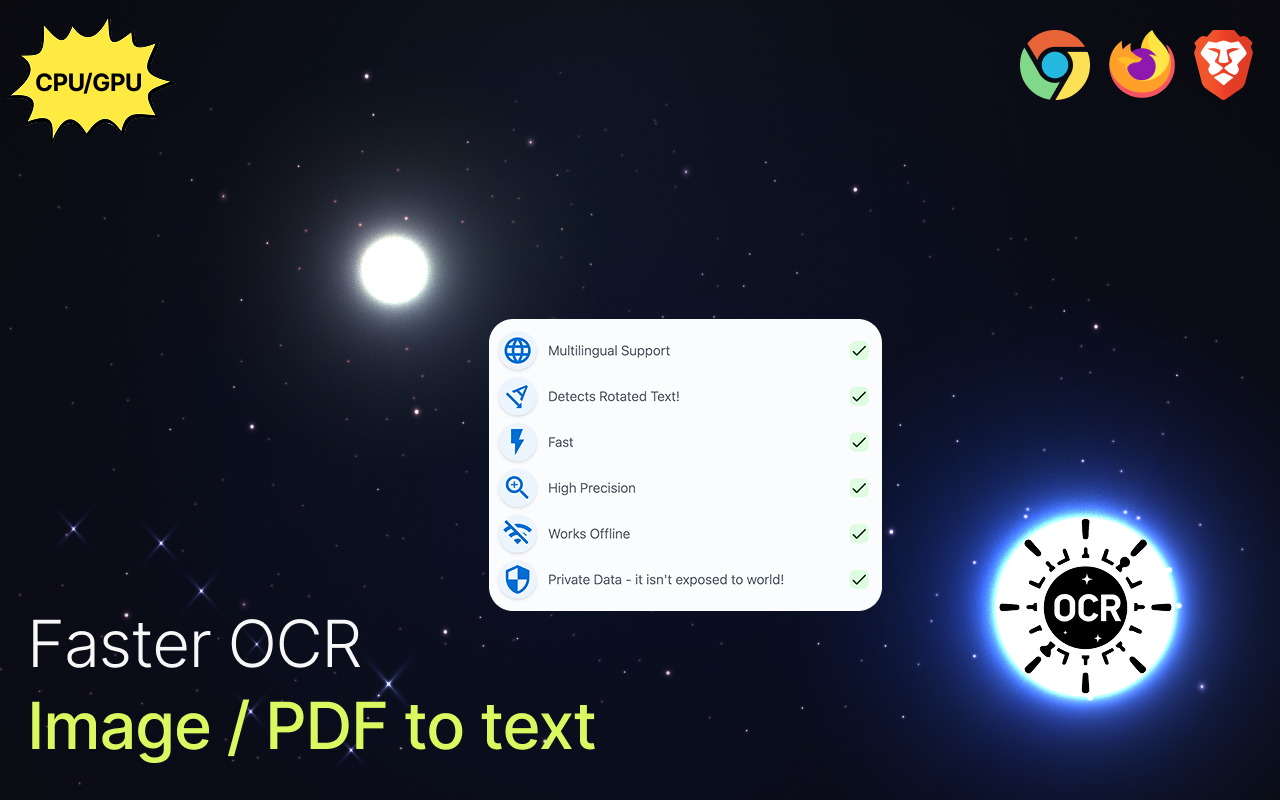
• ⚡ Performance: quickly converts images to text without delays(file not sent to internet).
• 🎯 Precision: delivers highly accurate results.
• 🔒 Offline Functionality: operates entirely offline, ensuring your data stays private.
• 🌍 Multilingual: handles multiple languages.
• 🔄 Text Rotation Detection: captures and processes rotated text.
• 🔨 Detection Scale: adjust scale to impact the detection accuracy.
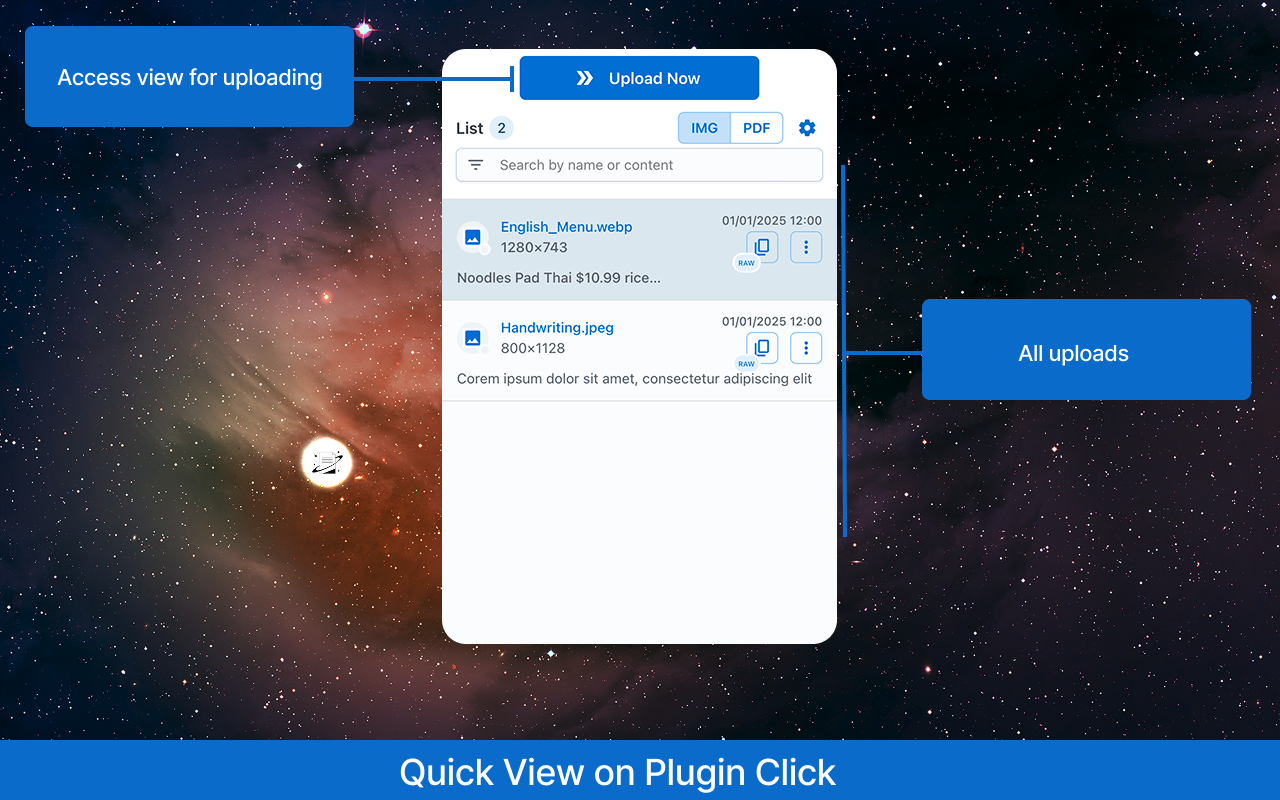
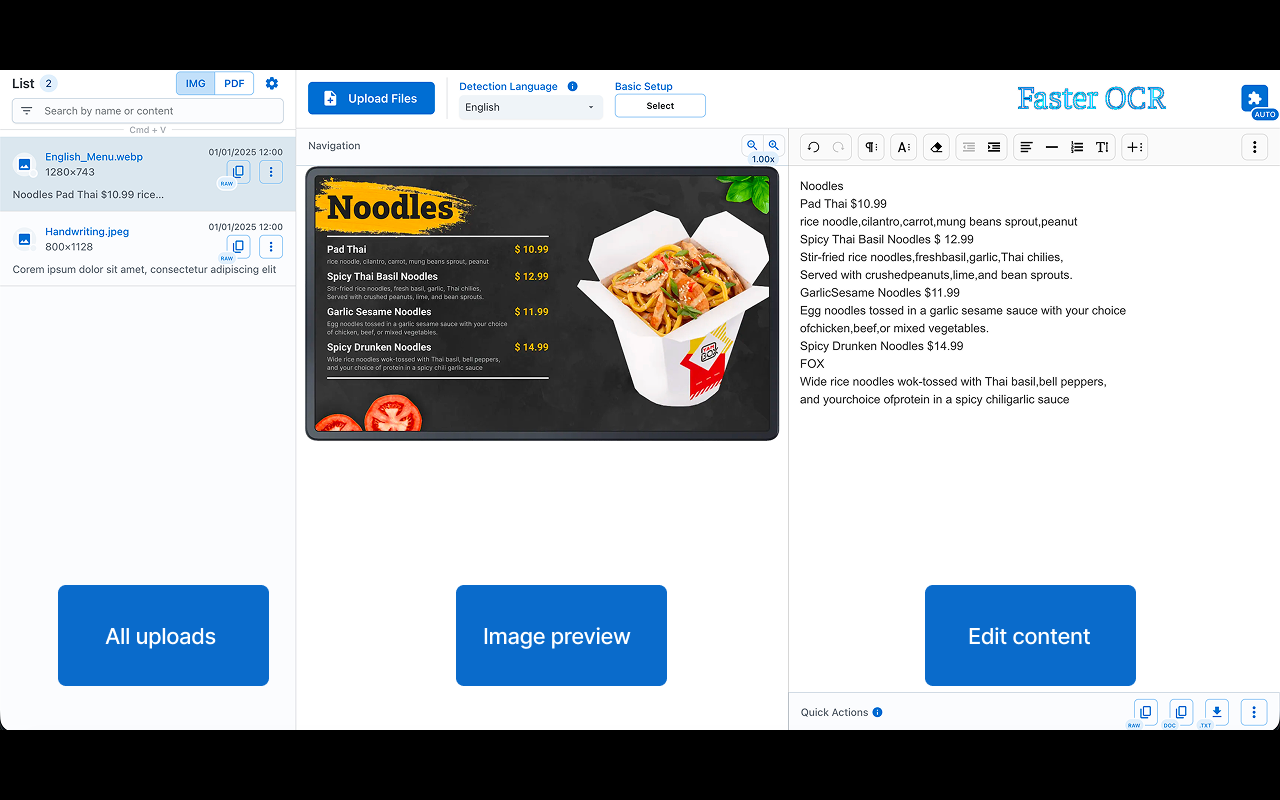
You can edit the processed content directly in the editor.
• 📝 Copy Options: use the [RAW] icon to copy the plain text or [DOC] for editors like MS Word.
• ⏳ Processing Speed: depends on your system resources and file size.
• Paste files from your clipboard for processing: Ctrl/Cmd + V
Note: compatibility may vary across devices 😢.
Also, it can be used with True Paper plugin to increase detection accuracy.












Comments (0)
No comments yet. Be the first to share your thoughts!