
Fixyfier
Fix Windows problems in one click — free and safe.

Details
- Categories
- Developer ToolsFree & Open SourceOther
- Target Audience
- Non-Technical UsersDevOps EngineersFreelancers
- Platforms
- Desktop
About Fixyfier
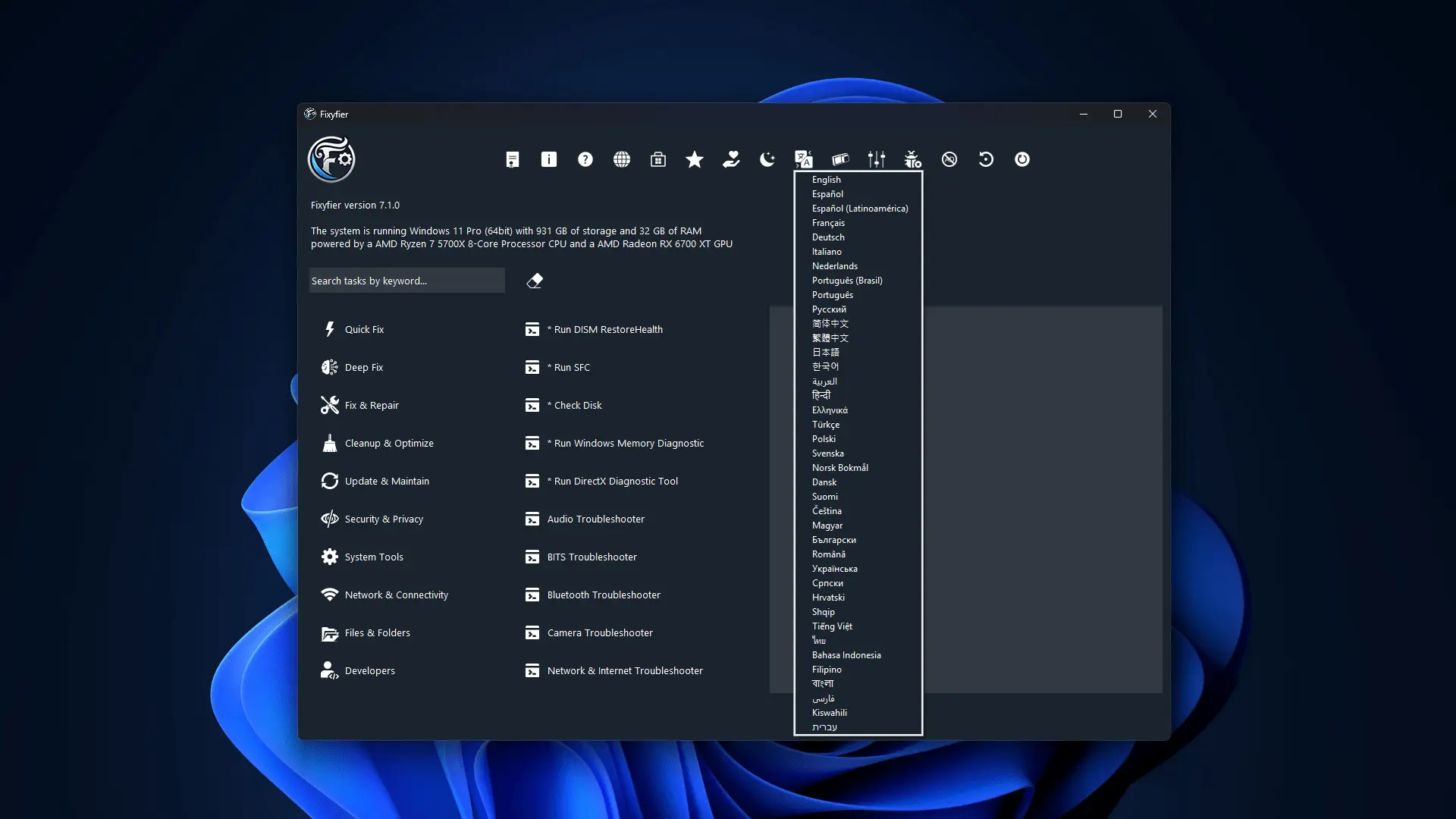
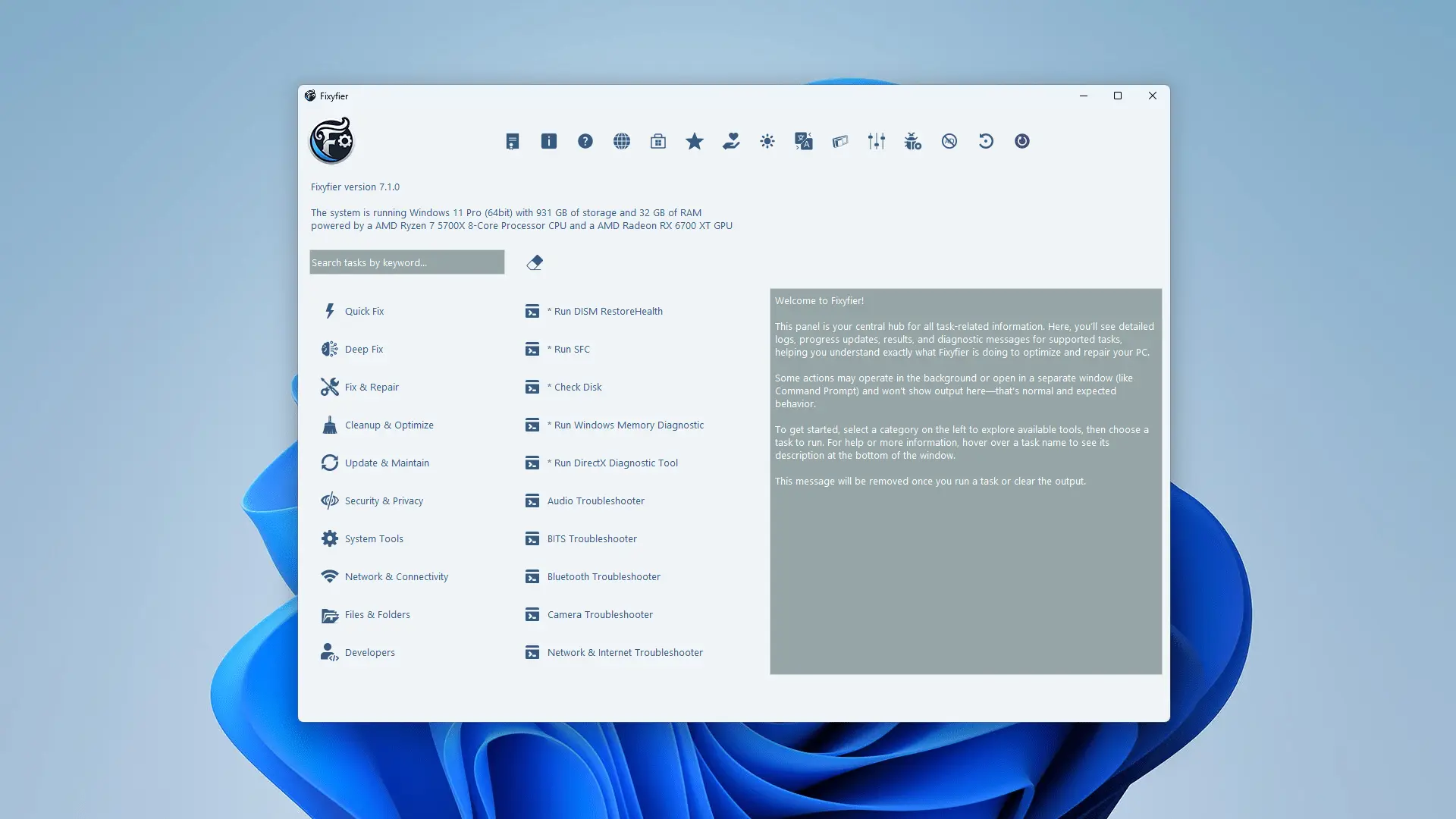
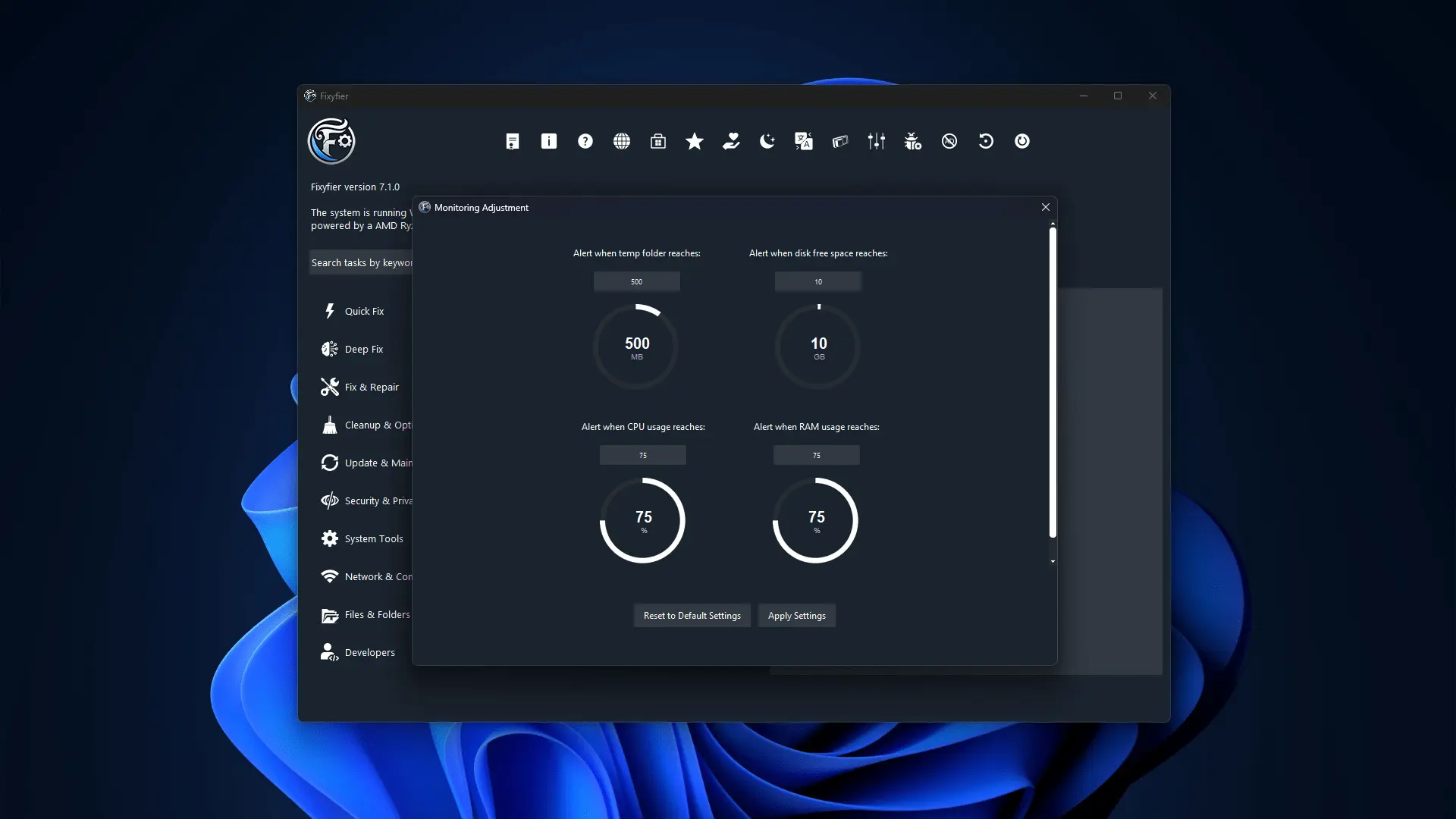
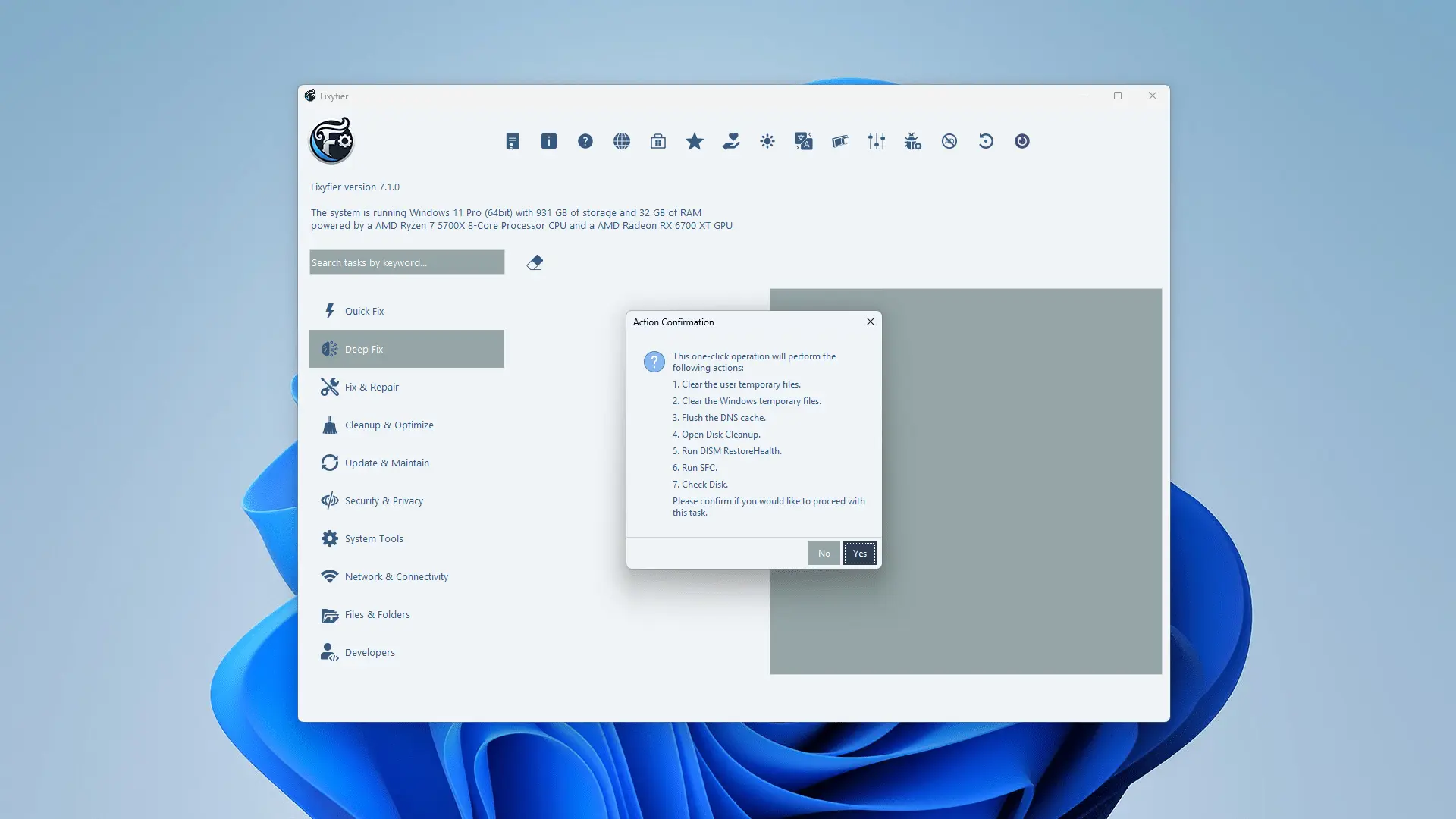
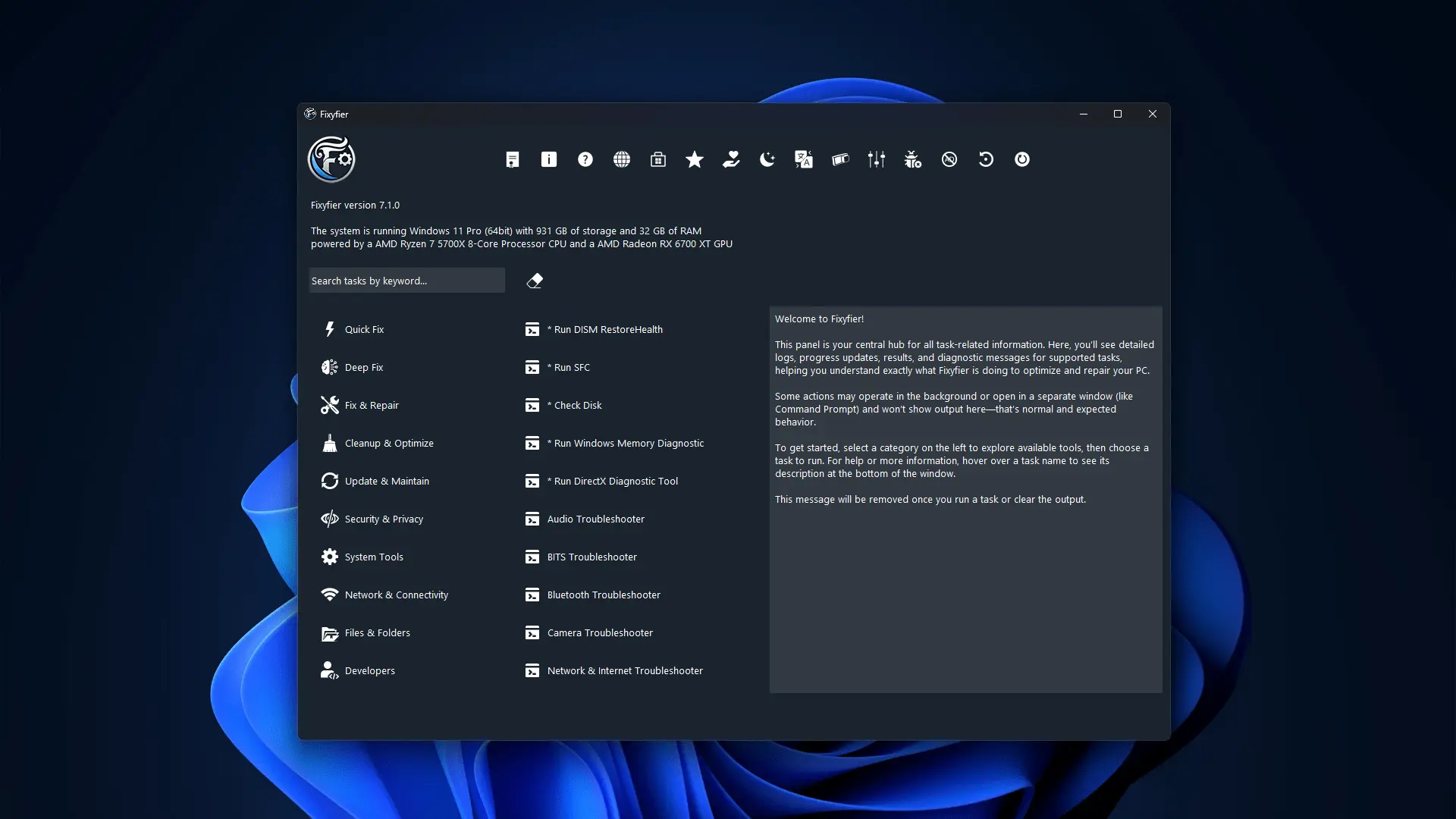
Fixyfier is a free and lightweight Windows optimization and repair tool that unifies essential maintenance utilities in one clean and intuitive interface. It allows users to perform advanced system repairs and cleanup operations with just a few clicks, eliminating the need to run multiple commands or dig through complicated menus. With its “Quick Fix” and “Deep Fix” modes, Fixyfier automates the use of built-in Windows tools such as DISM, SFC, and CHKDSK to quickly detect and resolve system issues. It also includes features for removing temporary files, clearing update leftovers, and optimizing performance to make Windows faster and more responsive. Beyond repairs, Fixyfier provides tools for managing network settings, applying privacy tweaks, and monitoring real-time system resource usage, all within a minimalist dashboard. There are no ads, telemetry, or paywalls — just a straightforward, reliable toolkit built for both IT professionals and everyday users who want a clean, efficient, and transparent way to keep their PC running smoothly.
Product Insights
Fixyfier is a free and open source Windows desktop utility that streamlines system optimization, maintenance, and monitoring through a unified minimalist interface. It automates advanced Windows repairs, network management, and privacy tweaks for various user types.
- Provides automated Quick Fix and Deep Fix modes using native DISM, SFC, and CHKDSK commands.
- Completely free with no ads, telemetry, or paywalls for transparent system maintenance.
- Consolidates maintenance tools, network settings, and real-time resource monitoring into one dashboard.
- Supports performance optimization through temporary file removal and privacy configuration.
Ideal for: Non-Technical Users, DevOps Engineers, and Freelancers who require a streamlined, one-click solution for Windows system repairs and routine maintenance.
Screenshots
Reviews (0)
No reviews yet. Be the first to rate this product!
Comments (0)
No comments yet. Be the first to share your thoughts!