A digital scratchpad for planning gallery walls.
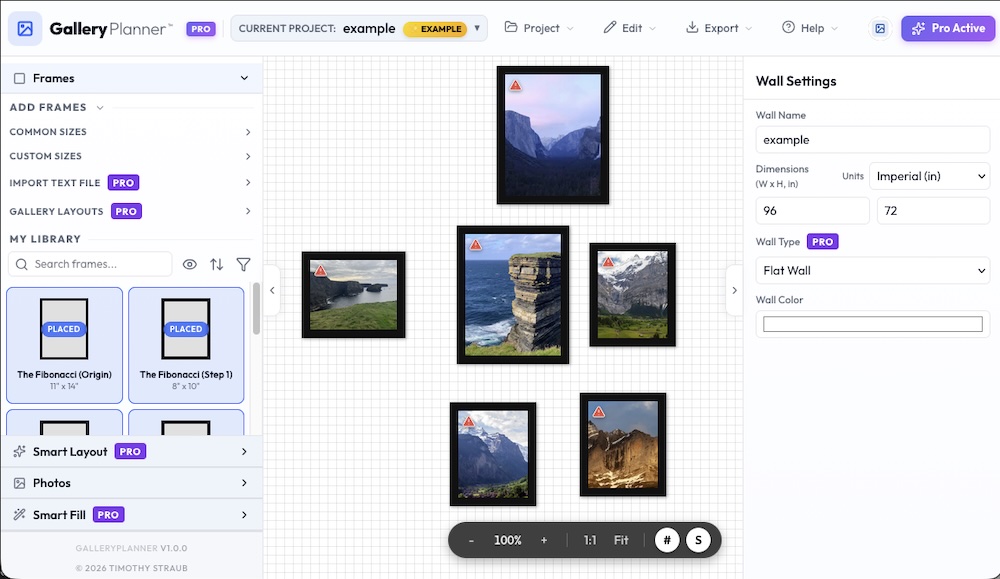
GalleryPlanner isn't a silver bullet for interior design, but it’s a tool I built to solve a specific, frustrating problem: trying to arrange a group of frames without turning your wall into Swiss cheese.
If you’ve ever spent an afternoon moving frames around on the floor or guest-imating nail positions only to realize your layout is crooked, this might be useful for you.
What it actually does:
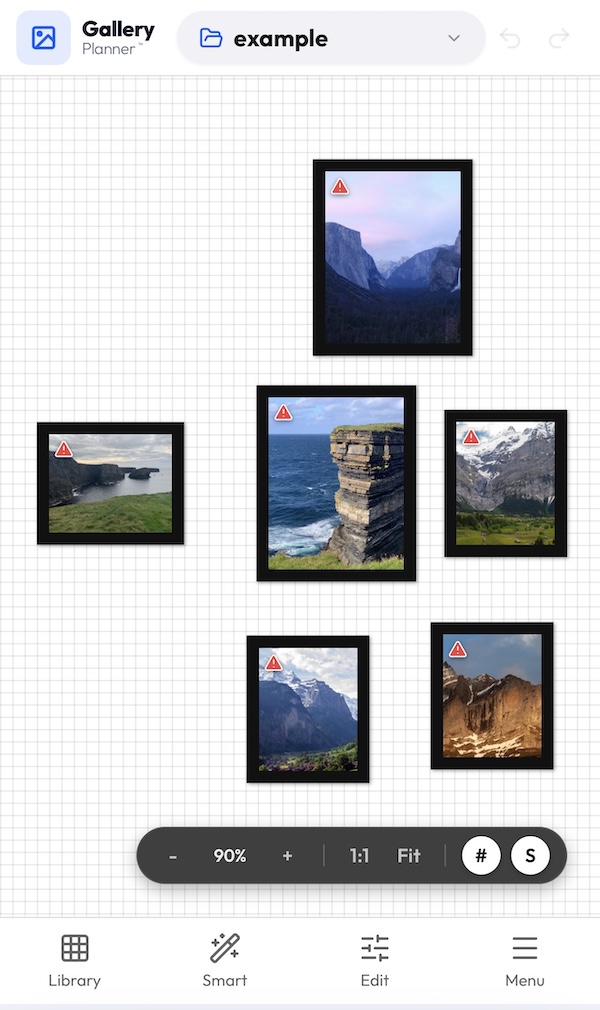
It provides a virtual canvas where you can experiment with layouts before you pick up a hammer.
Use your real stuff: Instead of generic placeholders, you can input your actual frame sizes (8x10s, 5x7s, or that weird-sized vintage frame you found) and drag your actual photos onto them.
Local-First / Private: I built this to run entirely in your browser. Your photos and wall dimensions stay on your device—they never leave your computer or get uploaded to a cloud.
Measurement Guides: Once you find a layout that works, you can export a PDF with measurements to help you get the nails in roughly the right spots.
A bit of help when you're stuck:
There are some automated features (using local AI) to help speed things up if you're dealing with a large collection:
Smart Fill: Suggests photo placements based on composition and color harmony across your library.
Auto-Layout: Proposes basic arrangements (grid, spiral, masonry) or helps you rearrange existing frames on the fly.
It's not meant to replace a professional eye, but it should hopefully make the "planning and hanging" part of the job a little less of a headache.
I use it to stop myself from re-hanging the same frame three times just to get it right. If you’re building a complex gallery wall, I hope it helps you too.











Comments (1)
I built this so I'd stop re-hanging frames over and over until I liked the result. Map real sizes, test your art, and export a guide. Zero photos leave your browser. Built it, hope you like it!