MailVault — Back Up Your Email Locally. Own Your Data Forever.
Your emails are your data. MailVault puts them back in your hands.
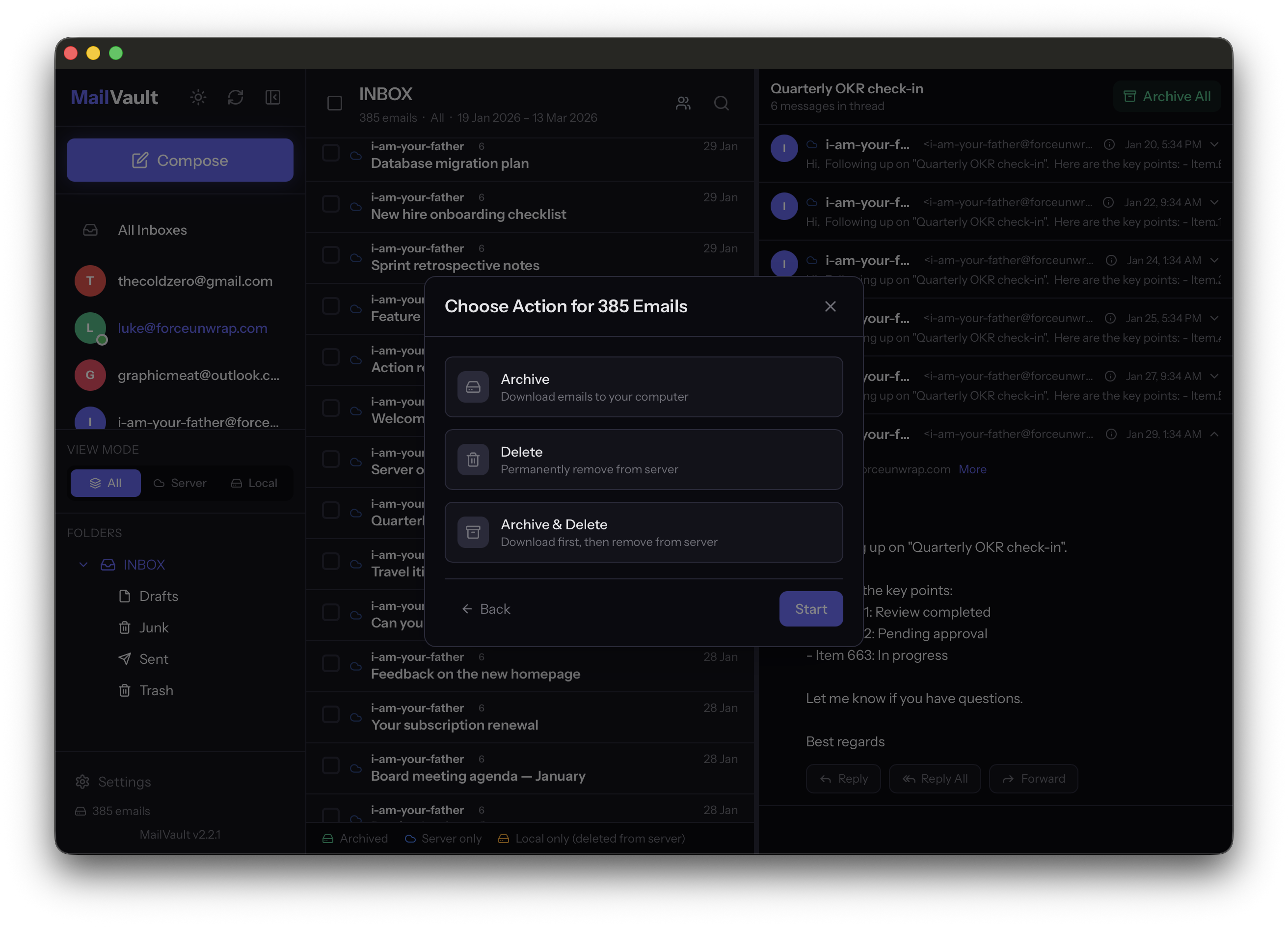
MailVault is a free, open-source desktop app for macOS and Linux that lets you back up, browse, and manage your email locally. Connect your accounts, download your emails as standard .eml files, and keep everything searchable and accessible on your own machine — no cloud, no subscriptions, no tracking.
The Problem
Email is one of the most important things we have digitally — years of conversations, contracts, invoices, and personal memories. Yet most of us have zero backup strategy. Everything lives on someone else's server, and if your account gets locked or your provider changes terms, those emails can disappear.
Existing solutions don't help. Most are command-line tools for sysadmins, abandoned apps from a decade ago, or enterprise software that costs more than the hosting itself. There's no simple, modern way for a regular person to download their emails and keep them safe. We built MailVault to fix that.
How It Works
Add your account — Gmail, Outlook, Yahoo, iCloud, or any IMAP provider. OAuth2 sign-in for Google, Microsoft, and Yahoo means no app passwords needed.
Browse your emails — Read, search, compose, reply, and forward directly in the app.
Save locally — Download emails as standard .eml files. They're yours — not locked in a proprietary database. Open them with any email client, anytime.
Key Features
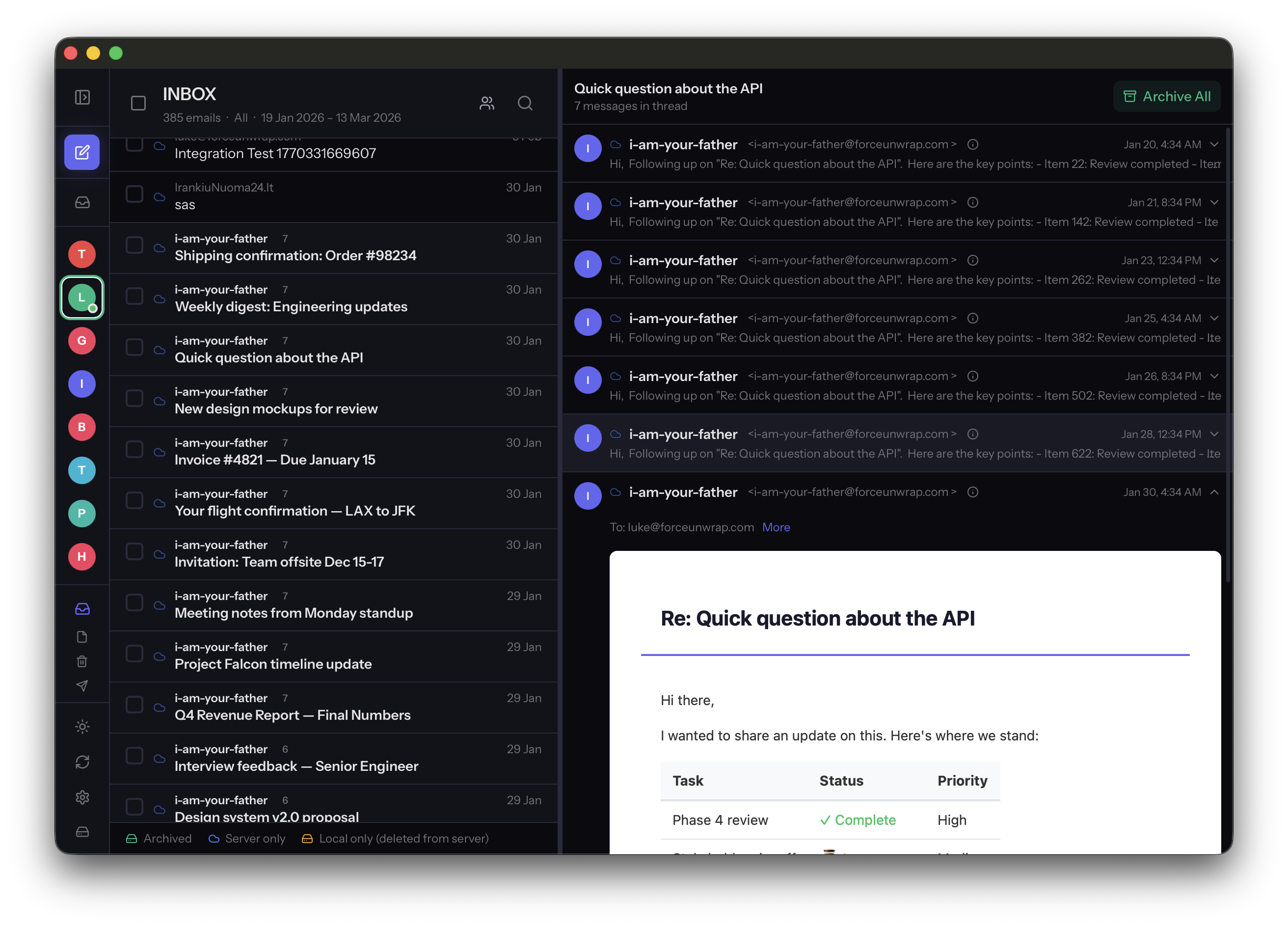
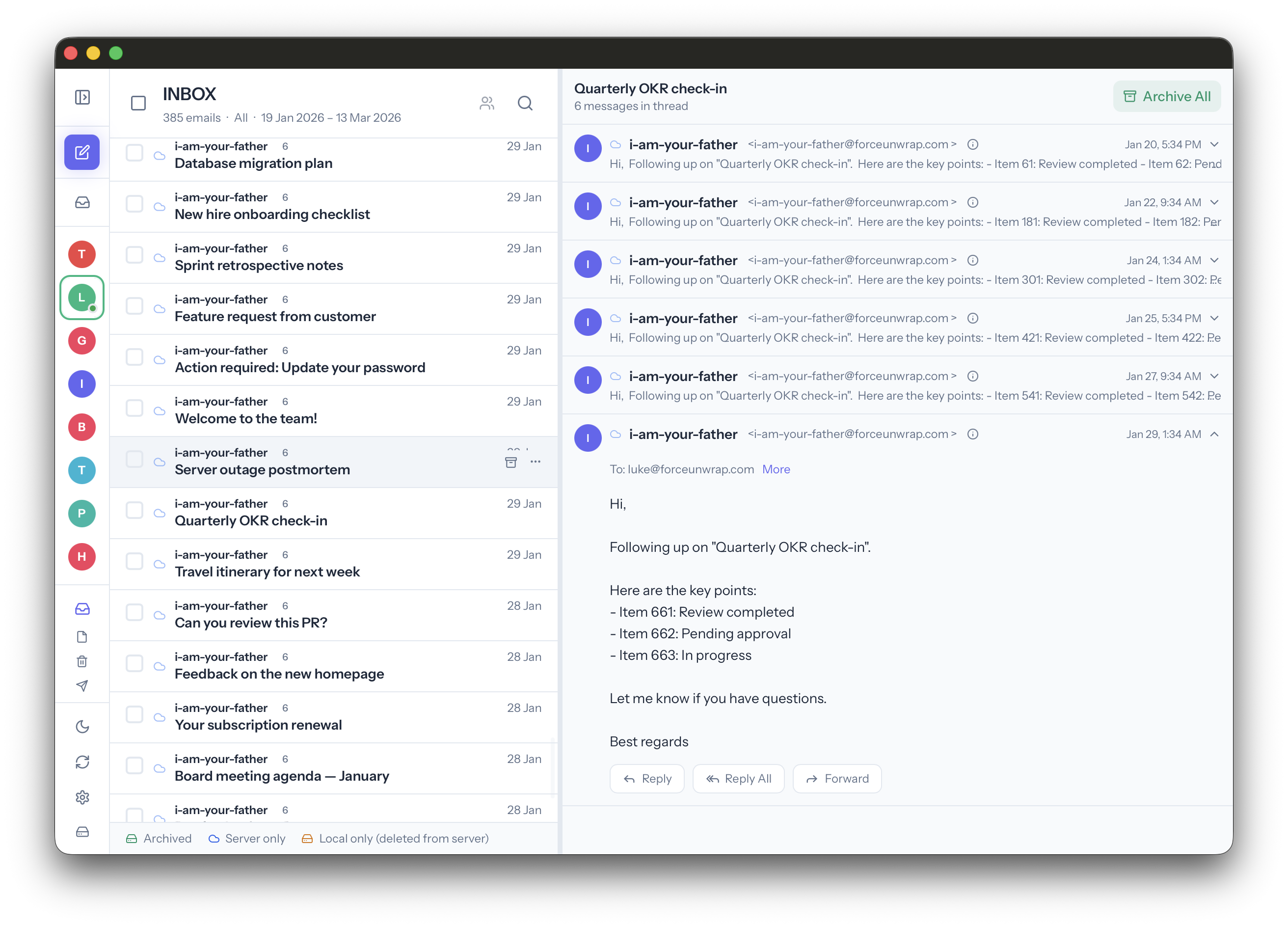
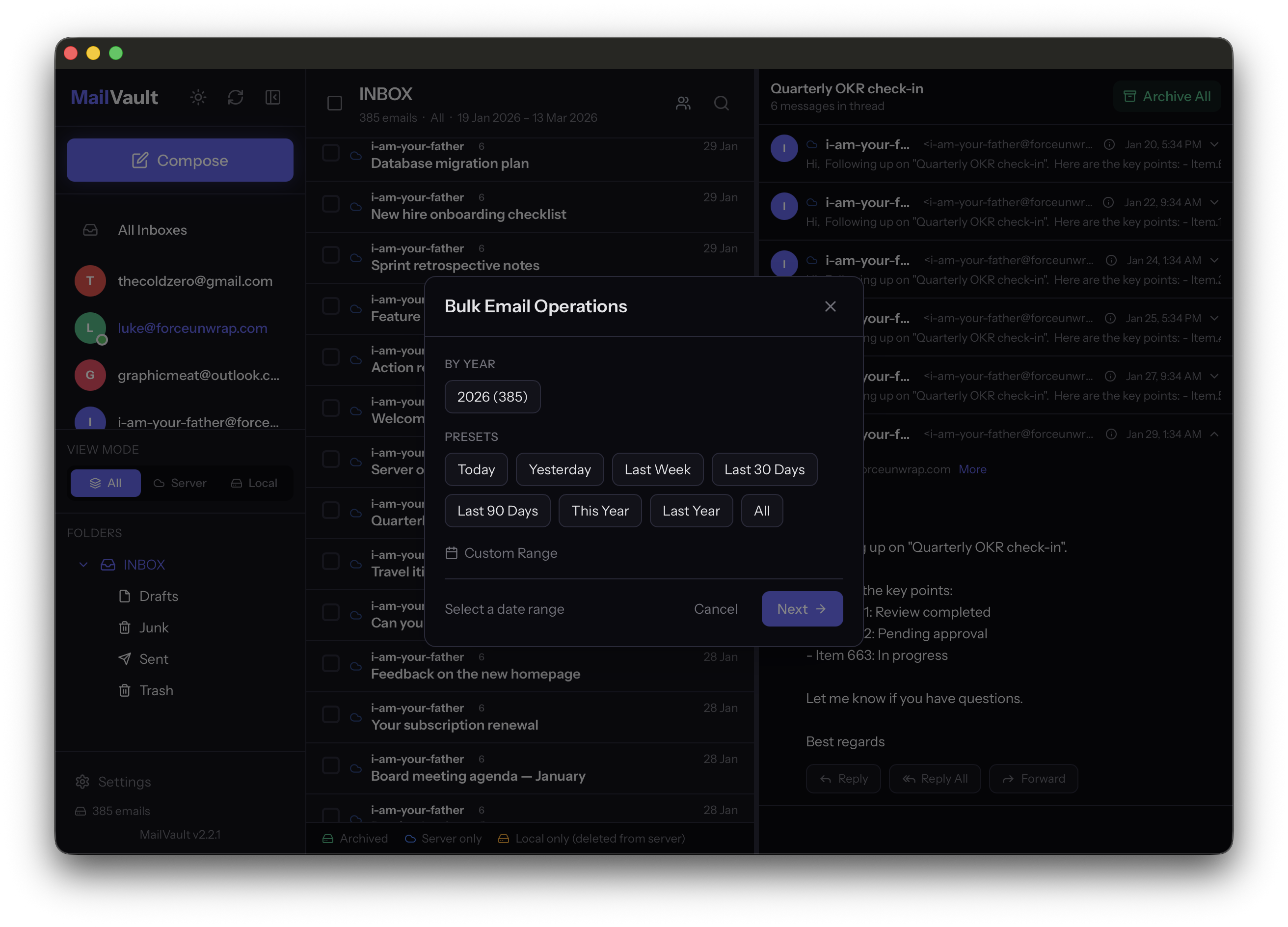
Full Email Client — MailVault isn't just a backup tool. Read, compose, reply, forward, and search across multiple accounts with instant switching and cached state.
OAuth2 Sign-In — Connect Gmail, Outlook, and Yahoo with secure OAuth2. No "less secure apps" or app passwords required.
Standard .eml Format — Every email saved as a plain .eml file. Open with Thunderbird, Apple Mail, Outlook, or anything else. If you stop using MailVault, your files are still there, still readable.
Email Threading — Conversations threaded using RFC headers (In-Reply-To, References), not just subject matching. Accurate even when subjects change.
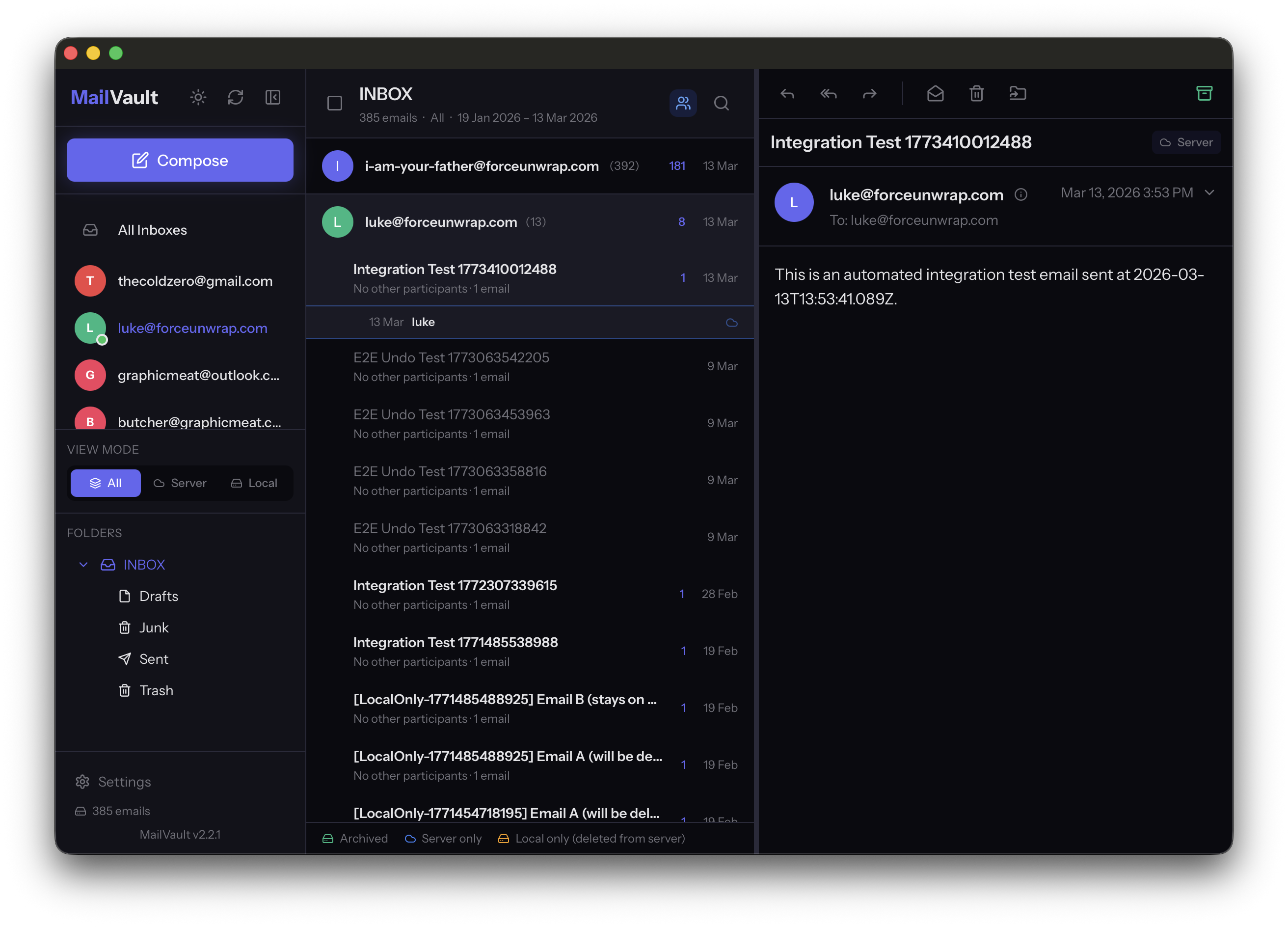
Unified Inbox — All accounts in one chronological view. Replies route through the correct account automatically.
Sender-Grouped View — Emails grouped by sender and topic in an accordion layout with inline sent replies for full conversation context.
Keyboard Shortcuts — Customizable shortcuts for navigation, compose, reply, archive, delete, and move.
Works Offline — Once saved locally, browse and search your entire archive without internet.
Microsoft Graph API Fallback — Microsoft broke OAuth2 IMAP for personal Outlook accounts in late 2024. MailVault automatically falls back to a full Graph API transport layer built in Rust.
Built for Performance
MailVault runs on Tauri v2 — a Rust backend with a React frontend. All email operations (IMAP, SMTP, MIME parsing, OAuth2) run natively. No Electron bloat.
IMAP optimizations most clients skip: CONDSTORE delta sync, COMPRESS=DEFLATE for faster transfers, ESEARCH for compact UID responses, and connection pooling for background caching. Tested with 17,000+ email mailboxes. Account switching is instant via LRU caching.
Privacy First
No accounts to create. No telemetry. No tracking. No data leaves your machine except to talk to your email server. Credentials stored in your OS keychain. Fully open source.
The Origin Story
A friend in logistics fills his 10GB mailbox every few months with CMR documents, invoices, and shipping confirmations he legally can't delete. His options: pay for more storage, manually drag emails into folders, or risk losing required documents. We looked for a tool and couldn't find one that wasn't too technical, too outdated, or too expensive. So we built MailVault.
What's Coming Next
One-click full backup across all folders. Scheduled automatic backups. Continued improvements driven by community feedback.
Get Started
Free, open source, available now for macOS (Intel + Apple Silicon) and Linux (AppImage + .deb).
GitHub: github.com/GraphicMeat/mail-vault-app
Website: mailvaultapp.com











Comments (0)
No comments yet. Be the first to share your thoughts!