Phia is a powerful, creator-focused screen recording and editing app for macOS. Built on a fast, native engine powered by Metal, Phia helps you craft cinematic screen videos with precision, clarity, and expressive control.
Capture windows, apps, custom areas, or your entire desktop in crisp detail. Add automatic and manual zooms, refined cursor movements, AI-generated captions, webcam transitions, custom backgrounds, and layered layouts. Phia combines a creator’s workflow with the performance of a modern macOS tool.
Highlights:
- Beautiful, high-quality screen recording.
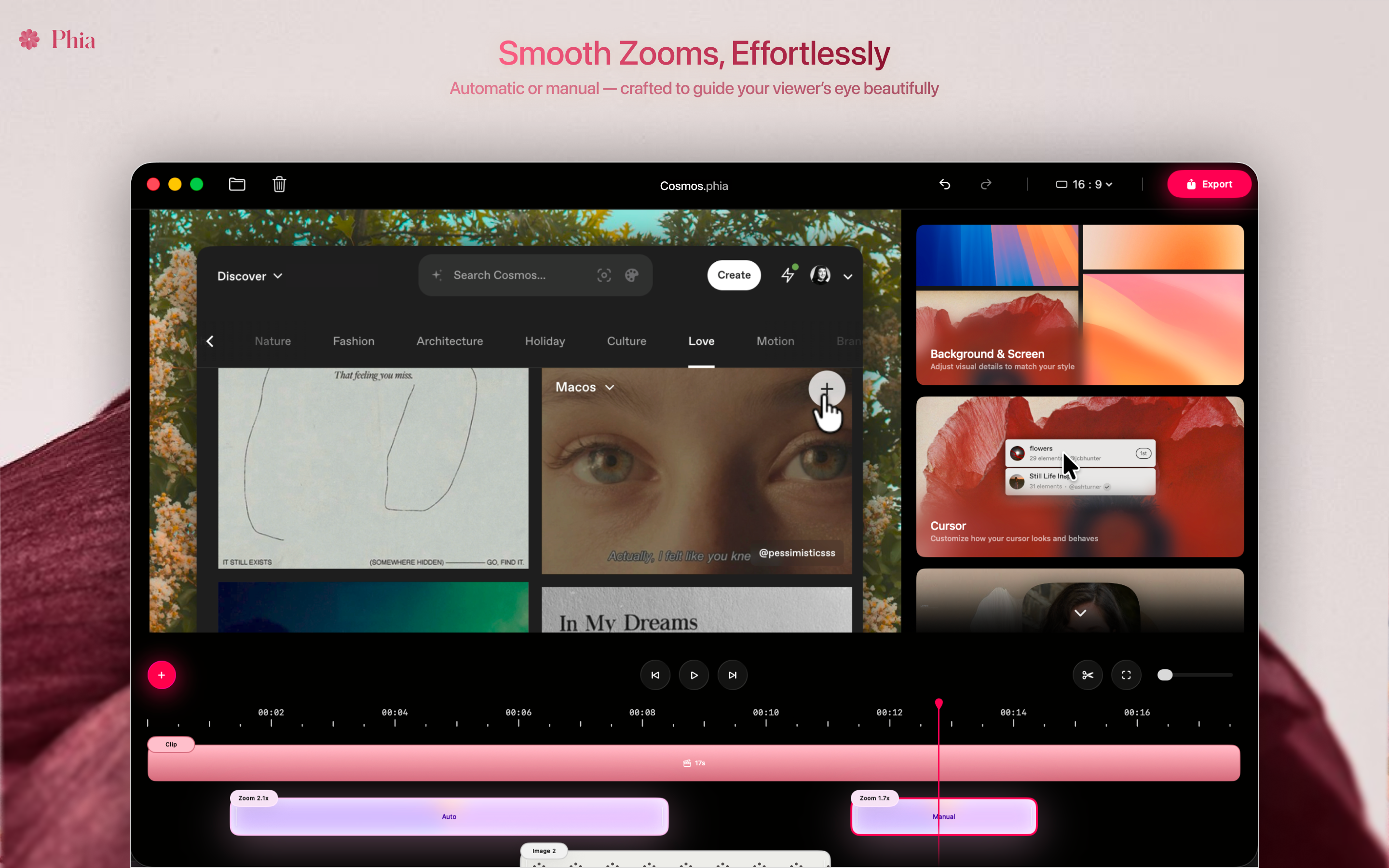
- Automatic and manual zooms for cinematic clarity.
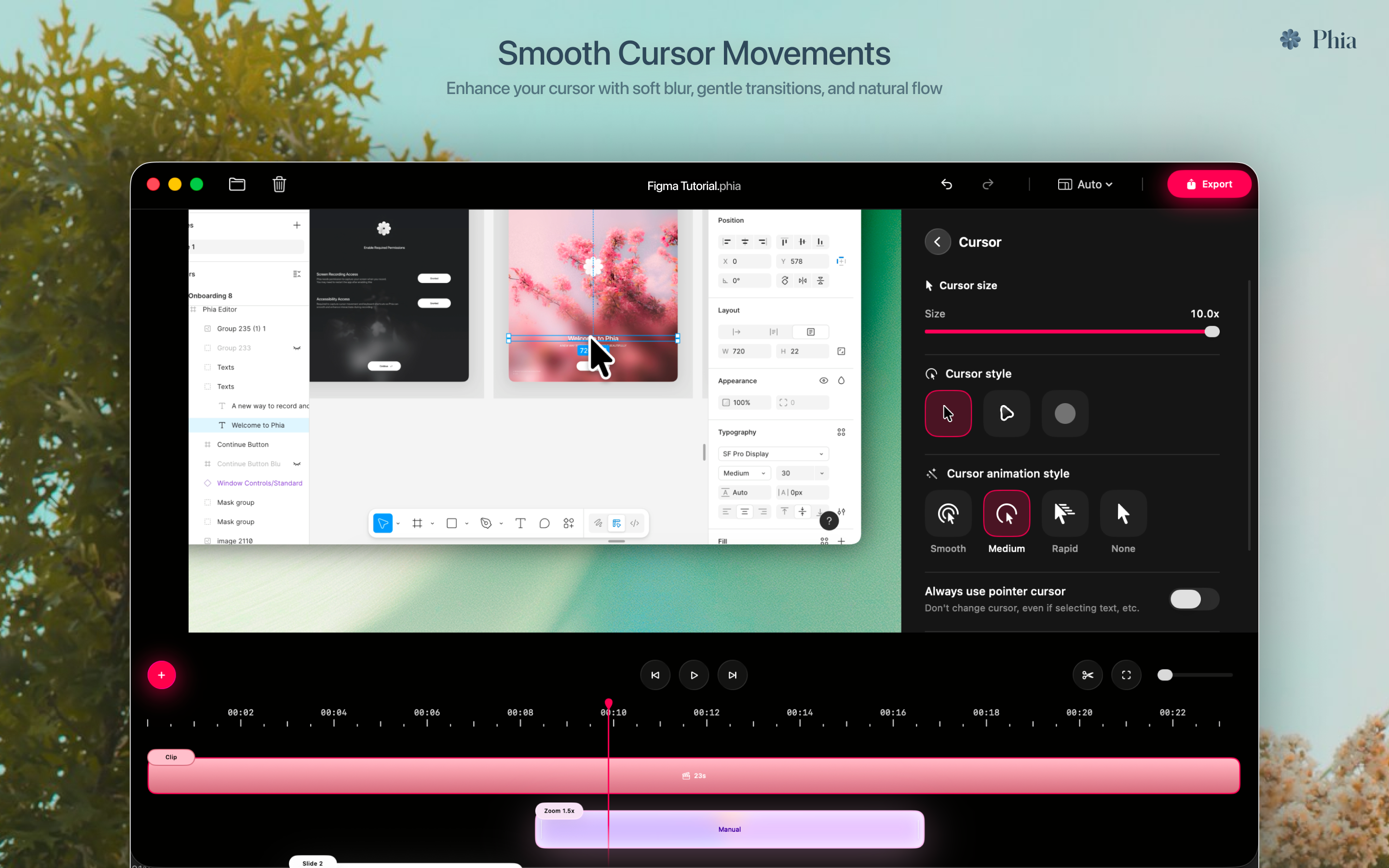
- Smooth cursor motion with fluidity controls and motion blur.
- Record microphone, system audio, and webcam.
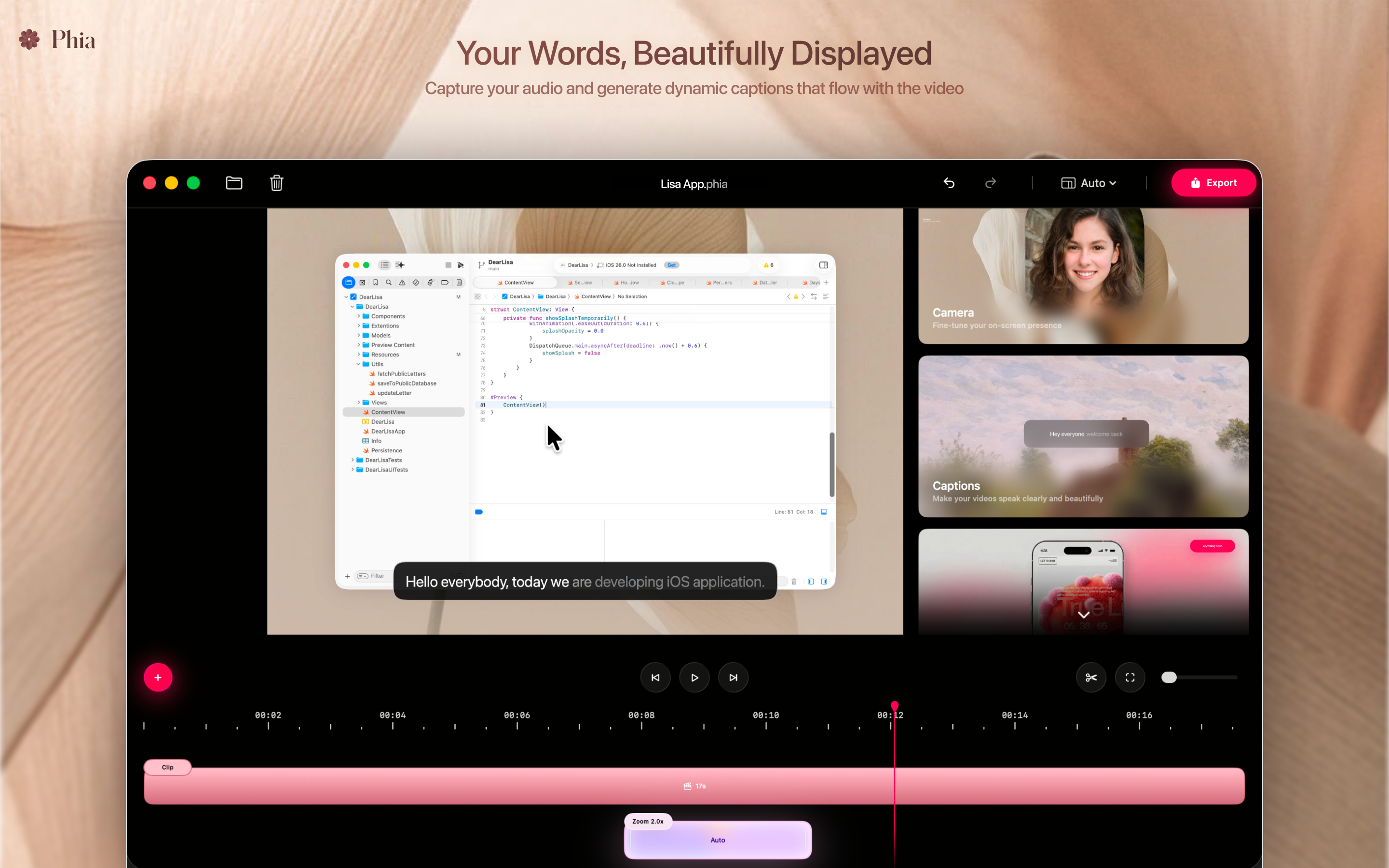
- AI-generated captions synchronized to your voice.
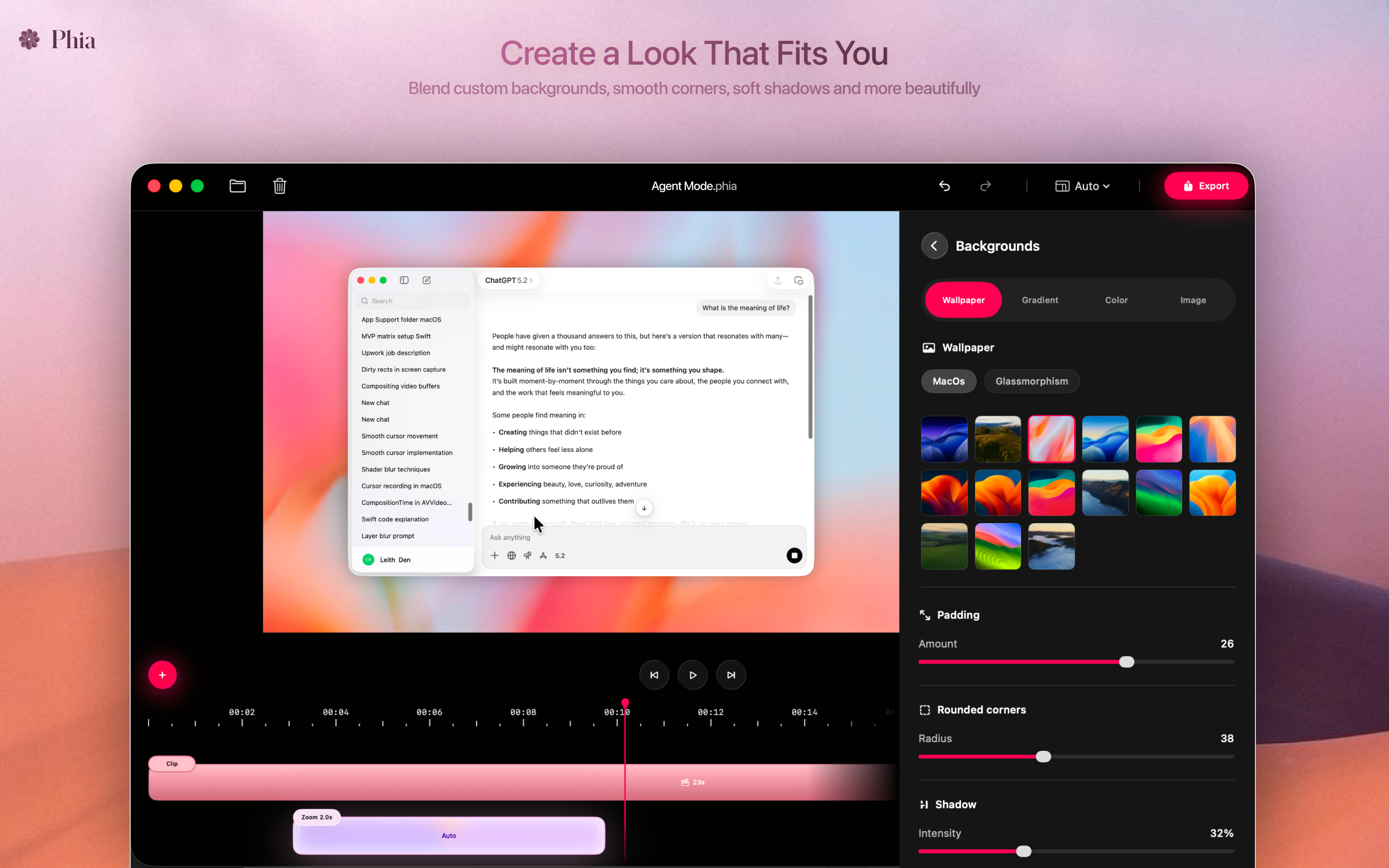
- Custom backgrounds, shadows, padding, and rounded corners.
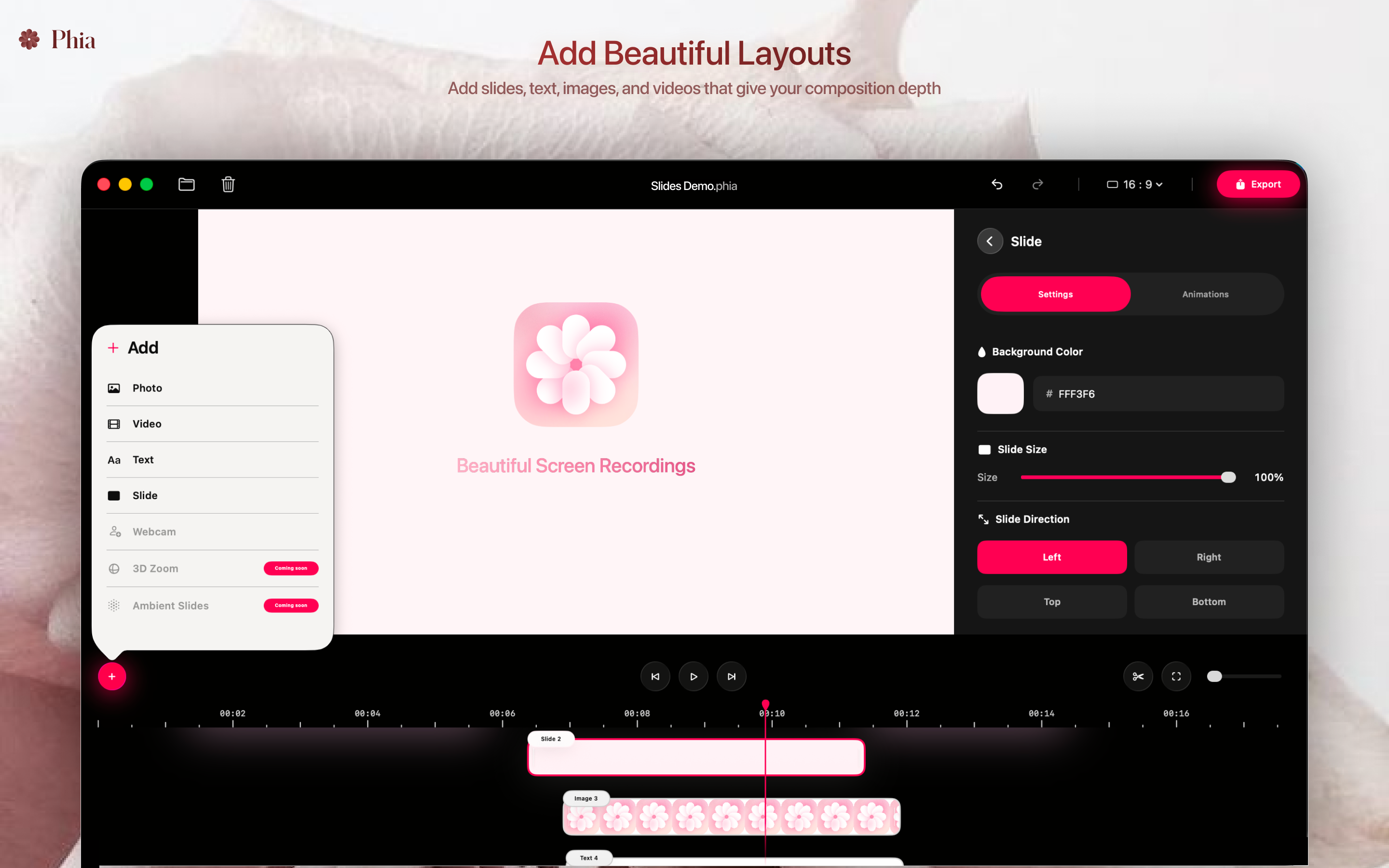
- Slides, text layouts, images, and video overlays.
- Fast, responsive editing powered by Metal.
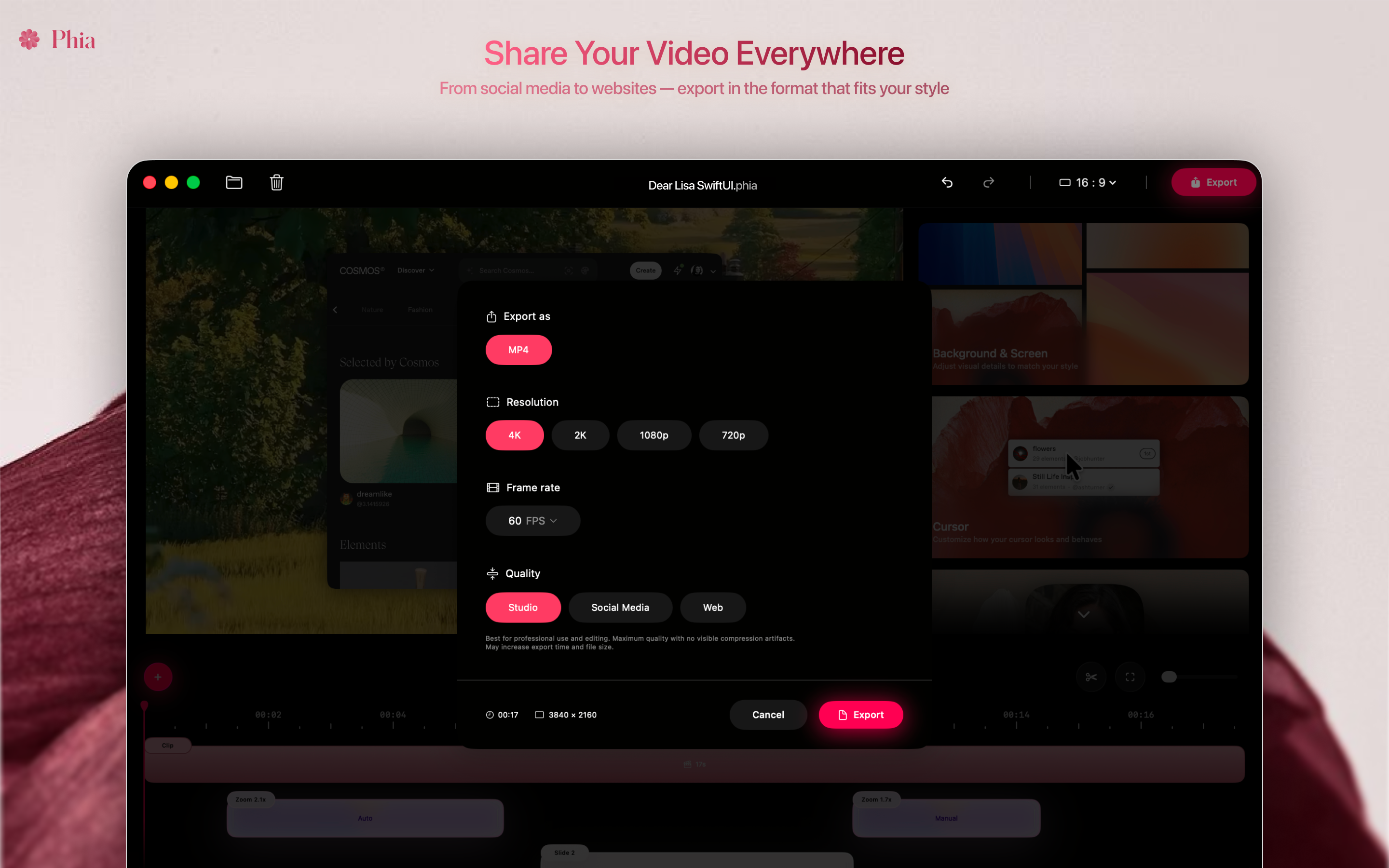
- Export presets for social media, web, and documentation.
Screen recording, made for creators:
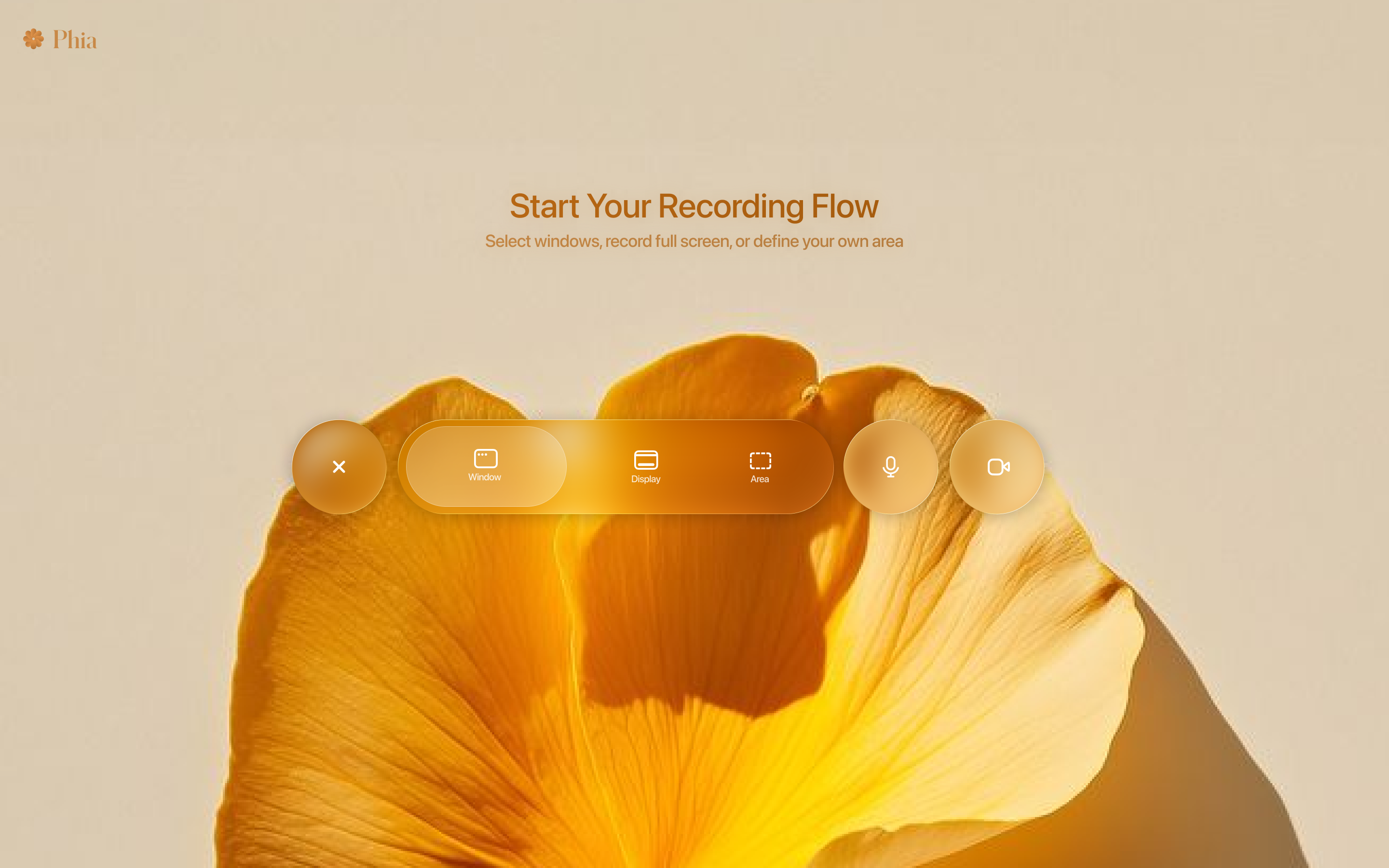
- Capture any window, desktop, or custom region.
- Record with hardware-accelerated performance.
- Choose between auto-focus zooms or precise manual keyframes.
- Highlight movement with cursor smoothing, trails, and fade-outs.
- Record microphone and system audio with clean, clear quality.
Craft captions and audio:
- Convert speech to captions with built-in AI.
- Edit timing, style, and placement directly on the timeline.
- Align captions for tutorials, walk-throughs, and product demos.
Design your frame:
- Add custom paddings, rounded corners, and shadows.
- Use macOS wallpapers or your own backgrounds.
- Apply ambient blur to create depth and focus.
- Build compositions that feel modern, clean, and intentional.
Compose layouts and visual assets:
- Insert text layouts with gradients, solid fills, and custom fonts.
- Build beautiful slides with transitions and timing controls.
- Add images, logos, screenshots, and video assets.
- Animate layers with in-and-out transitions.
- Create depth through layered visual storytelling.
Webcam and presence:
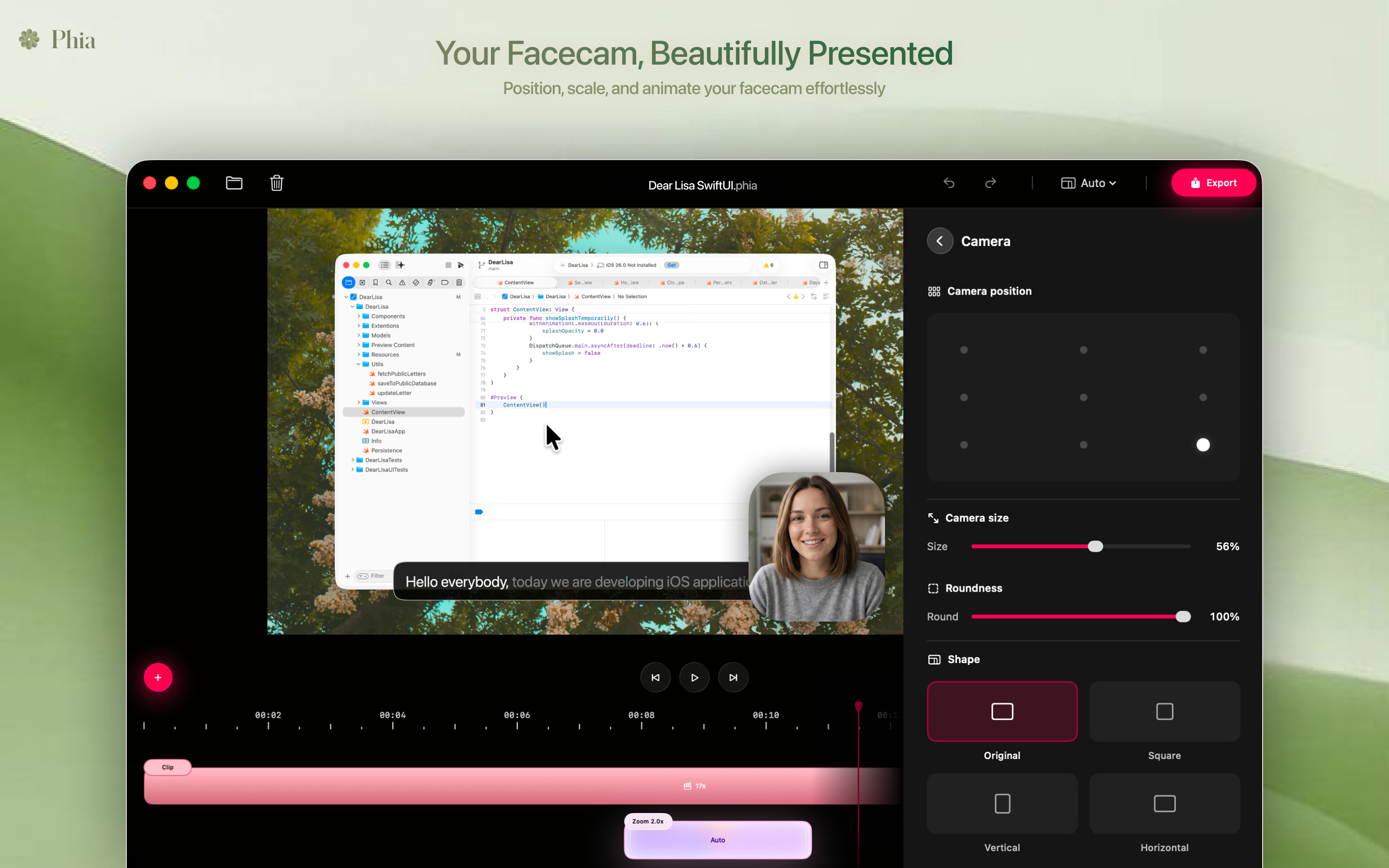
- Add your webcam with natural, cinematic transitions.
- Move, scale, and animate your facecam on the timeline.
- Blend your presence seamlessly into your story.
Export with purpose:
- Export for Social Media, websites, documentations or video editors
- Choose from 16:9, 9:16, 1:1, or custom aspect ratios.
- Produce high-quality files ready for publishing.
- Maintain clarity across platforms and resolutions.
Next-generation performance:
- Powered by a native, Metal-accelerated engine.
- Real-time editing, zooming, and scrubbing.
- Fast rendering for long or complex videos.
- Auto-save and non-destructive editing across the timeline.
Phia brings cinematic quality to screen recording. Whether you create tutorials, product videos, design demos, or technical walkthroughs, Phia gives you the tools to craft expressive, polished, and professional screen stories on macOS.





Comments (2)
looks amazing.
I have been working for the past 4 months on the new macOs app for Phia, there were lots of ups and lows, but finally I feel proud that I persevered. I hope you all like it :)