
Pouch

Pouch

Everything you copy, always searchable

iconacreative
@iconacreative
Published on May 2, 2026
Visit site
37PeerPush
PeerPush badge for Pouch

About Pouch

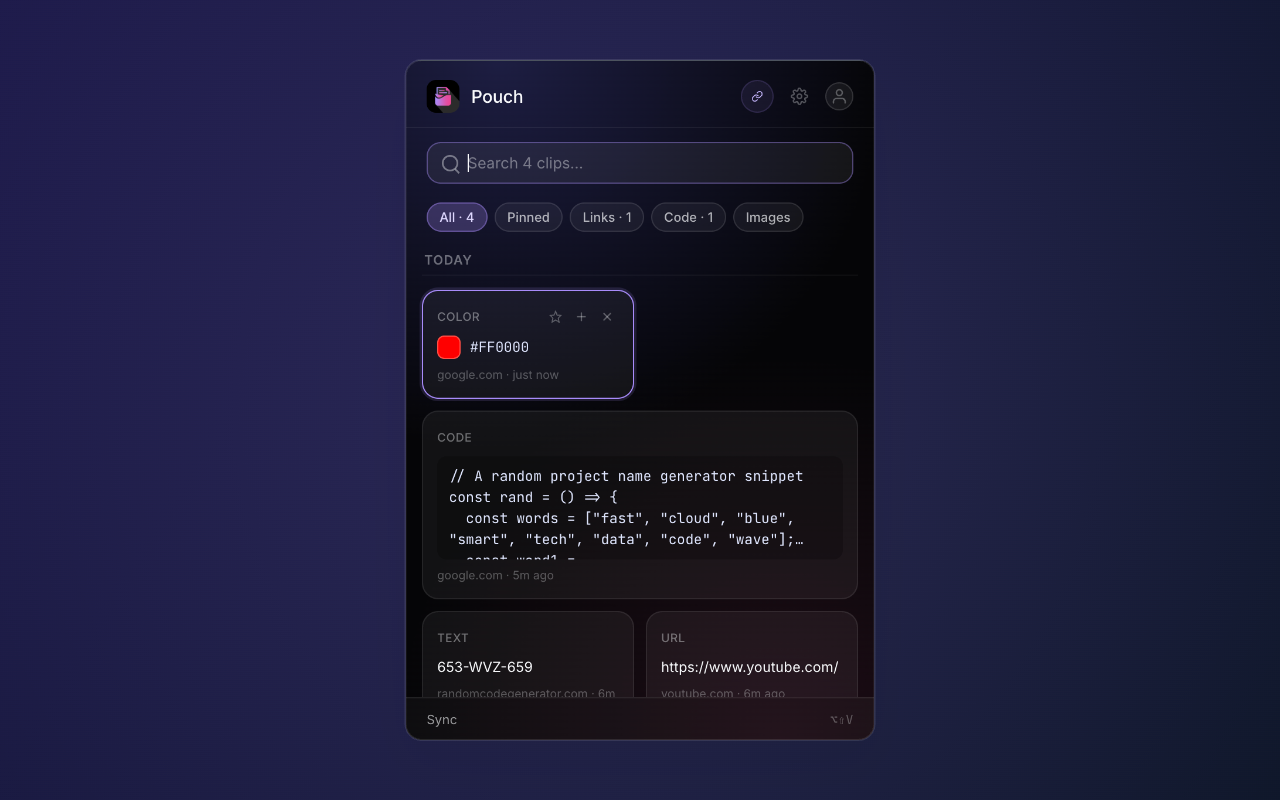
Pouch is a Chrome extension that quietly saves everything you copy in the background — text, links, code snippets, images, colors, and rich HTML — and lets you search through your full history with a keyboard shortcut. THE PROBLEM The default browser clipboard holds exactly one thing at a time. If you do any kind of research, writing, coding, or design work, you've felt the pain: you copy a quote from one tab, a link from another, a color code from somewhere else, and by the time you need any of it again, half of it is gone. Either you've copied over it, restarted your browser, or just lost track of which tab it came from. Existing clipboard managers are mostly heavyweight desktop apps that capture system-wide. They're great if your clipboard usage is spread across apps, but most modern work happens inside the browser, and switching to a separate app to find something you copied 30 seconds ago breaks your flow. Pouch lives where the copying actually happens. HOW IT WORKS You install Pouch and use your browser like normal. It captures everything you copy automatically, with zero setup or configuration. When you need something back, you hit Alt+Shift+V, the popup opens with your full clipboard history, you fuzzy search across all of it, hit Enter to paste. That's the whole flow. CORE FEATURES - Automatic capture of text, links, code, images, colors, and rich HTML - Fuzzy search across your full history - Tags, collections, and pinning to organize what matters - Keyboard-first workflow: Alt+Shift+V to open, arrows to navigate, Enter to paste - Right-click any page or selection to save instantly - Side panel mode for always-on access - URL denylist to skip sensitive sites like banking and password managers - Import and export your full history anytime PRO TIER ($19.99 ONE-TIME) - Unlimited clipboard history (free tier holds 50 clips) - Unlimited custom tags - Cloud sync across devices - Advanced search filters - Full data export No subscription. No tracking. One-time payment, lifetime access. PRIVACY Everything stays local on your device by default. Cloud sync is opt-in only and encrypted. Pouch doesn't capture from password input fields. The denylist lets you exclude any site you want — banking, password managers, work tools, anything sensitive. WHO IT'S FOR Developers grabbing snippets across docs and Stack Overflow. Writers and researchers pulling quotes from a dozen tabs. Designers collecting colors and references. Anyone who's ever lost something important by copying over it. TECH Built on Chrome Manifest V3 with vanilla JavaScript (no framework), ~80KB total bundle. Supabase for auth and optional cloud sync. Stripe for the Pro tier. Solo-built, currently free to install on the Chrome Web Store.

Product Insights

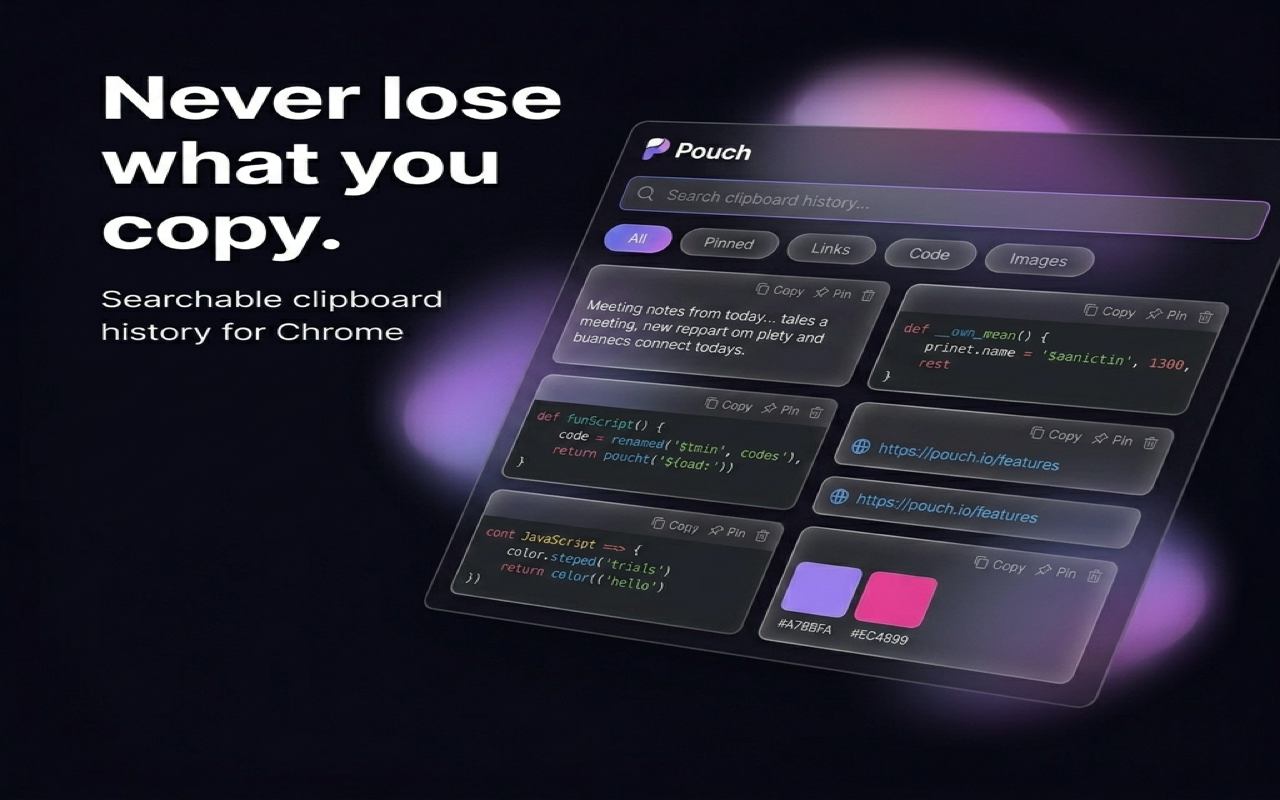
Pouch is a browser-centric clipboard manager that preserves text, code, images, and HTML as you browse. It replaces the single-entry default clipboard with a searchable, organizable history accessible via keyboard shortcuts.

  • One-time purchase $19.99 pricing model with no recurring subscriptions.
  • Lightweight 80KB Chrome Manifest V3 extension ensuring minimal browser resource impact.
  • Privacy-focused local storage with selective URL denylisting and opt-in cloud sync.
  • Multi-format capture including hex colors, rich HTML, and code snippets.

Ideal for: Developers, designers, and researchers seeking a lightweight tool to capture and organize snippets across multiple browser tabs without losing context.

Pouch offers a browser-specific alternative to system-wide clipboard tools like Raycast, Paste, Maccy, Ditto, and Clipboard History Pro.

Discount Codes

Use Code PEERPUSH for 25% off Pro (-25% OFF)

Valid until May 31, 2026
Product Video

Screenshots

Screenshot 1 of PouchScreenshot 2 of PouchScreenshot 3 of Pouch

Product Updates (0)

No updates yet. Check back later for updates from the team.

Reviews (3)

Average 4.0 out of 5

4.0

Based on 3 reviews

5
1
4
1
3
1
2
0
1
0
carhaix
May 2, 2026
C
May 2, 2026
G
May 2, 2026

Nice product, good to have this on list.

Comments (2)

affiliyo
@affiliyoMay 2, 2026

Hey nice concept. How do you keep things offline and private. I think thats the most important part to tell. Good luck :)

iconacreative
@iconacreativeMay 2, 2026

@affiliyo Totally agree, that's the most important part! Everything stays on your device, no servers or accounts needed. It also auto-skips passwords and sensitive data. No tracking at all. Cloud sync is opt-in only for Pro. Thanks!

iconacreative
@iconacreativeMay 2, 2026

Solo dev here. Built Pouch because I kept losing things I'd copied 30 seconds ago. Honest feedback welcome — what clipboard tool are you using now and what bugs you about it?