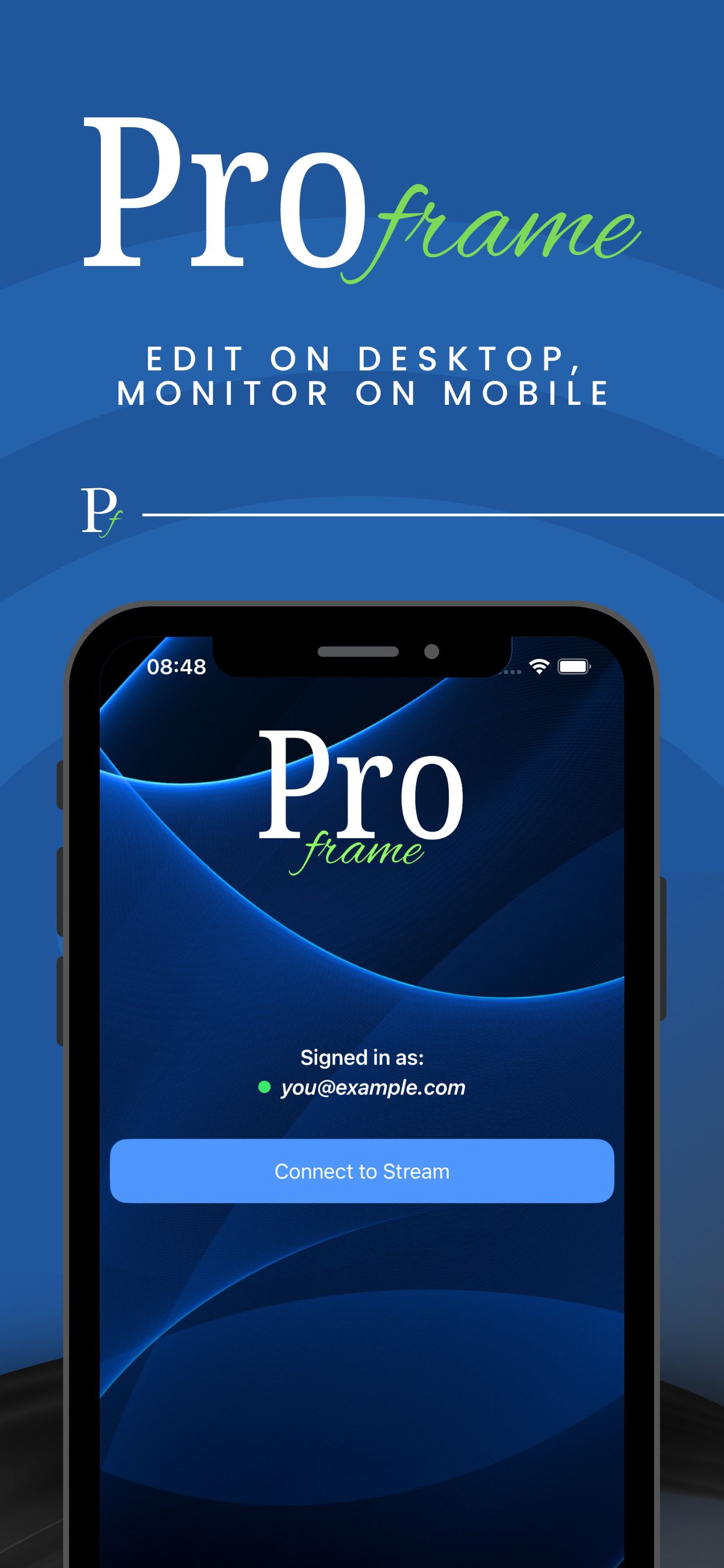
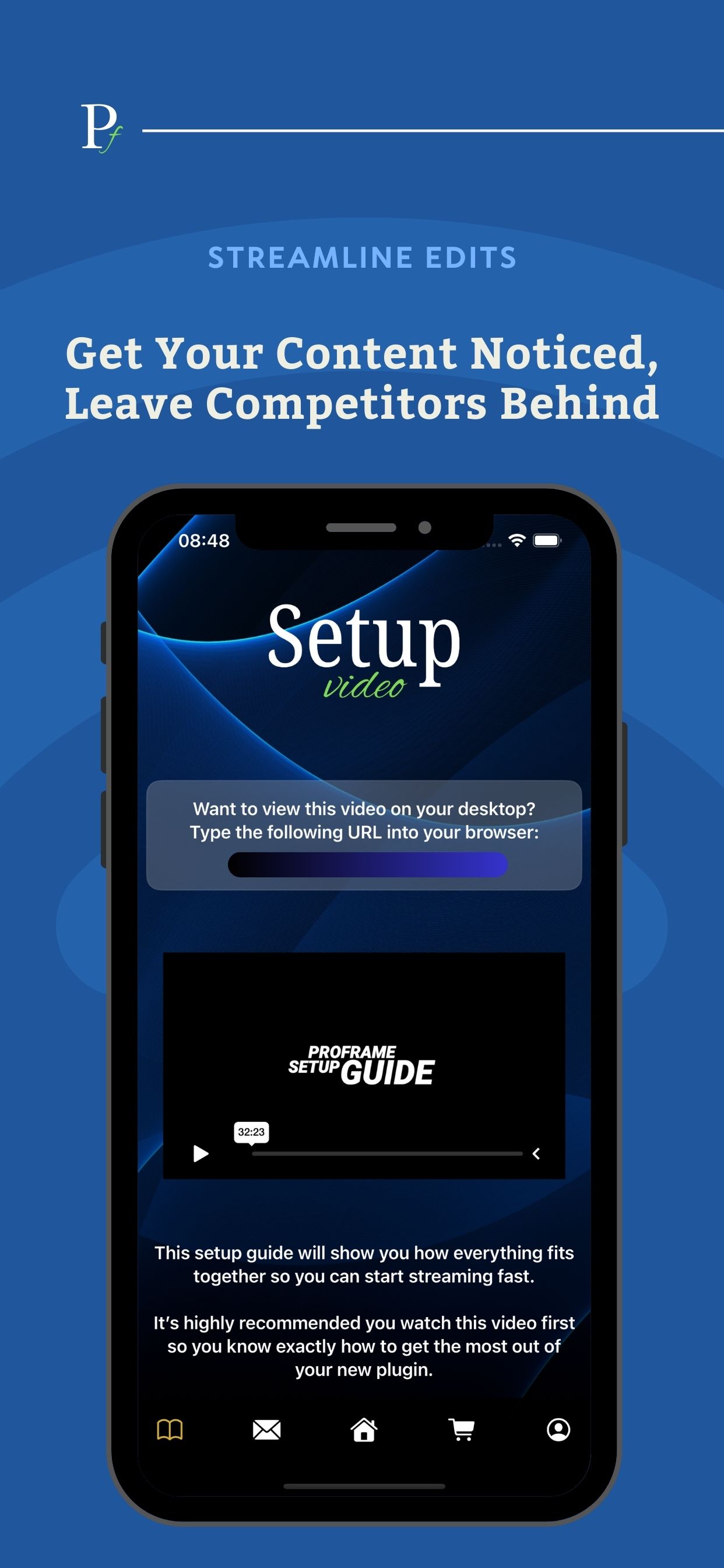
ProFrame streams your Final Cut Pro or Premiere Pro viewer straight to your iPhone over your local network, so you can preview your edit on an actual phone screen while you work on your Mac.
That means no more guessing how your colour, exposure, sharpening, skin tones, captions, and framing will translate to the device your audience actually watches on.
Perfect for short-form workflows, ProFrame lets you check vertical and square edits instantly, spot crop issues early, and make confident decisions without exporting test files, AirDropping drafts, or constantly switching to QuickTime previews. You stay in the flow, keep your timeline moving, and still see the truth.
It’s also ideal for audio. Keep your iPhone next to your speakers and mix levels straight from the timeline while listening on a real mobile device, so you can dial in dialogue, music, and sound effects the way your audience will actually hear them, without extra exports or back-and-forth tests.
Use ProFrame to:
Verify framing and safe areas for TikTok, Reels, and Shorts
Check colour and contrast on a real iPhone display
Confirm subtitle placement and readability
Catch scaling and sharpening problems before you export
Mix audio levels directly from your timeline while monitoring on iPhone
If your content is made for phones, ProFrame helps you finish faster, with fewer revisions, and more confidence in what you’re delivering.






Comments (2)
What about Android phones, though?
ProFrame is live 🎉 Real-time iPhone monitoring for editors, no exports. Stream the viewer and check framing, colour, captions and audio levels as you tweak your timeline. Thoughts welcome!