
QUICOPY
One keystroke. Any text. In any app.

Details
- Target Audience
- DevelopersFreelancersCustomer Success Teams
- Pricing
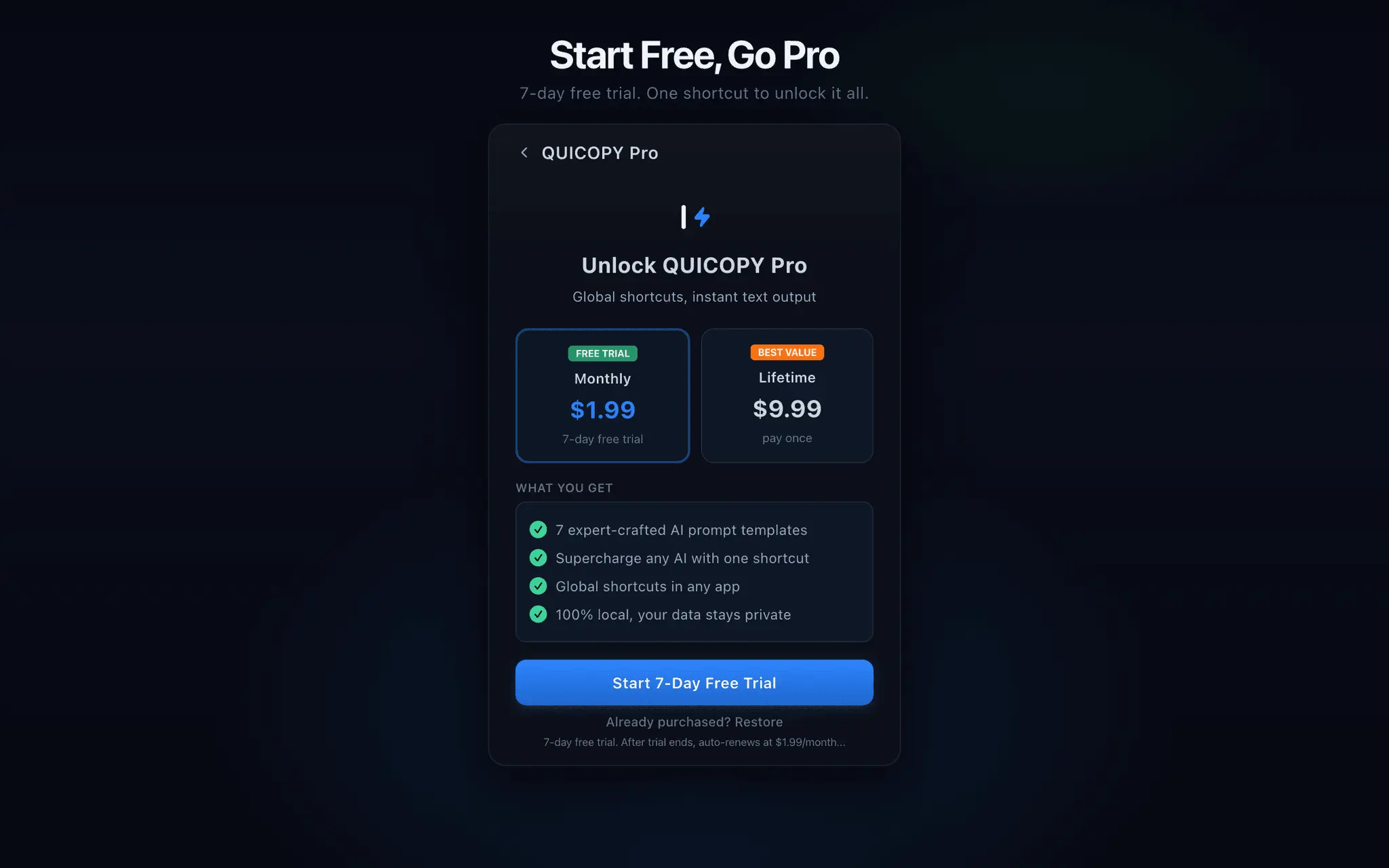
- Subscription from $1.99
- Platforms
- Desktop
- Alternative To
 TextExpander
 Raycast
About QUICOPY
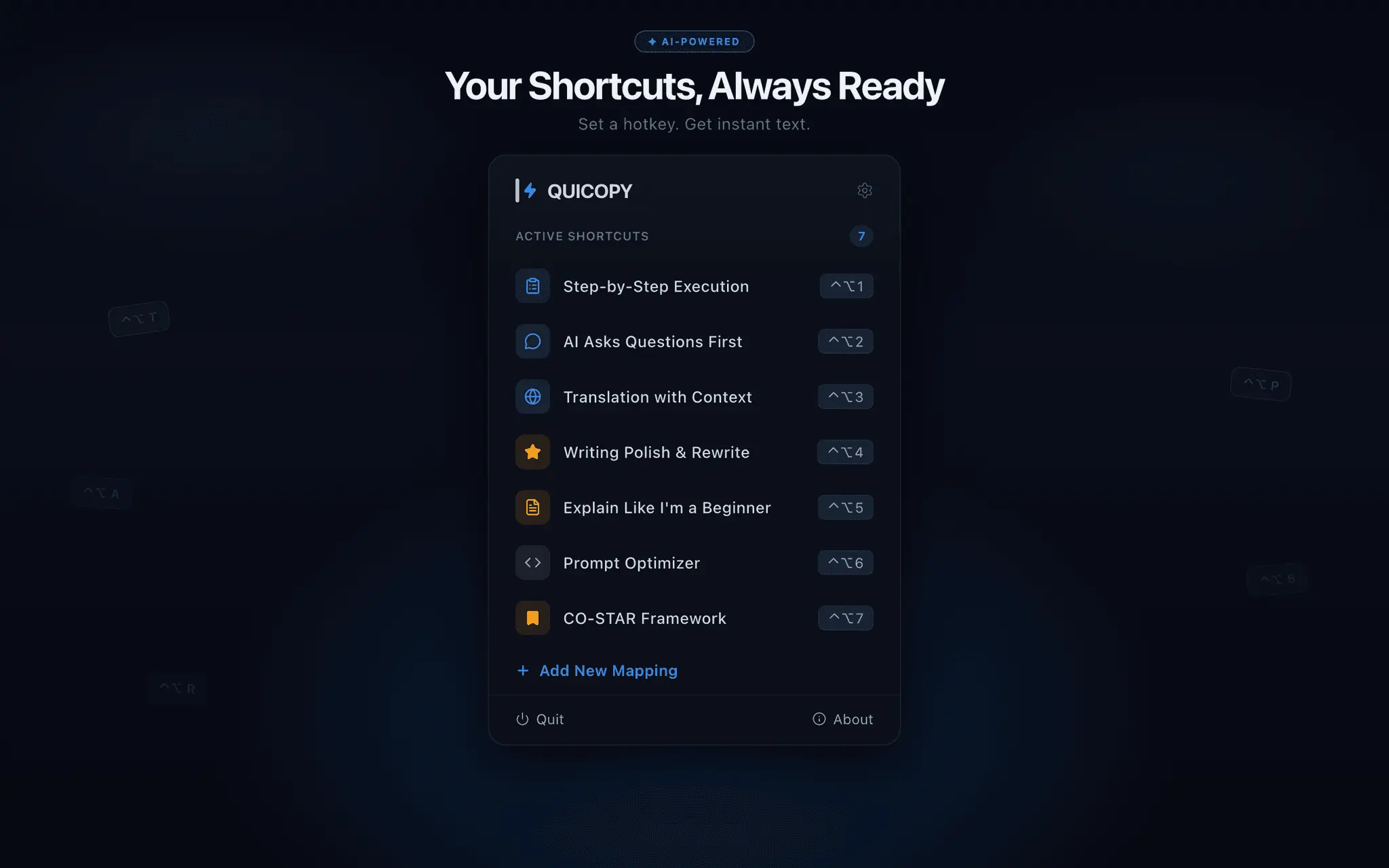
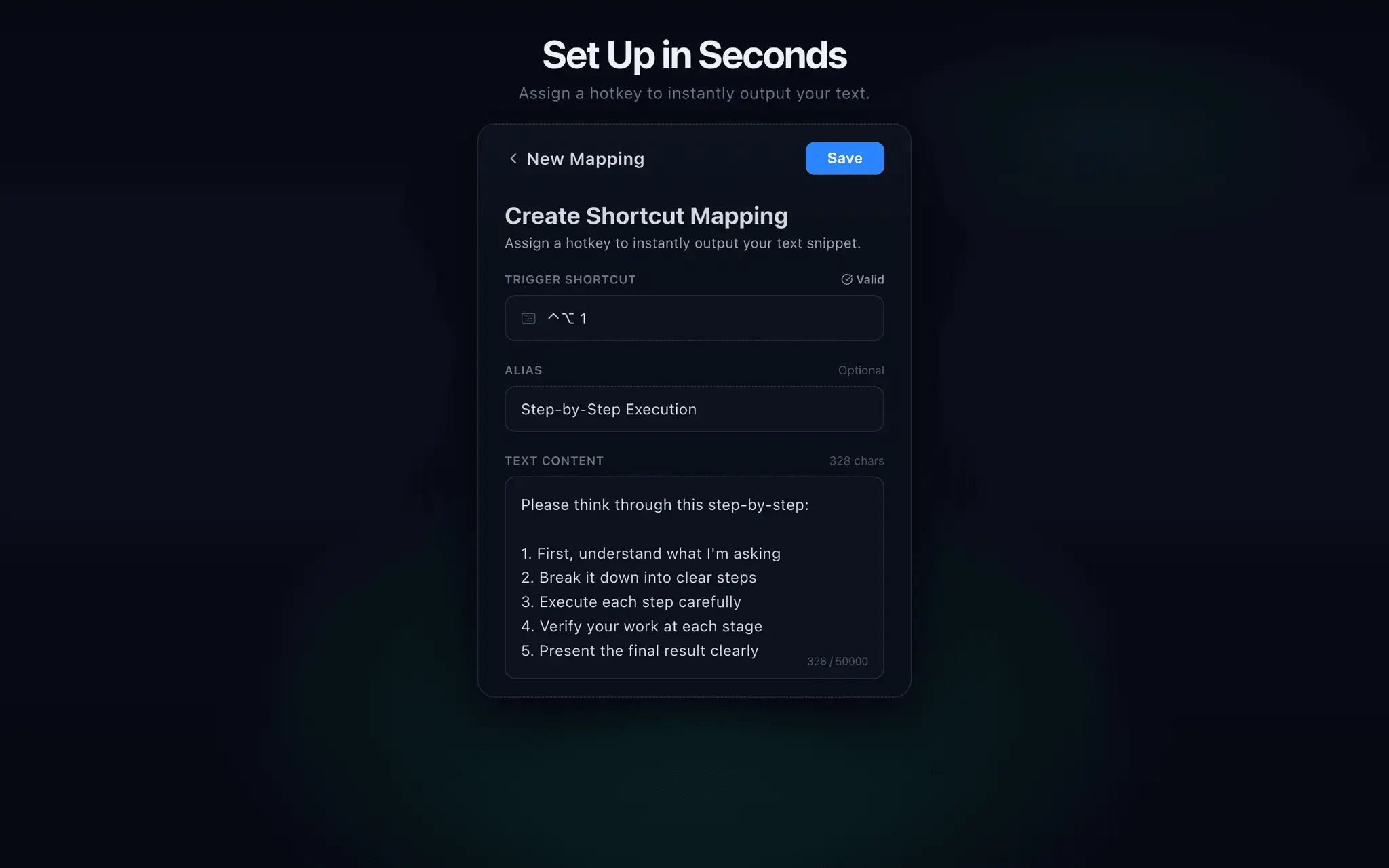
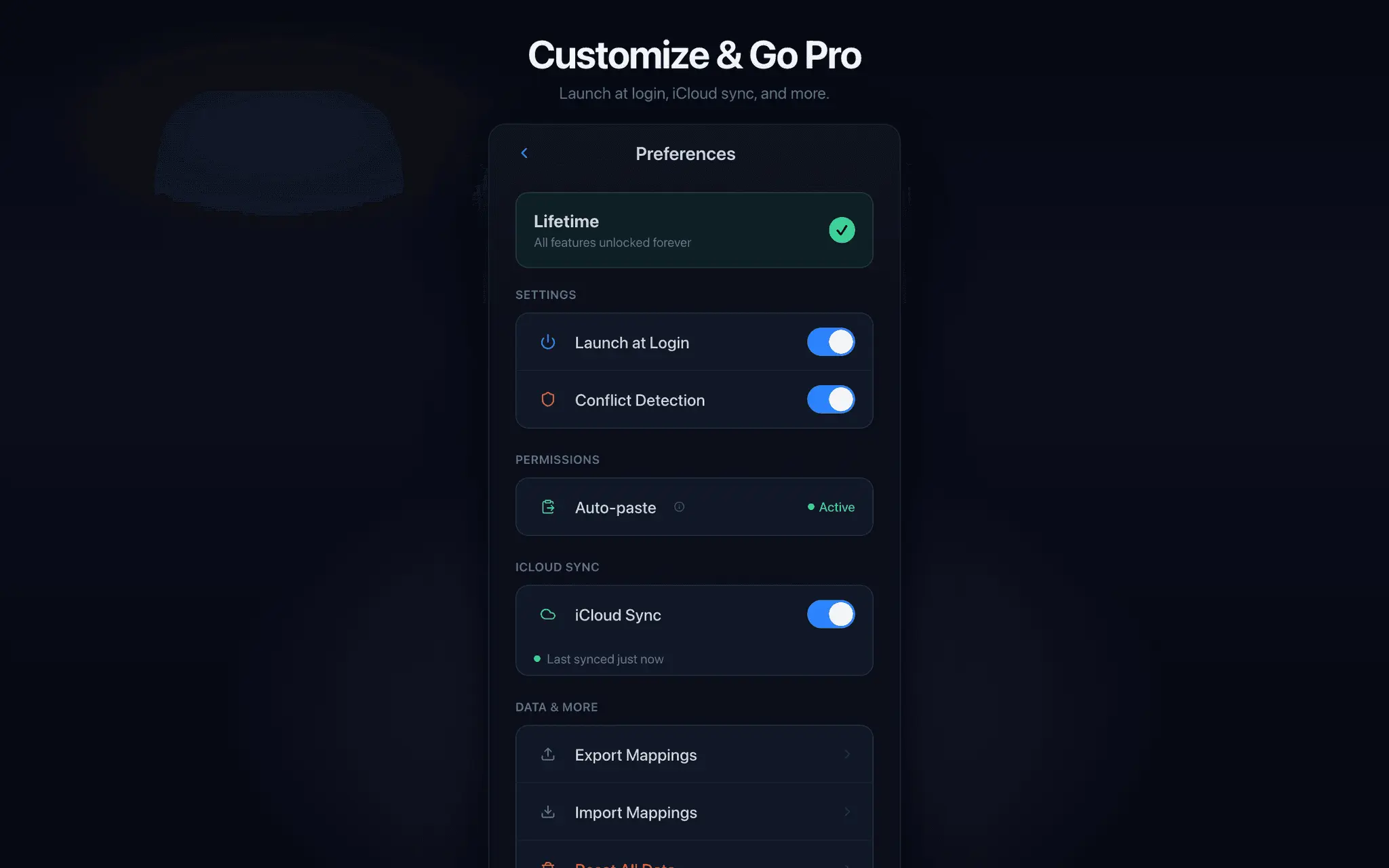
QUICOPY is a native macOS menu bar app that maps global keyboard shortcuts to text snippets and AI prompt templates. Unlike text expanders that require you to memorize abbreviations, QUICOPY needs only one keypress — assign your text to ⌃⌥1, press it in any app, and the text appears at the cursor instantly. Common use cases: - Reply to common emails: ⌃⌥1 = "Thanks, I'll get back to you by EOD" - AI prompts: ⌃⌥2 = "Translate the following into polite business English:" - Shell commands: ⌃⌥3 = full docker-compose incantations you forget - Code snippets: ⌃⌥4 = license header / test boilerplate Technical highlights: - 100% native SwiftUI — not Electron, not a wrapper - 2.8 MB total install size, sub-100ms response time - App Store sandbox compatible (uses AppleScript System Events route) - Verified compatibility with sandboxed targets like Zed, VS Code terminal, and Chrome - Zero data collection, iCloud sync optional - 7 built-in AI prompt templates included Pricing: $1.99/month with 7-day free trial, or $9.99 one-time lifetime purchase. Made by a solo indie developer. Why it's different from alternatives: - vs TextExpander ($40/yr): No abbreviations to memorize. One keypress vs typing a trigger code. $9.99 lifetime instead of recurring subscription. - vs Raycast snippets: No launcher step. One keypress vs three (open → type → Enter). - vs macOS System Settings shortcuts: Works in any app including sandboxed Electron apps and editor-embedded terminals.
Product Insights
QUICOPY is a native macOS productivity tool that automates text insertion and AI prompt application through global hotkeys. It bridges the gap between manual typing and complex launchers by mapping snippets directly to single-keypress shortcuts across all applications.
- Native SwiftUI architecture with a compact 2.8 MB install size and sub-100ms response time.
- Bypasses abbreviation memorization by using direct ⌃⌥ keyboard mapping.
- Verified compatibility with sandboxed environments like Zed, VS Code, and Chrome.
- Flexible pricing including a low-cost lifetime purchase option or monthly subscription.
Ideal for: Developers, freelancers, and customer success teams who need to instantly deploy shell commands, boilerplate code, or repetitive email responses via tactile keyboard shortcuts.
Listed alternatives include TextExpander and Raycast, though QUICOPY distinguishes itself through a one-keypress workflow and a non-recurring lifetime payment model.
Screenshots
Reviews (1)
Average 4.0 out of 5
Based on 1 review

Comments (1)
Solo macOS dev here. Built QUICOPY because I was retyping the same AI prompts daily. Now ⌃⌥1 in any app outputs the text instantly. Native SwiftUI, $9.99 lifetime or $1.99/mo. Feedback welcome.