
RemindMe Tab
Set reminders for browser tabs and get notified
Details
- Follow on
- Use Cases
- Monitoring & AlertingTask Management
- Target Audience
- StudentsNon-Technical UsersDevelopers
- Pricing
- Free
- Platforms
- Web
- Featured in
- Best Task Management Tools
About RemindMe Tab
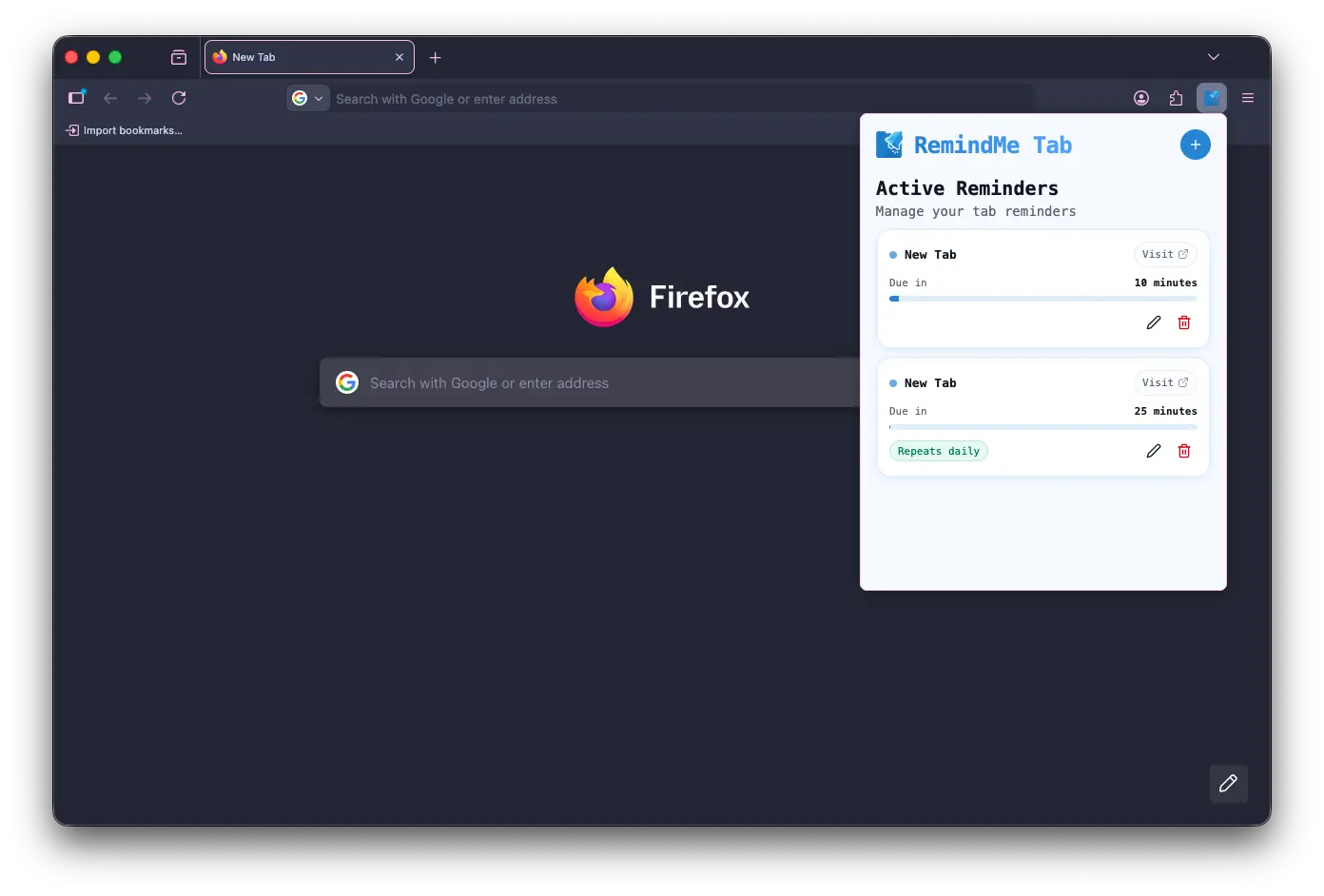
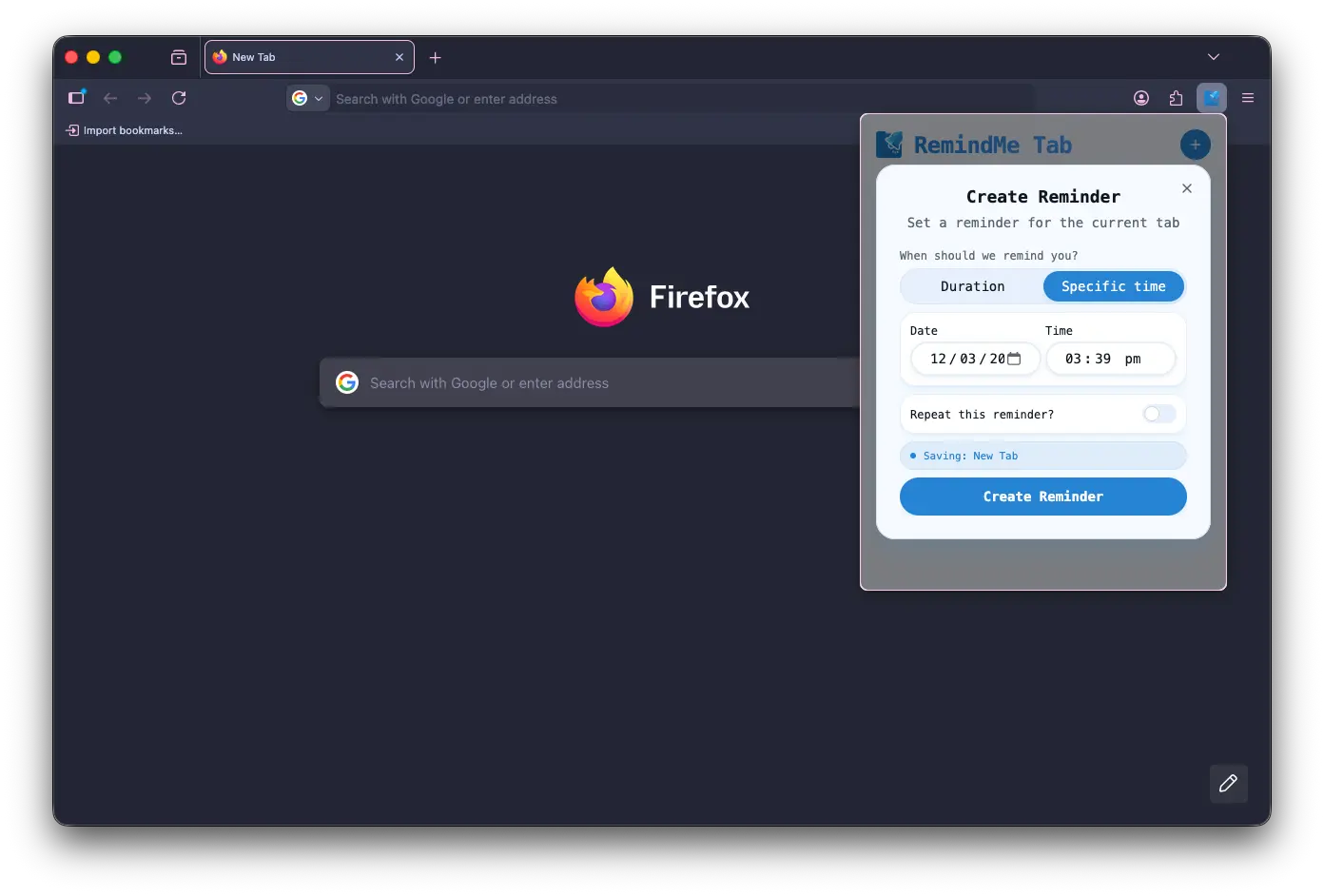
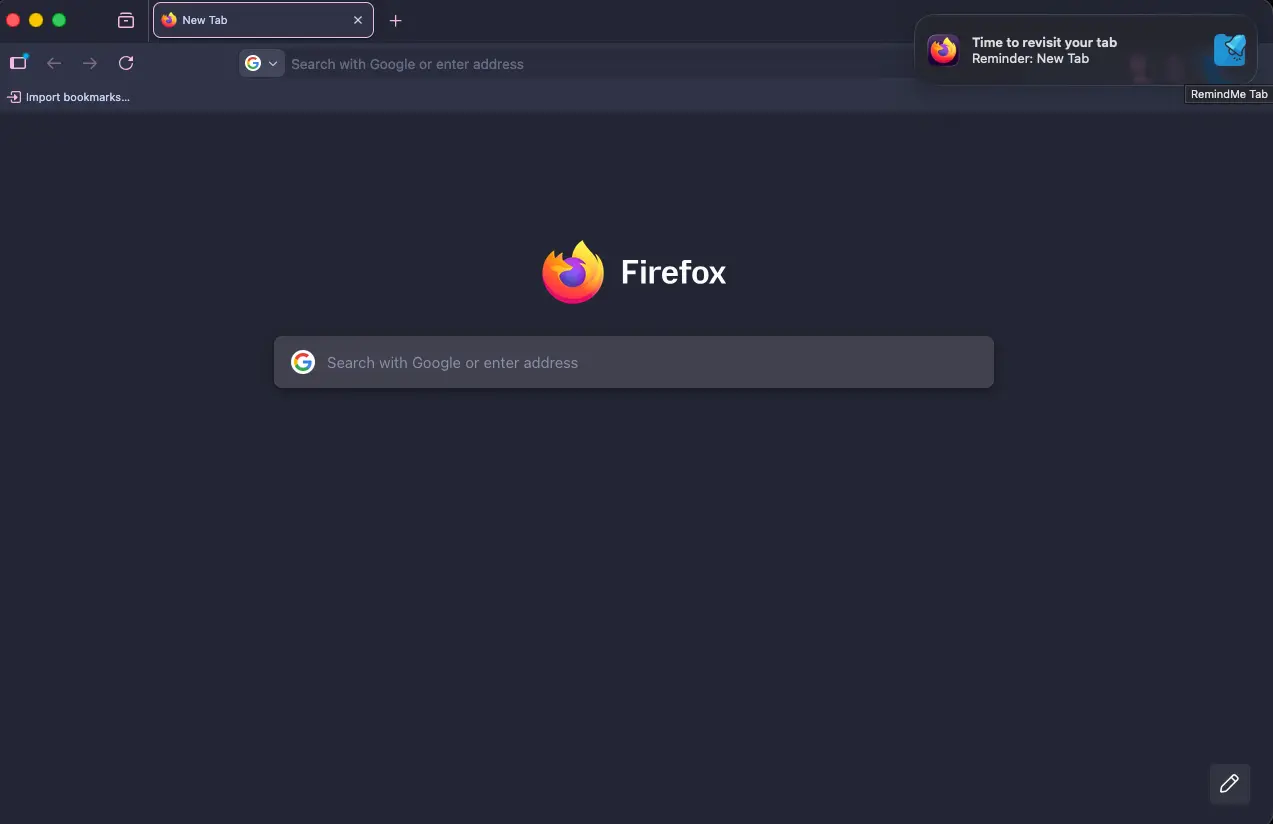
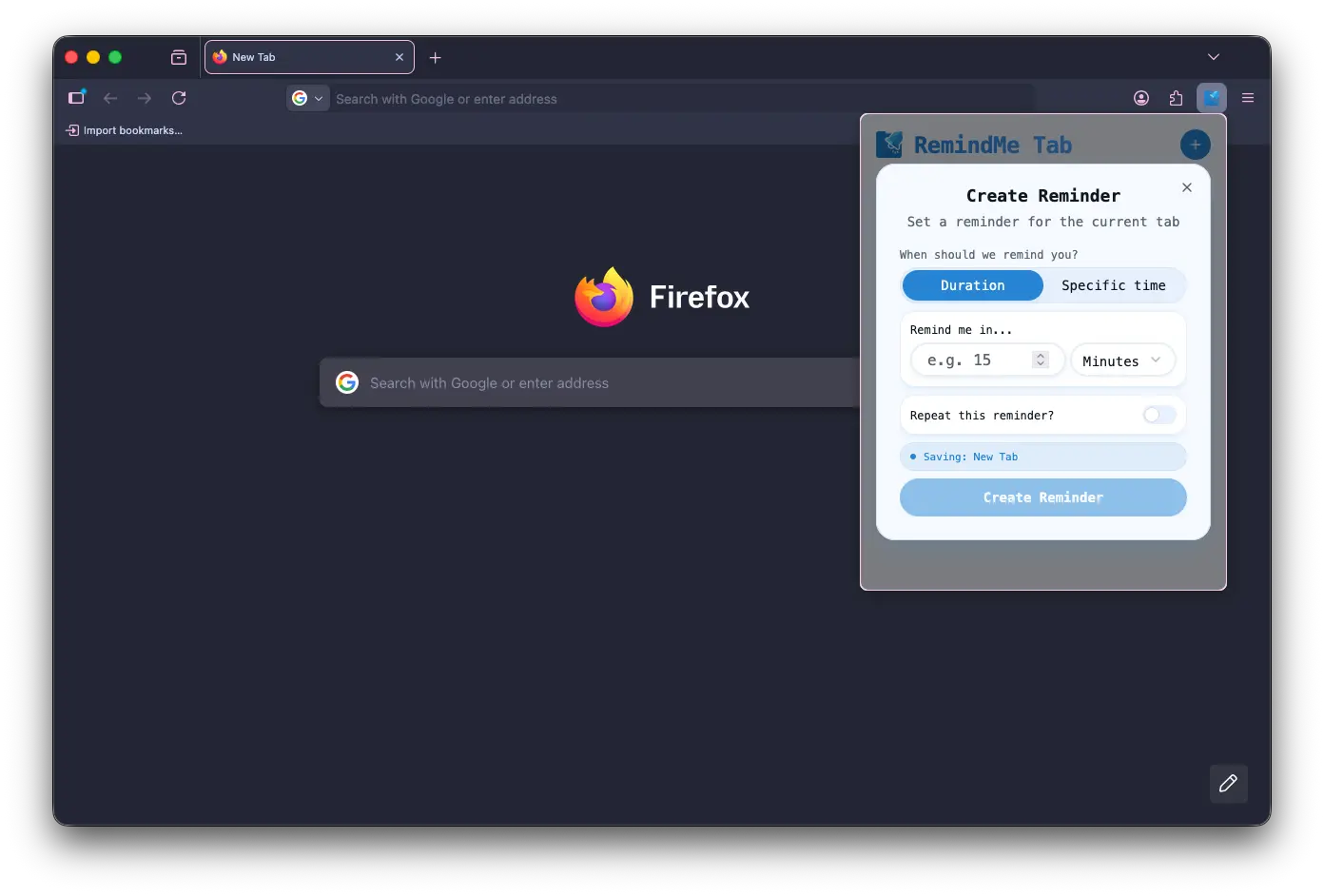
RemindMe Tab helps you clear clutter without losing track of the pages that matter. Set a reminder for any tab you want to revisit later, whether it’s an article, a tutorial, a product page, or important documentation, and get notified exactly when you need it again. Key Features 1. Flexible scheduling Set reminders using a simple duration (minutes, hours, days) or choose an exact date and time. 2. Recurring reminders Create repeating reminders (daily, weekly, or custom schedules) with optional end conditions so you never miss recurring check-ins. 3. Edit anytime Change reminder times or recurrence settings directly from the extension popup whenever your plans shift. 4. Snooze and quick actions Need more time? Snooze a reminder with a click and manage reminders directly from notifications (where supported). 5. Modern, streamlined interface A clean, updated UI makes it easy to see, manage, and adjust all your reminders at a glance. 6. Reliable and persistent Reminders survive browser restarts, so you’ll still get notified even if you close the tab or shut down your browser. Perfect for: - Saving articles or blog posts to finish later - Revisiting pages after a few hours or days when something might change - Coming back to tutorials or documentation at a specific time - Remembering product pages, job listings, or other important links without keeping endless tabs open RemindMe Tab respects your privacy: all reminder data is stored locally in your browser. No data is sent to external servers. Click the RemindMe Tab icon, set your reminder, and get back to focusing on what matters, your important pages will be waiting when you’re ready.
Product Insights
RemindMe Tab is a free browser-based productivity tool that automates page revisits through local scheduling and persistent notifications. It combines task management with web monitoring to help users manage browser clutter without losing temporary data.
- Supports both specific timestamps and relative durations for scheduling.
- Data stays private with local browser storage and no external server syncing.
- Persists through browser restarts to ensure notification delivery.
- Features built-in snooze and recurring reminder configurations.
Ideal for: Students, developers, and non-technical users who need to revisit tutorials, documentation, or articles at specific intervals without keeping tabs open.
Screenshots
Reviews (0)
No reviews yet. Be the first to rate this product!
Comments (0)
No comments yet. Be the first to share your thoughts!