
reverscan
Reverse file search for Mac using content and screenshots

Details
- Follow on
- @getreverscan
- Categories
- Productivity & Notes
- Use Cases
- Knowledge Base
- Target Audience
- AgenciesDesignersFreelancers
- Pricing
- Freemium
- Platforms
- Desktop
About reverscan
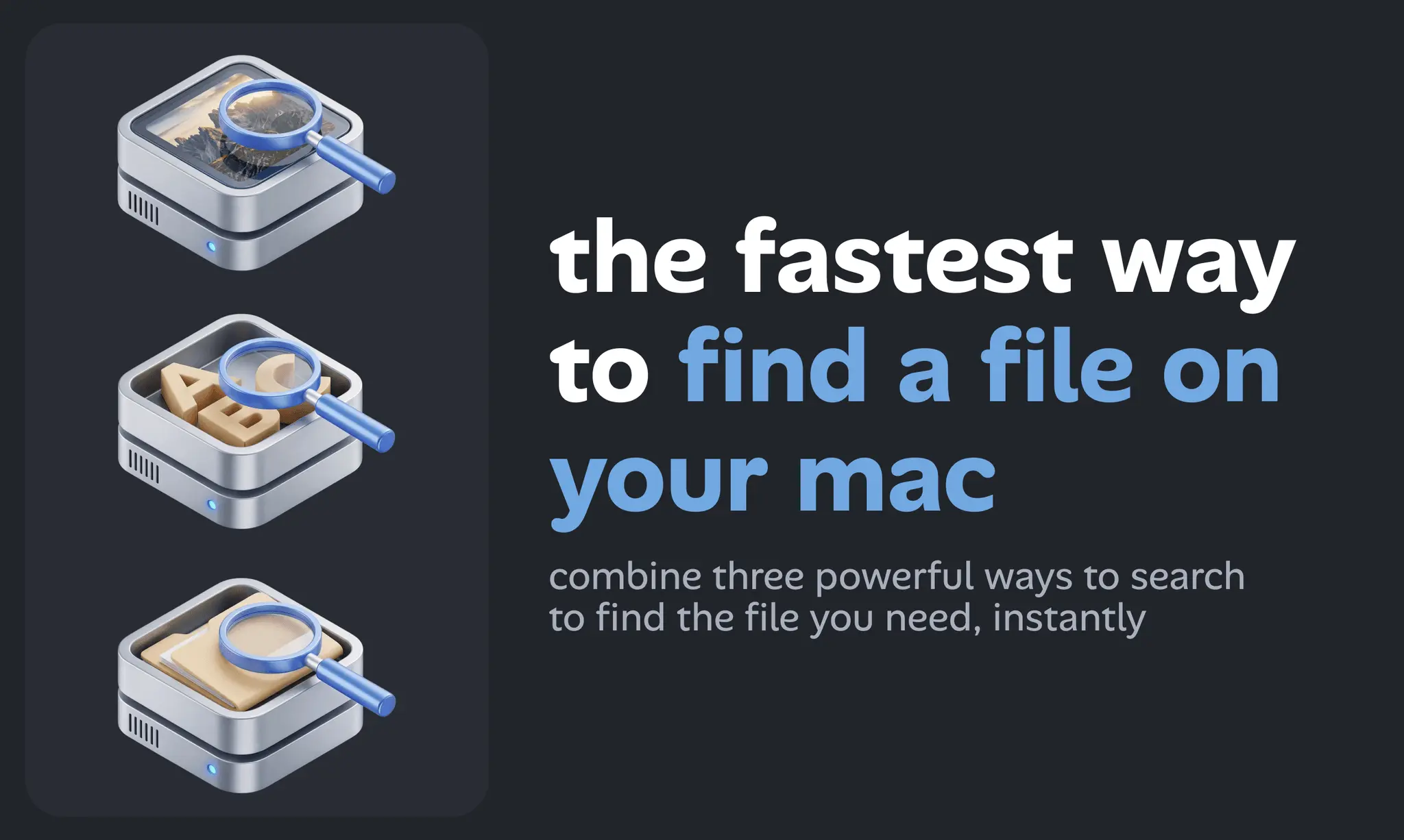
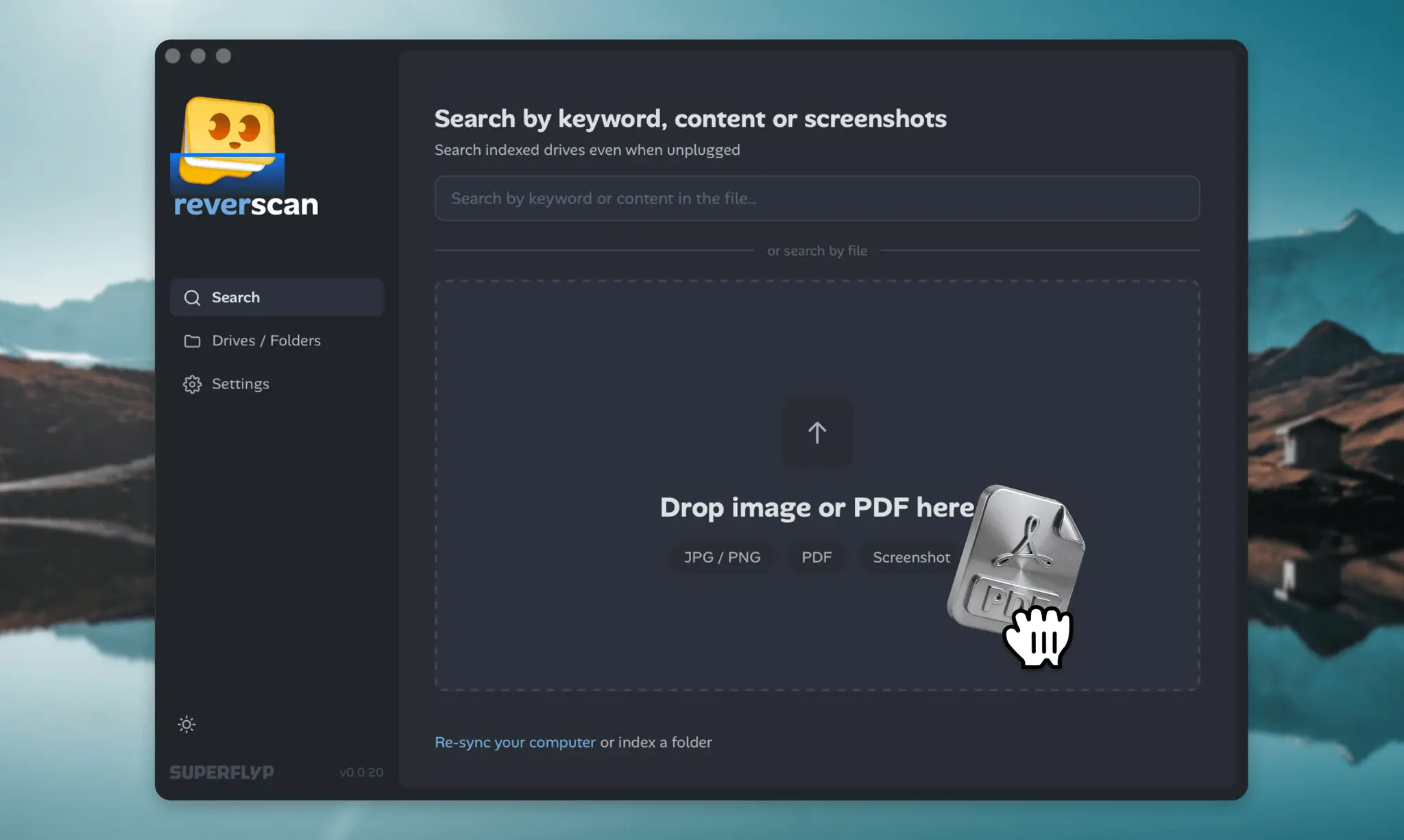
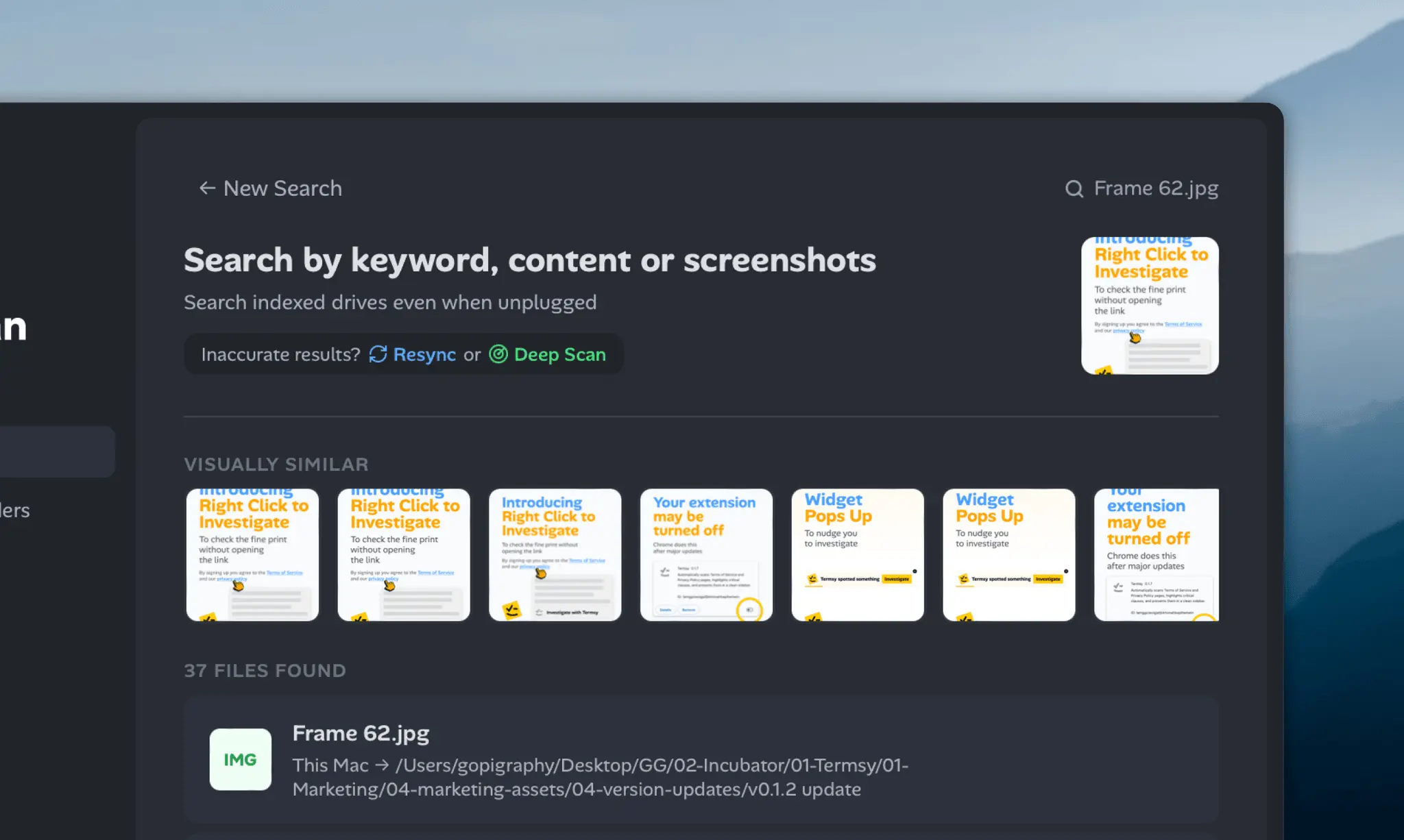
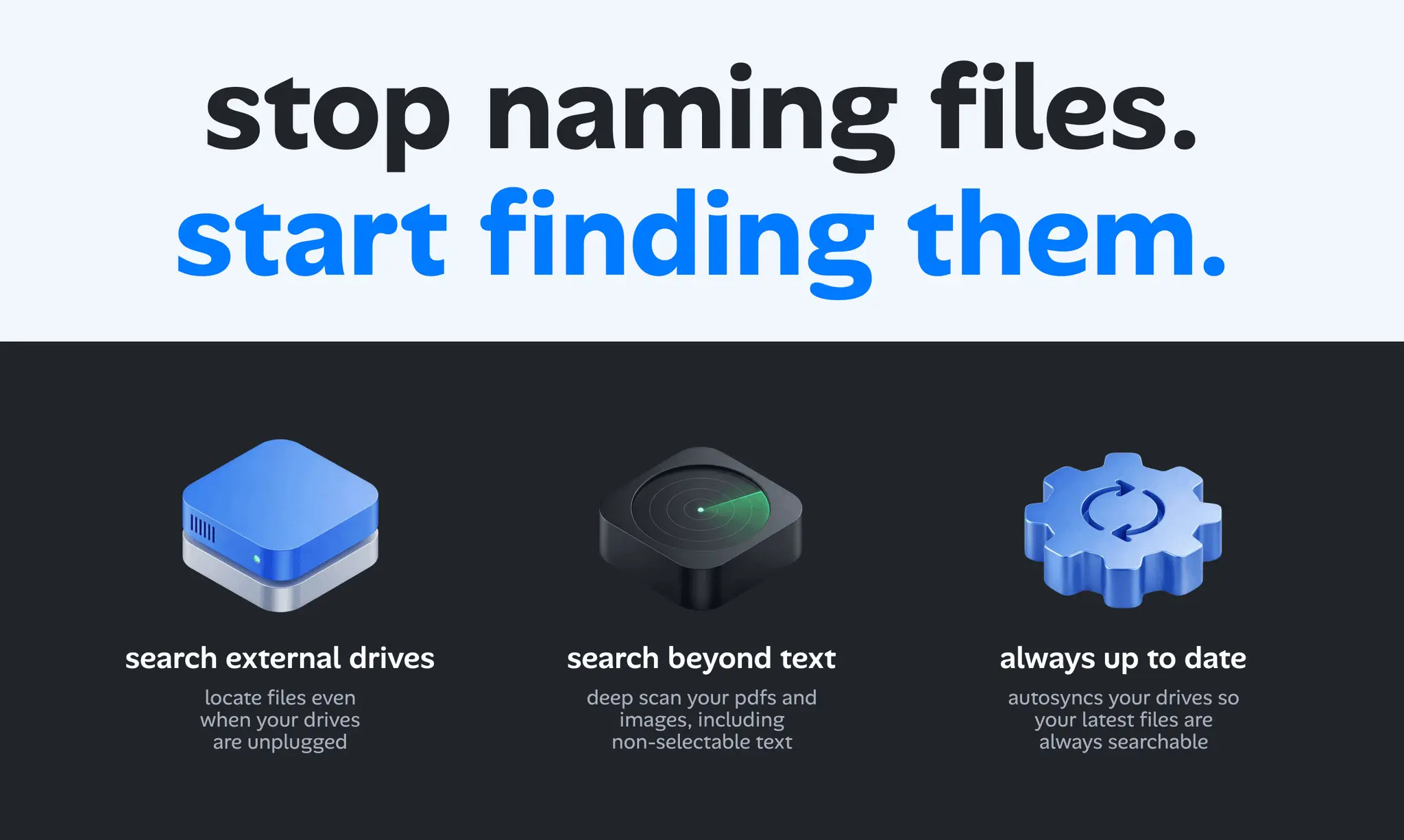
reverscan indexes your text, images, PDFs, and documents so you can search by content, keywords, or even a screenshot. This reverse file search tool allows you to find similar files, images, or sources by uploading an existing image or file instead of typing a traditional text query.
Product Insights
reverscan is a desktop-based productivity application for Mac that enables file discovery through both traditional keyword queries and multi-modal content indexing. The freemium tool supports reverse search functionality, allowing users to locate related documents and images by using existing files or screenshots as the search input.
- Native desktop compatibility for Mac users seeking integrated file indexing.
- Freemium pricing model provides accessible entry for managing personal knowledge bases.
- Multi-format indexing for text, images, screenshots, and PDF documents.
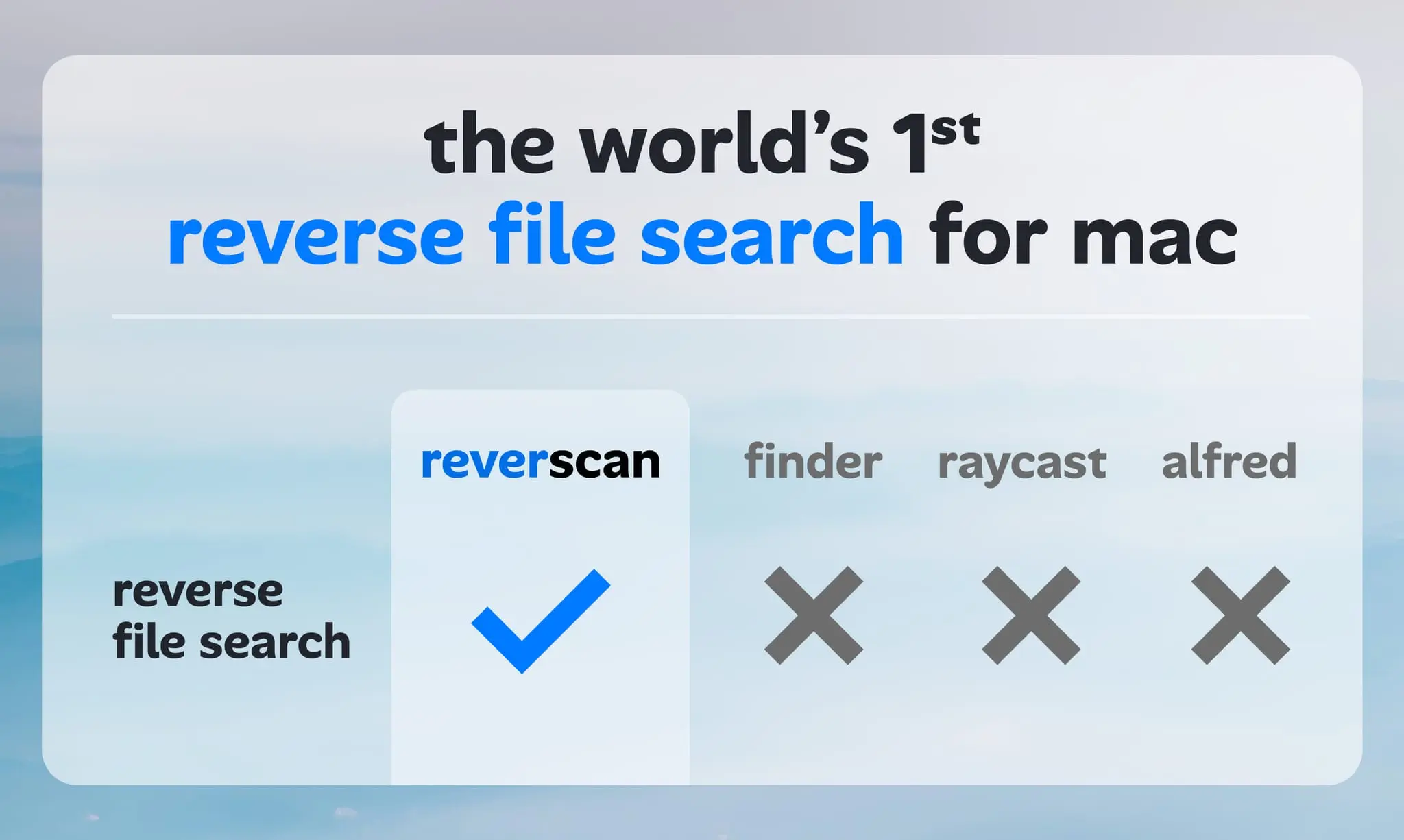
- Reverse search capabilities allow for finding similar files without traditional text queries.
Ideal for: Agencies, designers, and freelancers can use this tool to manage knowledge bases by finding similar assets or source documents through reverse image and content searches.
Screenshots

Reviews (0)
No reviews yet. Be the first to rate this product!
Comments (1)
forget the filename and find your file