Savvyshot helps you capture and turn screenshots into clean, professional visuals with minimal effort on Windows and macOS. It combines fast screen capture with a powerful built-in editor, ideal for anyone who shares screenshots online.
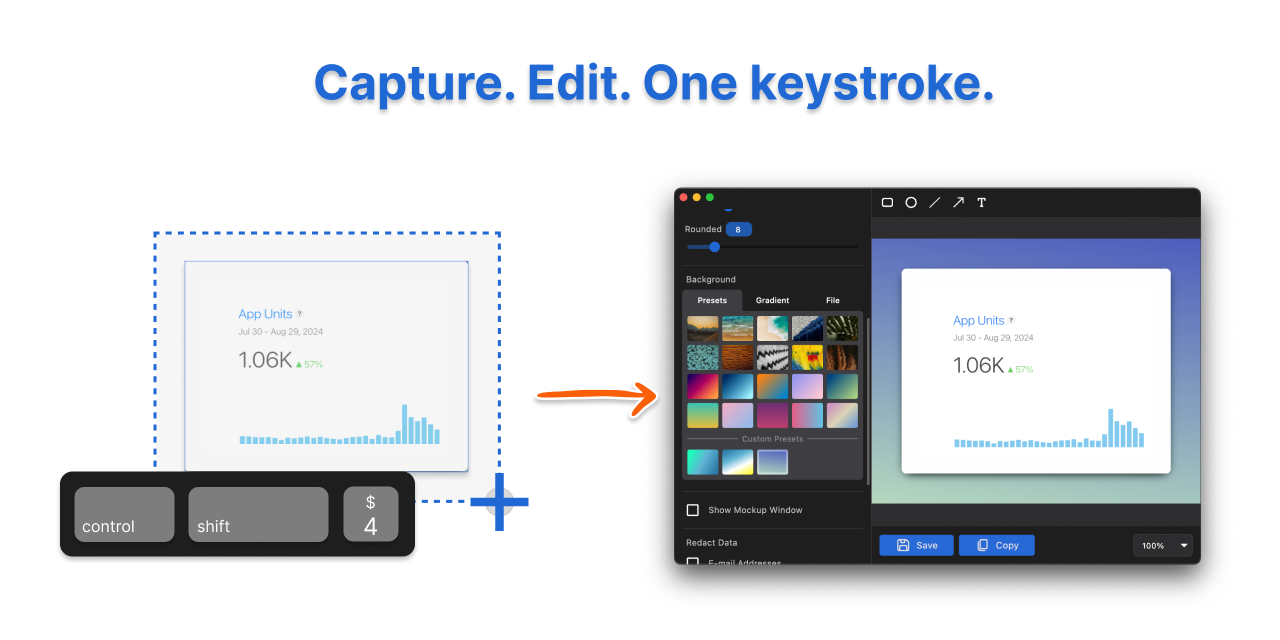
⌨️ Capture selected area, window, or full screen using a keyboard shortcut
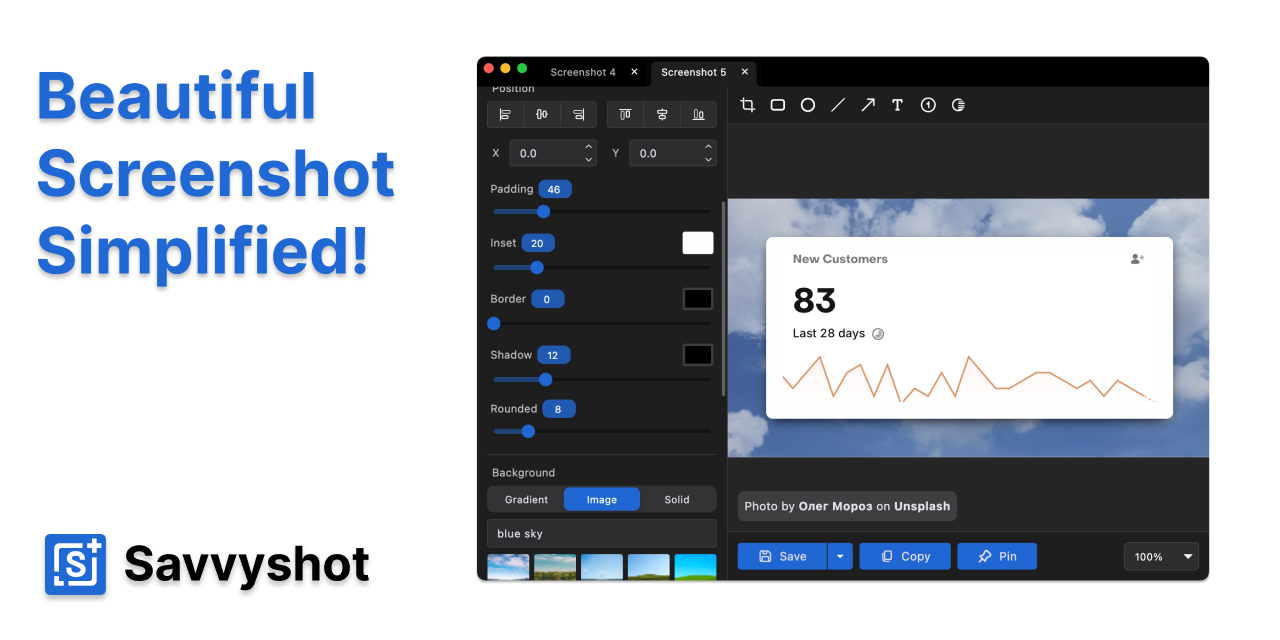
✏️ Edit screenshots instantly with a built-in editor
🗂️ Work on multiple screenshots at the same time
📋 Copy screenshots directly to the clipboard
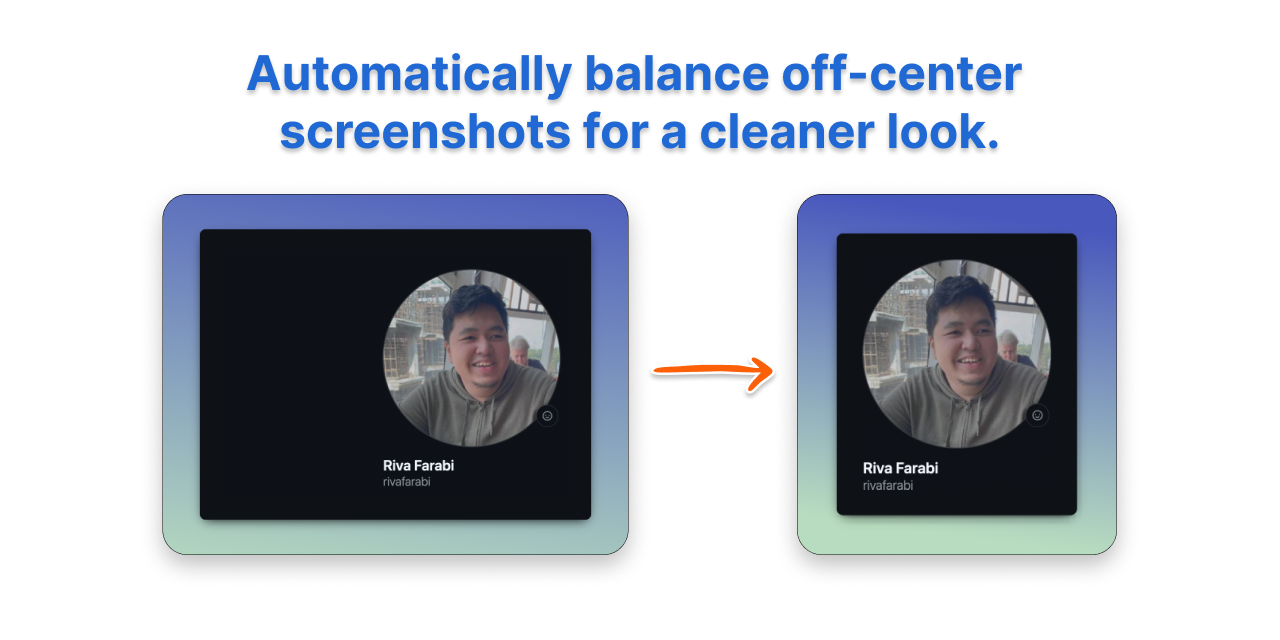
⚖️ Smart image balancing to center off-center screenshots automatically
📐 Adjustable padding, shadows, borders, and aspect ratios
🌈 Background options including solid colors, gradients, presets, and custom images
📏 Quick resize presets for common ratios like 1:1, 16:9, and 4:3
🏷️ Optional watermark support for branding
➡️ Add arrows, shapes, lines, and text annotations
🚫 Auto redaction of sensitive information such as emails and credit card numbers using on-device OCR
🌫️ Manually blur or hide any area of a screenshot
🛡️ All processing stays on your device, nothing is uploaded
🎛️ Customizable keyboard shortcuts
📌 Pin screenshots in floating windows for quick reference
🚀 Start minimized to tray for instant access
Screenshots
Product Updates (0)
No updates yet. Check back later for updates from the team.
Hi! Savvyshot is a fast screenshot tool for Windows and macOS with built-in editing, smart layouts, and privacy-first redaction.
Let me know if you have any questions or ideas!






Comments (1)
Hi! Savvyshot is a fast screenshot tool for Windows and macOS with built-in editing, smart layouts, and privacy-first redaction. Let me know if you have any questions or ideas!