
Smart Home Cinema – Voice Control
Control VLC and PotPlayer with your voice on Windows

Details
- Categories
- Automation & WorkflowVideo & Audio Tools
- Use Cases
- Home AutomationWorkflow Automation
- Target Audience
- Private personsNon-Technical Users
- Pricing
- One-time
- Platforms
- Desktop
About Smart Home Cinema – Voice Control
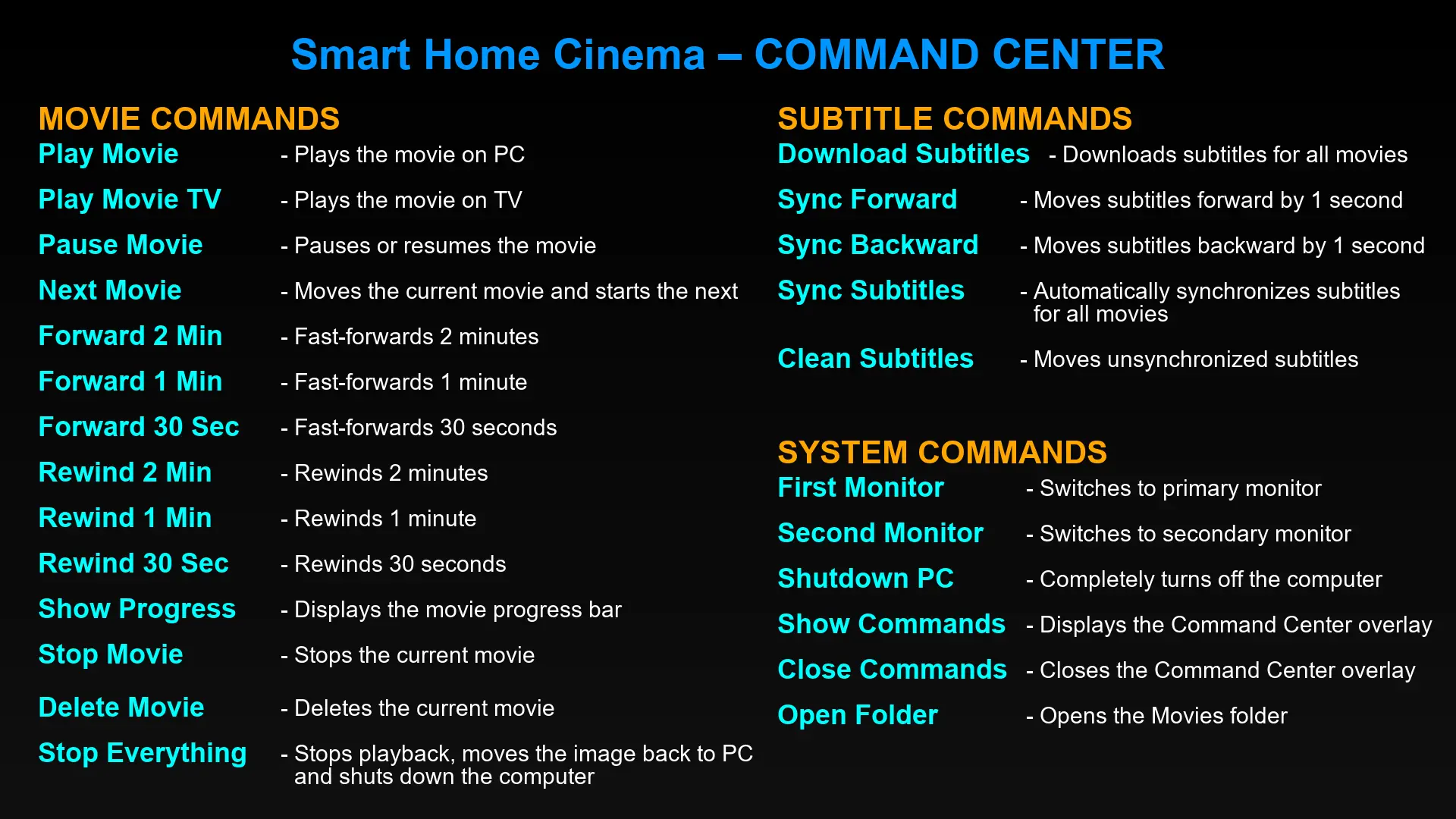
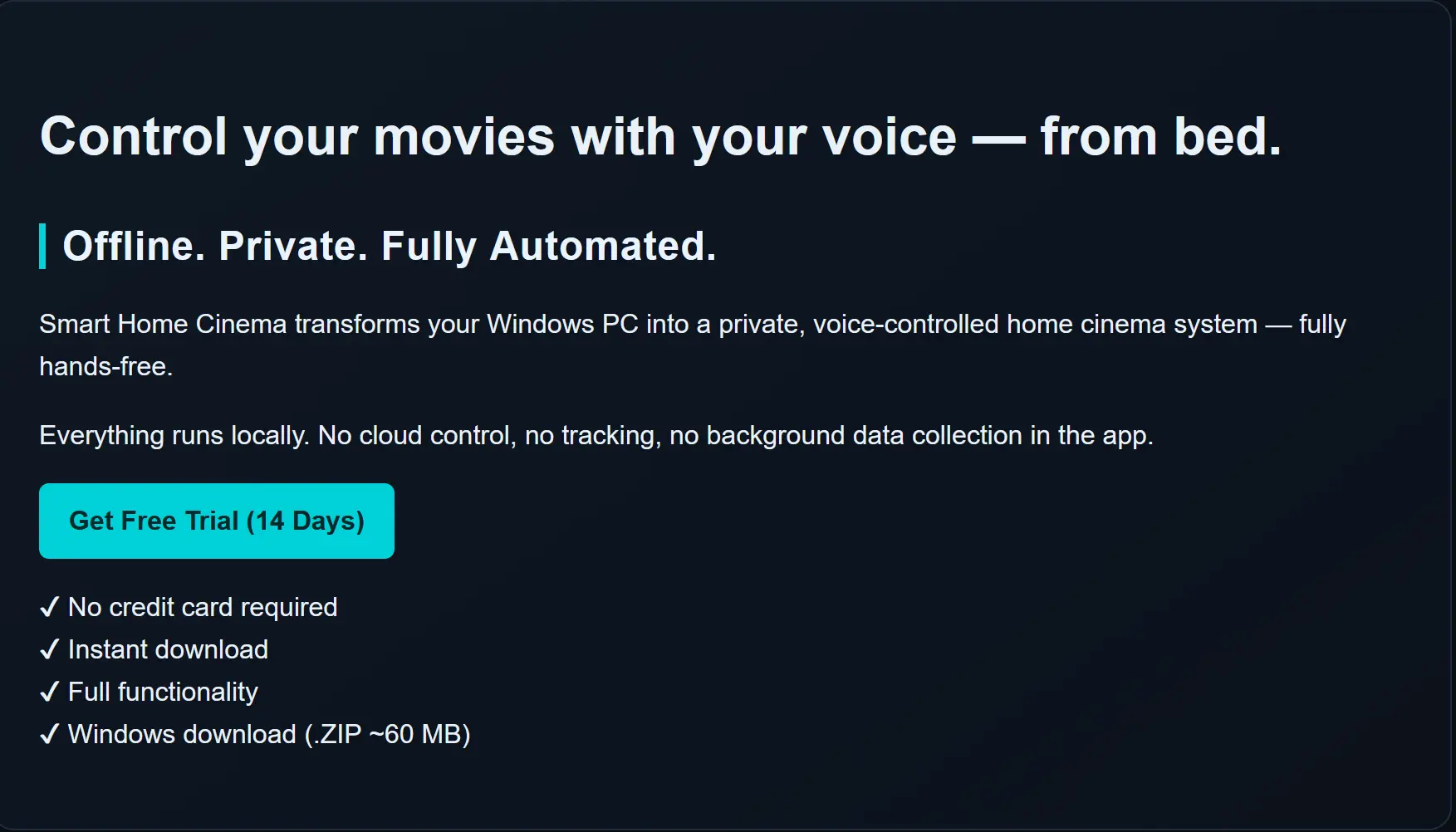
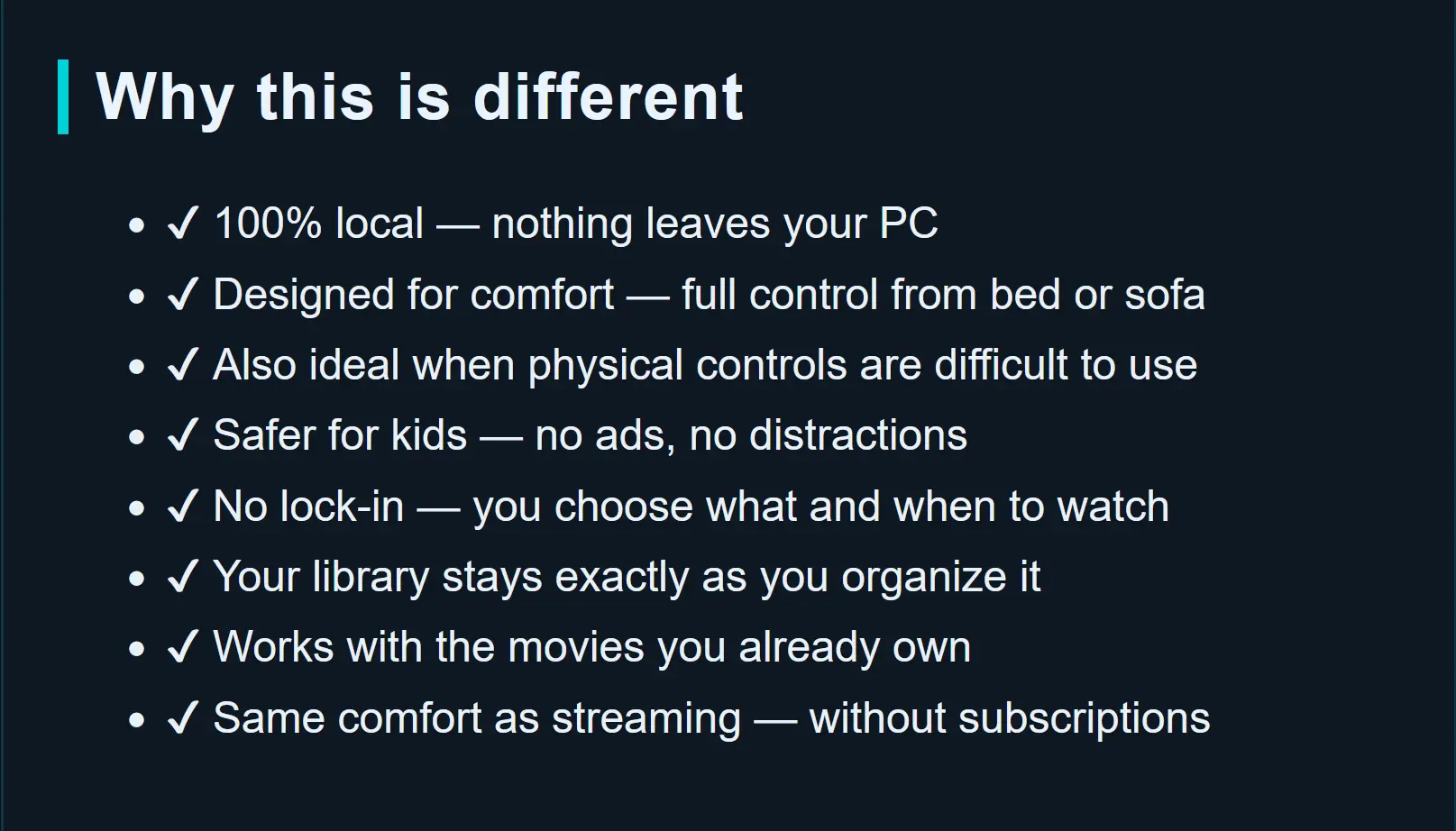
Smart Home Cinema – Voice Control is a local-first voice-control system for local movies on Windows. It transforms a Windows PC into a hands-free home cinema setup, allowing users to control local movie playback from bed, sofa, or across the room without touching the keyboard or mouse. The product supports two setup paths: Local Voice Edition, which uses a microphone connected to the Windows PC and a local voice engine for direct voice control, and Voice Assistant Edition, which uses Alexa or Google Assistant through TriggerCMD. Smart Home Cinema works with supported local media players, including VLC Media Player and PotPlayer, and adds voice commands for playback, subtitles, progress, command display, monitor switching, and full viewing-session control. Movie files stay on the user’s Windows PC or local storage setup. Playback automation remains local. Local Voice Edition can control normal playback without internet, while Voice Assistant Edition uses Alexa / Google Assistant and TriggerCMD for the command path. The product is designed for people who already watch local movie files on a Windows PC connected to a TV, projector, or monitor and want a more comfortable, hands-free way to control their movie setup.
Product Insights
Smart Home Cinema - Voice Control provides a local-first voice automation system for Windows playback via VLC and PotPlayer. It offers both offline local voice engine support and cloud-integrated control through popular voice assistants.
- Supports both local microphone input and cloud integration via Alexa or Google Assistant.
- Functions without an internet connection when using the Local Voice Edition.
- Enables hands-free management of subtitles, monitor switching, and playback progress.
- Available as a one-time purchase for Windows desktop users.
Ideal for: This tool is ideal for private persons and non-technical users who want to control local movie playback on a Windows PC from a distance without a keyboard.
Screenshots
Reviews (0)
No reviews yet. Be the first to rate this product!
Comments (1)
Control local movies on Windows with your voice. Works with VLC and PotPlayer, runs fully offline, and gives you hands-free playback from bed, the sofa, or anywhere in the room.