
Snapester
Turn screenshots into beautiful shareable visuals

Details
- Follow on
- @buildwithshyam
- Target Audience
- DevelopersContent CreatorsDesigners
- Pricing
- Freemium from $9
- Platforms
- Web
About Snapester
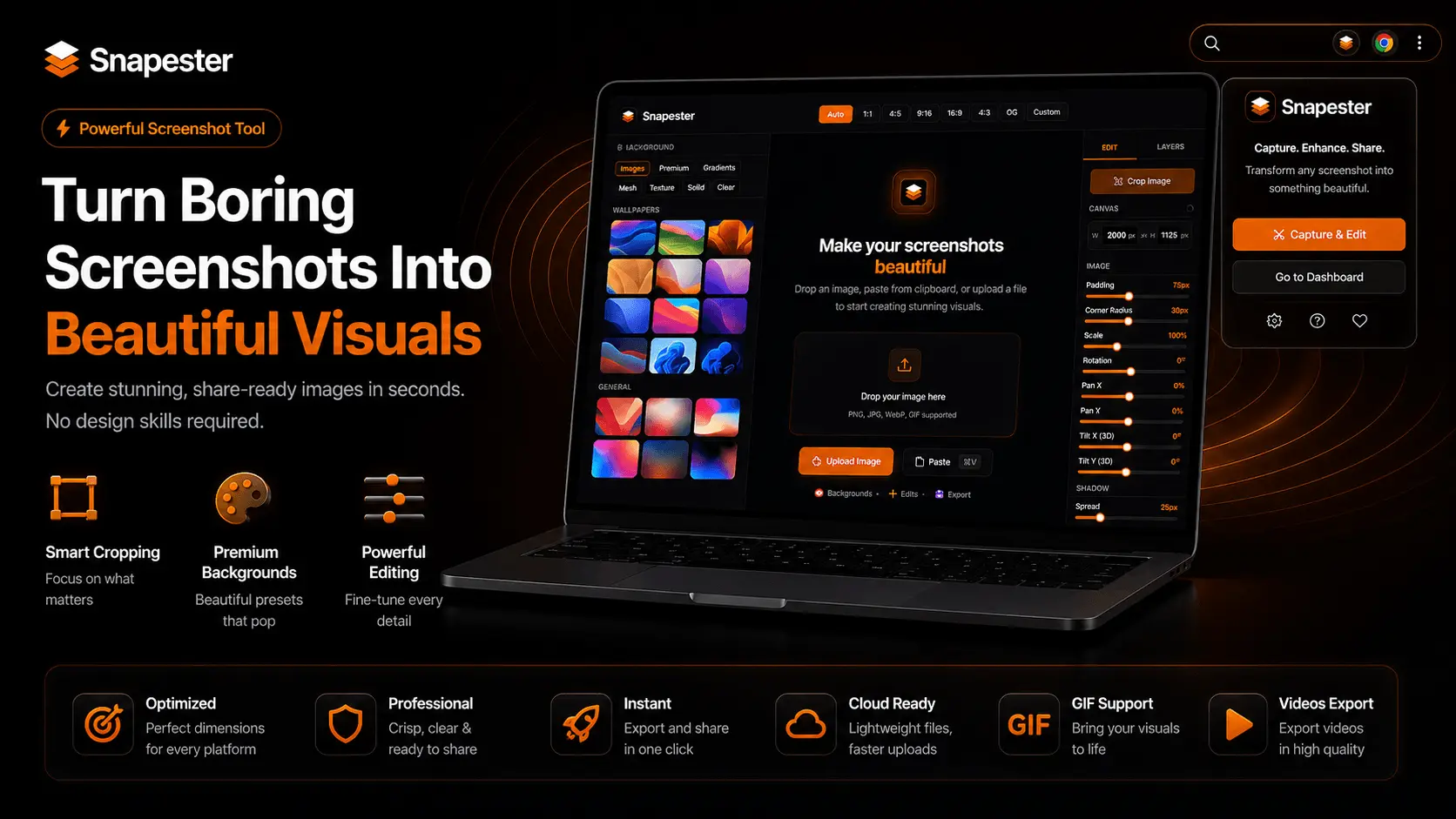
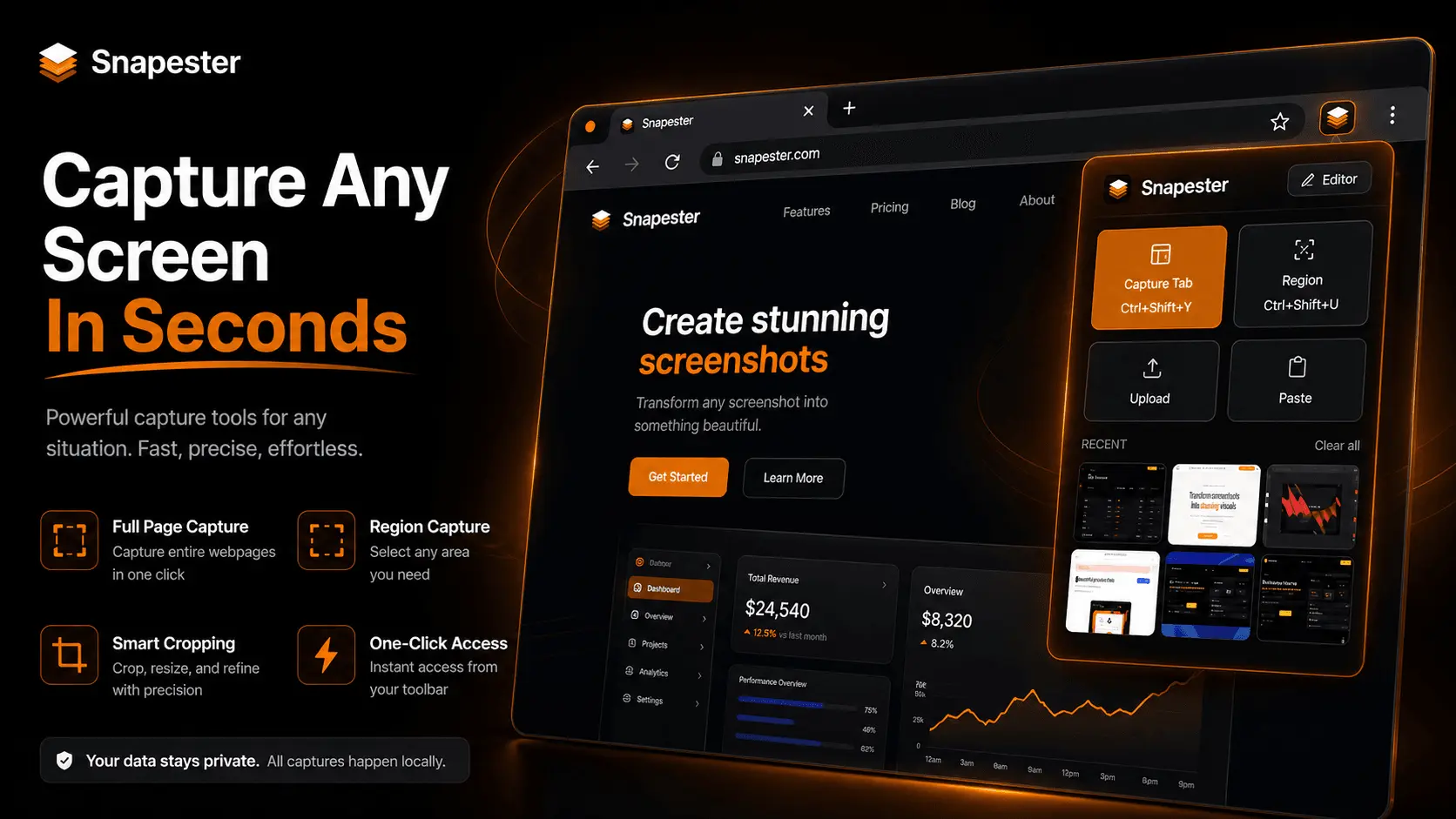
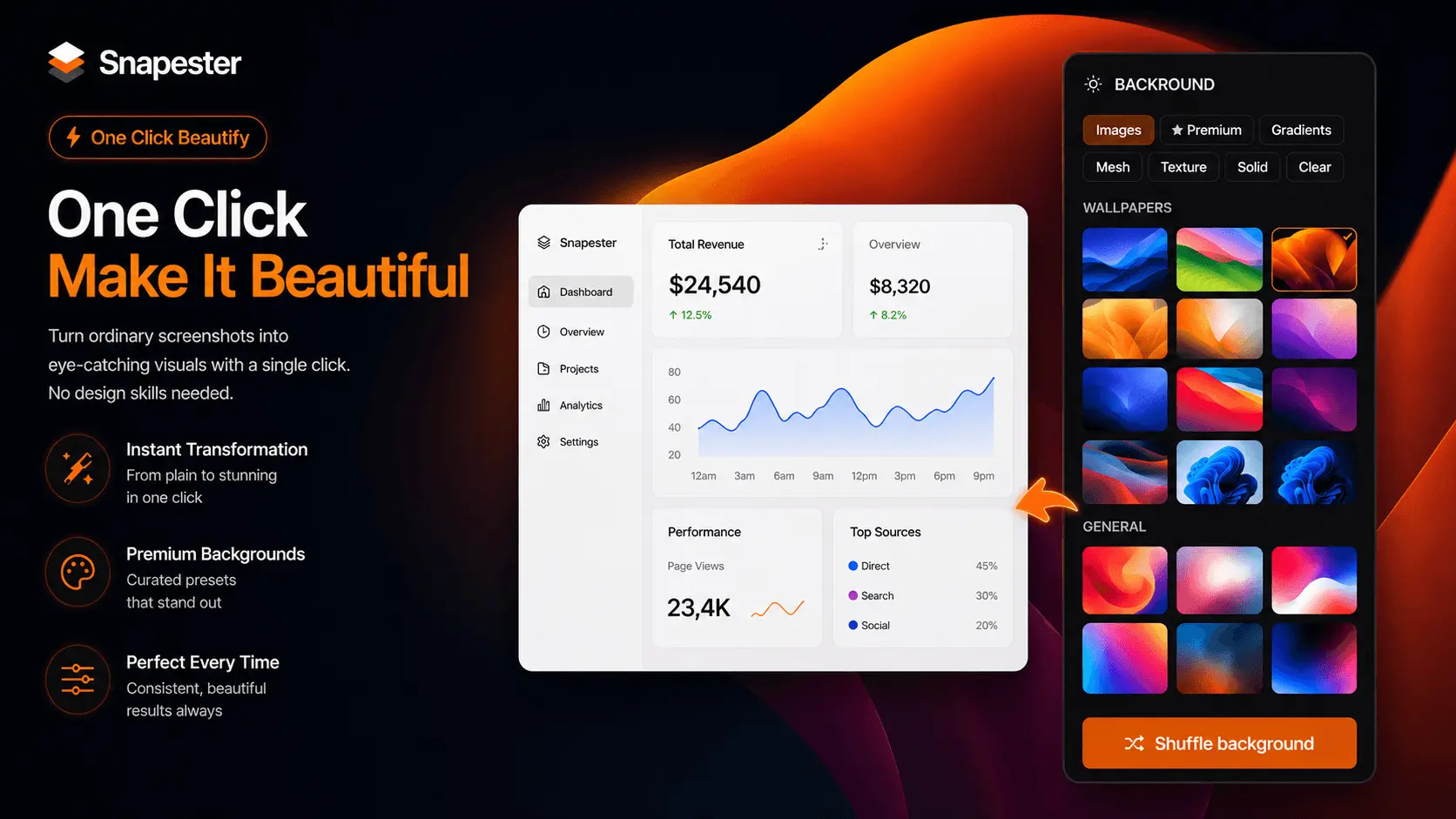
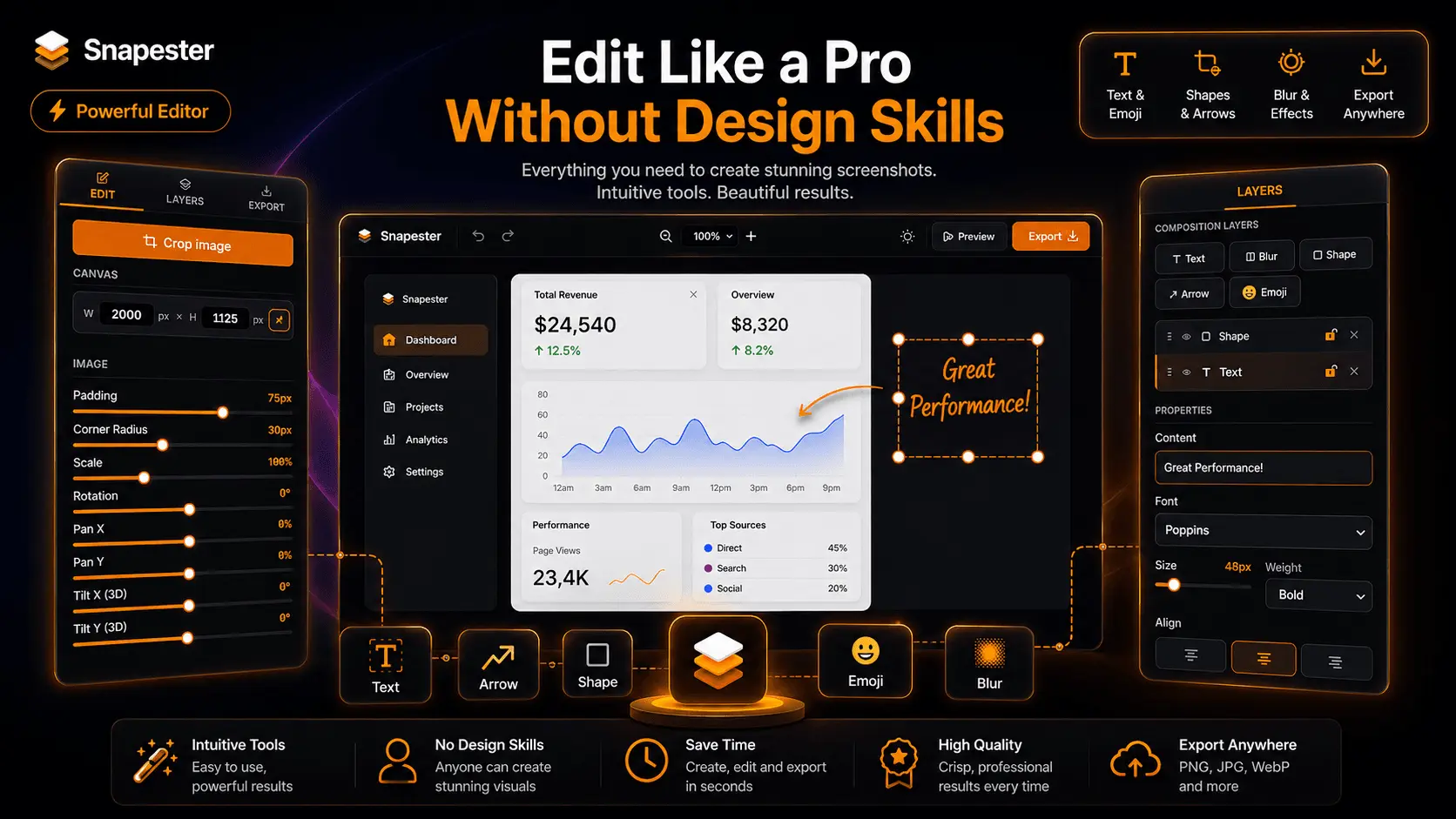
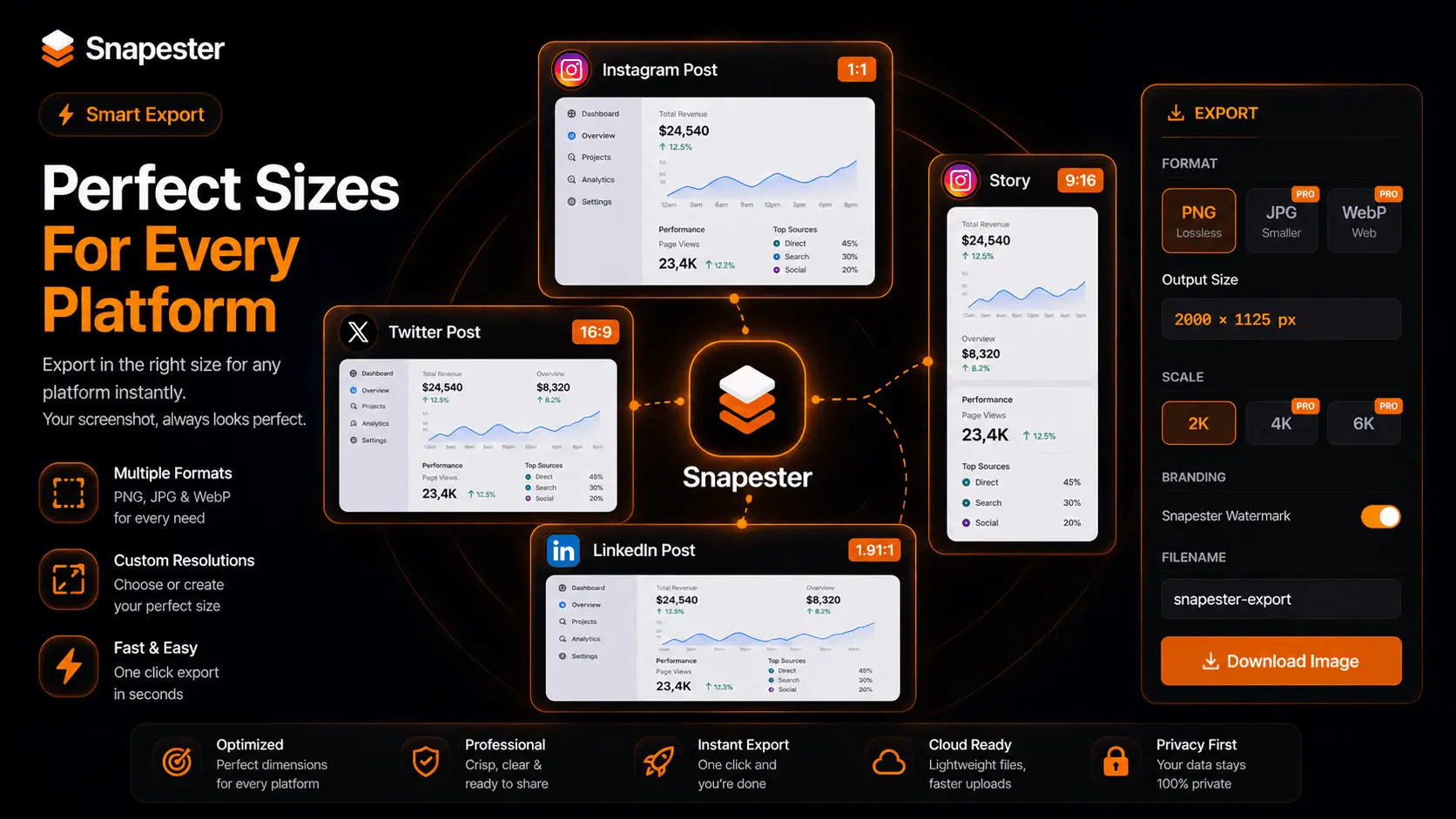
Snapester is a Chrome extension that helps you turn plain screenshots into polished visuals fast. The workflow is simple: capture, style, and export in seconds, with no design tools needed. It works without an account on the free plan, and Pro unlocks higher-resolution exports, more formats, and no watermark. Key features - Capture full tabs, regions, clipboard content, or uploads. - Add curated backgrounds, gradients, meshes, or custom images. - Fine-tune padding, shadows, corner radius, and 3D tilt. - Annotate screenshots with text, arrows, shapes, blur, emoji. - Export in multiple formats optimized for social platforms. - Copy instantly or download in high resolution.
Product Insights
Snapester is a web-based tool that simplifies the process of transforming captured screen content into professional graphics for developers and creators. It offers a freemium model with a chrome extension and browser-based styling features that require no account for basic use.
- Supports multiple input methods including full tab capture, clipboard content, and manual uploads.
- Extensive styling library featuring curated gradients, 3D tilt effects, and mesh backgrounds.
- Integrated annotation tools for adding text, arrows, shapes, and blurring sensitive data.
- Freemium pricing model starting at $9 with a no-account option for quick free access.
Ideal for: Developers and content creators who need to generate polished social media visuals or documentation directly from their browser workflow.
Screenshots
Reviews (0)
No reviews yet. Be the first to rate this product!
Comments (1)
Thanks for checking out Snapester 🚀 Turn boring screenshots into clean, professional visuals in seconds with backgrounds, blur, annotations & HD exports. Built for creators, developers & marketers.