Tintd
Automatically set folder icons based on their names on Mac
Details
- Categories
- Design Tools
- Use Cases
- Design & Prototyping
- Target Audience
- FreelancersDesignersDevelopers
- Pricing
- Paid from $9.99
- Platforms
- Desktop
About Tintd
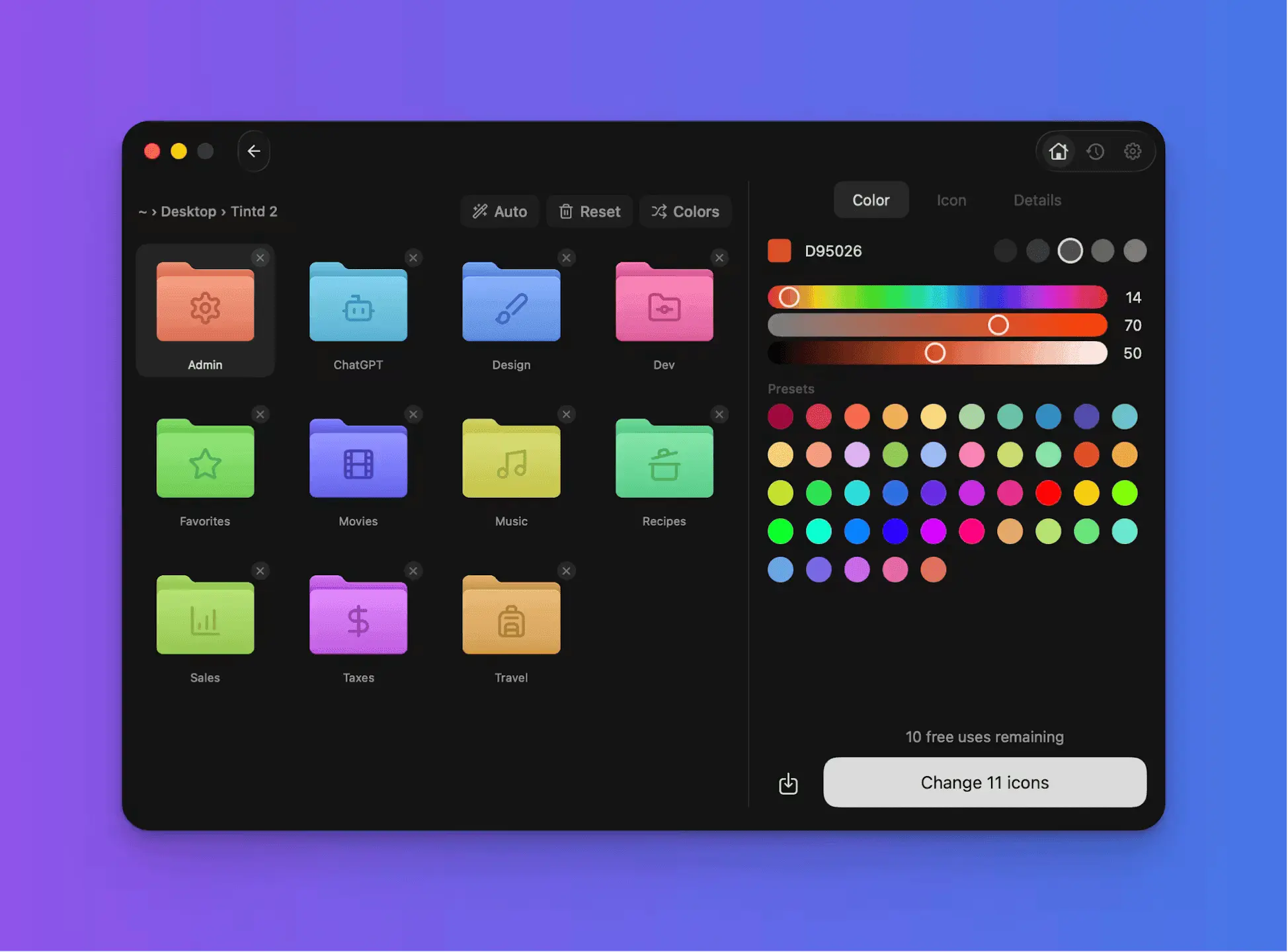
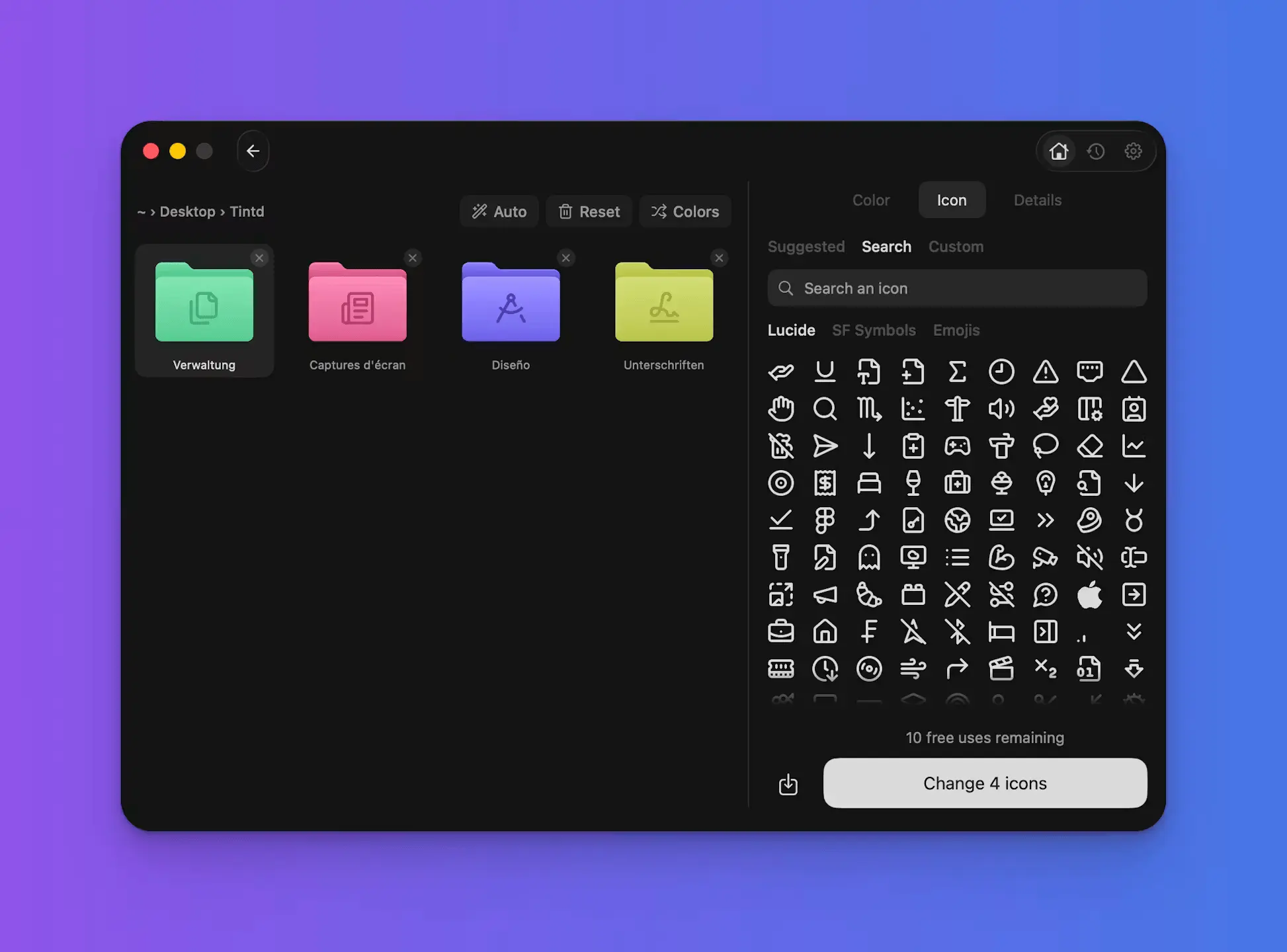
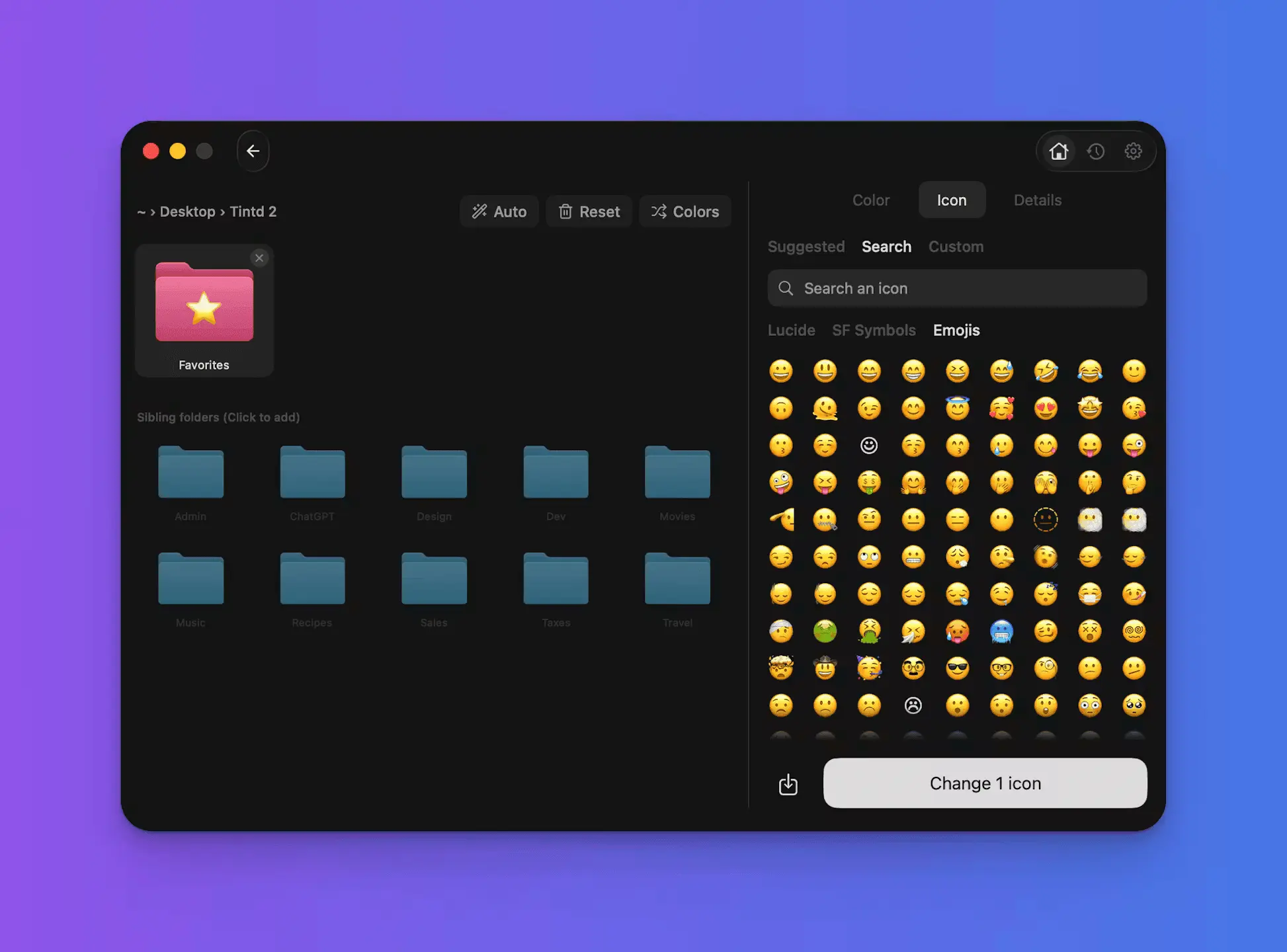
One year ago, I released Tintd, an app to customize folder icons on Mac and make beautiful colored folder icons easily. Today, I'm super excited to share the launch of Tintd 2, bringing to life the vision I had for Tintd all along. 🎉 🚀 What's the story? I was bored with all the blue folder icons on my Mac. I wanted colorful folders with icons, to navigate easily and understand what my folders are for with just a glance. So a year ago I made Tintd, an app to change folder colors and add icons. Funnily enough, two months later Apple shipped a similar feature in MacOS. But a limited version of it, and missing the one thing I actually wanted. I wanted my folders to set their icons automatically. And this is what Tintd 2 is for. 🎨 What is Tintd 2? Tintd 2 is a macOS app to customize your folder icons automatically. One click, or no clicks at all, and your folders get beautiful, meaningful icons based on their names. Right-click the folders, drag and drop them in the app, or just create a new folder in the Finder. Tintd will make sure your Finder is never boring again. 🔎 What can you do with Tintd ✅ Right-click a folder in the Finder and set its icon automatically ✅ Automatically set folder icons when you create new folders ✅ Set icons based on folder names, supporting 11 languages ✅ Drag and drop the folders you want to update, or select them in the list ✅ Choose from a wide range of palettes or create your own color ✅ Choose between 11,000+ icons and emojis ✅ Edit several icons at the same time to give your folders a cohesive look I hope Tintd 2 makes your Finder a little more joyful. Happy customizing ✨
Product Insights
Tintd is a paid macOS desktop tool designed to customize folder icons automatically based on their names. It helps users organize Finder windows by applying distinct colors, icons, and emojis to multiple folders simultaneously.
- Supports automatic icon assignment upon folder creation in 11 different languages.
- Provides a library of over 11,000 icons and emojis alongside customizable color palettes.
- Enables batch editing to quickly give multiple folders a cohesive design look.
Ideal for: Freelancers, designers, and developers can use Tintd to streamline their macOS file organization by automatically setting clear, customized folder icons based on directory names.
Product Video
Watch a video demo of Tintd.
Screenshots
Reviews (1)
Average 5.0 out of 5
Based on 1 review

Comments (1)
Hey PP! I made Tintd, a macOS app to automatically set folder icons based on their names. Let me know what you think!