Localize your iOS and macOS apps in minutes, not days.
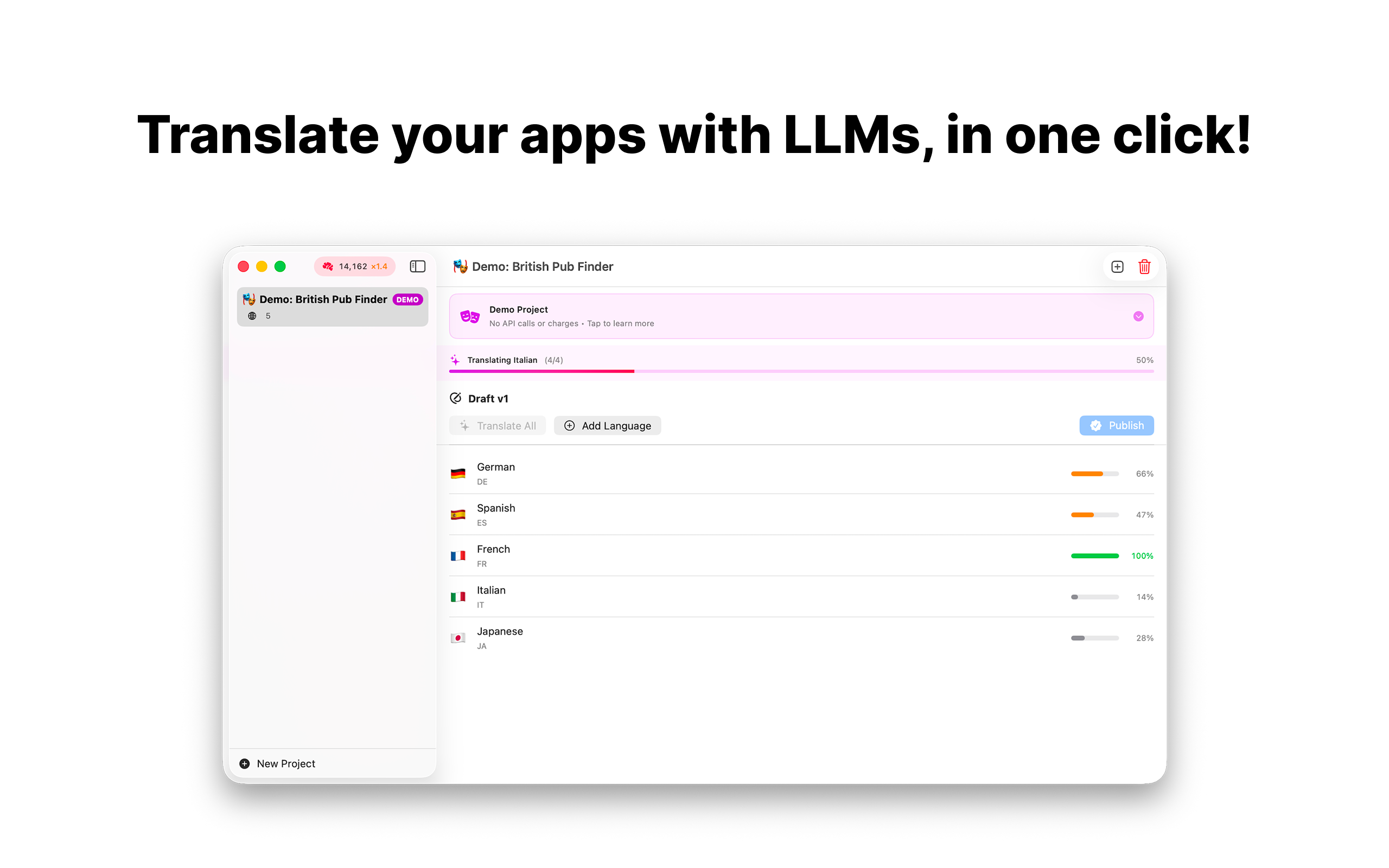
xcLocalize is the fastest way to translate your Xcode localization catalogs (.xcloc files) using state-of-the-art AI models. Simply drag and drop your exported .xcloc files, click translate, and get professionally-quality translations instantly.
▸ HOW IT WORKS
1. Export .xcloc files from Xcode (Product → Export Localizations)
2. Drop them into xcLocalize
3. Select your target languages and click Translate
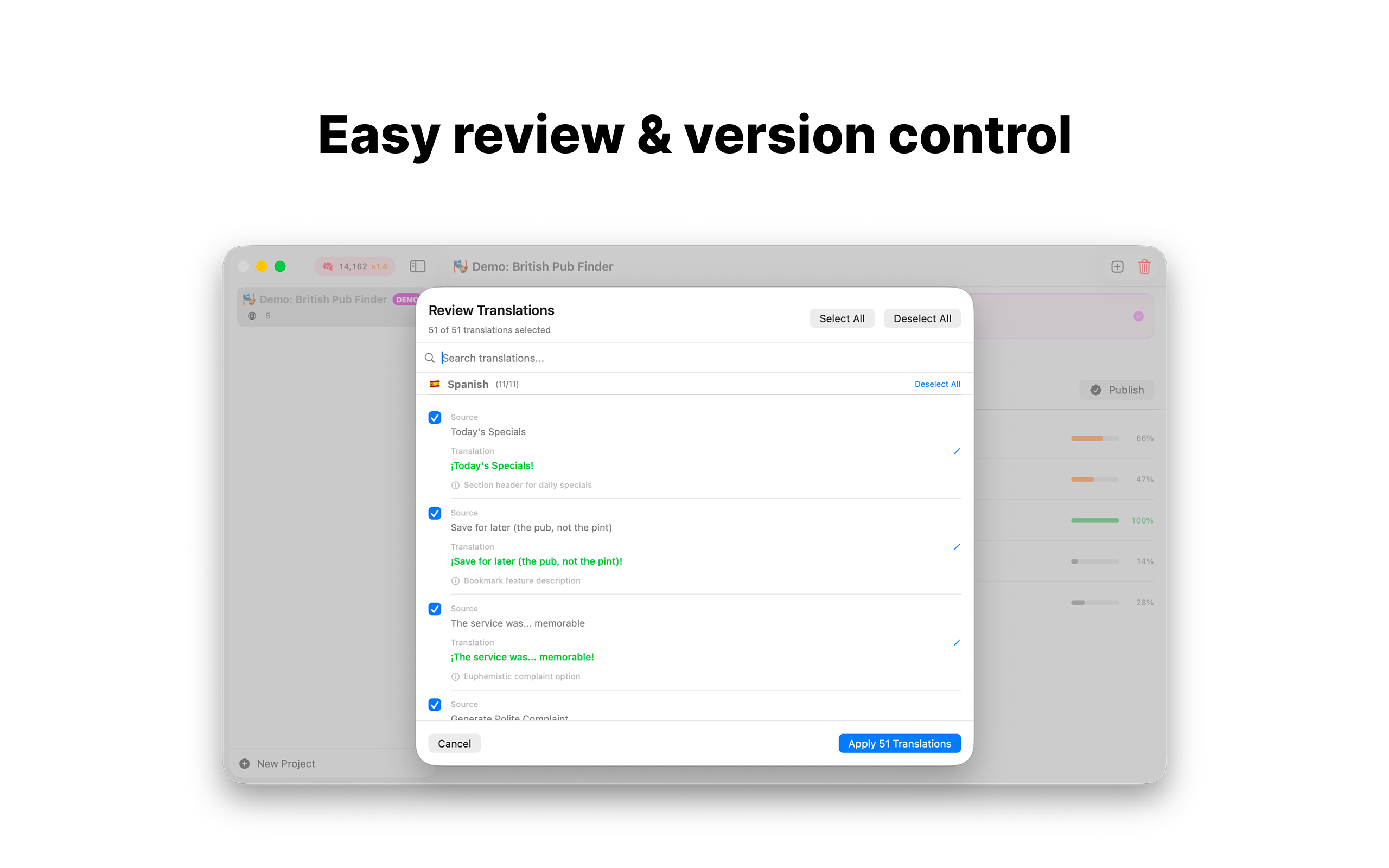
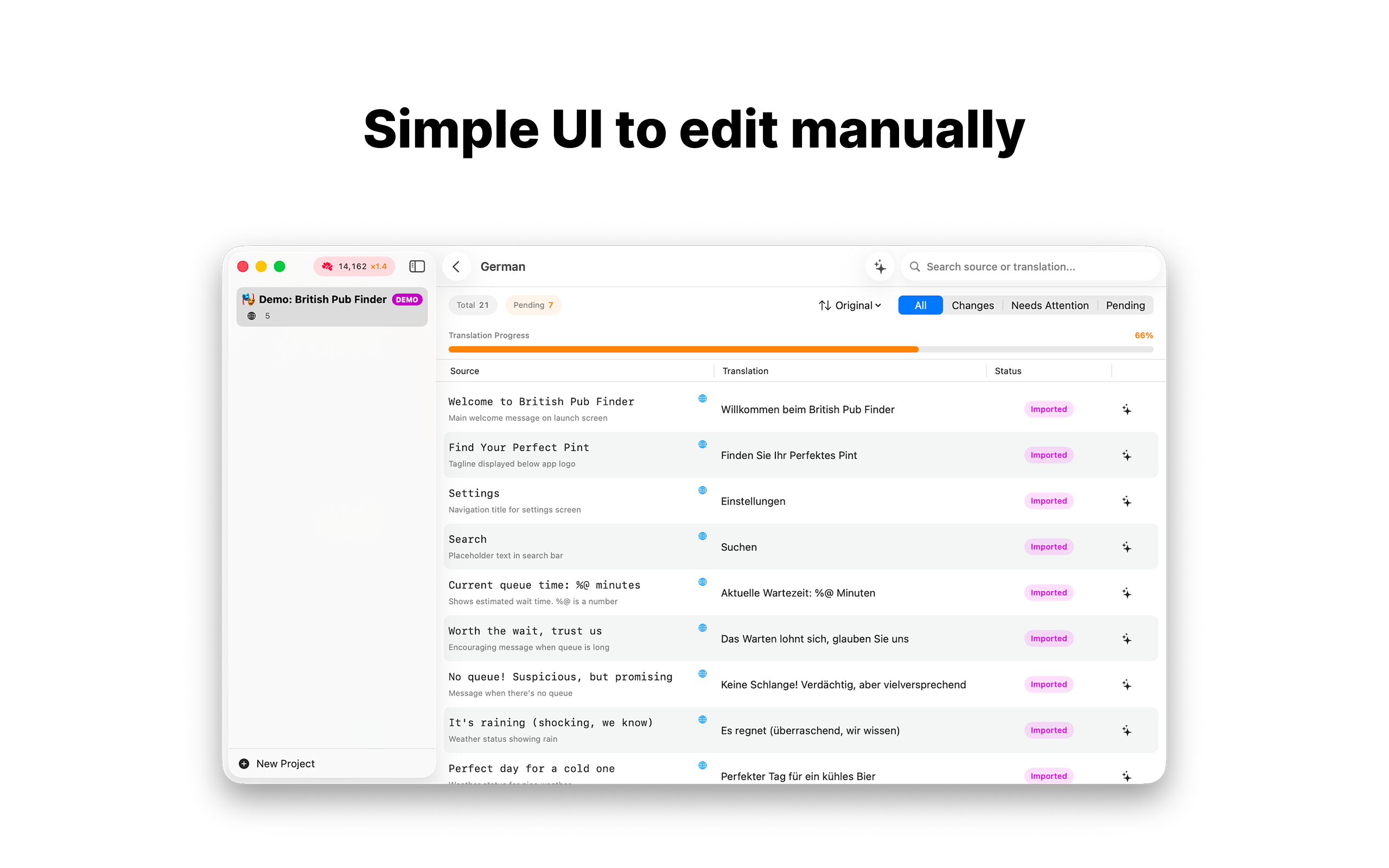
4. Review, edit if needed, and export
5. Import back into Xcode — done!
▸ POWERFUL AI TRANSLATION
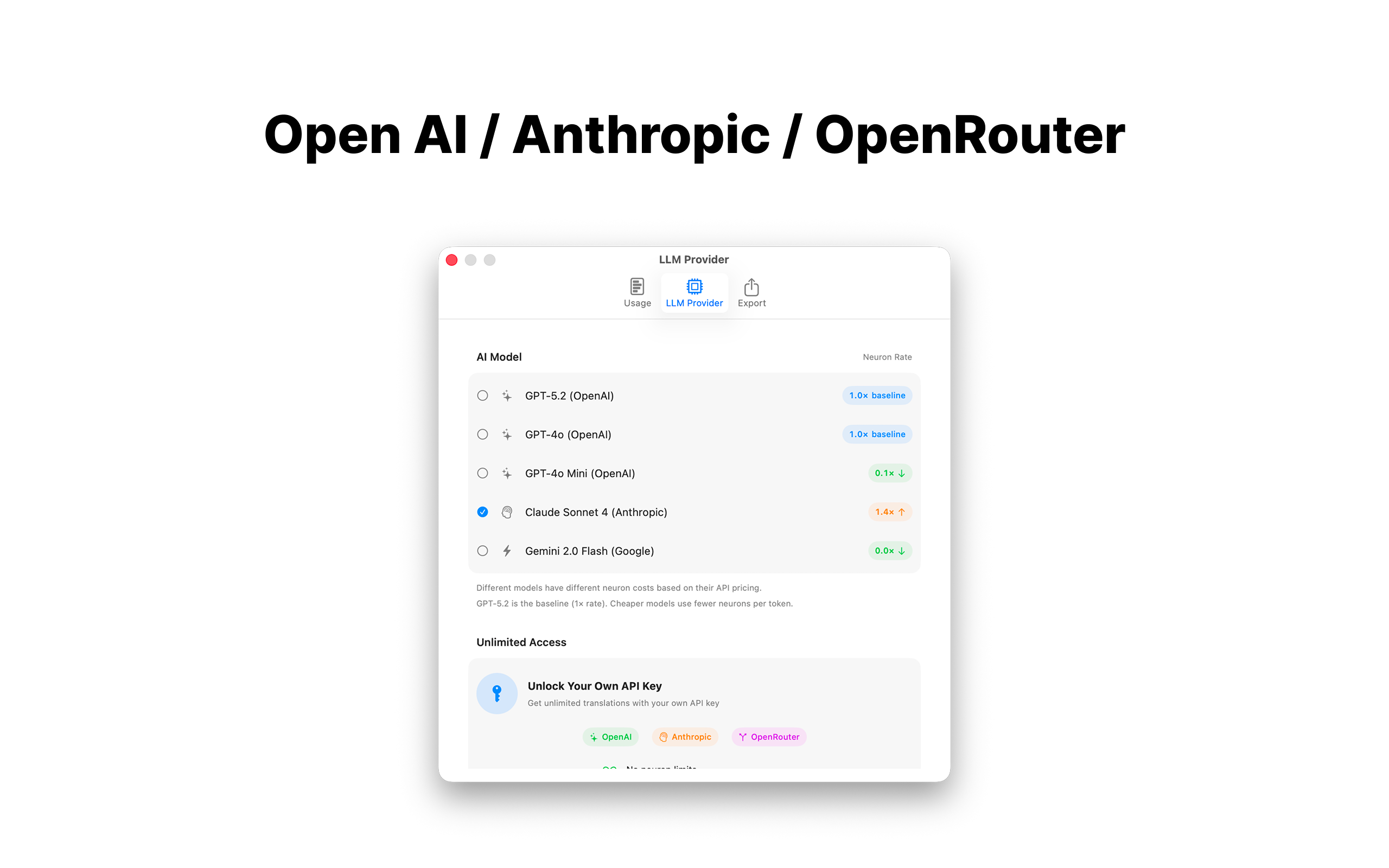
• Powered by the latest AI models including GPT-4o, GPT-5, Claude 4, and Gemini
• Context-aware translations that understand your app's purpose
• Preserves all format specifiers (%@, %d, %1$@) and special characters
• Learn from your manual translations to maintain consistent terminology
▸ DEVELOPER-FRIENDLY
• Drag & drop .xcloc import — works exactly like Xcode expects
• Preserves all XLIFF metadata during export
• Maintains Source Contents for Xcode context display
• Resume interrupted translations from where you left off
• Track your token usage and translation costs
▸ FLEXIBLE PRICING
• Start free with included Neurons (credits)
• Choose from multiple AI models at different price points
• Or bring your own API keys for unlimited translations (OpenAI, Anthropic, or OpenRouter)
▸ PRIVACY-FIRST
• Your translations stay on your device
• API keys stored securely in macOS Keychain
• No account required to get started
Whether you're an indie developer localizing your first app or a team managing dozens of languages, xcLocalize streamlines your workflow and delivers translations that sound natural.
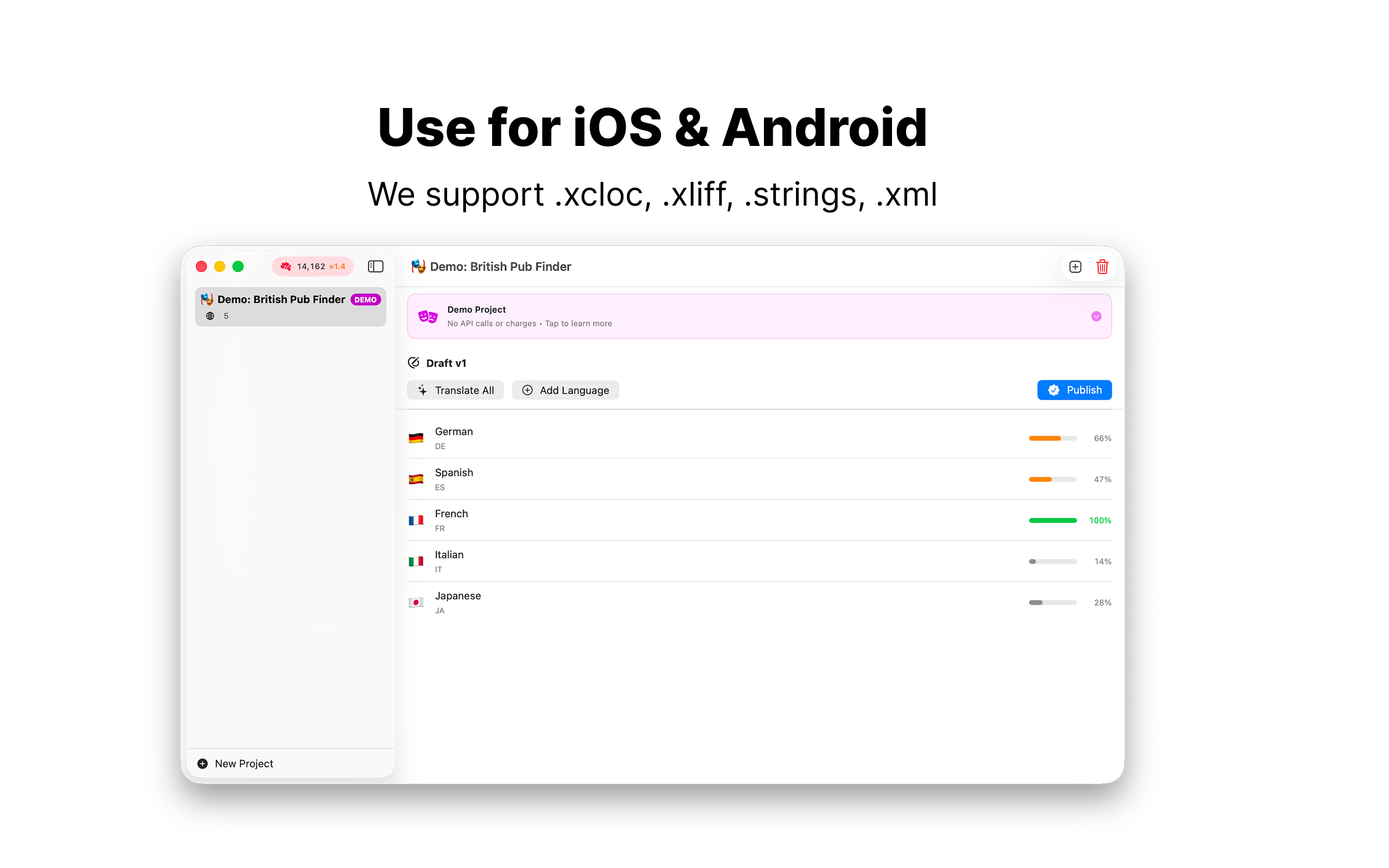
Try the built-in demo project to see xcLocalize in action — no API key required!




Comments (0)
No comments yet. Be the first to share your thoughts!