



Billsdeck

Billsdeck

Automated receipt and expense management

B
@billssync01
Published on Apr 10, 2026
Visit site
1PeerPush
PeerPush badge for Billsdeck

About Billsdeck

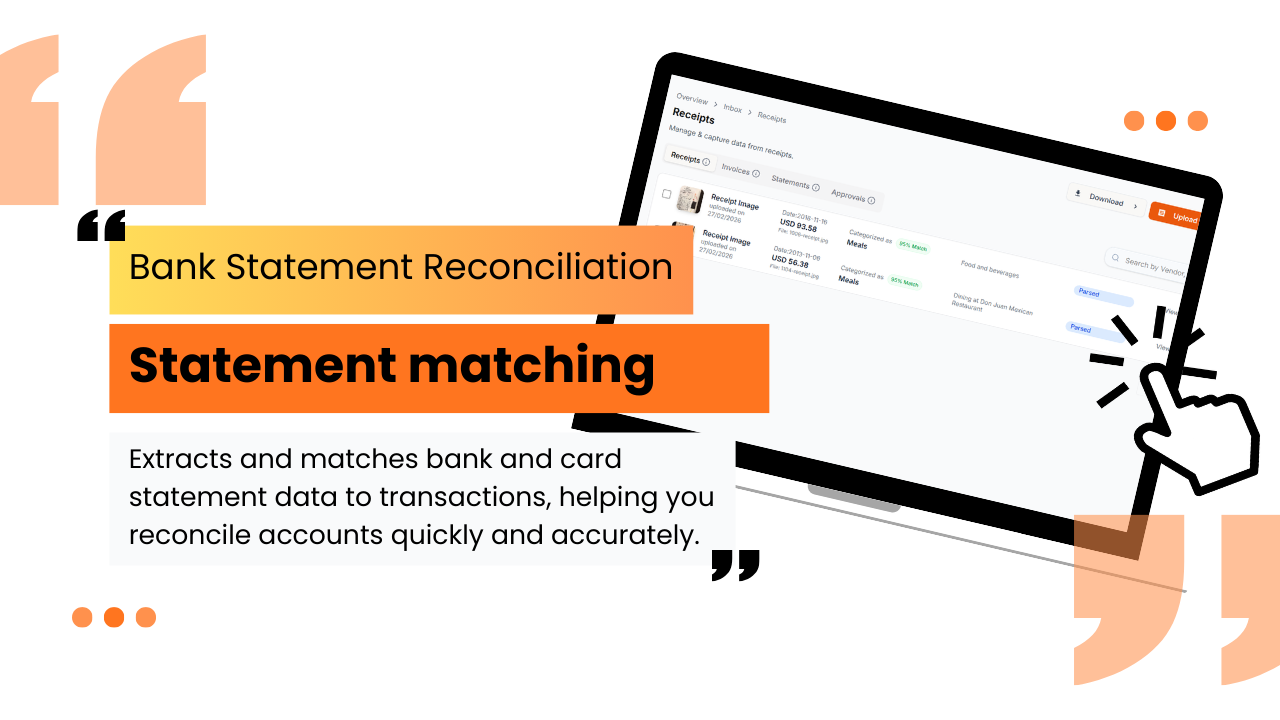
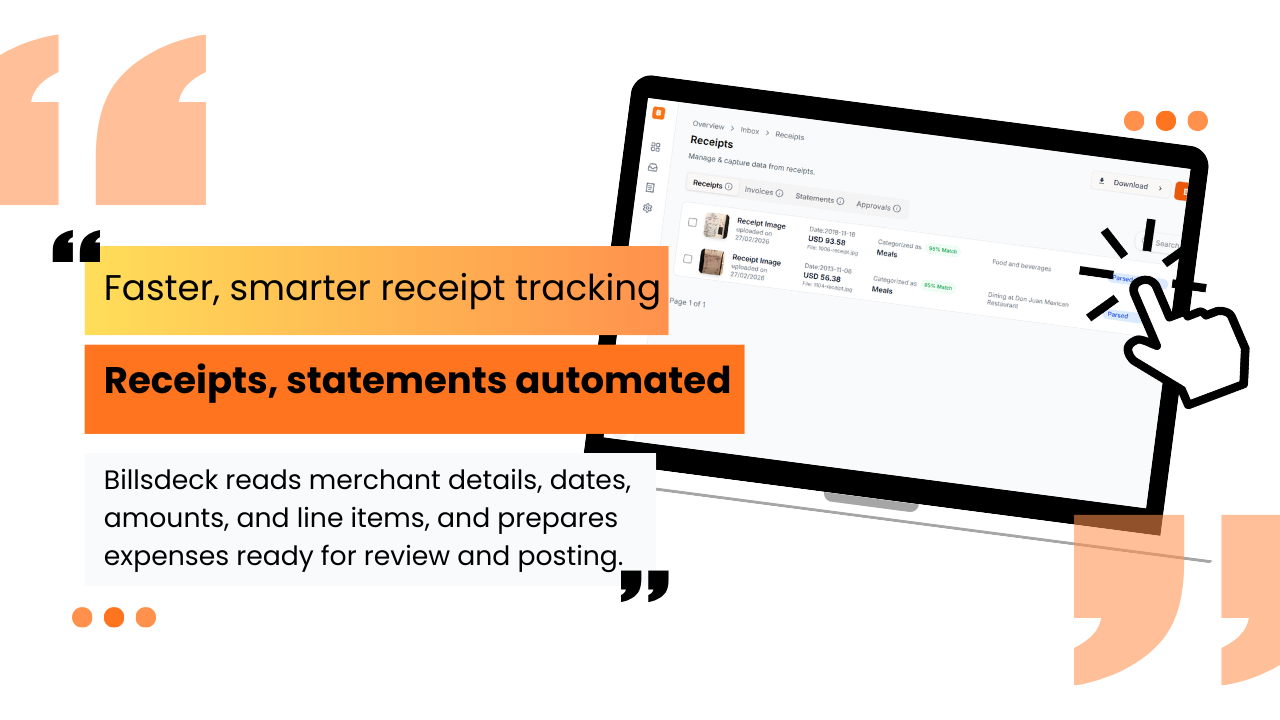
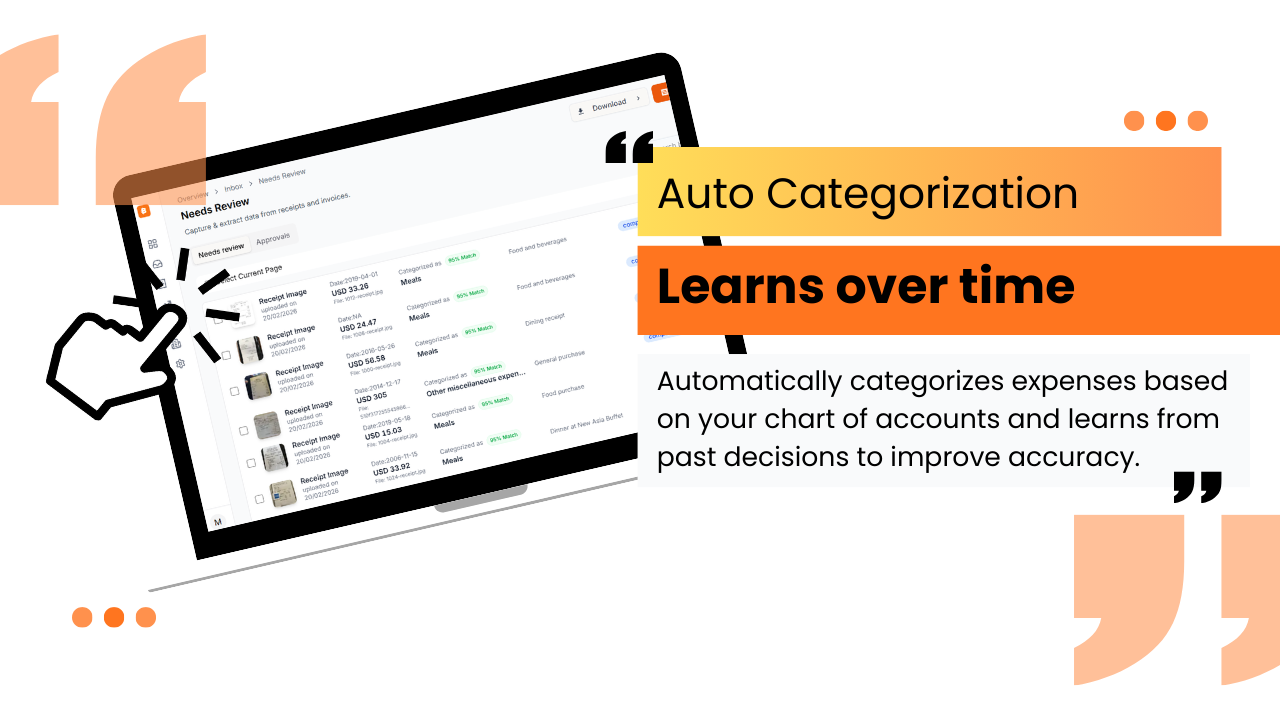
Automated receipt and expense management, seamlessly integrated with QuickBooks. Eliminate manual data entry Automatically extract data from receipts, bills, invoices, and bank statements. Upload files, take a photo, or forward documents by email, Billsdeck handles the rest. Faster, smarter receipt tracking Billsdeck reads merchant details, dates, amounts, and line items, and prepares expenses ready for review and posting. Go paperless with confidence Each document is securely stored and attached to the corresponding transaction in QuickBooks, removing the need to keep physical copies. Billsdeck connects directly with QuickBooks to extract and prepare transaction data before syncing it to your account. It learns how expenses are categorized over time, reducing repetitive work and improving accuracy. The platform supports receipt and mileage tracking, expense reporting, invoicing, bill processing, and credit card reconciliation, designed for both accountants and business teams. Start with a free trial and see how Billsdeck simplifies expense tracking and accounting workflows from document capture to QuickBooks sync. Learn more at www.billsdeck.com/quickbooks. Billsdeck uses a simple credit-based pricing model. Credits are used whenever documents are processed with OCR. Each plan includes monthly credits. If you need more, additional credits can be purchased at $0.06 per credit. 20 credits per month with 1 user and 1 workspace 100 credits per month with 1 user and 1 workspace 500 credits per month with up to 3 users and 3 workspaces 1,500 credits per month with up to 10 How do I upload and track receipts? You can upload receipts in multiple ways: 1. Forward e-receipts to your unique Billsdeck email address 2. Upload files directly from your computer Billsdeck automatically extracts key details like merchant name, date, amount, and line items, and prepares them as expenses ready for review. Can I categorize receipts before exporting to QuickBooks? Yes. Billsdeck automatically categorizes expenses based on your chart of accounts. You can review or adjust categories at any time, and manage account mappings from the accounting settings before syncing to QuickBooks What types of documents can Billsdeck capture? Billsdeck can capture and extract data from a wide range of documents, including: 1. Receipts and bills 2. Sales and purchase invoices 3. Credit card and bank statements 4. Scanned or photographed documents This flexibility makes it suitable for both businesses and accounting firms. How long does it take to process a document? Most documents are processed within 1 to 5 minutes. In rare cases, processing may take longer, but all documents are completed within 15 minutes. https://www.billsdeck.com/support?req=getting-started [email protected]

Product Insights

Billsdeck provides automated receipt and expense extraction integrated with QuickBooks via a credit-based pricing model. The platform supports diverse document capture through email, photo, or file upload for streamlined accounting workflows.

  • Native QuickBooks integration for direct transaction syncing and document attachment.
  • Supports multiple document types including receipts, invoices, and bank statements.
  • Automated data extraction of merchant details, dates, and line items via OCR.
  • Flexible input methods through dedicated email addresses and direct file uploads.

Ideal for: Small businesses, freelancers, and consultants needing to automate document capture and reconcile expenses directly within QuickBooks.

Screenshots

Screenshot 1 of BillsdeckScreenshot 2 of BillsdeckScreenshot 3 of BillsdeckScreenshot 4 of BillsdeckScreenshot 5 of Billsdeck

Product Updates (0)

No updates yet. Check back later for updates from the team.

Reviews (0)

No reviews yet. Be the first to rate this product!

Comments (1)

B
@billssync01Mar 17, 2026

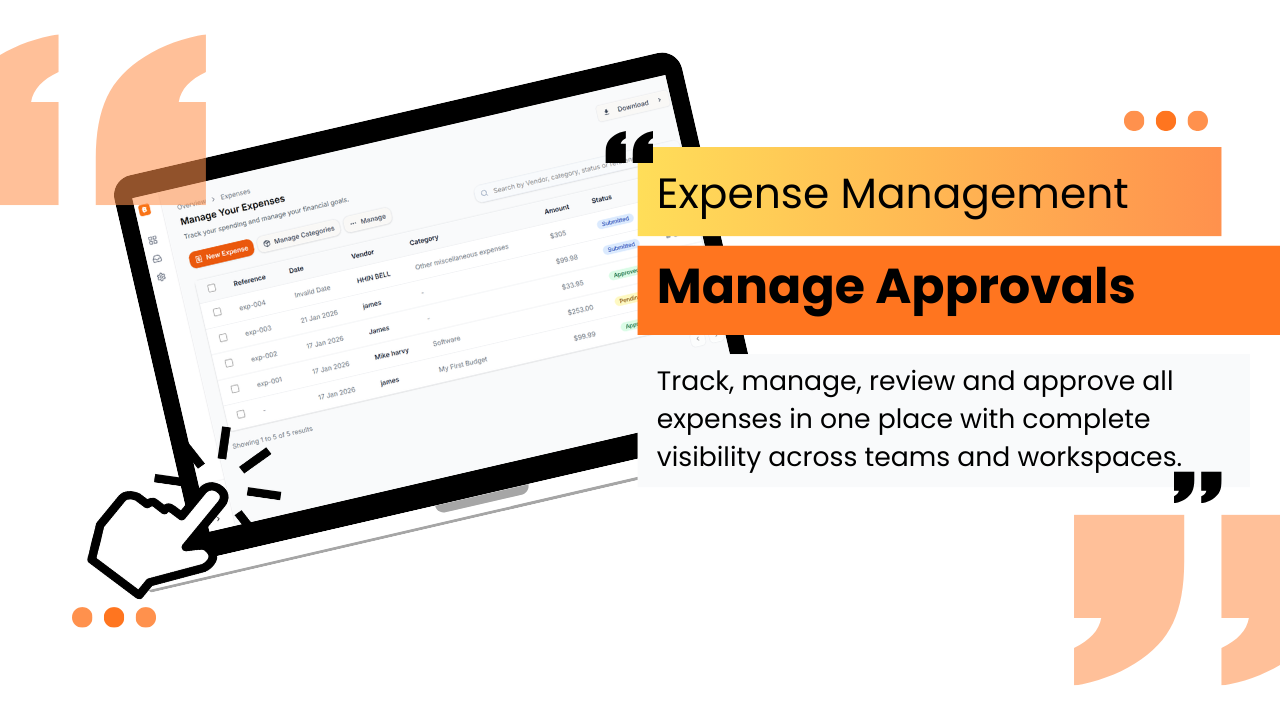
Hey Everyone 👋, We built a tool for accountants and small teams AI-powered expense automation with receipt capture, bank statement reconciliation, and smart approval workflows.

You may also like

IngestGPT

IngestGPT

Track YouTube channels and podcasts with instant summaries

685PeerPush
🥉#3 of the Month
28
1
PageTune

PageTune

Redesign any website in seconds. No designers. No code!

4019PeerPush
🥇#1 of the Month
39
$500MRR
3