CapyCursor

CapyCursor

Annotate and highlight your cursor for Windows

littledianplus
@littledianplus
Published on May 4, 2026
Visit site
1PeerPush
PeerPush badge for CapyCursor

About CapyCursor

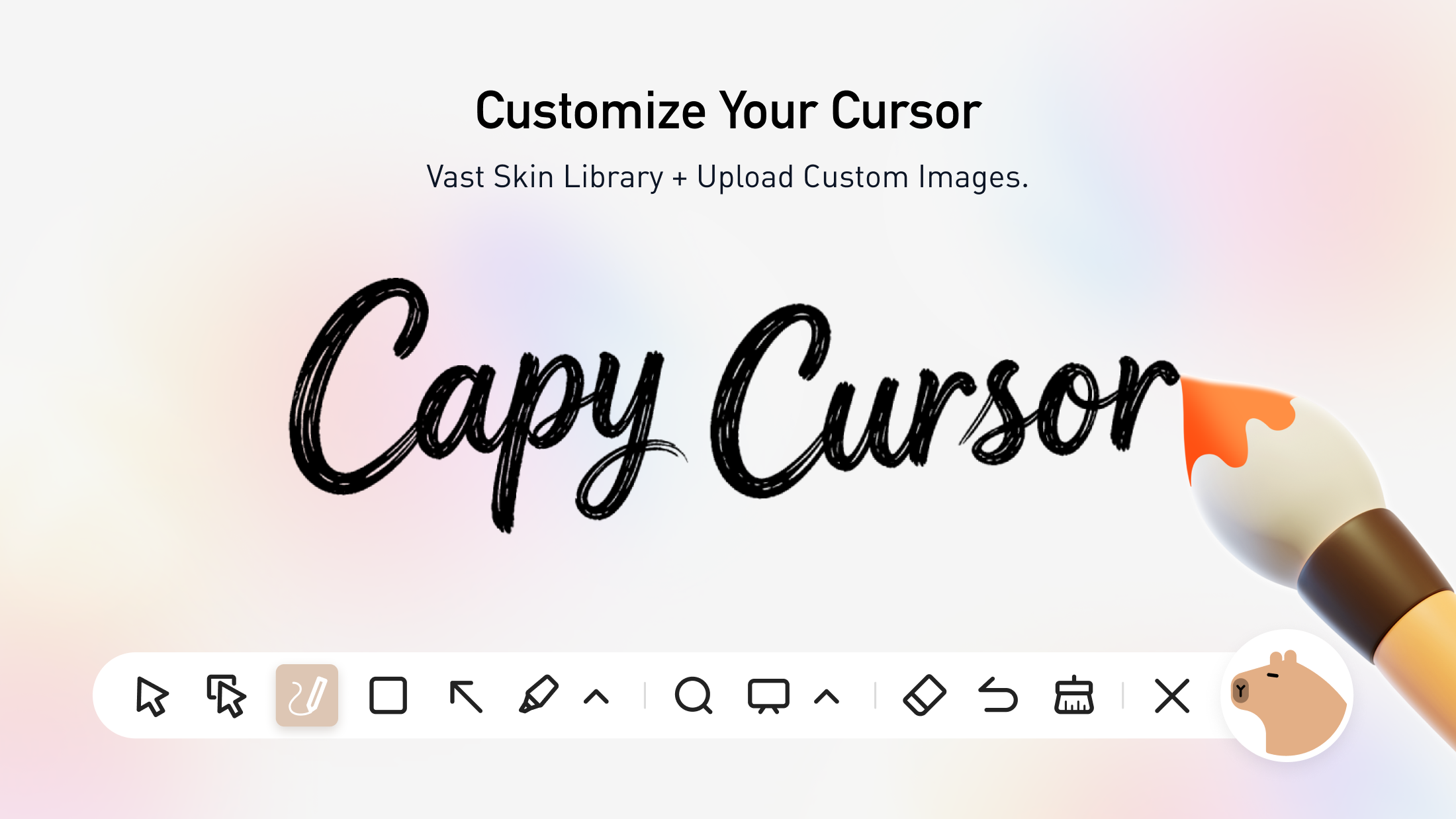
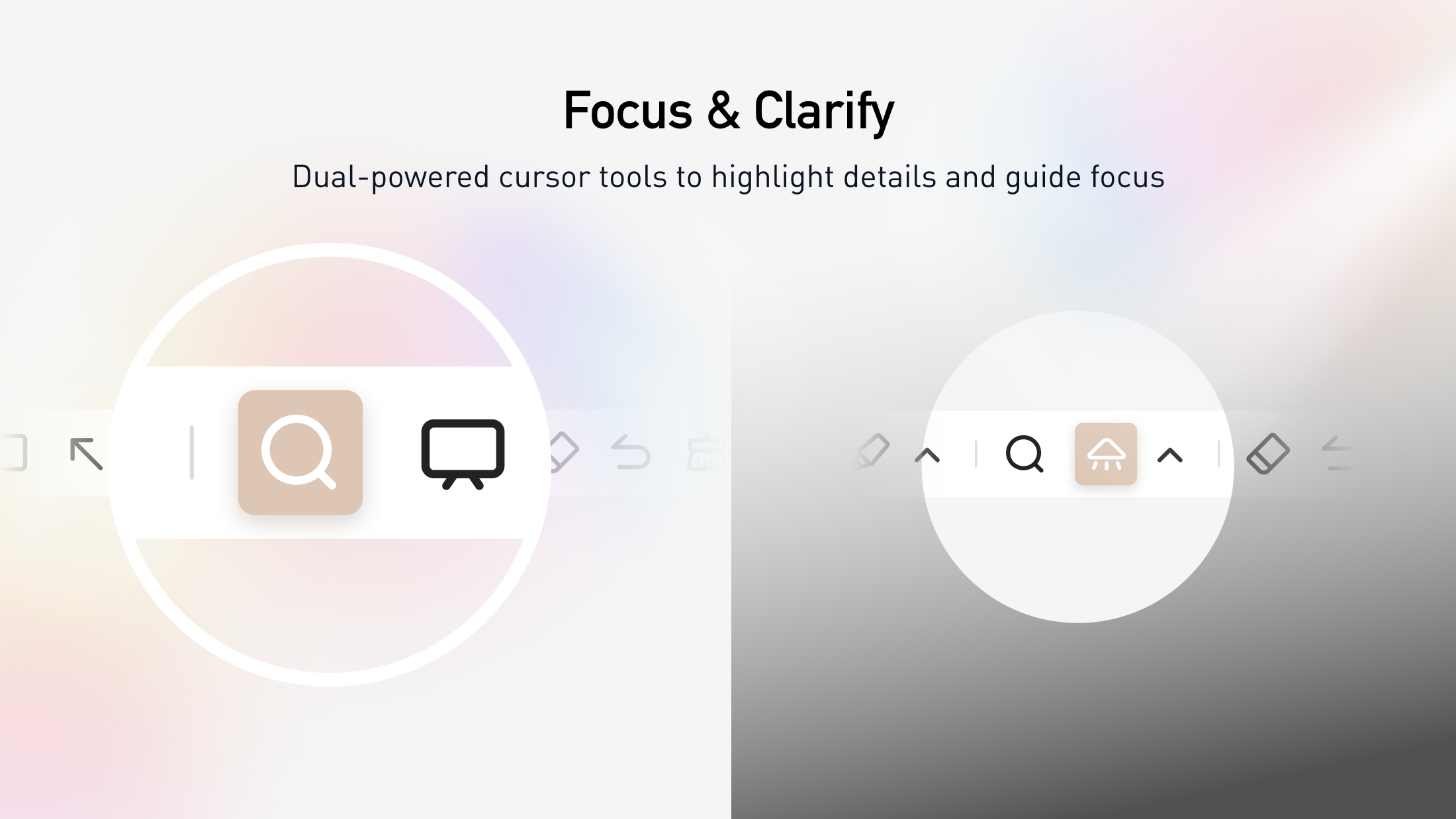
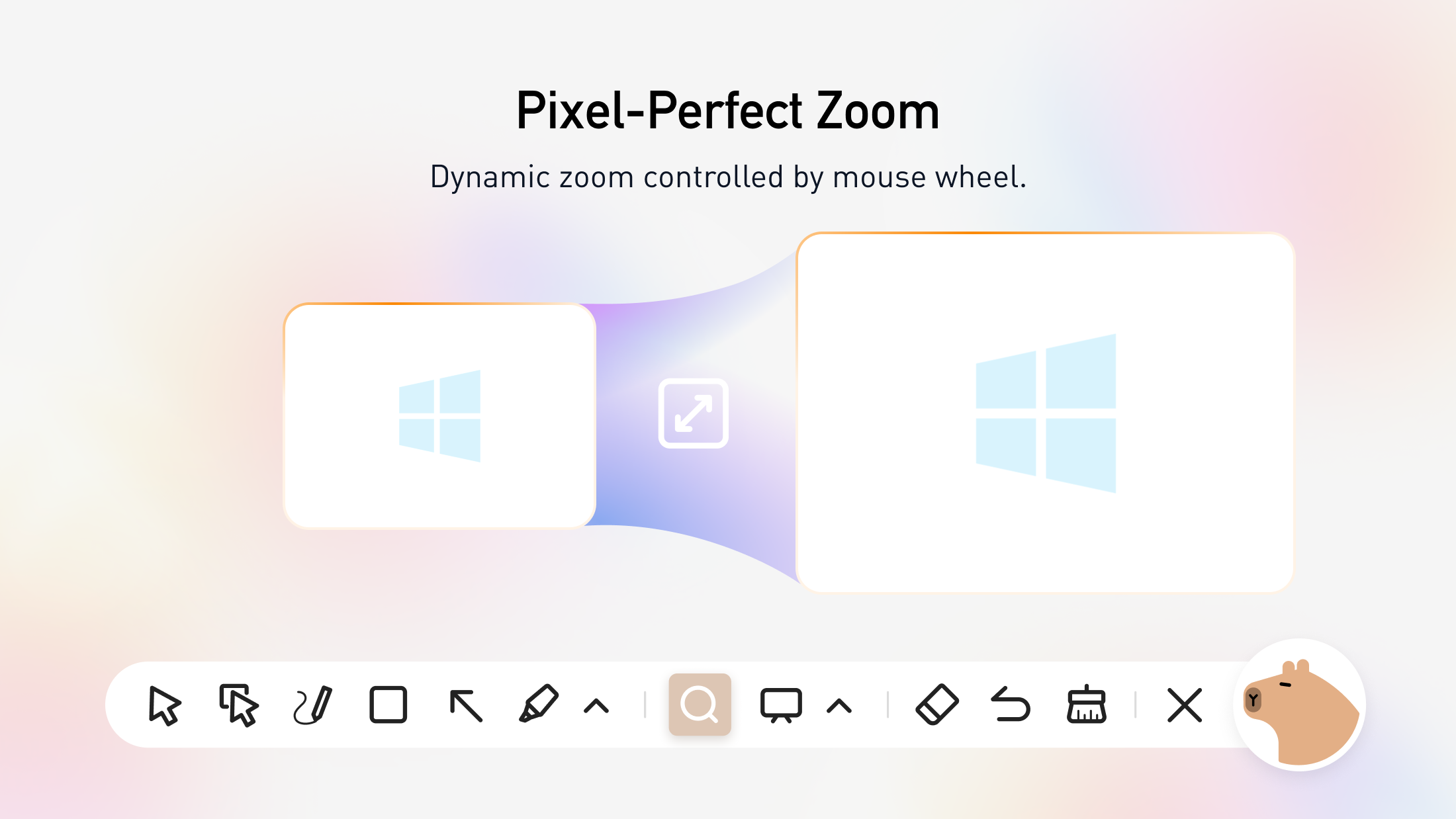
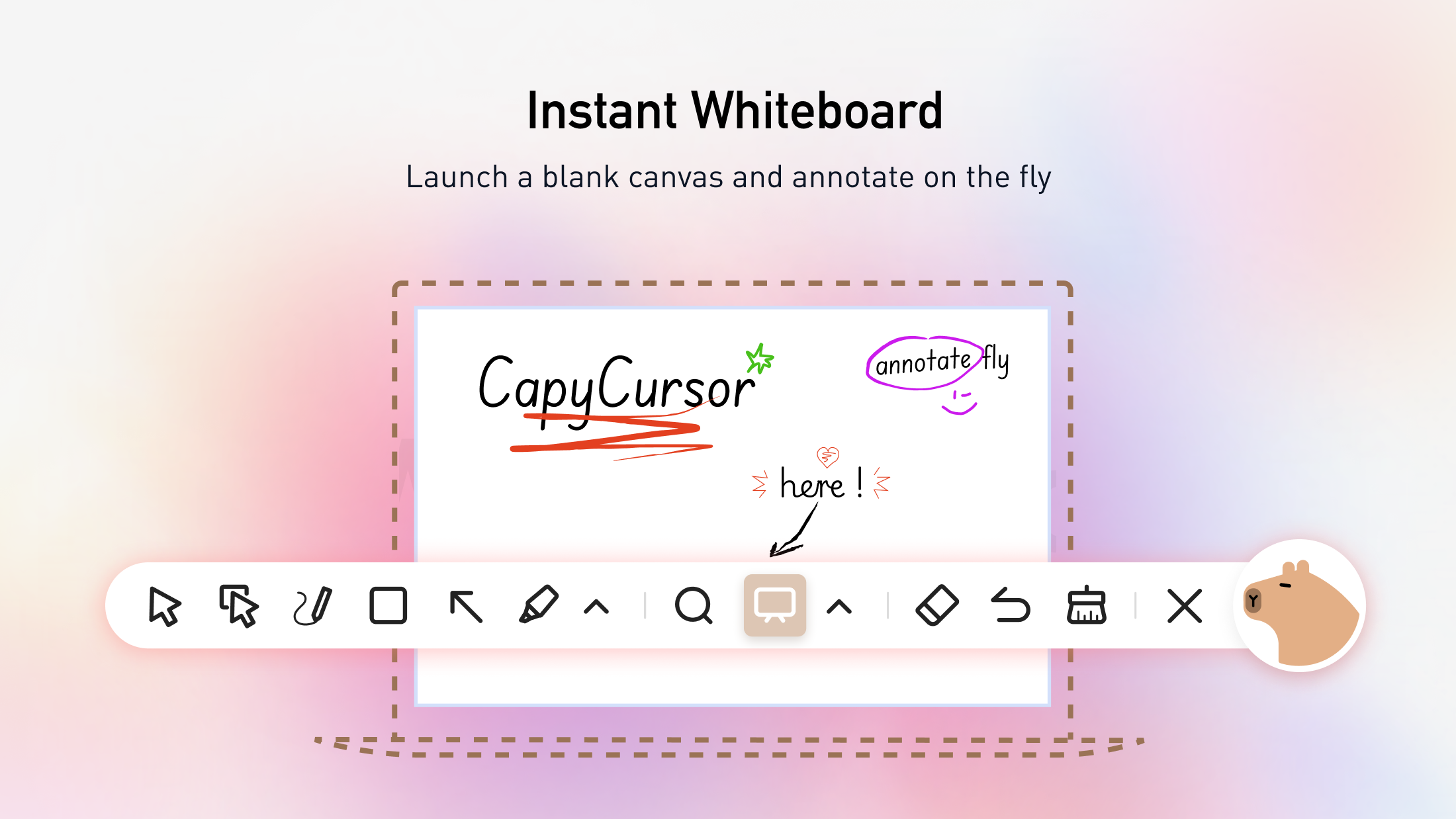
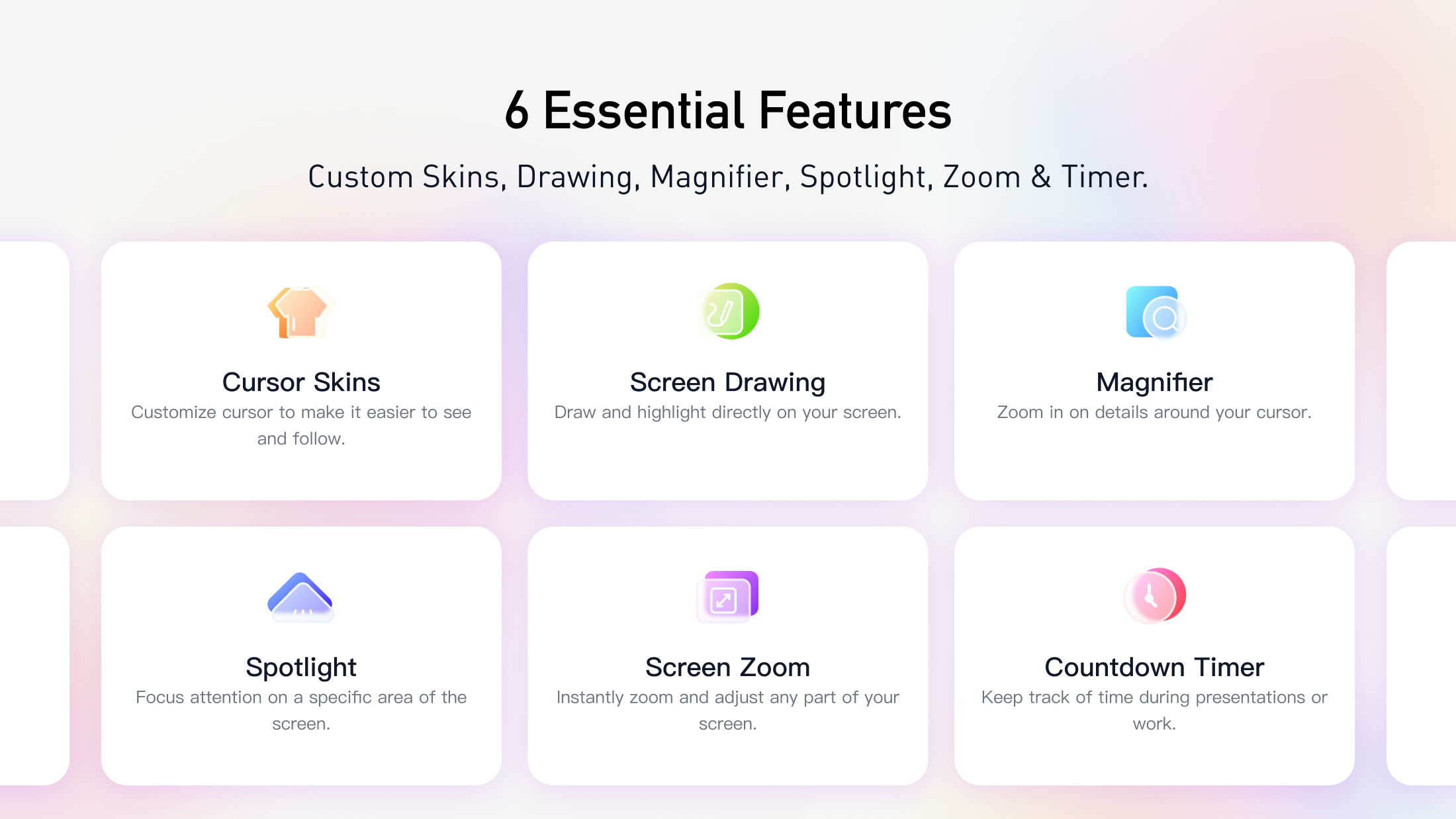
CapyCursor is a free tool for Windows designed to enhance your visual communication during presentations, streams, and virtual classes. You can draw directly on your screen to emphasize key points, apply cursor highlights for better visibility, and use zoom or spotlight features to focus your audience's attention. This tool is specifically built to help you deliver more engaging and clear demonstrations.

Product Insights

CapyCursor is a free Windows desktop application that combines screen annotation and cursor enhancement for visual communication. It offers a suite of tools including live drawing, cursor highlighting, and focal effects tailored for educational and creative use cases.

  • Zero-cost pricing model available as a free tool for Windows users.
  • Integrated visual focus features such as zoom and spotlight for clear demonstrations.
  • Multi-functional utility supporting live screen drawing and cursor highlighting.
  • Desktop-native platform support specifically designed for the Windows operating system.

Ideal for: Educators, content creators, and non-technical users can use this tool to deliver more engaging presentations, streams, and virtual classes.

Screenshots

Screenshot 1 of CapyCursorScreenshot 2 of CapyCursorScreenshot 3 of CapyCursorScreenshot 4 of CapyCursorScreenshot 5 of CapyCursorScreenshot 6 of CapyCursorScreenshot 7 of CapyCursorScreenshot 8 of CapyCursor

Product Updates (0)

No updates yet. Check back later for updates from the team.

Reviews (0)

No reviews yet. Be the first to rate this product!

Comments (0)

No comments yet. Be the first to share your thoughts!