
DD Photos
A self-hosted photo gallery that deploys with Docker


Details
- Follow on
- Target Audience
- PhotographersDevelopers
- Pricing
- Free
- Platforms
- Web
About DD Photos
DD Photos helps you manage your memories your way. It is a self-hosted photo album solution that you can deploy in minutes using Docker, ensuring you have no subscriptions and no platform lock-in. You can host your own sample albums and maintain full control over your digital photography collection.
Product Insights
DD Photos is a free, self-hosted web platform that allows users to manage and host photo albums using Docker containers. It simplifies the deployment process by bundling publishing tools like Wrangler and Surge for seamless website management.
- No-cost solution with a completely free pricing model.
- Eliminates platform lock-in through self-hosted Docker deployment.
- Integrated publishing tools including Cloudflare Pages and Surge.
- Available as an open-source tool for full data ownership.
Ideal for: DD Photos is ideal for photographers and developers who want a free, self-hosted solution to manage photo sharing and website deployment without platform lock-in.
Screenshots
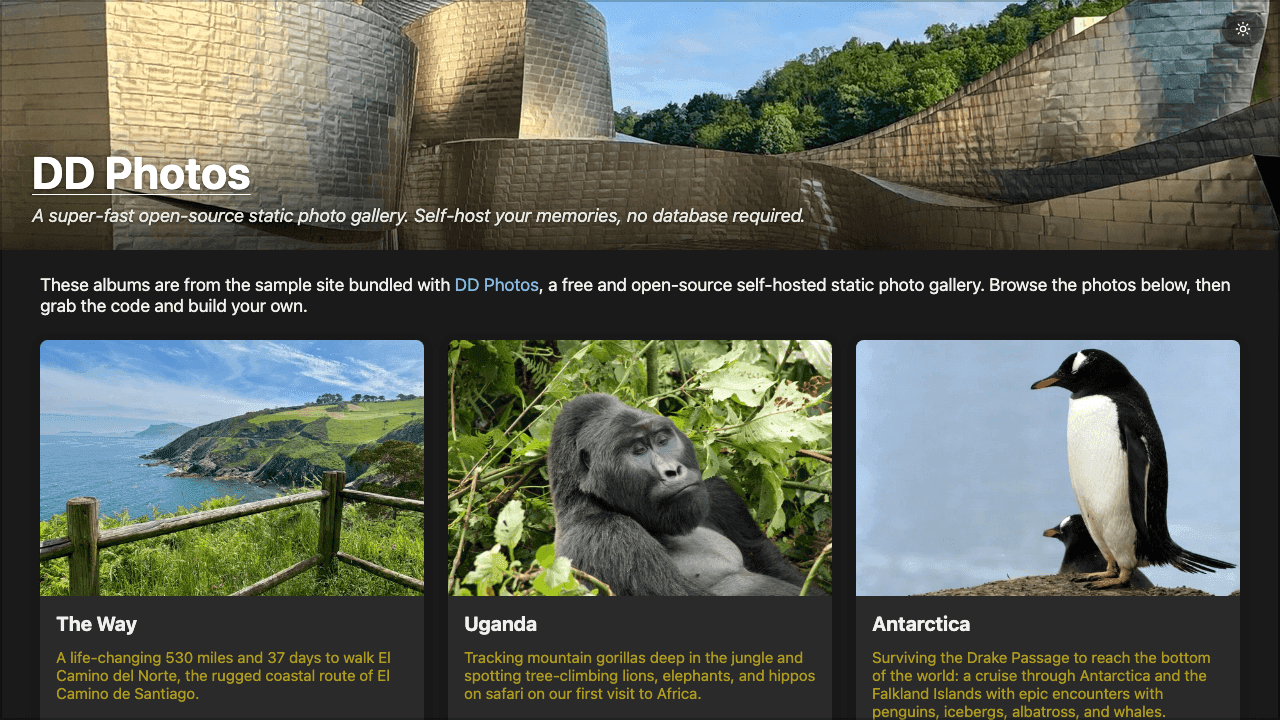
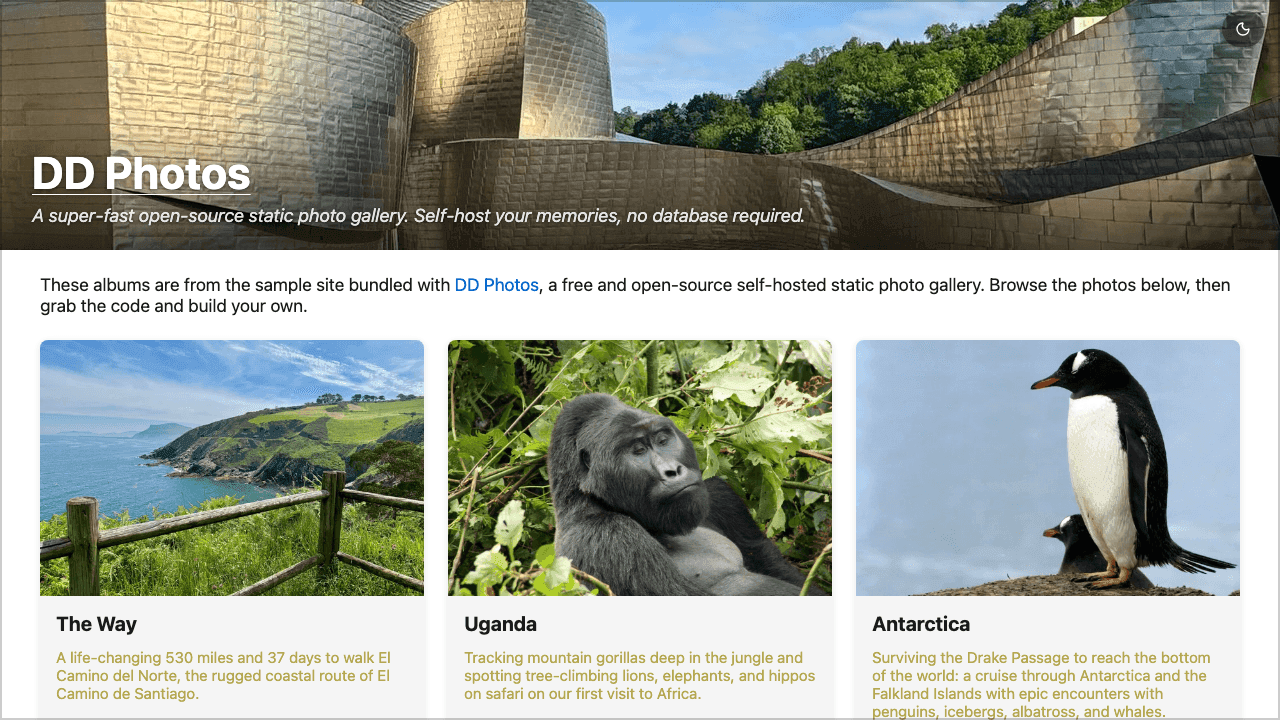
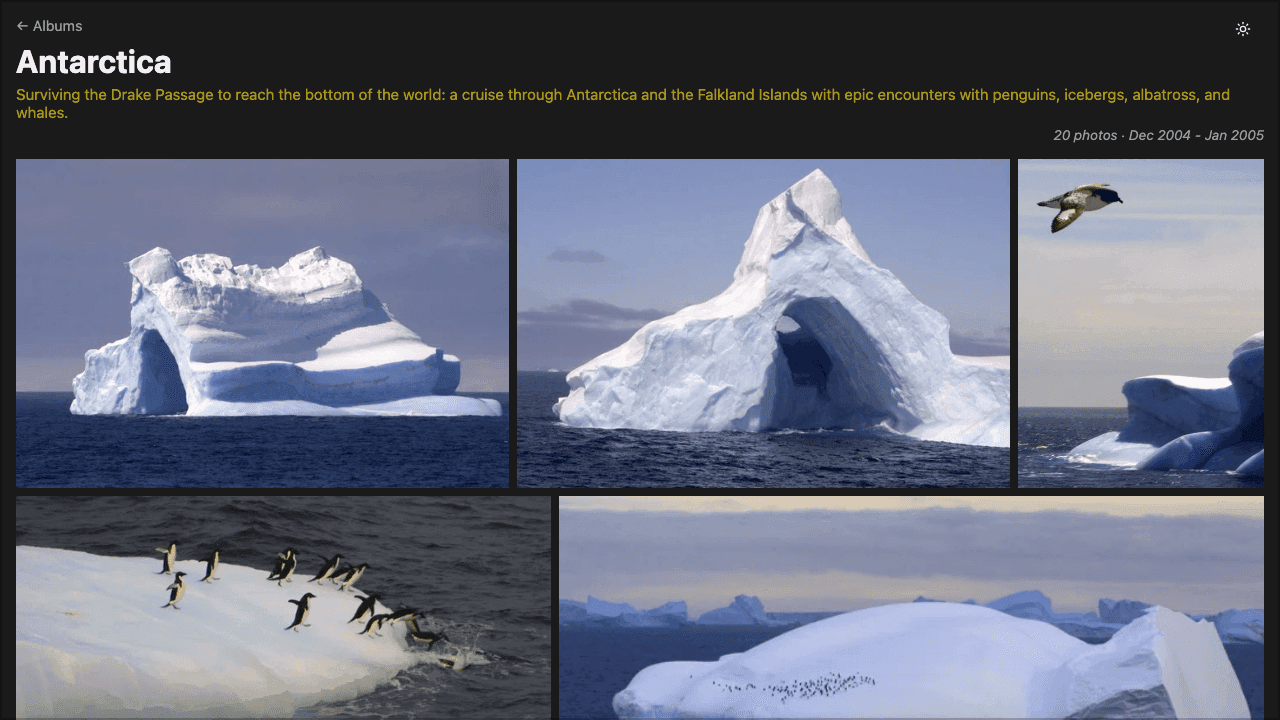
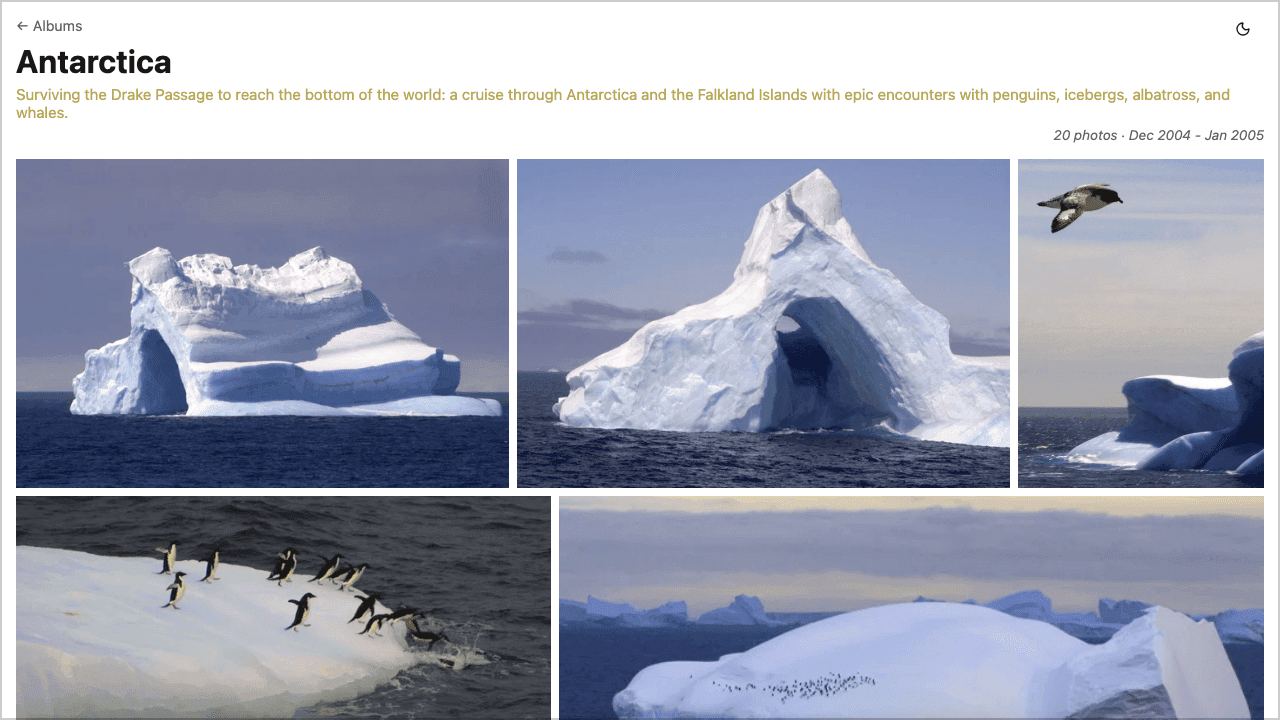
Product Updates (1)
Version 1.25 released
We bundle 'wrangler' (Cloudflare pages) and 'surge' for easy publishing - all one needs is Docker. See https://github.com/dougdonohoe/ddphotos
Comments (0)
No comments yet. Be the first to share your thoughts!
Comments (2)
For photographers hosting 30+ albums, does it support album organization (nested folders, tags), or is it flat structure only?
@ashishdurgude - An album in DD Photos is all photos underneath a given folder. You can choose to just include photos directly in that folder, or you can set "recurse=true" in the albums.yaml file and it will include all photos in sub-dirs
The primary idea is that you organize photos somewhere else (I use Lightroom Classic). In there I can tag, rate, etc., but when I have a group of photos I want to publish, I export to a single folder and point DD Photos at it.
Frustration with sharing photos with friends and family led to the creation of this project. Instead of waiting 25+ seconds for an iCloud shared album to load, a DD Photos site loads in seconds.