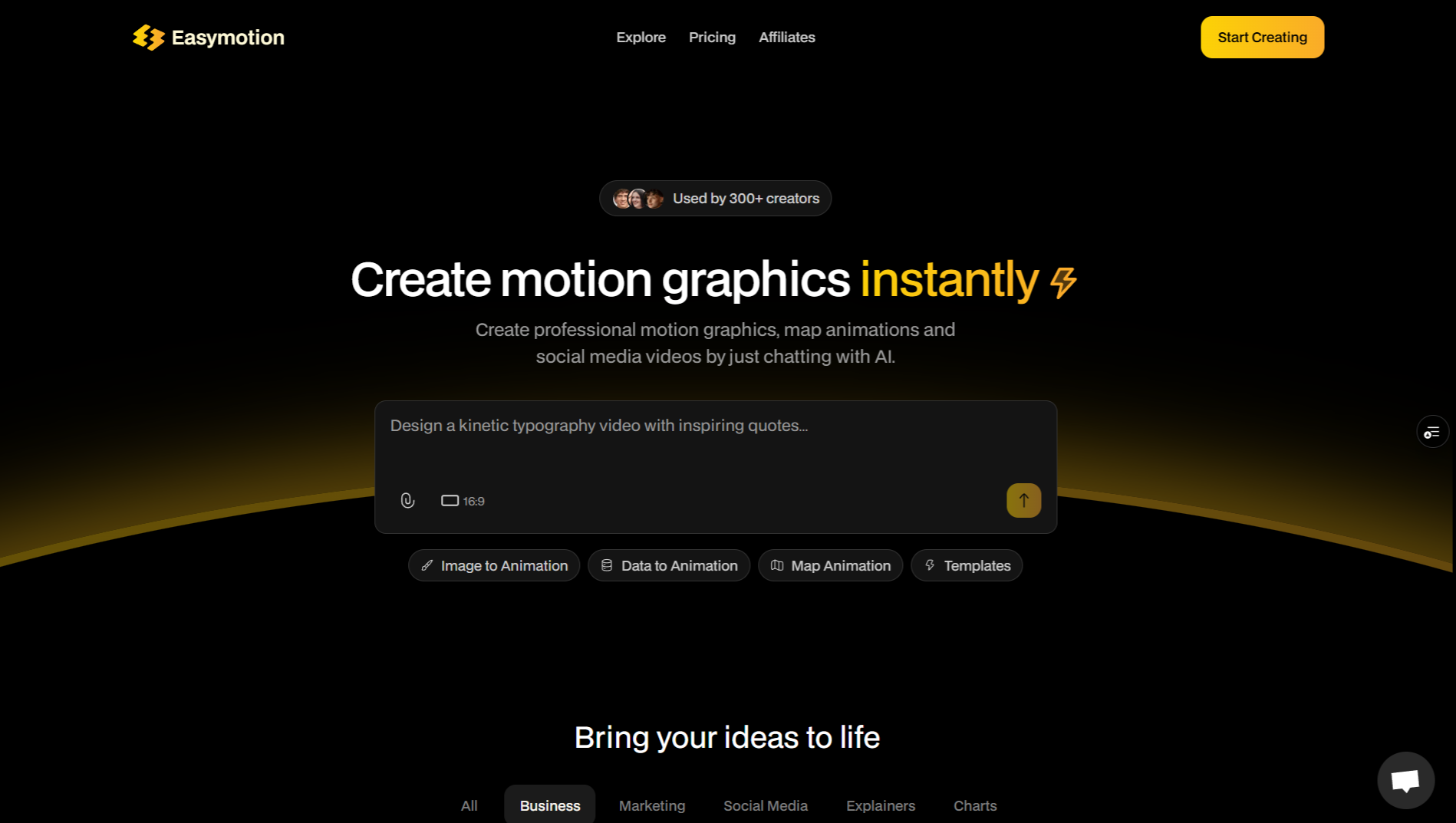
Easymotion lets you create professional motion graphics, map animations and social media videos instantly with AI.
1. Text, Image and Data to Motion Graphics
Turn text prompts into motion graphics.
Upload any image such as a design reference, poster, screenshot or UI layout and Easymotion will recreate it and animate it beautifully.
Upload CSV or XLSX files such as sales reports or lists and convert them into animated charts, graphs and infographics.
2. Automated Map Animations
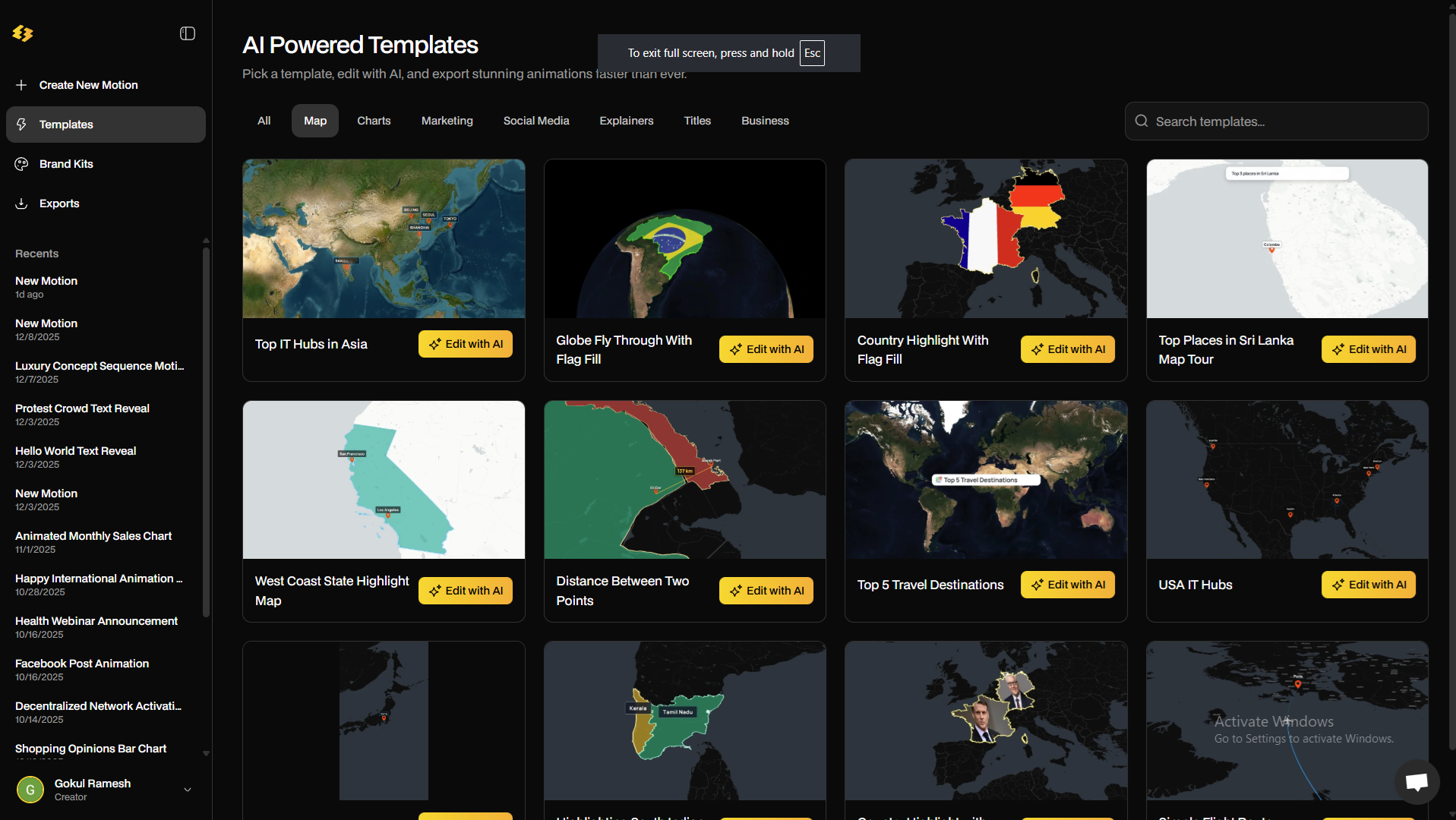
Create viral map animations with effects like region highlighting, flag fills, route animations and many more.
Map animations are usually the hardest to build in After Effects, but Easymotion fully automates the process. Just write a prompt and your map animation is created instantly.
3. Social Media Videos
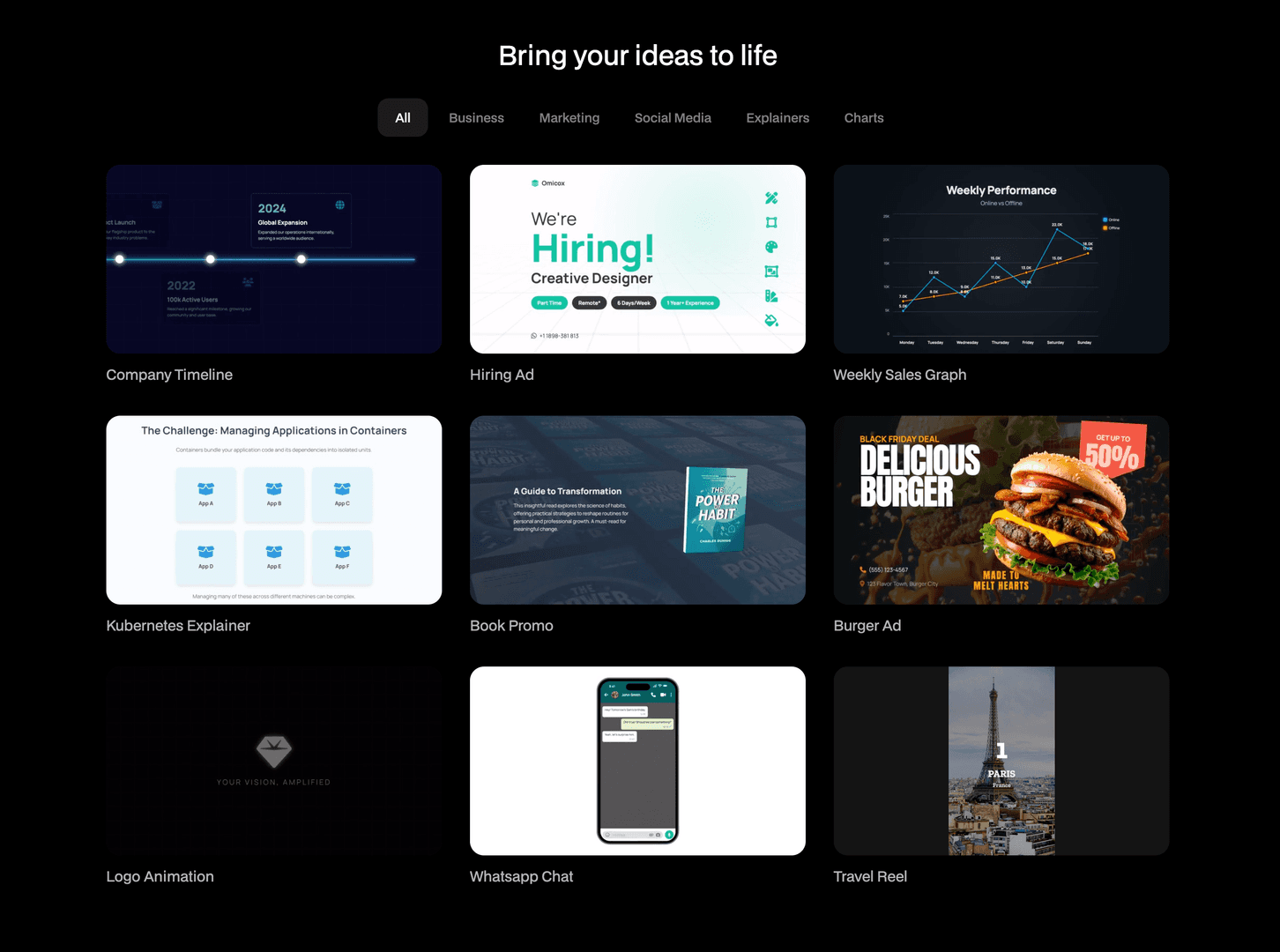
Easymotion can automatically add stock photos and text to build complete videos.
For example, if you say “Create a reel about the top three places to visit in Venice, Italy,” it will generate a video that shows the three locations with photos, text animations and smooth transitions.
You simply upload the music and your reel is ready to post.
4. Perfect for Any Platform
Ready for any platform with support for 16:9, 9:16, 4:3 and 1:1.
You can also export transparent videos and use them in any editing software.
5. Add Your Own Media
Upload logos, images and photos to create slideshows, presentations or fully branded videos.
6. AI Motion Graphics Templates
Easymotion AI Templates are the fastest way to create motion. You do not need to write any prompt. Simply pick one from the handpicked templates, customize it and download your video. It is super fast and easy.
Creating professional motion graphics used to take hours in After Effects - now it’s just a few prompts away.
Try for free at Easymotion.io
Screenshots
Product Updates (0)
No updates yet. Check back later for updates from the team.