
Export to Figma
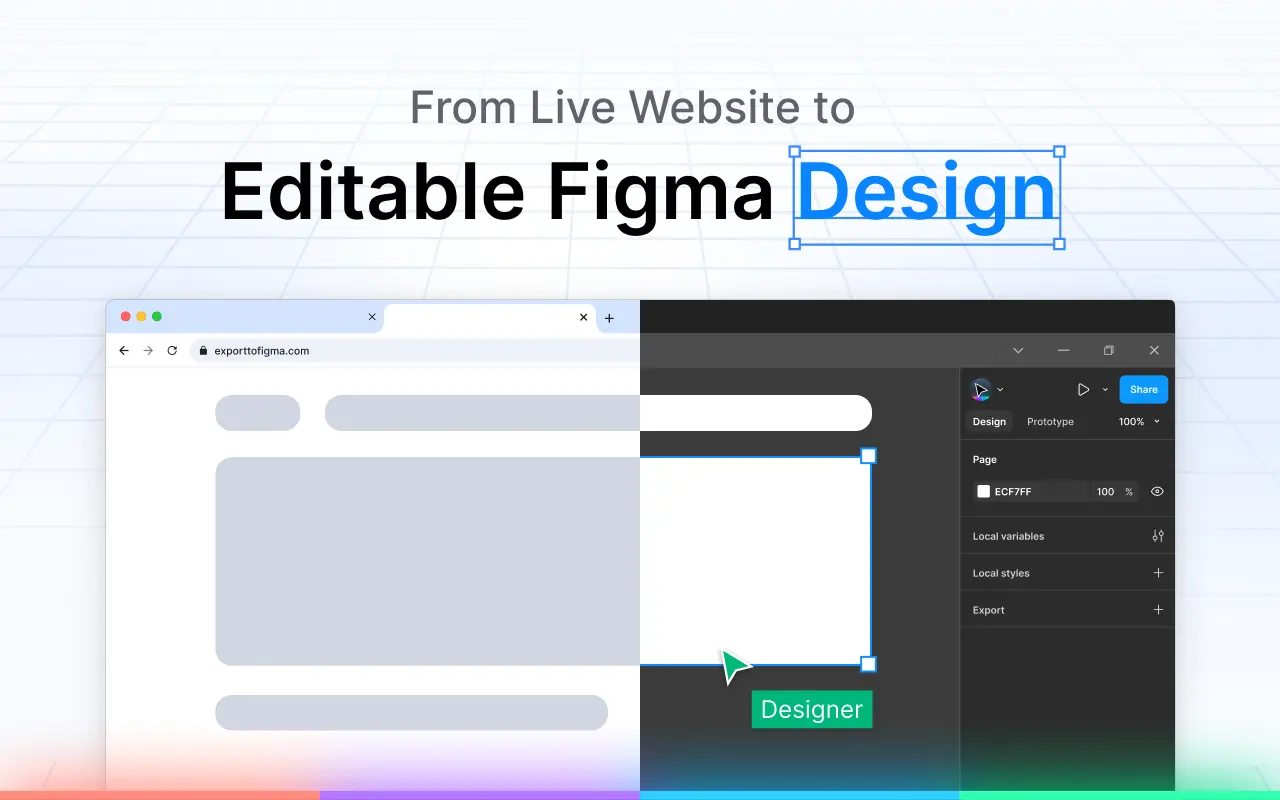
Export any website to Figma as fully editable layers

Details
- Follow on
- @exporttofigma
- Categories
- Developer ToolsDesign Tools
- Use Cases
- Design & PrototypingGraphic Design
- Target Audience
- DesignersWeb DevelopersFreelancers
- Pricing
- Freemium
- Platforms
- Web
About Export to Figma
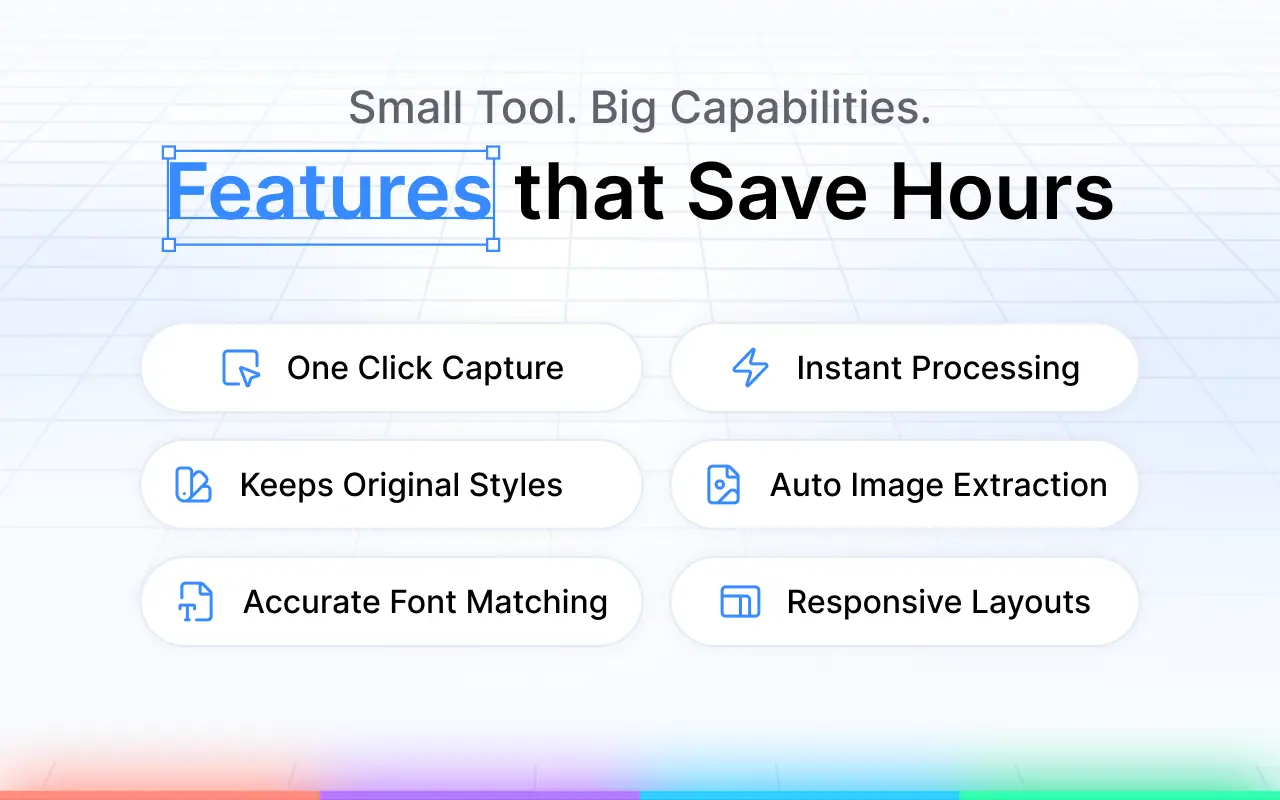
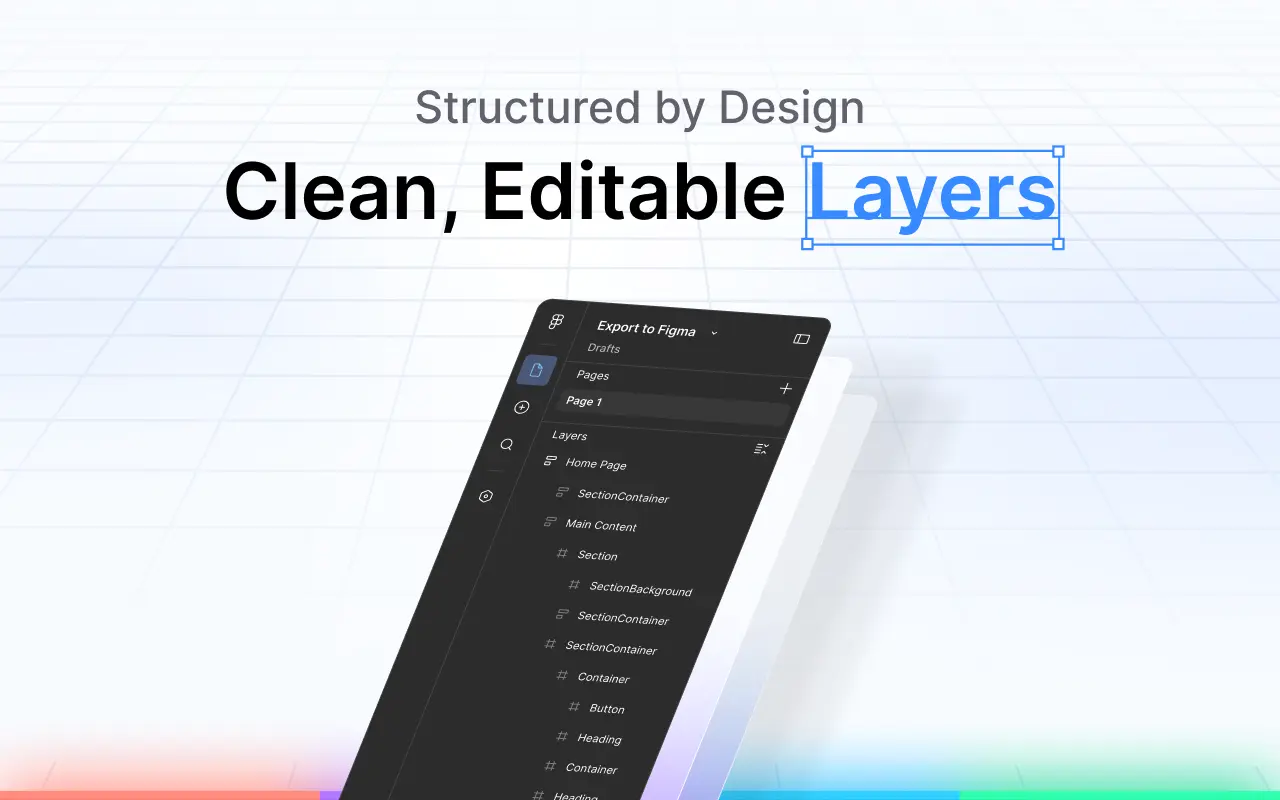
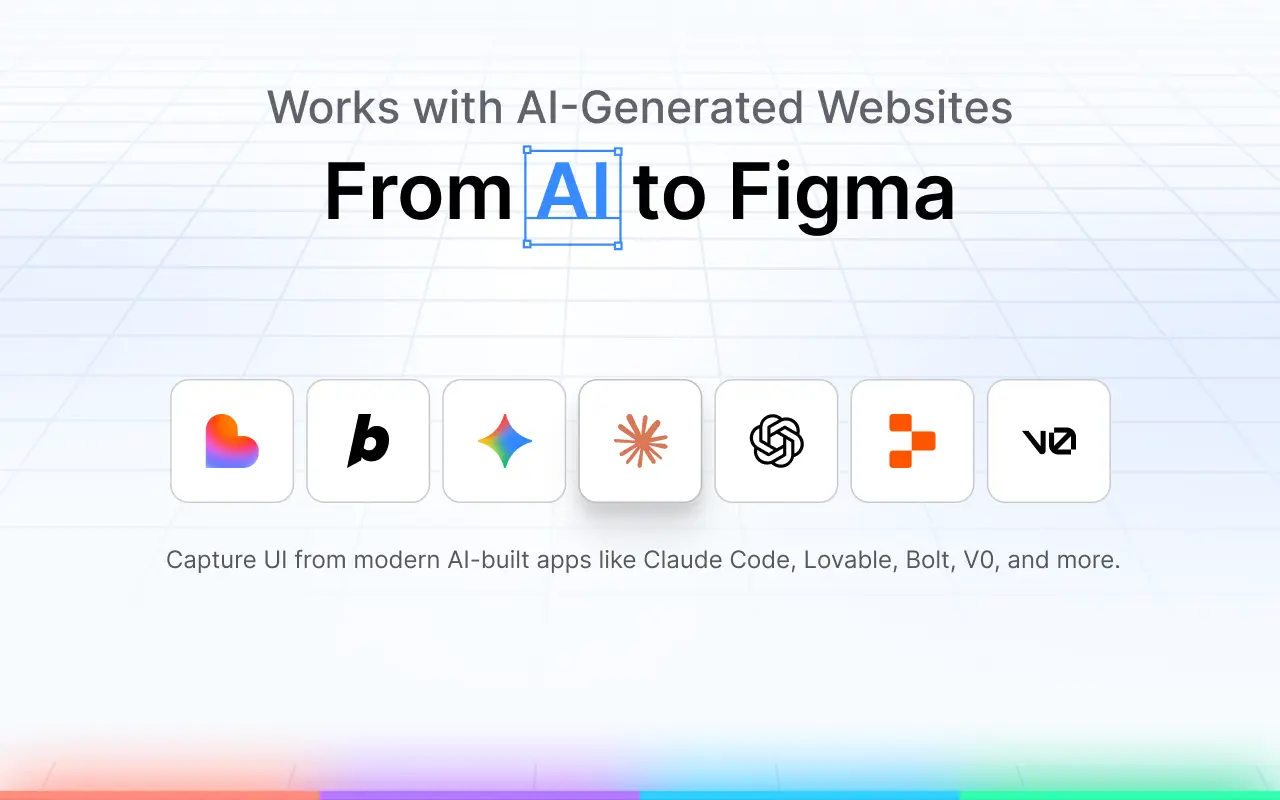
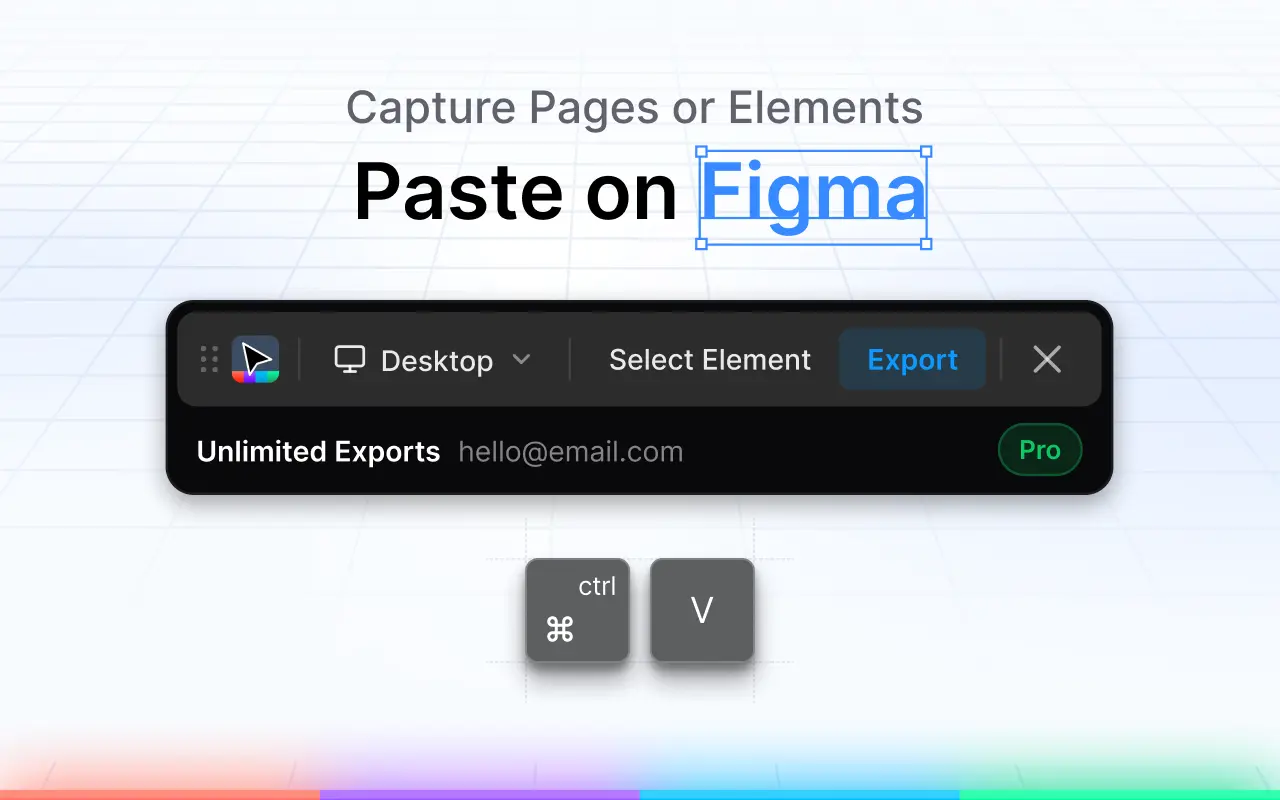
You can export any website to Figma as fully editable layers in just one click. This tool helps you preserve fonts, colors, images, and auto-layout settings during the transfer. By transforming live websites into Figma components, you can streamline your design workflow and start your prototyping process with existing web assets quickly and efficiently. Key features: * Capture full pages or individual elements * Editable layers with proper structure * Preserved colors, spacing, and typography * High-quality image extraction * Responsive layout support * Works with real and AI-generated websites Instead of manually recreating layouts, you can capture a page or section and start working from a structured design.
Product Insights
Export to Figma is a freemium web tool that converts live or AI-generated websites into editable Figma layers. It bridges the gap between web development and design by preserving CSS-based properties like auto-layout, spacing, and typography.
- Supports one-click export of full pages or specific elements directly from the web.
- Maintains design fidelity by preserving original fonts, colors, and layout structures.
- Freemium pricing model allows for flexible access to conversion features.
- Fully preserves auto-layout settings and high-quality images during the transfer.
Ideal for: Designers, web developers, and freelancers can use this tool to jumpstart prototyping and graphic design by leveraging existing web assets.
Screenshots
Reviews (4)
Average 5.0 out of 5
Based on 4 reviews





Comments (1)
I usually screenshot a live site and rebuild from scratch in Figma — painful. One-click export with fonts, colors, and auto-layout preserved is exactly the handoff dev/design teams need, especially for AI-generated pages.