Fader is a macOS menu bar app that automatically minimizes background windows when you switch apps, keeping your screen clean and focused without any manual effort.
Most Mac users juggle dozens of open windows across multiple apps. Every time you switch to a new app, your screen is cluttered with windows from everything else you had open. Fader solves this silently and automatically — the moment you switch to an app, everything else fades away. Switch back, and your windows are right where you left them.
Key features:
Automatic window management — background windows minimize the instant you switch apps, restoring when you come back
Per-display mode — only minimizes windows on the same screen as your active app, leaving your other displays untouched
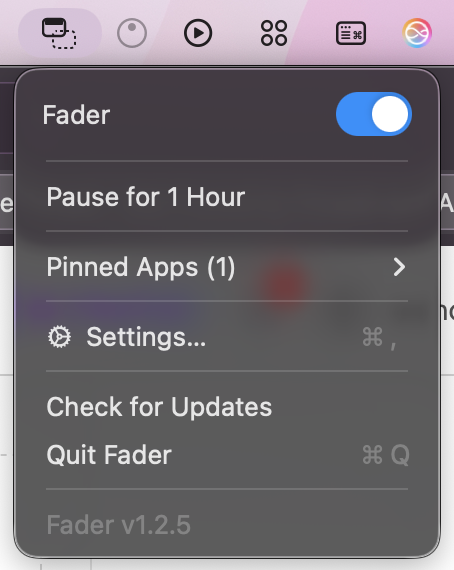
Pinned apps — pin apps like Spotify or your terminal so they always stay visible no matter what
Media app exemption — Spotify, Music, VLC and other media apps are never minimized so your music never stops
Keyboard shortcuts — toggle Fader on/off or pin the active app without touching your mouse
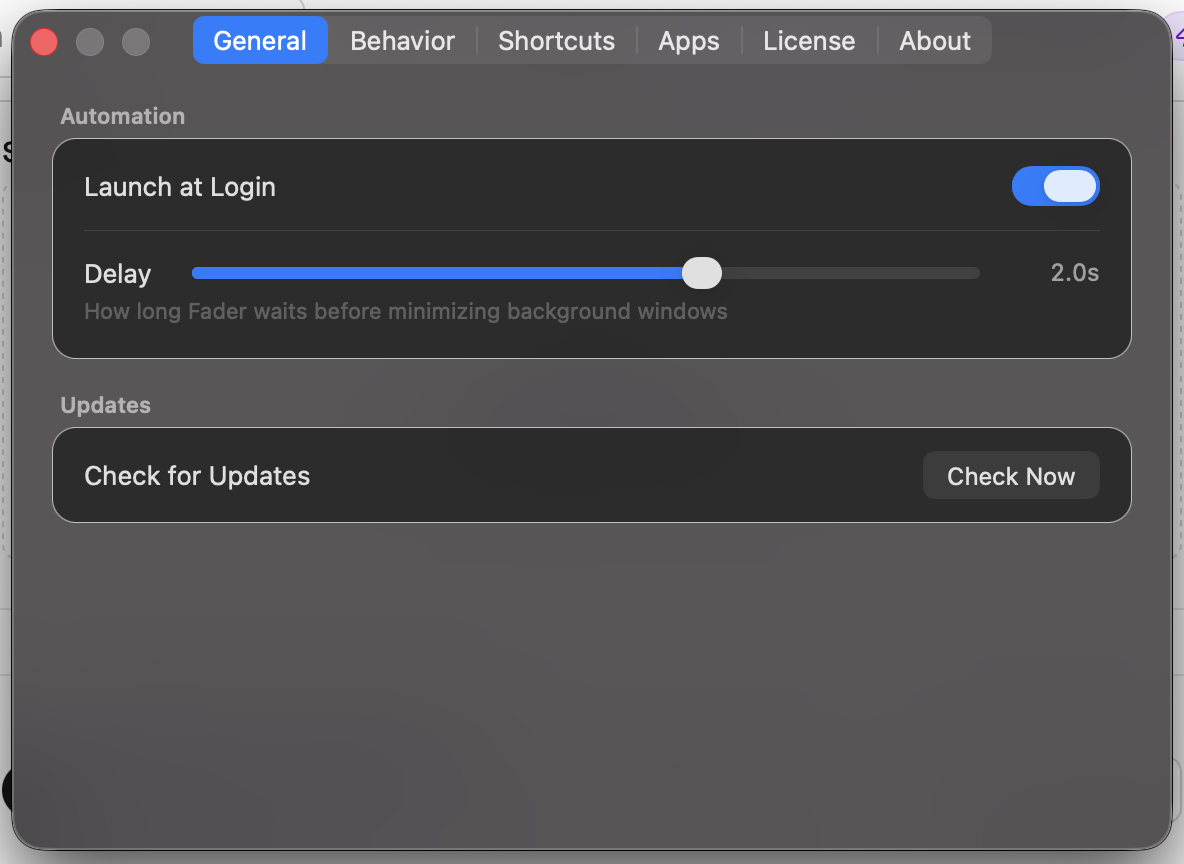
Adjustable delay — control how quickly windows minimize after switching
Lightweight — lives quietly in your menu bar, uses virtually no resources
Perfect for: developers, designers, writers, and anyone who works with multiple apps open at once and wants a cleaner, more focused workspace — without changing how they work.
Works on macOS Ventura (13) and later. Universal binary — runs natively on both Apple Silicon and Intel Macs.












Comments (3)
Fader is such a clever little utility. Auto-minimizing background windows on macOS is something I never knew I needed. Clean screen, zero effort, love it.
@chaudharyarun5797 Thank you so much for your feedback, i hope you like it!
congrats on the launch!
@alex5616 Thank you very much!
Just launched Fader — a macOS app I've been building that automatically minimizes background windows when you switch apps. No more cluttered screens, no manual effort. Just a clean, focused workspace.