ottomate
PC Command Center with Local Voice Control & Freeform Decks
Details
- Follow on
- @ottomate_appLinkedIn
- Use Cases
- Workflow AutomationContent Creation
- Target Audience
- Content CreatorsDevelopersNon-Technical Users
About ottomate
ottomate is a desktop command center that lets you trigger complex actions in three ways: - Voice: Launch apps, type text, or run macros hands-free. - Touch: Turn your phone or tablet into a fully custom command center (like a Stream Deck, but dynamic). - Shortcuts: Create global hotkeys for anything. Perfect for: - Streamers: Manage scenes and engagement without looking away - Gamers: Execute complex in-game macros via voice - Power Users: Speed up daily workflows with global shortcuts
Product Insights
ottomate is a cross-platform desktop command center that integrates voice recognition, mobile touch control, and global hotkeys to automate workflows. It supports multilingual voice commands and enables users to share custom automation decks across content creation and gaming environments.
- Supports multiple input methods including hands-free voice control, mobile touch decks, and custom hotkeys.
- Integrated PC management for launching Steam games, opening apps, and resizing windows.
- Multilingual support for Italian, Spanish, German, French, and Portuguese voice commands.
- Community-driven shortcut sharing that allows users to copy and publicize custom automation macros.
Ideal for: Content Creators, Developers, and Non-Technical Users who need to manage complex PC actions and workspace layouts while staying focused on their primary screen.
Screenshots
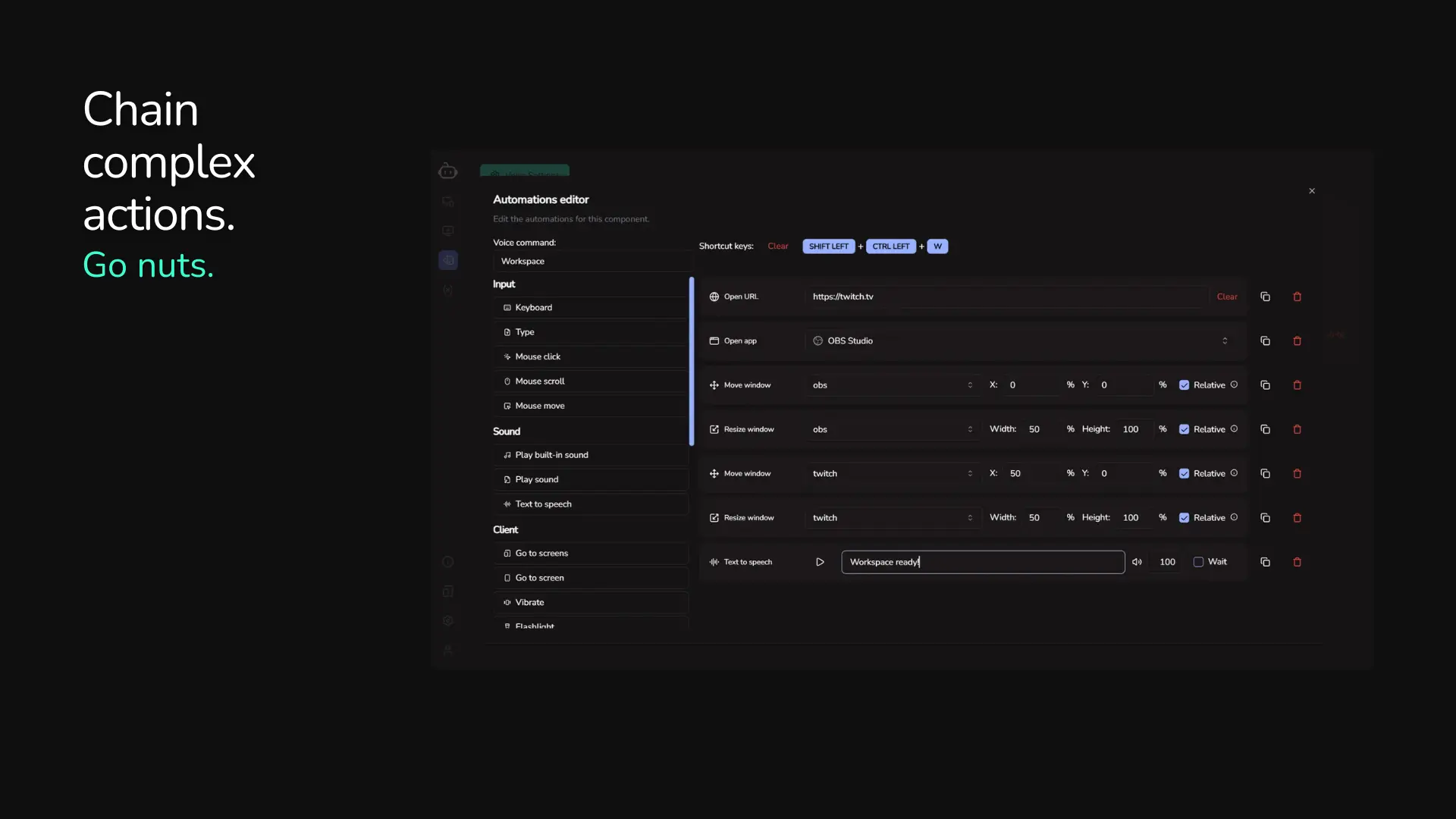
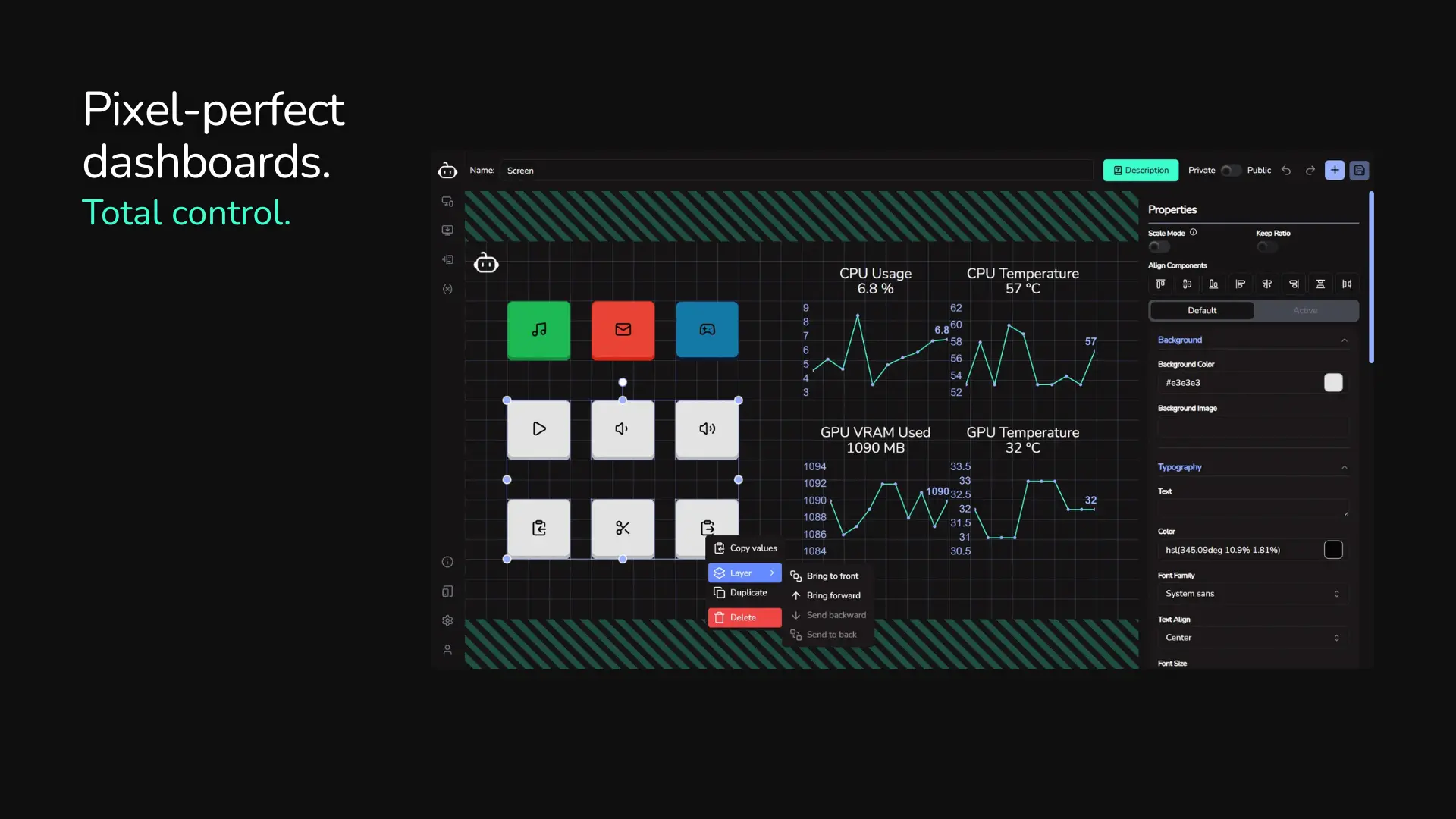
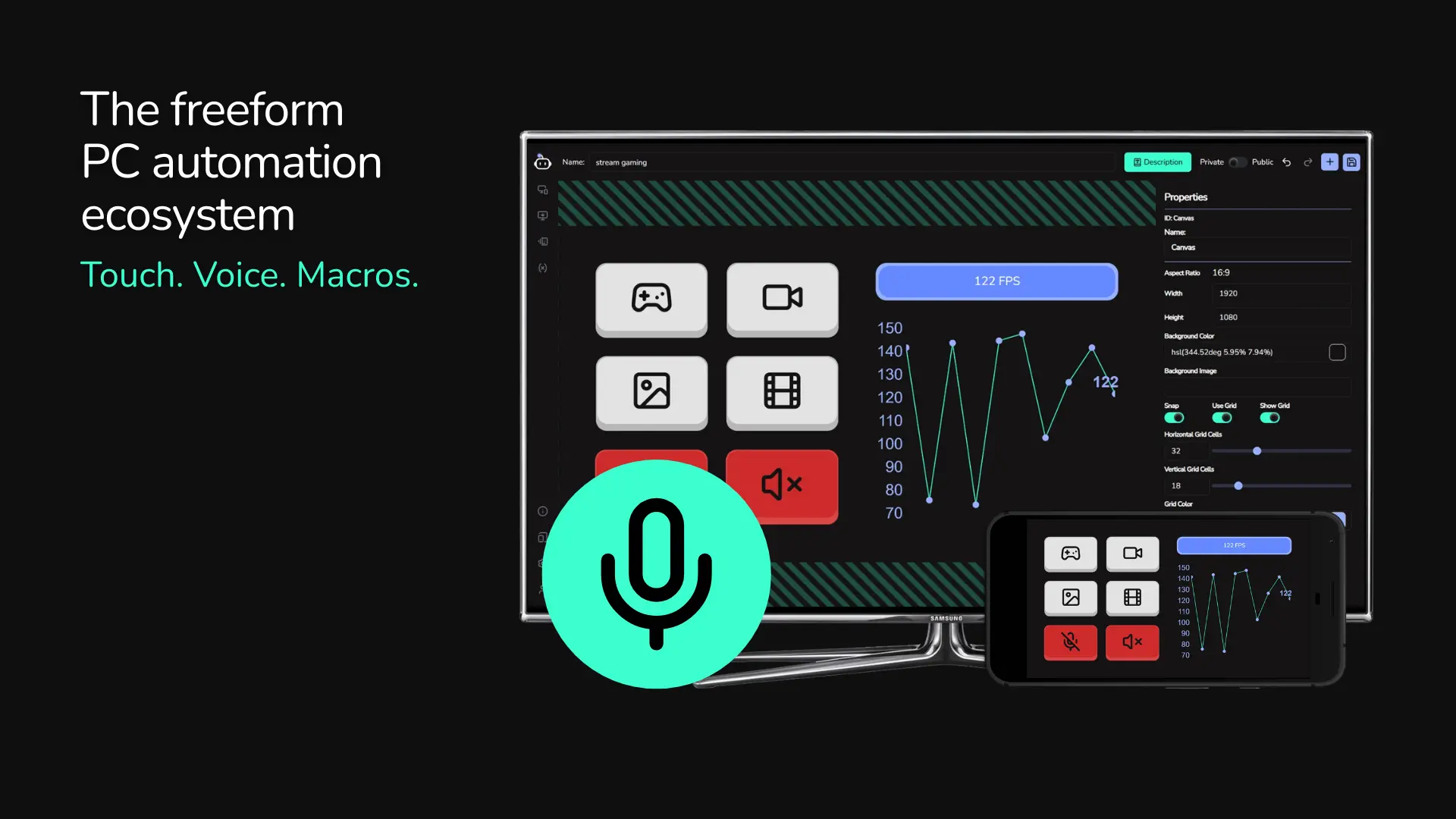
Product Updates (3)
Multilingual support for voice commands and shortcuts sharing
This week, we've released voice & keyboard shortcuts sharing. Share your creations by making them public, so others can just copy them (and not repeat the same pitfalls you encountered!). We have also released multilingual support for voice commands, now supporting Italian, Spanish, German, French and Portuguese! We're working behind the scenes to see if we could potentially support some different alphabets as well, including Arabic and some Asian languages, like Japanese, Chinese and Korean. Stay tuned for some pre-made, first-party screens and shortcuts this week, including for some famous videogames (Helldivers 2, Enshrouded, etc) and some productivity apps (Figma, OBS, etc) Try ottomate now on Windows at https://ottomate.io/download (Linux and MacOS coming soon)
Comments (5)

New features
ottomate has many automations and triggers already, but we added more: - open app now lists installed programs and Steam games - move and resize windows: manage your workspace and make it yours! - Text-to-speech: to give a little flair to your automations (coming soon) - Multilingual voice commands: select between English, Spanish, Italian, French, German and Portuguese. We'll add more in the future. (coming soon)
Comments (6)


ottomate: the all-in-one PC automation powerhouse (Touch, Voice, & Keys)
Transform your PC experience with ottomate, the ultimate automation tool designed to put you in complete control of your digital workspace. Whether you're a power user, gamer, or creator, ottomate bridges the gap between your hardware and your workflow. Key Features & Capabilities: Voice-Activated Commands: Go hands-free. Execute any automation or command using custom voice triggers, perfect for staying productive when your hands are full. Touch Control (Mobile Integration): Turn your phone or tablet into a fully customizable control panel. Build your own interface with buttons and sliders to trigger complex macros, essentially creating your own DIY "Stream Deck" for any application. Global Keyboard Shortcuts: Go beyond standard hotkeys. Set up global shortcuts that work across your entire system to launch apps, run scripts, or execute multi-step workflows instantly. Multi-Step Workflows: Chain actions together. With a single trigger, you can open a specific set of apps, resize windows, start a timer, and toggle system settings all at once. Companion App: Seamlessly connect your iOS or Android device to your PC via the ottomate companion app for real-time remote execution. ottomate is currently FREE to use while in beta! We want your feedback to make it the best tool on the market. Early Bird Bonus: As a thank you to our early adopters, the first 100 users who sign up and start building workflows will receive LIFETIME ACCESS to all premium features once we officially launch. Get started now at https://ottomate.io and reclaim your time!
Comments (2)
Reviews (7)
Average 4.4 out of 5
Based on 7 reviews

that is actually a great idea!

Good

Tried this, very clean and very useful

Nice :)
Comments (9)
Good Job!
After watching iron man , i always wanted to replicate it ! Your doing what i dreamt of !
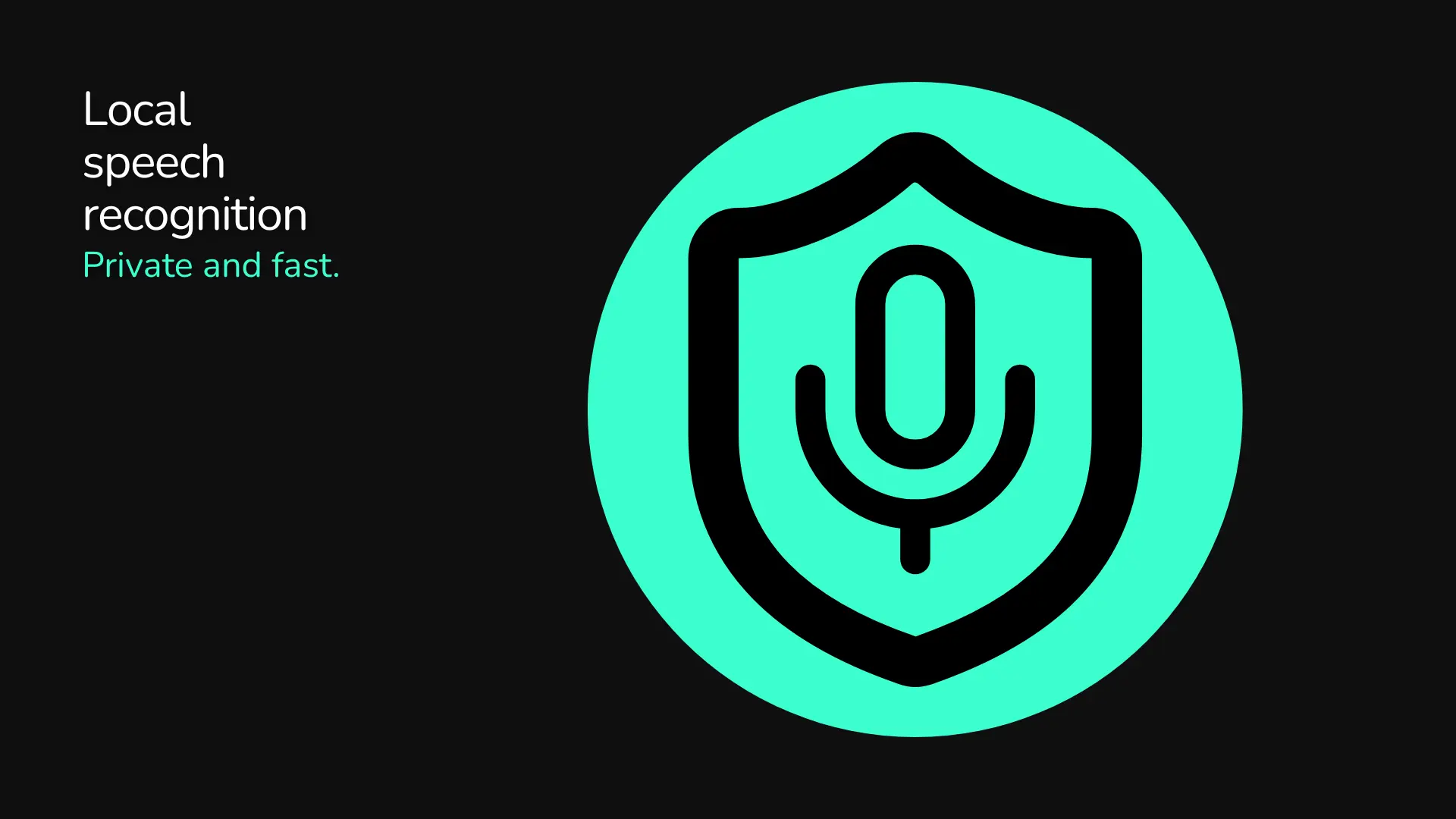
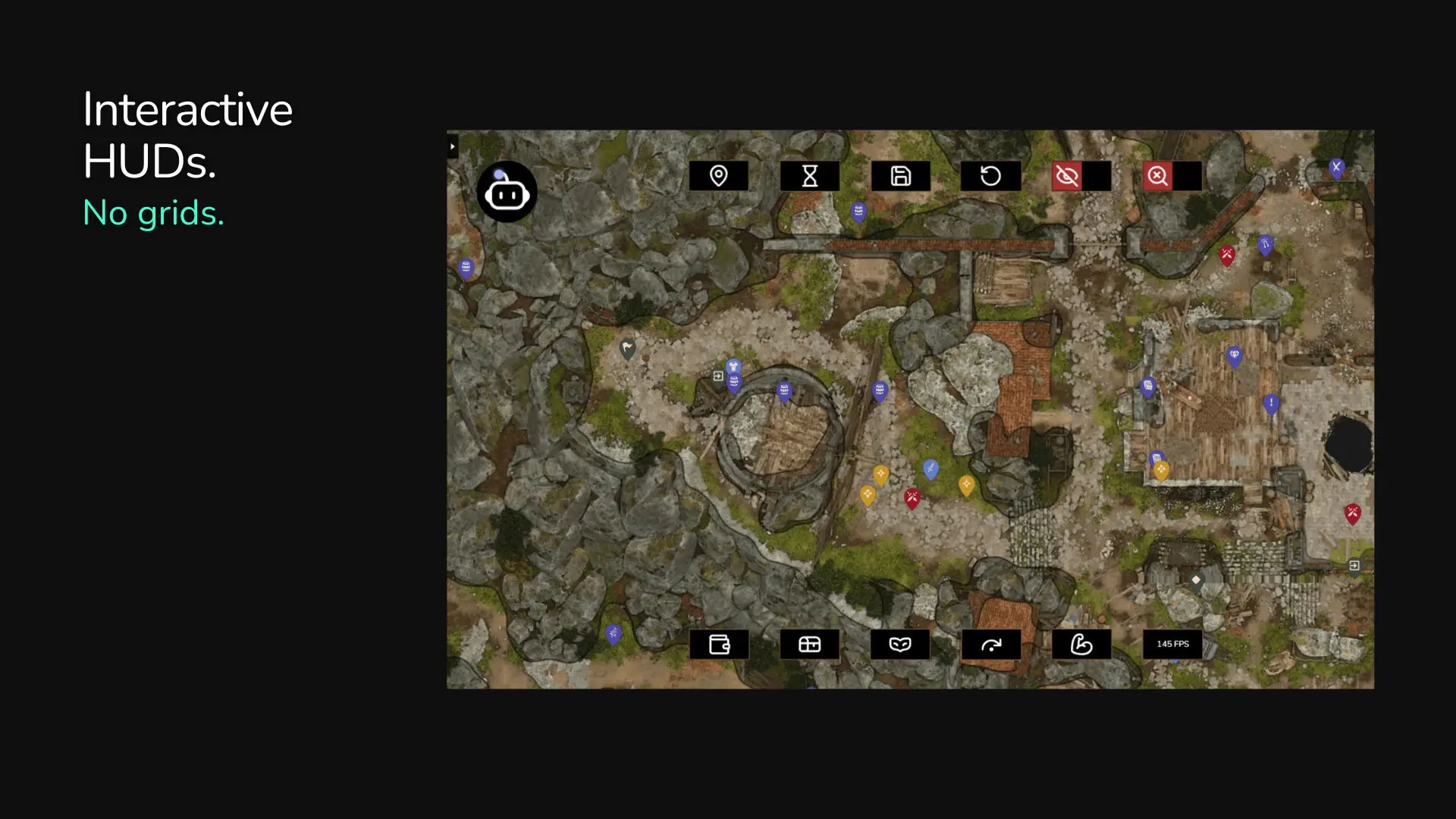
Local voice control with no cloud dependency is the right call. The freeform deck approach beats rigid grids. Excited to see Mac support land.
Interesting product. What does your marketing strategy look like? Specifically, which channels do you use to reach your customers?
cool stuff
Is it Jarvis's cousin?
@abhinaysharmavw in a sense! Haha Instead of giving away control to a slow, remote AI agent, ottomate puts you in control with fast, deterministic actions in complete privacy.
@ottomate Cool!!
Very cool idea!
@charleneharrison Thanks!
I gave it a try and it looks really polished for a beta. I love the voice commands. Any chance of supporting other languages apart from English?
Hi, and thanks! At the moment we are going to support english only, but we're working on bringing other languages too (probably more european languages)
Meet ottomate: freeform touch decks & local AI voice control for Windows (MacOS and Linux coming). No grids. No cloud-snooping; audio processes locally. Free in Beta. Feedback welcome!
@ottomate love it!