
Filesty
Convert compress and edit files locally in your browser

Details
- Target Audience
- FreelancersStudentsContent Creators
- Pricing
- Free
- Platforms
- Web
- Featured in
- Best Video Compression Tools
About Filesty
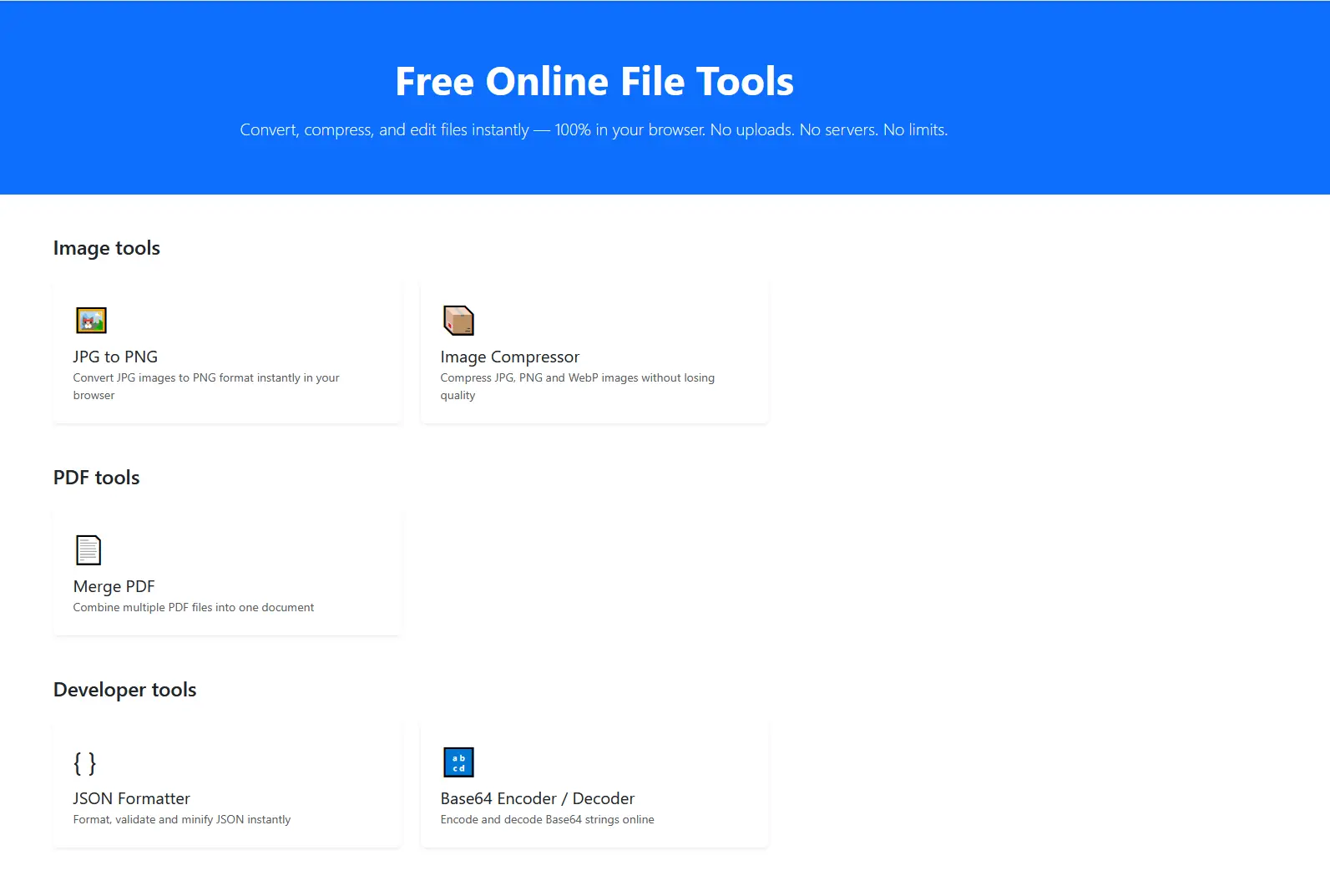
Filesty provides a suite of free online file tools that allow you to convert, compress, and edit files directly in your web browser. A key benefit of using this platform is that it operates 100% locally, meaning no files are uploaded to servers, ensuring your data remains private and secure. You can process your documents, images, and other media without worrying about data storage or external server processing.
Product Insights
Filesty is a free web-based utility suite optimized for privacy by performing all file processing tasks locally within the browser. It integrates tools for media conversion, image editing, and document compression without requiring server-side uploads or external data storage.
- Zero-upload processing ensures all file data remains 100% local for maximum privacy.
- Completely free pricing model accessible via any standard web browser.
- Supports diverse file workflows including video compression, graphic design, and format conversion.
- Eliminates server processing wait times by utilizing local hardware resources.
Ideal for: Filesty is ideal for freelancers, students, and content creators who need to edit or compress media files securely without uploading sensitive data to external servers.
Screenshots
Reviews (1)
Average 5.0 out of 5
Based on 1 review

Comments (0)
No comments yet. Be the first to share your thoughts!