Finderlock
Encrypt Mac files with Touch ID no cloud, no fees

Details
- Follow on
- @finderlock_app
- Categories
- Cybersecurity & Privacy
- Use Cases
- File StorageFile Sharing
- Target Audience
- FreelancersEntrepreneursDesigners
- Pricing
- Freemium from $49
- Platforms
- Desktop
- Alternative To
 Encrypto
About Finderlock
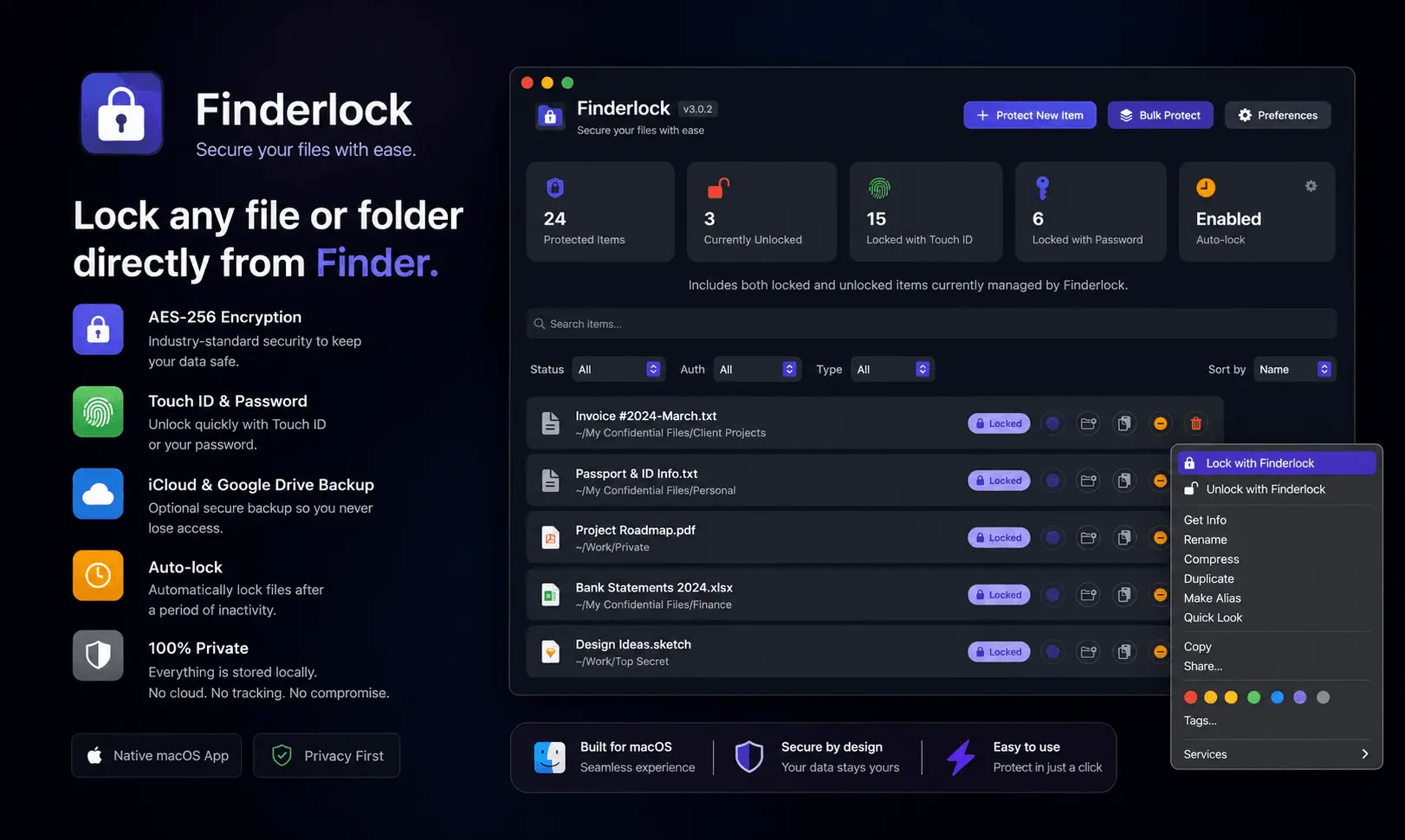
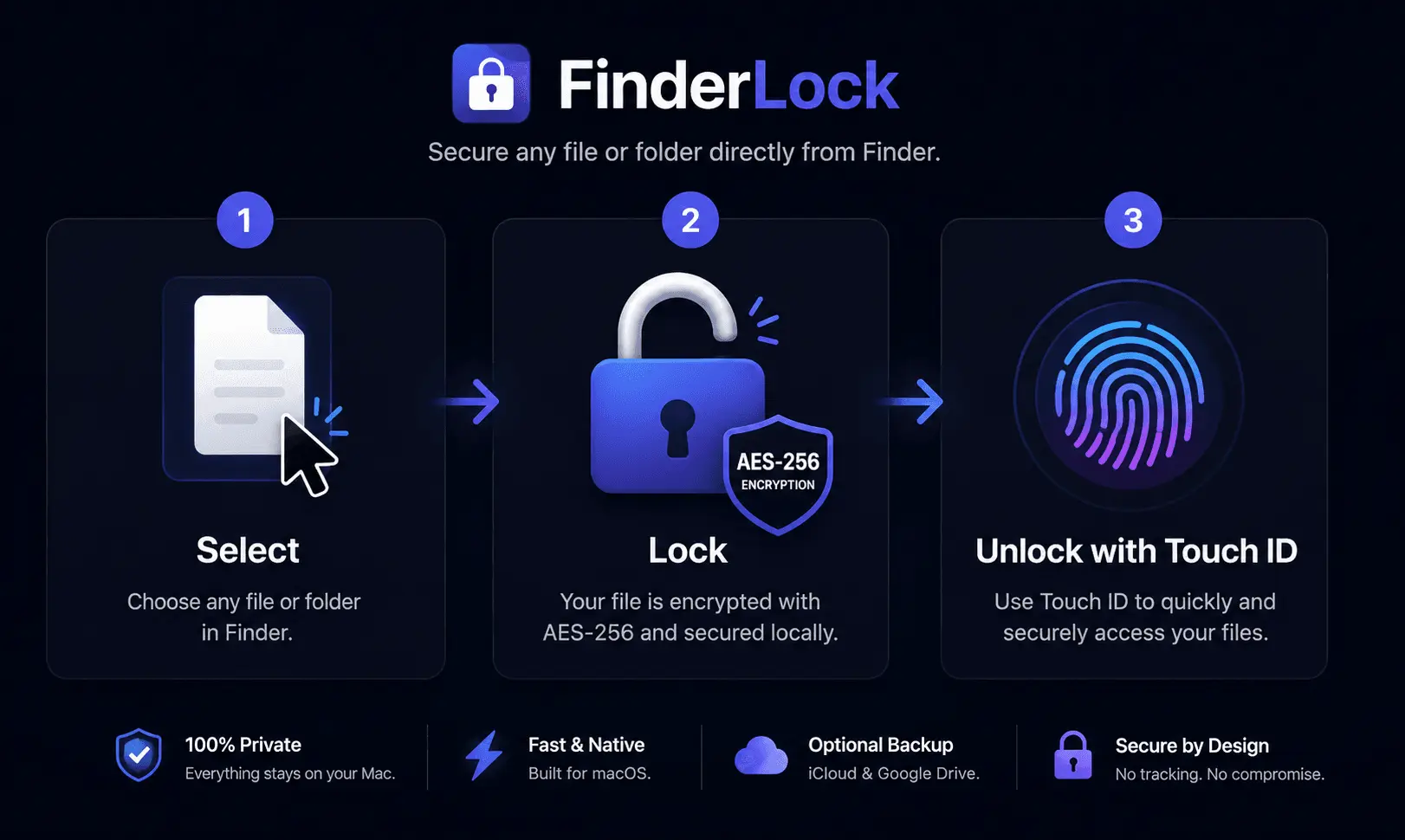
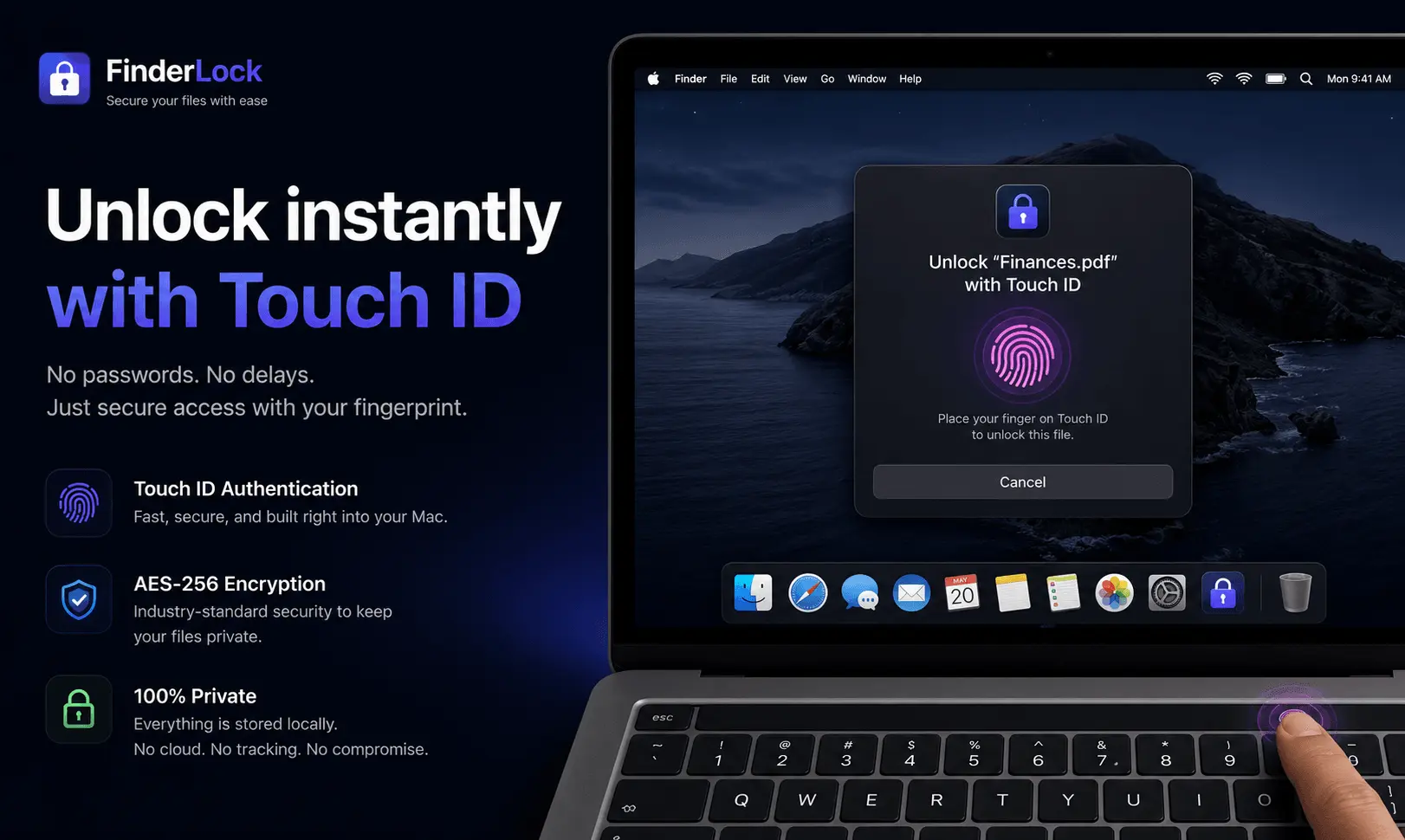
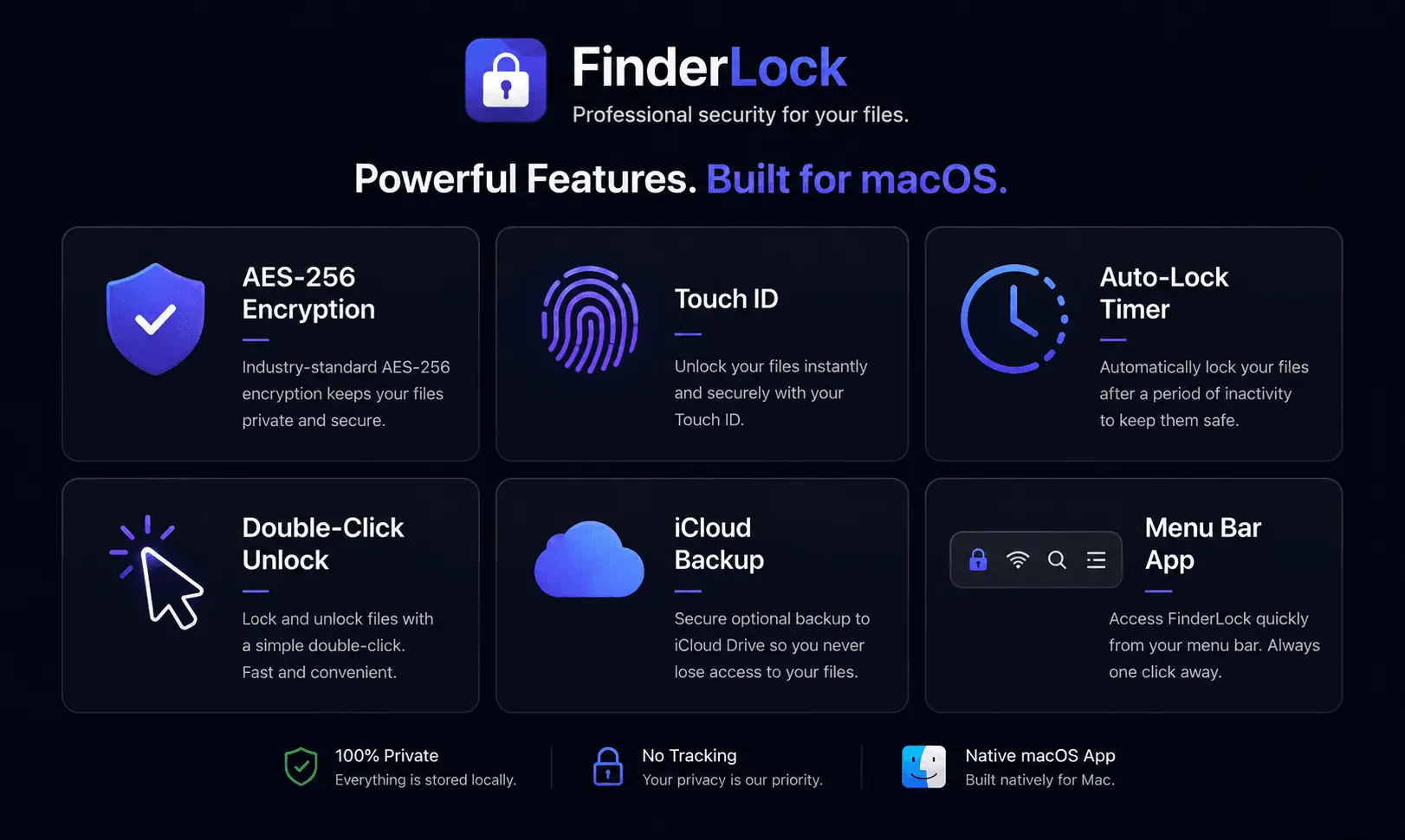
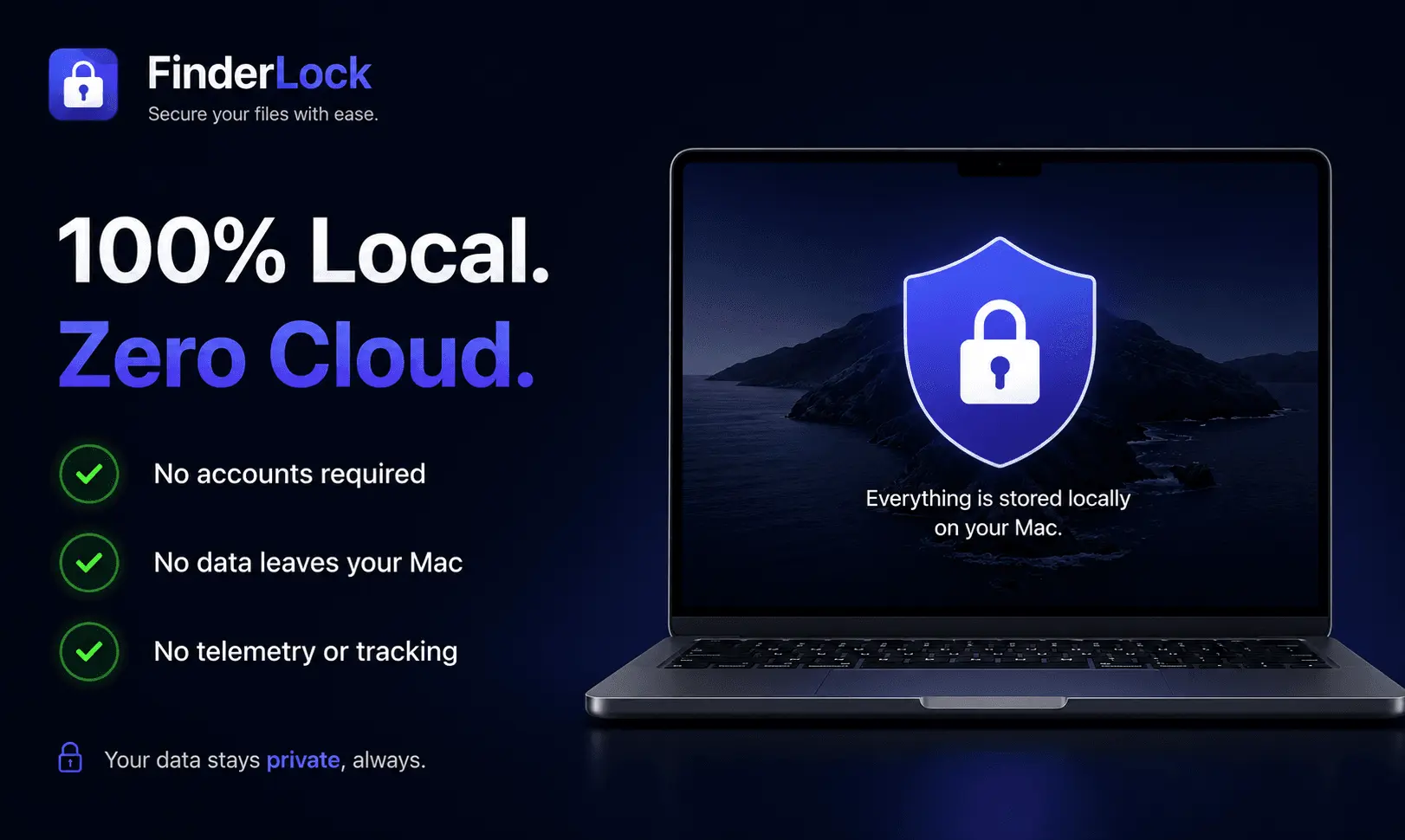
Finderlock is a native macOS app that protects your files and folders with Touch ID and AES-256 encryption — right from Finder. Just right-click any file to lock it, then unlock with your fingerprint or password. No Terminal, no disk images, no learning curve. Key features: • One-click protection directly in Finder's right-click menu • Touch ID biometric unlocking (or master password) • AES-256 encryption built on macOS's proven disk image format • Double-click any locked file to unlock instantly • Auto-lock timers and "lock on close" for hands-off security • Menu bar dashboard to manage all protected items • Secure file shredder with multi-pass overwrite • Optional encrypted iCloud and Google Drive backups Why it's different: Finderlock runs 100% locally — no cloud dependency, no data collection, no account required. It's a one-time purchase, not a subscription. Your files stay yours, and the app keeps working forever. What you get: Peace of mind that sensitive files client work, financial docs, private keys, personal data are protected even if your Mac is lost, stolen, or shared. Free forever for up to 3 items, with paid plans for unlimited use. Requires macOS 13 Ventura or later. Universal (Apple Silicon + Intel).
Product Insights
Finderlock is a local-first cybersecurity desktop app that provides Touch ID biometric protection and AES-256 encryption for file storage and sharing on macOS. It operates without cloud dependency and offers a freemium model starting at a $49 one-time purchase.
- Runs 100% locally with AES-256 encryption and biometric Touch ID unlocking directly from the macOS Finder menu.
- Provides a freemium tier allowing lifetime protection for up to three items with no subscription fees.
- Offers a secure file shredder with multi-pass overwrite and optional encrypted cloud backups.
- Requires no user accounts or cloud dependency, maintaining privacy for local file storage tasks.
Ideal for: This desktop application is ideal for freelancers, entrepreneurs, and designers who need secure file storage and file sharing capabilities protected by biometric security.
Finderlock is positioned as an alternative to Encrypto for users seeking macOS-native file encryption.
Discount Codes
30% OFF(-30% OFF)
Valid until Jun 30, 2026
Product Video
Watch a video demo of Finderlock.
Screenshots
Product Updates (1)
v3.0.3 Instant folder locking, smarter Touch ID & a cleaner look
FinderLock 3.0.3 is out! 🚀 This release is all about making locking feel faster and smoother, based on your feedback. What's new: ⚡ Instant locking for large folders Lock a big folder and it's protected right away — encryption now finishes in the background instead of making you wait. 🔐 Smarter Touch ID Files protected with Touch ID always unlock with Touch ID, even if you've disabled it in Preferences. No more lockout surprises. 🎨 Cleaner, more native look New native lock icon on protected files, and the encrypting indicator now correctly shows "Encrypting…" or "Decrypting…" depending on what's happening. 🛠️ More control Added Preferences toggles to hide "Secure Shred" and "Open FinderLock" from the Finder right-click menu — keep your context menu as clean as you like. 🛡️ Safer than ever Improved crash recovery means files in transit during an unexpected quit are safely restored on next launch. Also fixed a rare issue where the same file could be added twice with different protection methods. Plus a bunch of smaller polish and reliability fixes throughout. As always: 100% local, no cloud, no subscription. One-time purchase. Thanks to everyone sending feedback keep it coming! 🙏
Comments (0)
No comments yet. Be the first to share your thoughts!
Reviews (0)

Comments (1)
Hey everyone! 👋 I'm Abdelhak, the maker of FinderLock. I built it because protecting files on Mac always meant Terminal commands or clunky disk images. FinderLock makes it one right-click Touch ID