GlazeLab.app
Transform screenshots into professional visuals instantly
Details
- Target Audience
- Content CreatorsMarketersSolopreneurs
- Platforms
- Web
About GlazeLab.app
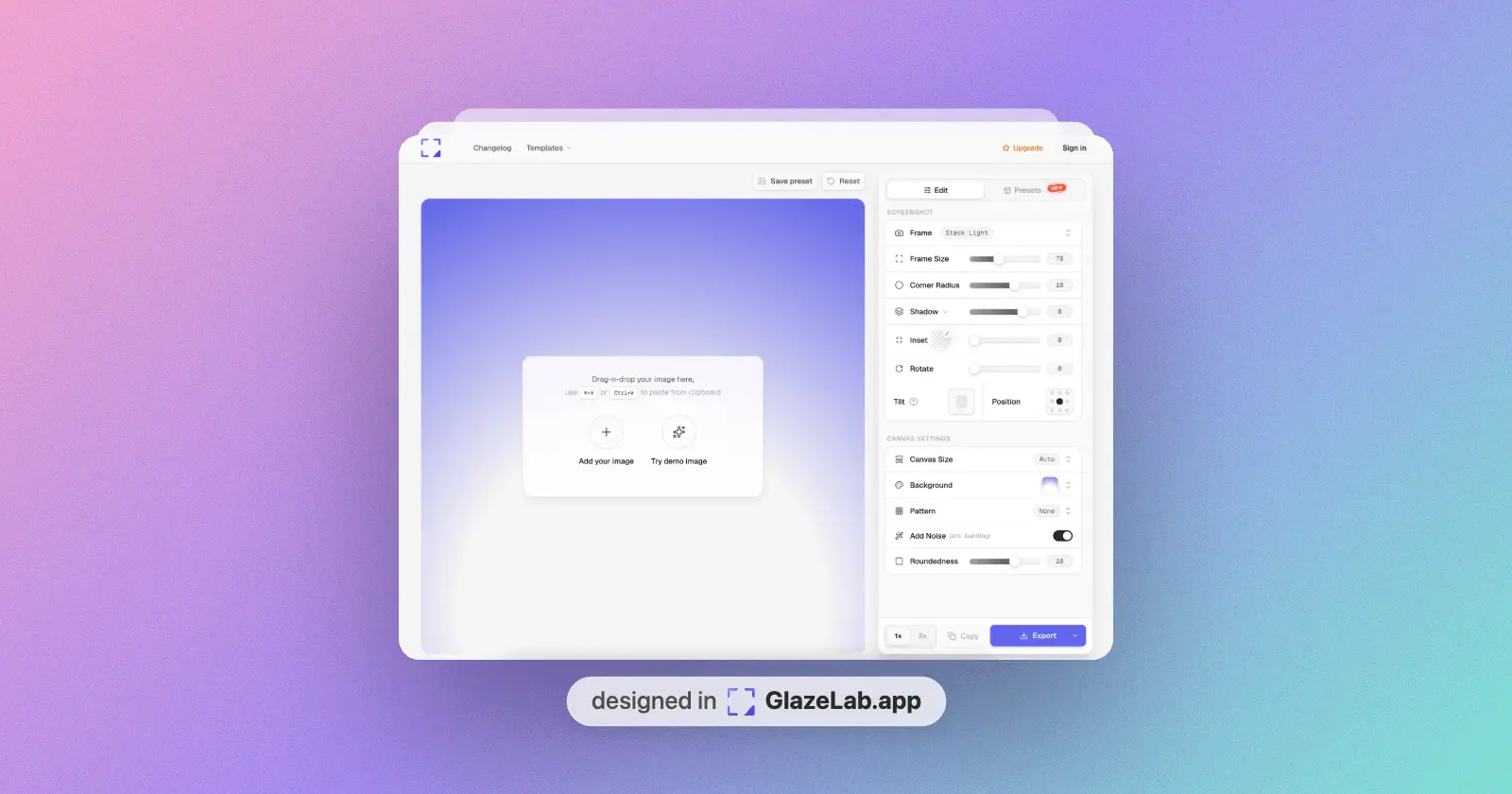
Screenshot Editor by GlazeLab allows you to transform your screenshots into stunning, professional visuals directly in your browser. This free online tool helps you enhance your images for better presentation without needing complex software. You can take standard captures and elevate them into high-quality assets suitable for marketing, documentation, or social sharing instantly.
Product Insights
GlazeLab.app is a free web-based design tool that streamlines content creation by converting standard screenshots into professional marketing assets. It integrates advanced annotation features such as step-by-step flows and shapes for documentation and social media management.
- Free web-based access eliminates the need for complex software installation.
- Advanced annotation suite includes arrows, highlights, and step-by-step flows.
- Optimized for quick transformation of raw captures into social-ready visuals.
- Fully editable and precise graphic elements for professional feedback cycles.
Ideal for: Content creators, marketers, and solopreneurs who need to transform technical screenshots into polished visuals for tutorials and documentation.
Screenshots
Product Updates (1)
Advanced Annotations is live! 🚀
Now you can quickly explain ideas with arrows, highlights, shapes, images, and step-by-step flows — perfect for tutorials and feedback. Everything is fully editable, smooth to use, and super precise. And yes — it’s completely free.
Comments (0)
No comments yet. Be the first to share your thoughts!
Reviews (0)
No reviews yet. Be the first to rate this product!
Comments (3)
Sounds really helpful actually. Would have loved to see more screenshots here of before / after :) Congrats on placing #2!
Nice..!
@aafahad369 thanks
Super excited to launch GlazeLab! 🚀 I built this to help creators turn boring screenshots into stunning mockups in seconds without Figma. Would love to hear your feedback!