
HEIC to JPG
Convert HEIC to JPG — Free Online Tool
Details
- Pricing
- Free
About HEIC to JPG
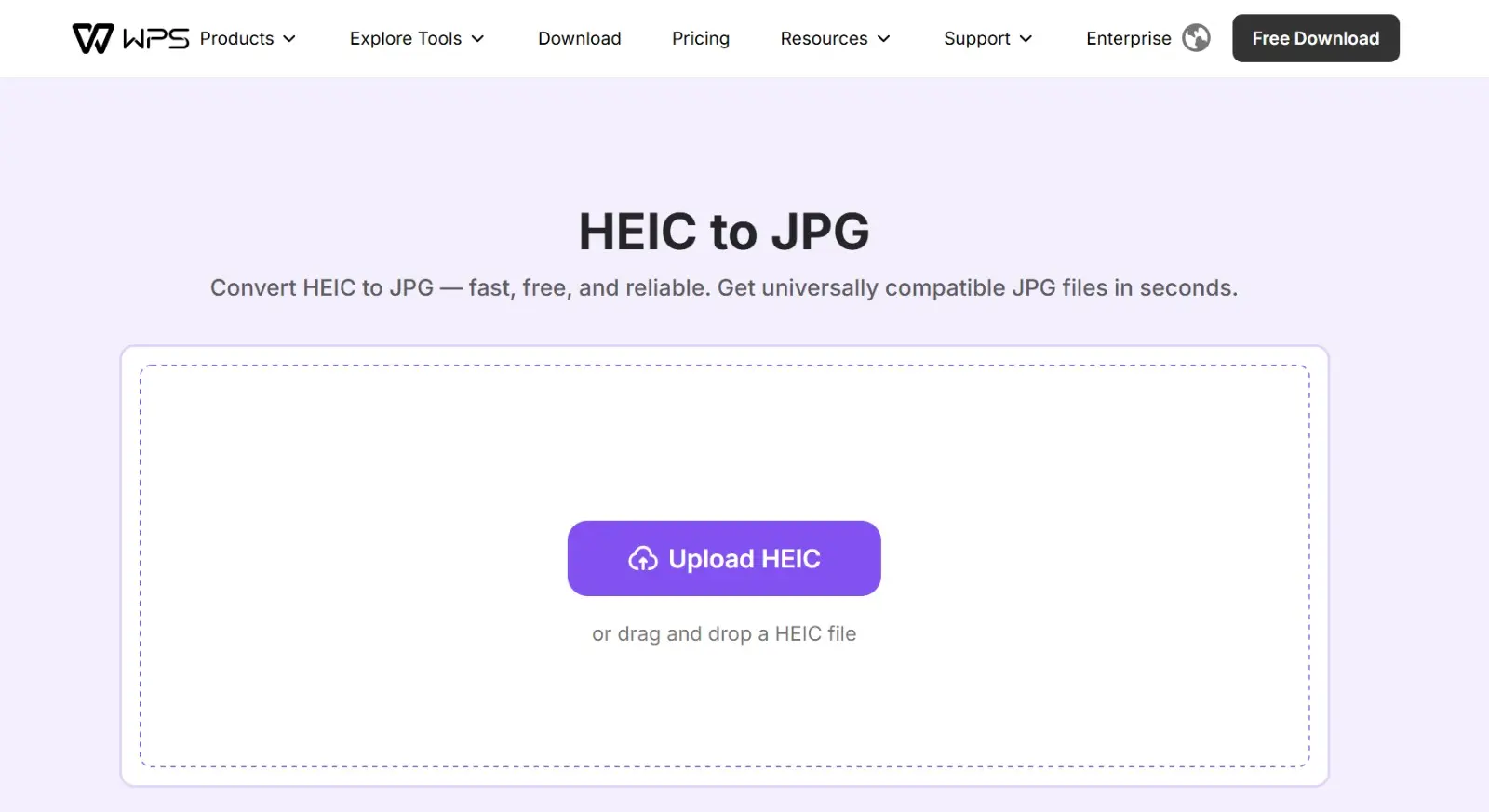
Convert HEIC images to JPG format for better compatibility across devices, platforms, and applications. HEIC files are commonly used by iPhones and newer Apple devices, but they may not open properly on Windows, Android, or some websites. This HEIC to JPG converter helps you convert HEIC to JPG quickly, making your images easier to view, edit, share, and upload anywhere. How to Convert HEIC to JPG Step 1: Upload your HEIC file Upload your HEIC image from your device. Step 2: Convert HEIC to JPG The tool automatically converts your HEIC file into JPG format quickly and securely. Step 3: Download your JPG file Download your converted JPG image instantly and use it for editing, sharing, or uploading.
Product Insights
HEIC to JPG is a free web-based utility designed for Productivity and Automation workflows. It provides a three-step process to transform Apple-native image formats into universally compatible files for easier viewing and sharing.
- Completely free online tool with no listed pricing tiers.
- Streamlined three-step conversion process for rapid file processing.
- Operates as a secure web utility for compatibility across different operating systems.
- Automates the transition from HEIC to the universally supported JPG format.
Ideal for: This tool is suitable for users needing to convert iPhone or Apple-native images for use on Windows, Android, or third-party web platforms.
Screenshots
Reviews (0)
No reviews yet. Be the first to rate this product!
Comments (0)
No comments yet. Be the first to share your thoughts!