


 Convertio
 CloudConvert
Top HN Daily Digest
Concise summaries of the top Hacker News stories

Securely convert large video, audio, and image files online

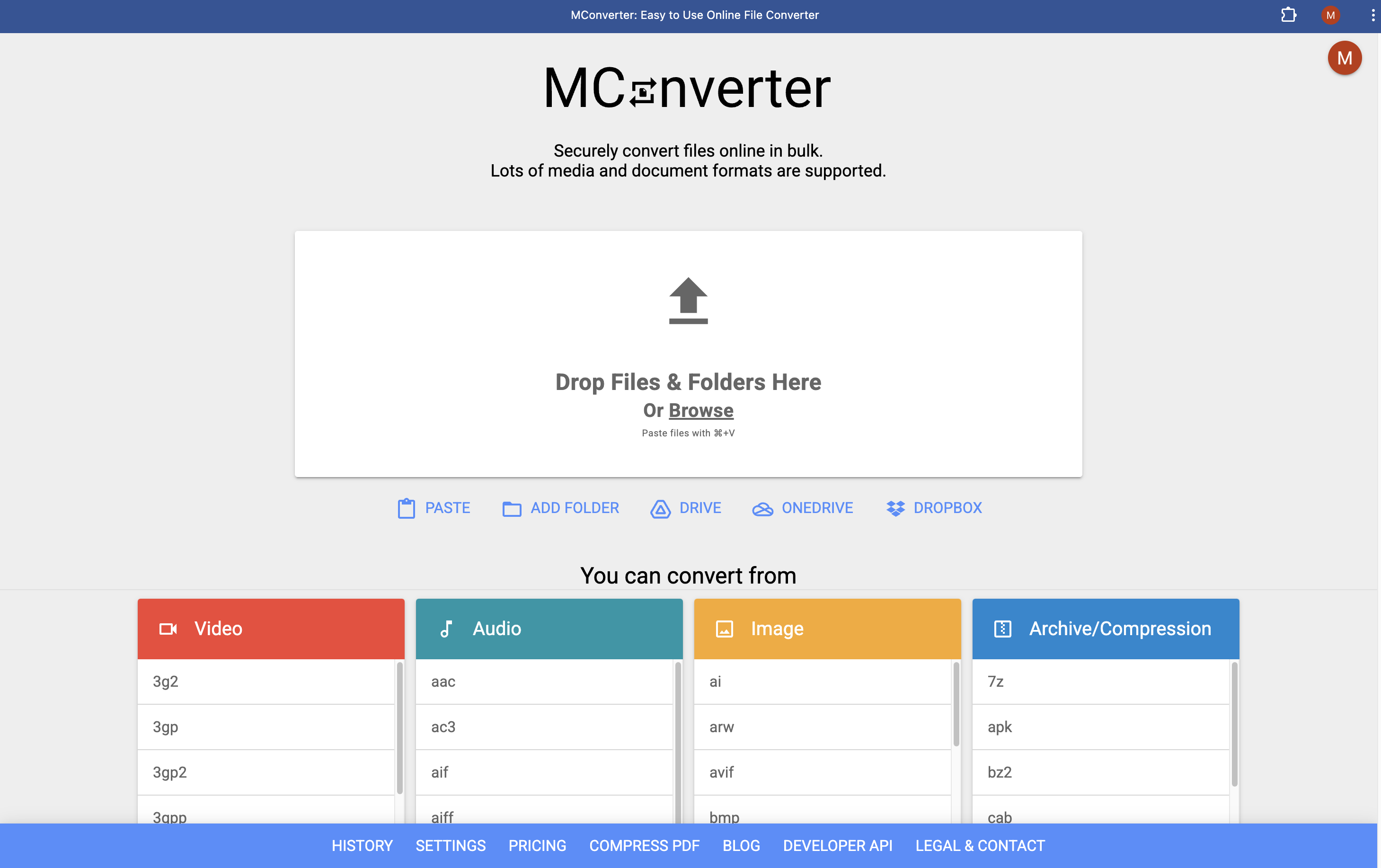
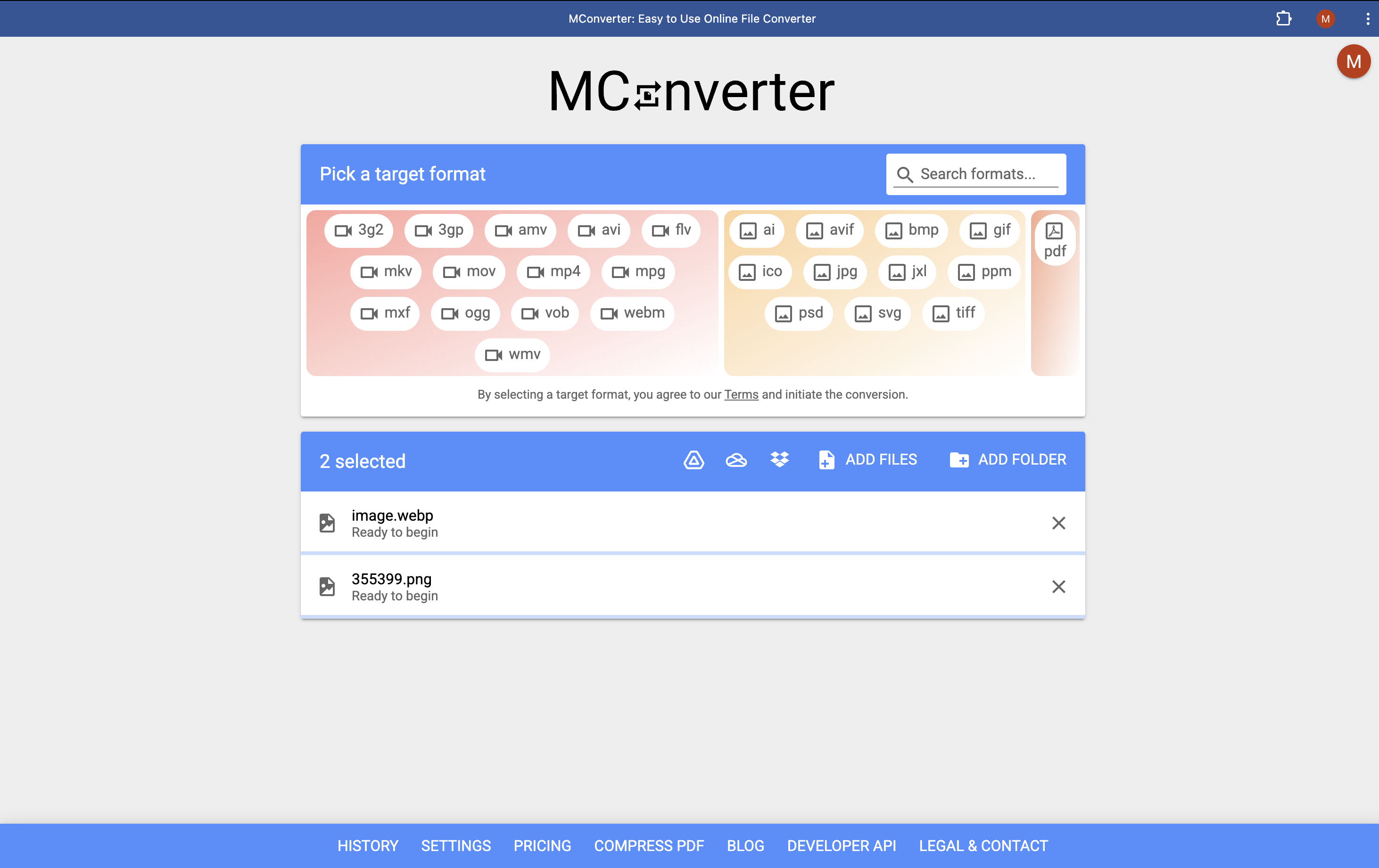
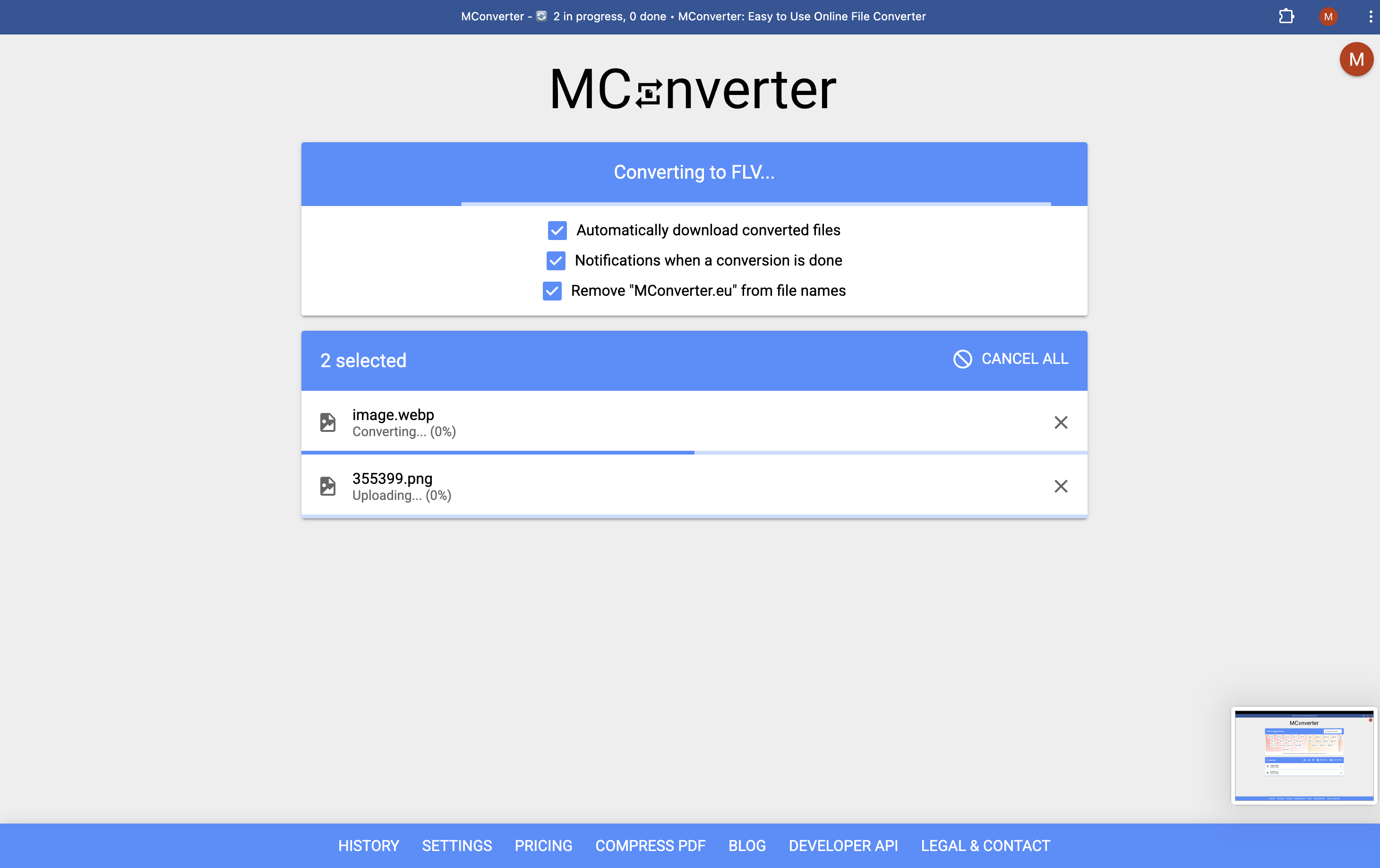
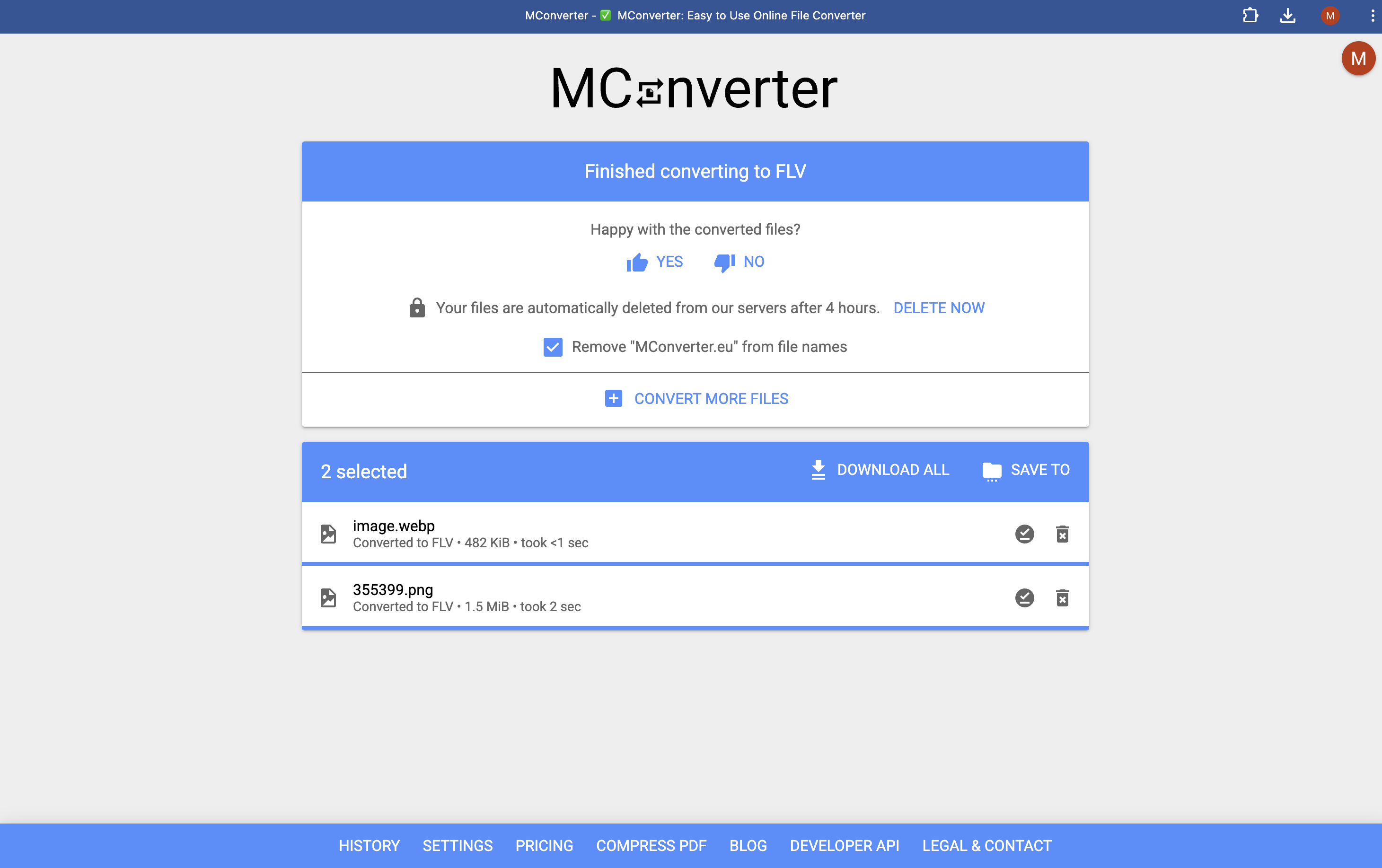
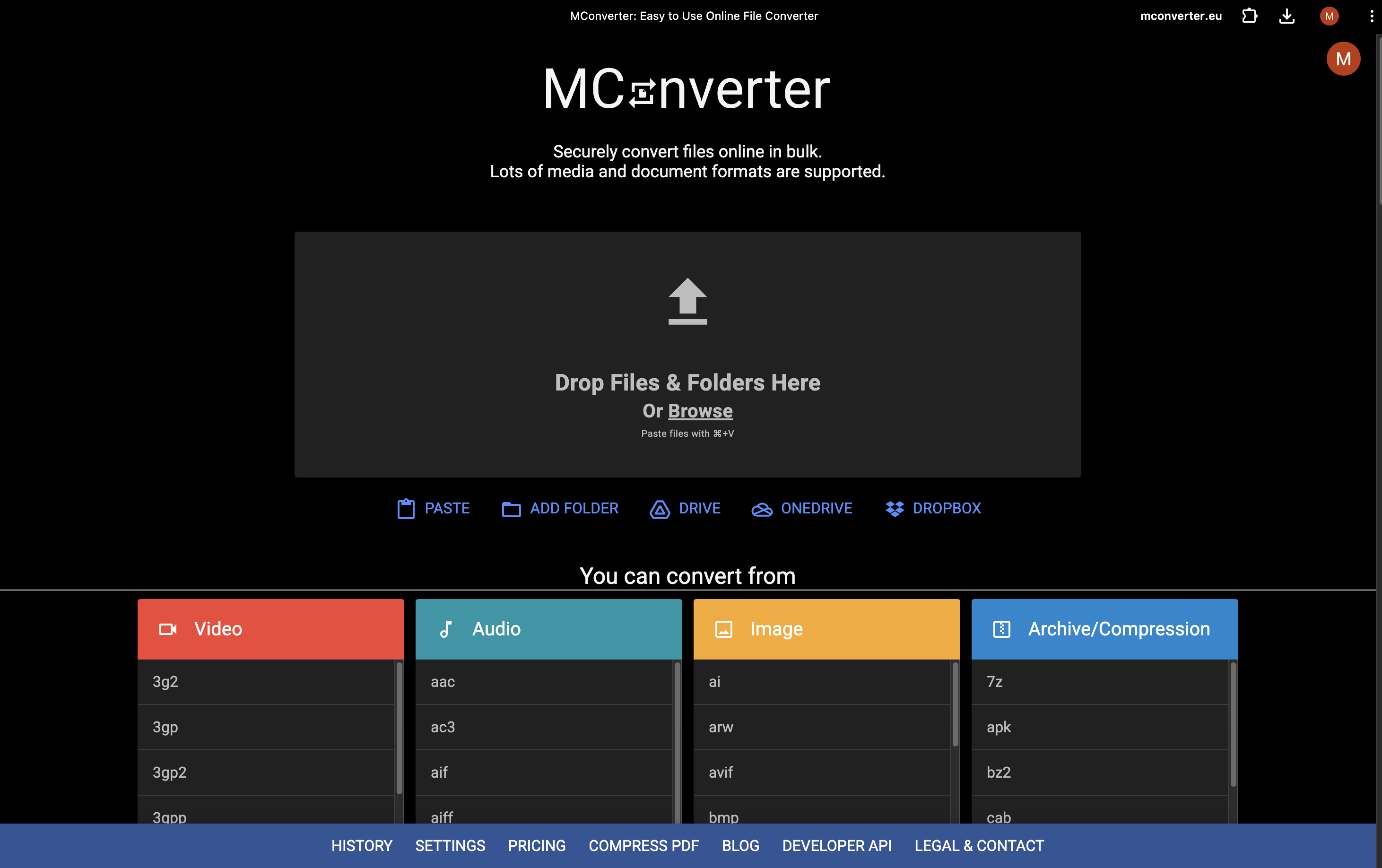
MConverter provides a multi-platform utility for bulk file conversion and PDF compression across web, mobile, and desktop environments. It bridges creative and administrative workflows by supporting large file uploads up to 10 GB and direct cloud storage integration.
Ideal for: Freelancers and content creators who need to perform bulk conversions of high-resolution media or compress large documents for easier sharing.
MConverter serves as a high-capacity alternative to platforms like Convertio and CloudConvert.
5% OFF ALL PLANS(-5% OFF)
Valid until Dec 31, 2026
No updates yet. Check back later for updates from the team.
Average 4.9 out of 5
Based on 10 reviews
AMAZING APP! I've been using it for years and it converts images and pdfs perfectly. One time my photo wouldn't upload and they fixed the issue literally the same day (yes, a real person, not an ai chat bot!)
The Markdown to Word is a literal lifesaver! Never fails
Super easy to use and very fast conversion. Would recommend.
My choice for #1 convertor for my publishing business. I use it daily. One of my favorite features is the conversion from DOCX to PDF. It works better than print to PDF in Microsoft Word!

Great assistance!

Great product, works perfectly!
Good stuff! This converter actually works, unlike many others that are mostly generated by AI
Such a great app! I use it all the time to convert audio or videos and its fast if you need something urgently.

Been using it for awhile, and the free version saved me during my last days at uni to compress the papers I needed to submit as pdf. Finally upgraded to the paid version and really happy with the features
Nice work on this launch! The product solves a real problem in an effective and thoughtful way.
Concise summaries of the top Hacker News stories

Redesign any website in seconds. No designers. No code!


Comments (3)
Bulk file conversion across web, mobile and desktop just needs to work reliably — large batch support is the right differentiator. What's the size limit per batch? launched this week: AI Stack Builder for YouTubers — check it out!
@58259phil Absolutely agreed! The MConverter PWA can do a thousand files in a batch, while our usage-based API is unlimited. Each file in the batch can be 10 GB. You can also process multiple batches at once - in multiple tabs.
@marto55555 10GB per file with unlimited API calls is genuinely impressive — that covers even the heaviest video production workflows. Will definitely mention this to creators who process large batches. Great product! 🙏
Can you add image compression, not just pdf? I often need to free up space on my phone
@mikewazowski Absolutely, it's already on the product roadmap and will be available soon.
@marto55555 thanks! Much appreciated!
Happy to share MConverter here, with a special discount for PeerPush members. It’s an easy-to-use file converter with bulk conversion support and powerful PDF compression.
@marto55555 thank you, will use the code when my current subscription expire
@ellieset Glad to hear you'll be making use of the discount code!