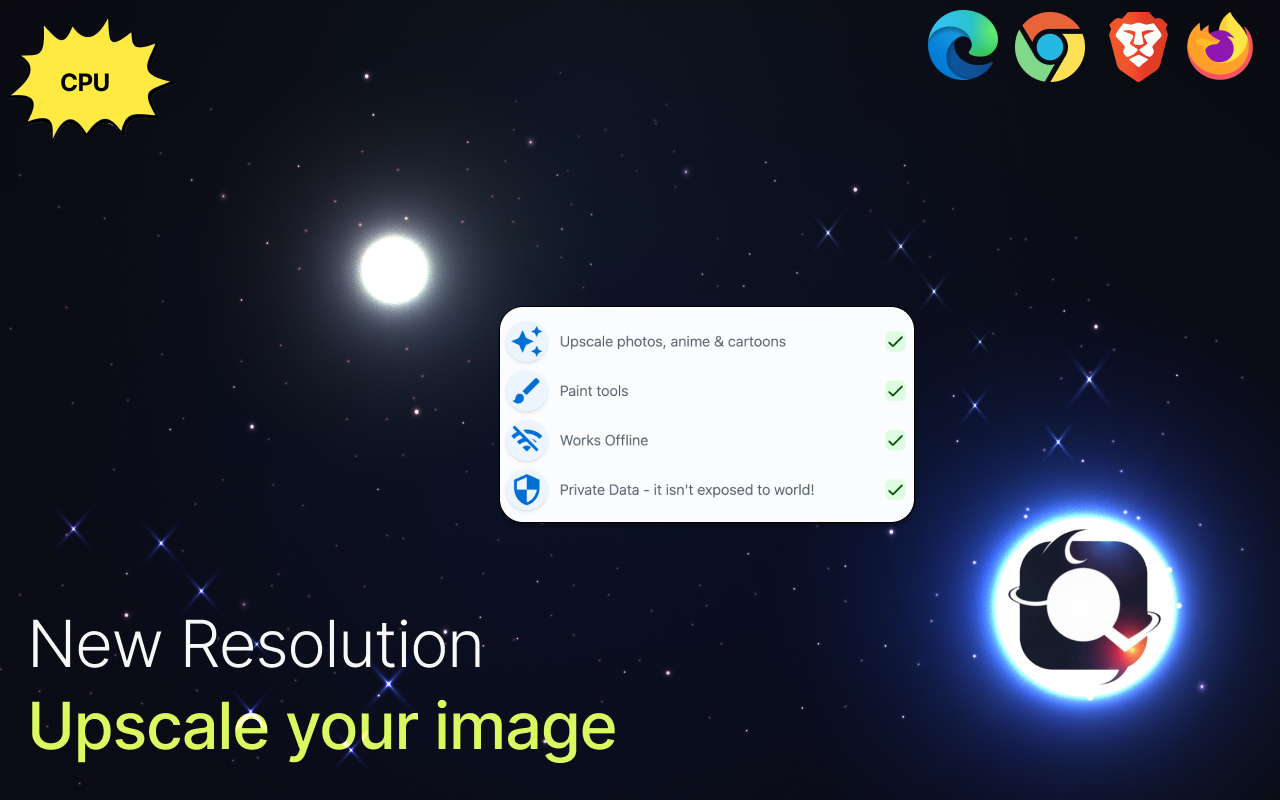
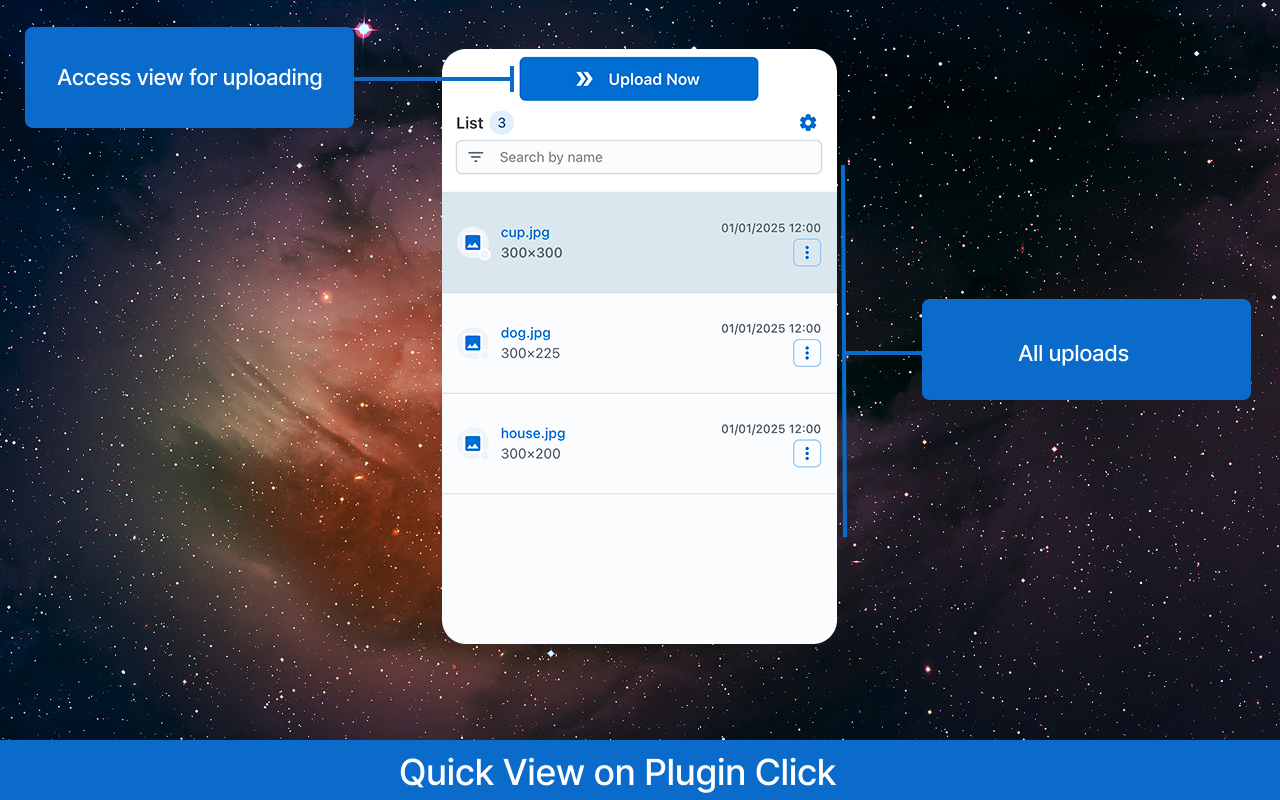
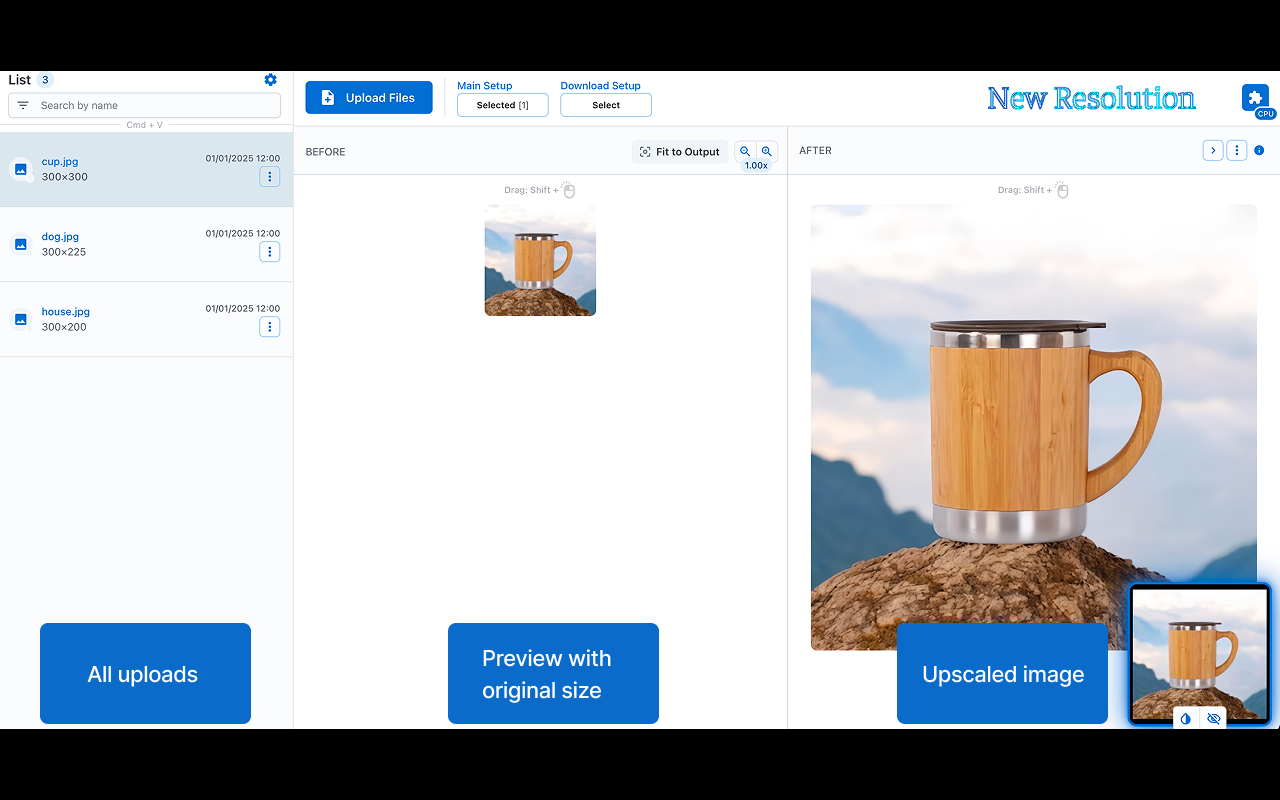
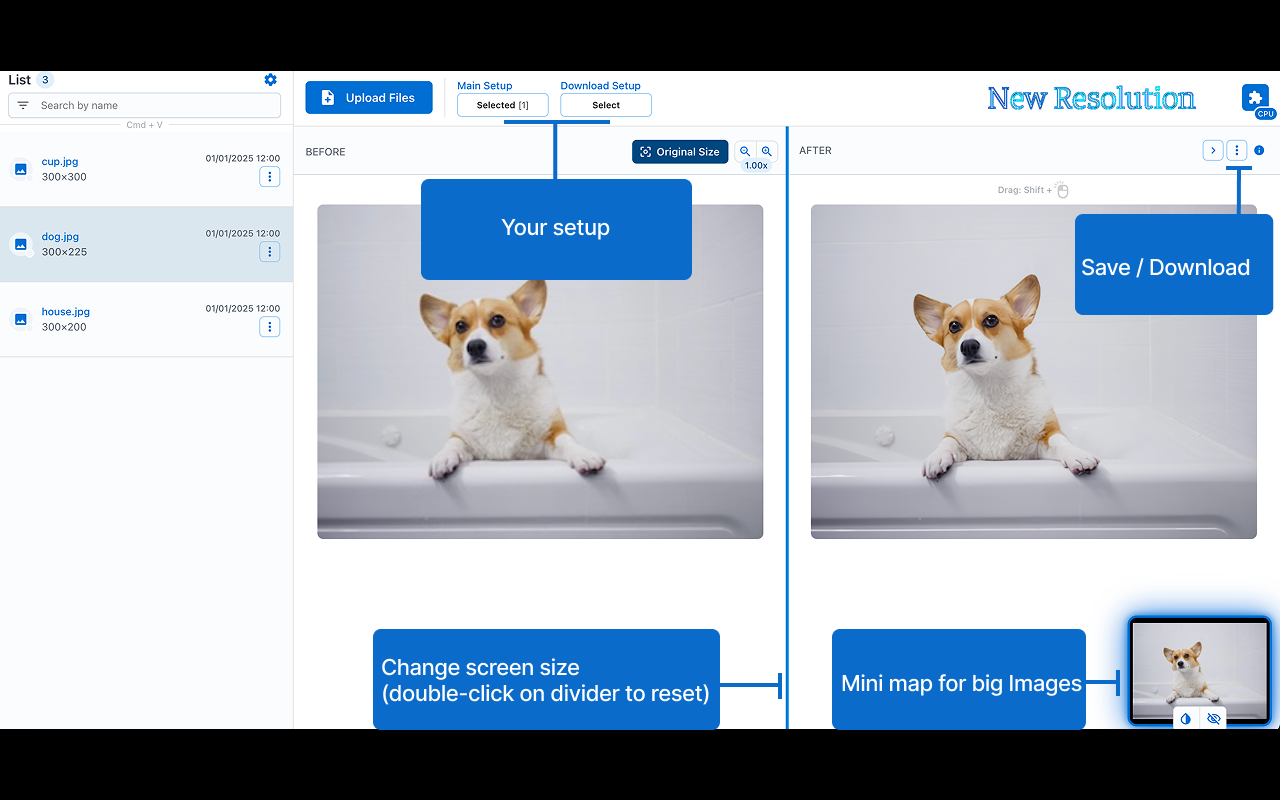
Upscale your photos, anime, and cartoons - ideal for small, clean images (e.g., 300×300). Bigger dims take longer because quality comes first. For slow or warm devices, enable lighter mode in settings.
Features:
• 🎯 Precision: delivers highly accurate results.
• 🔒 Offline Functionality: operates entirely offline, ensuring your data stays private.
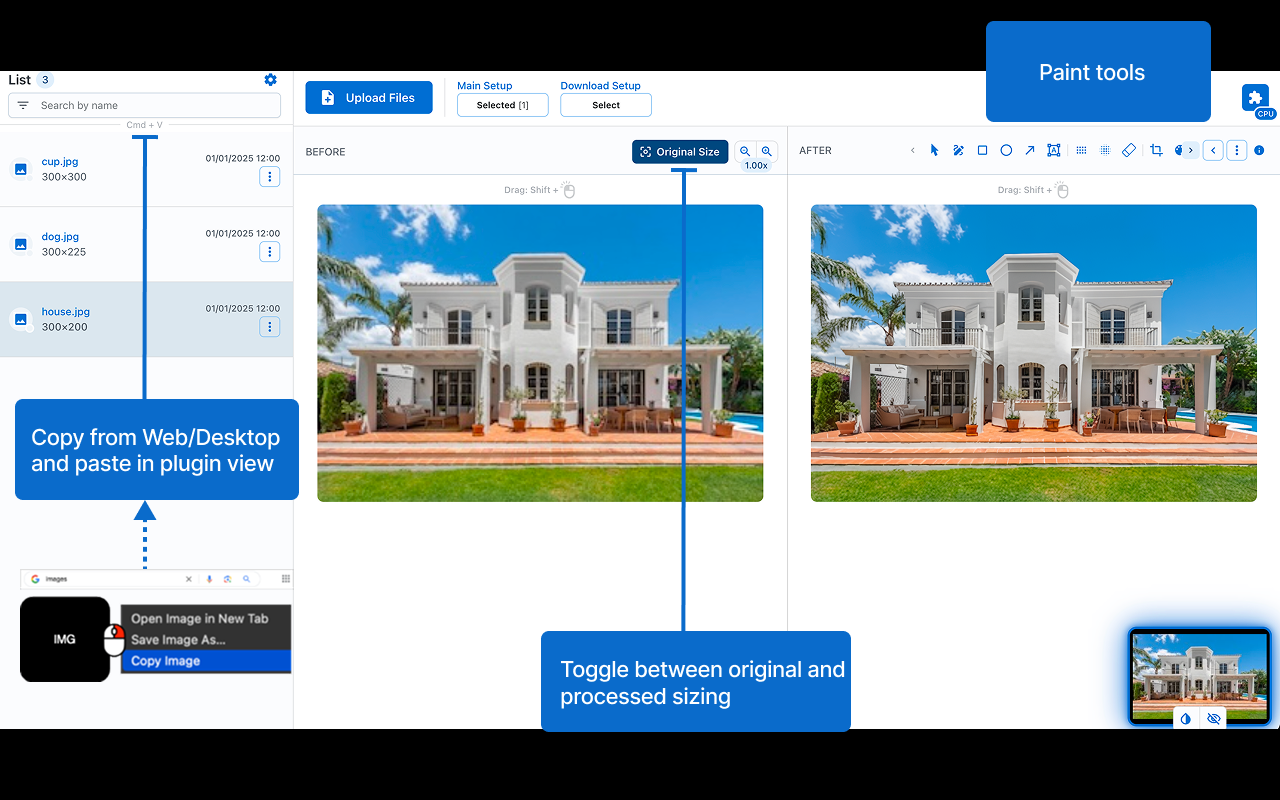
• 🎨 Edit: paint tools.
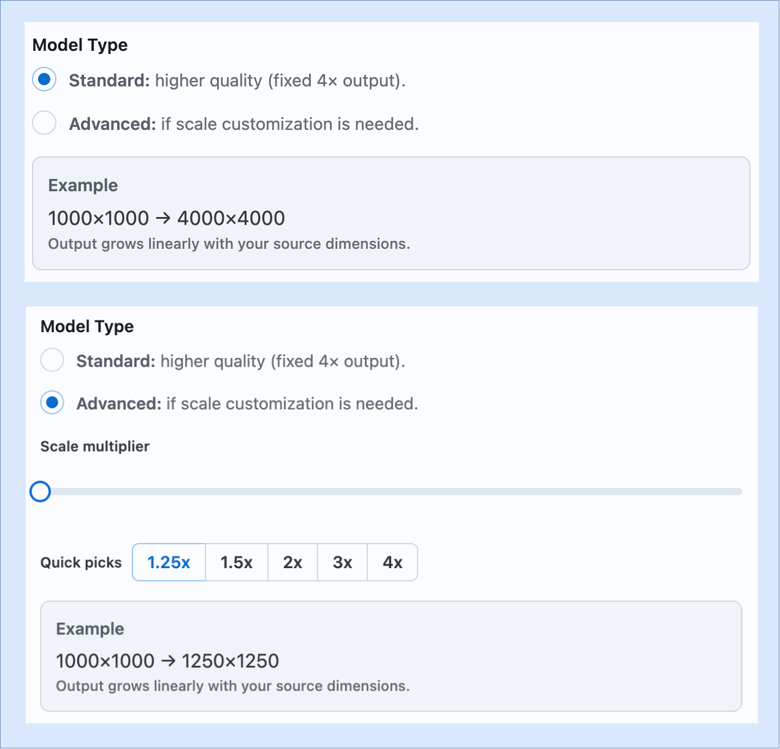
• ✨ Extra Options: output size control, watermarking (image/signature), metadata handling, and format selection.
Shortcuts:
• Paste files from your clipboard for processing: Ctrl/Cmd + V
• Copy the modified selection to your clipboard: Ctrl/Cmd + Shift + C
Note: compatibility may vary across devices 😢.












Comments (2)
I need this all the time with any pic (if it's from myself or for a customer) to scale it. But tbh, i've tried it now and either didn't get how i need to use it, or it's just not working at all
This looks really useful!