
PDF to Google Sheets
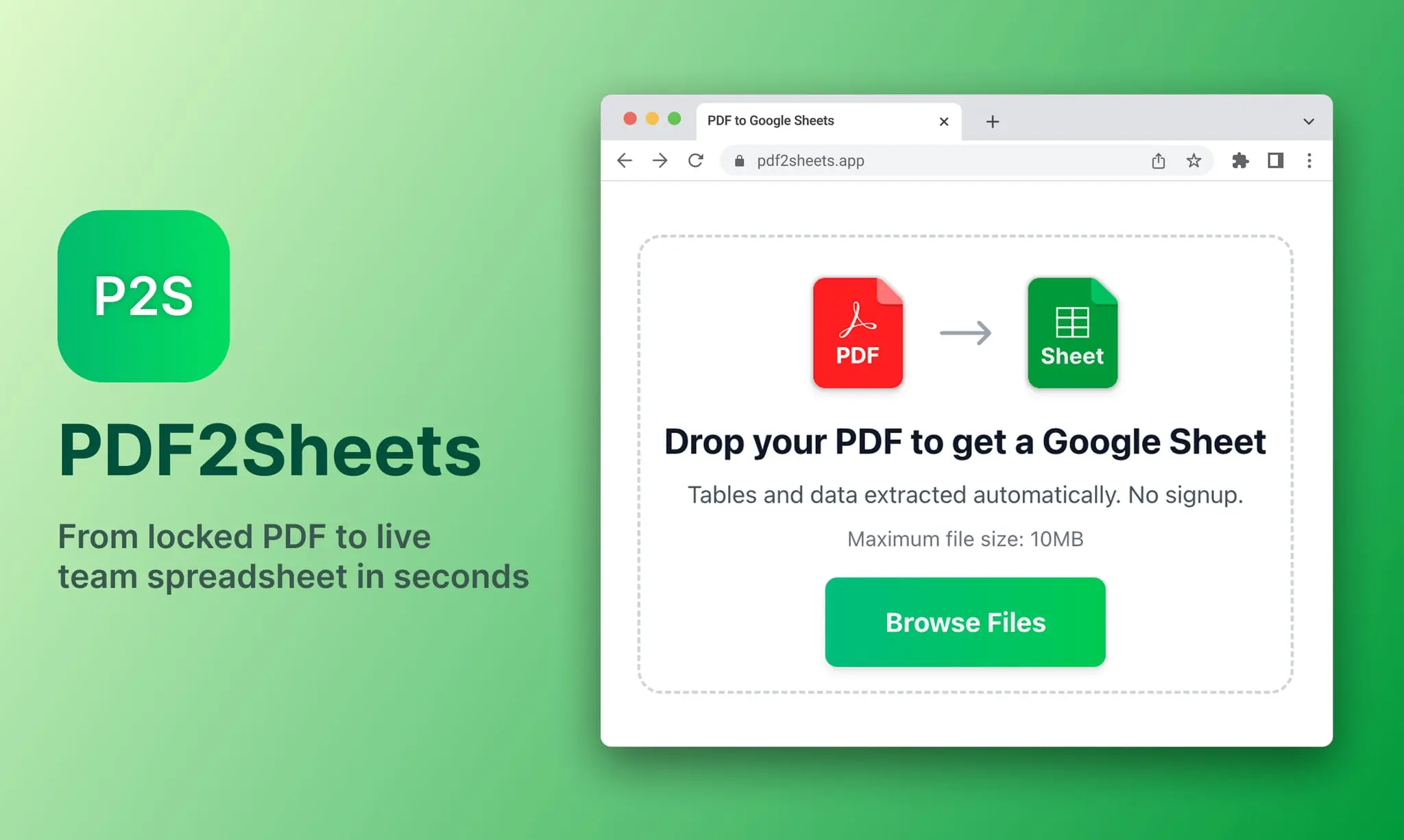
PDF tables to live Google Sheets link. No broken columns.

Details
- Follow on
- @crowkd46
- Target Audience
- FreelancersNon-Technical UsersSmall Businesses
- Platforms
- Web
About PDF to Google Sheets
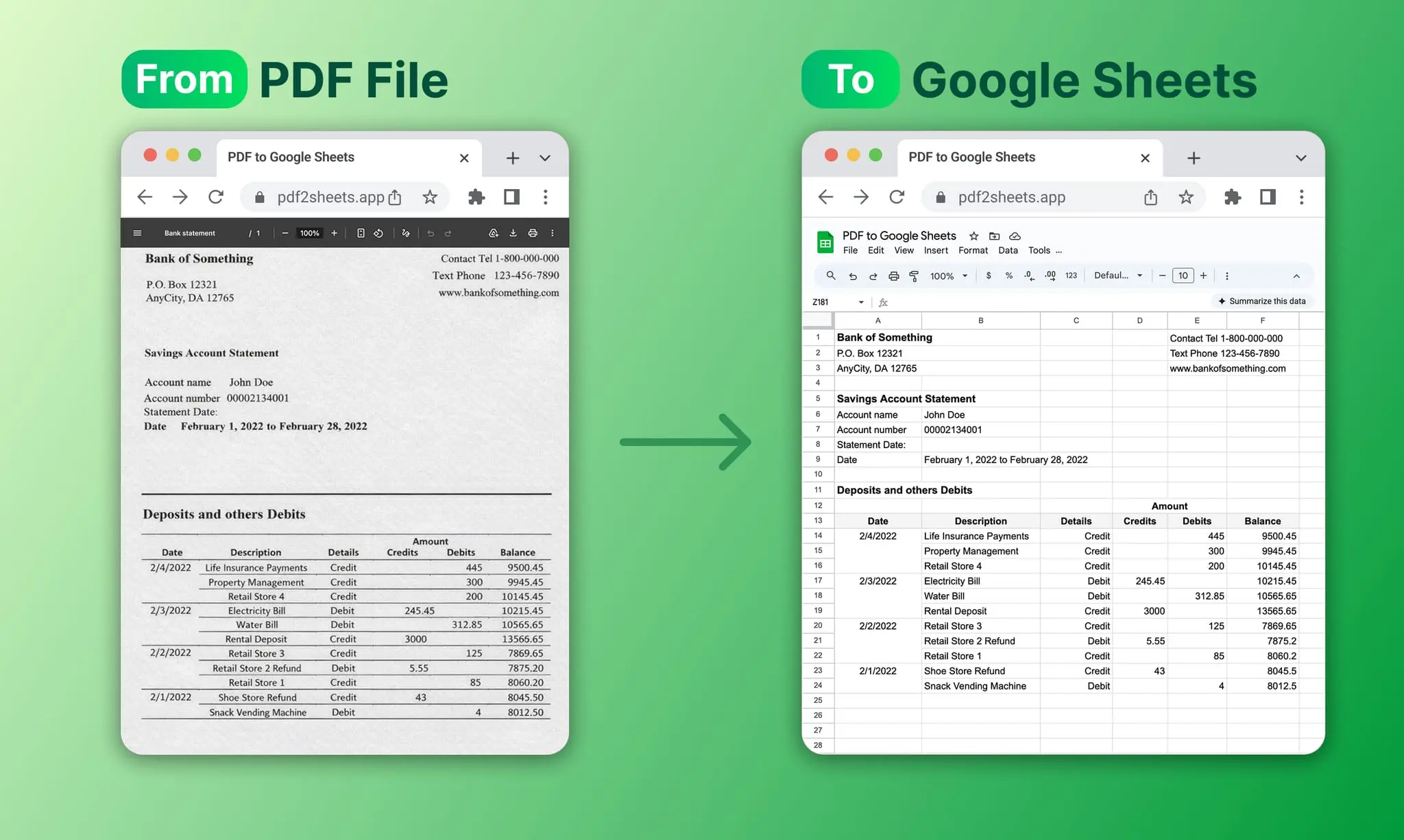
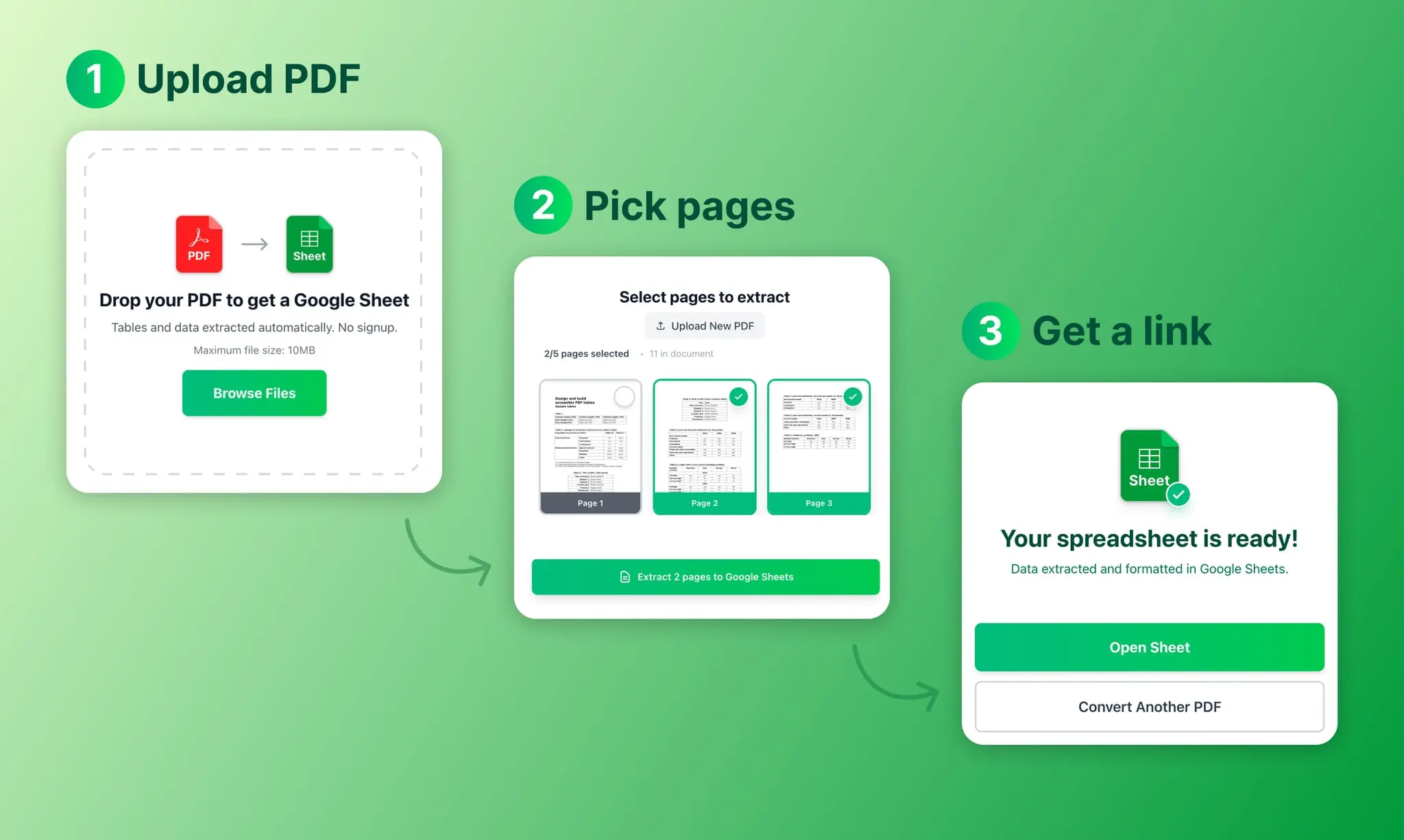
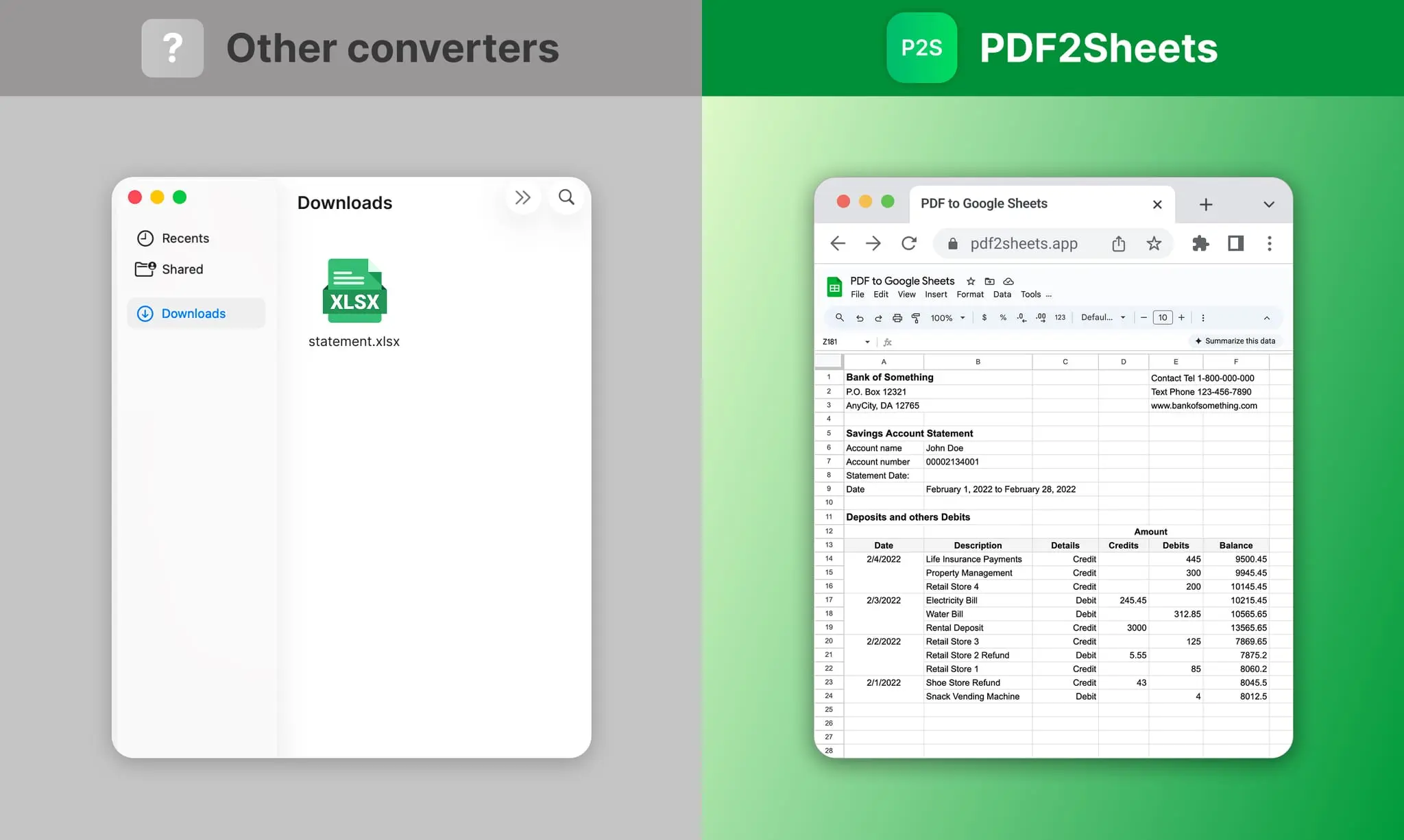
Every time you copy a table from a PDF into a spreadsheet, something breaks. Columns shift, merged cells split, numbers end up in the wrong row. You spend more time fixing the layout than actually using the data. That’s what pdf2sheets does. Upload a PDF — even a scan — and get back a Google Sheets link with your table structure intact. Not a downloaded file you have to open and re-format. An actual live spreadsheet you can edit and share with your team right away. How it works: 1. Upload your PDF (up to 10MB, no registration) 2. Pick the pages you need — no need to convert the whole document 3. Get an editable Google Sheets link in seconds What makes it different: - Preserves table layout — columns, merged cells, spacing stay where they belong - Works with scans and low-quality PDFs using AI-powered table detection - Output is a shareable Google Sheets link, not a file sitting in your Downloads folder - Splits data by pages so large documents stay organized - Also exports to .xls and .csv if you need local files - Free, no signup required. Files are encrypted and auto-deleted after processing. If you deal with bank statements, invoices, or any PDF with tables in it — this will save you a lot of copy-paste pain.
Product Insights
PDF to Google Sheets is a web-based automation tool that identifies and transfers PDF tables directly into editable spreadsheets without breaking layouts. It supports scanned files and generates live cloud links or local files to streamline data analysis for administrative workflows.
- Retains table structure including columns, merged cells, and spacing accurately.
- Eliminates account registration requirements for immediate document processing.
- Supports browser-based access for scans and high-resolution PDFs up to 10MB.
- Provides direct Google Sheets links and traditional .xls or .csv export formats.
Ideal for: Freelancers, non-technical users, and small businesses needing to convert bank statements or invoices into shareable Google Sheets without manual reformatting.
Screenshots
Reviews (0)
No reviews yet. Be the first to rate this product!
Comments (2)
What's your monthly cost?
@mayordelmar Currently it’s free, so you can process up to 100 pages per day at no cost.
@crowkd46 That's actually not bad.
Built this after spending an evening reformatting a bank statement. Every converter got the text out but broke the table. pdf2sheets gives you a live Sheets link instead.