
Pizazoo
Organize Mac screenshots into a private searchable library
Details
- Follow on
- Use Cases
- Organizing DocumentsNote-Taking
- Target Audience
- Product ManagersDesignersDevelopers
- Pricing
- Freemium from $15
- Platforms
- Desktop
About Pizazoo
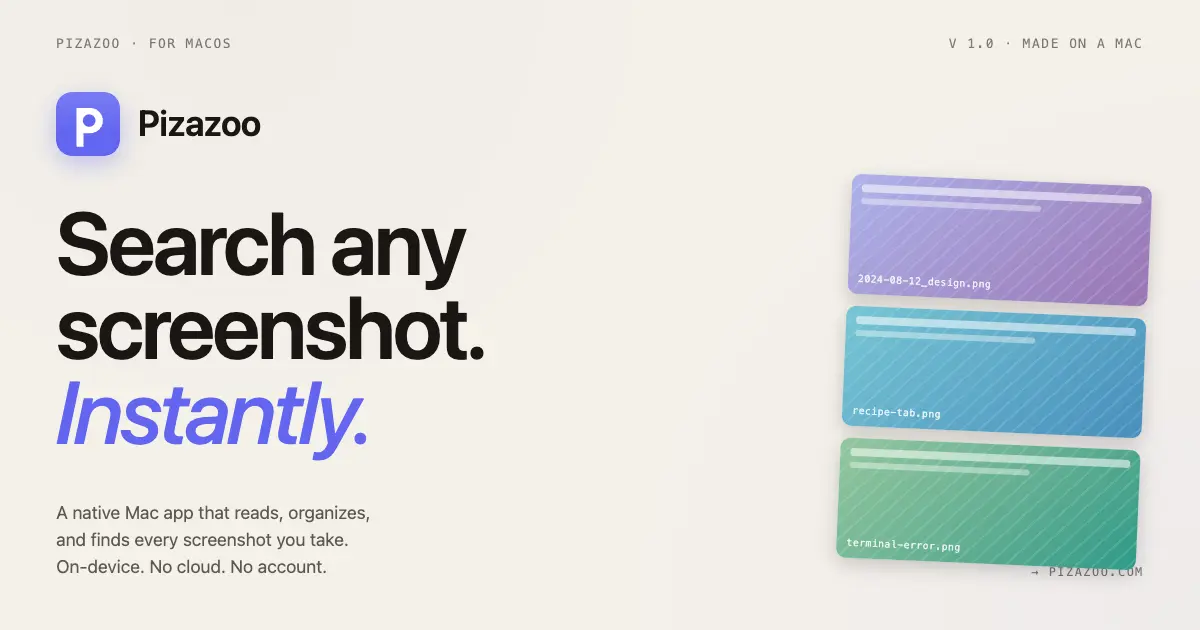
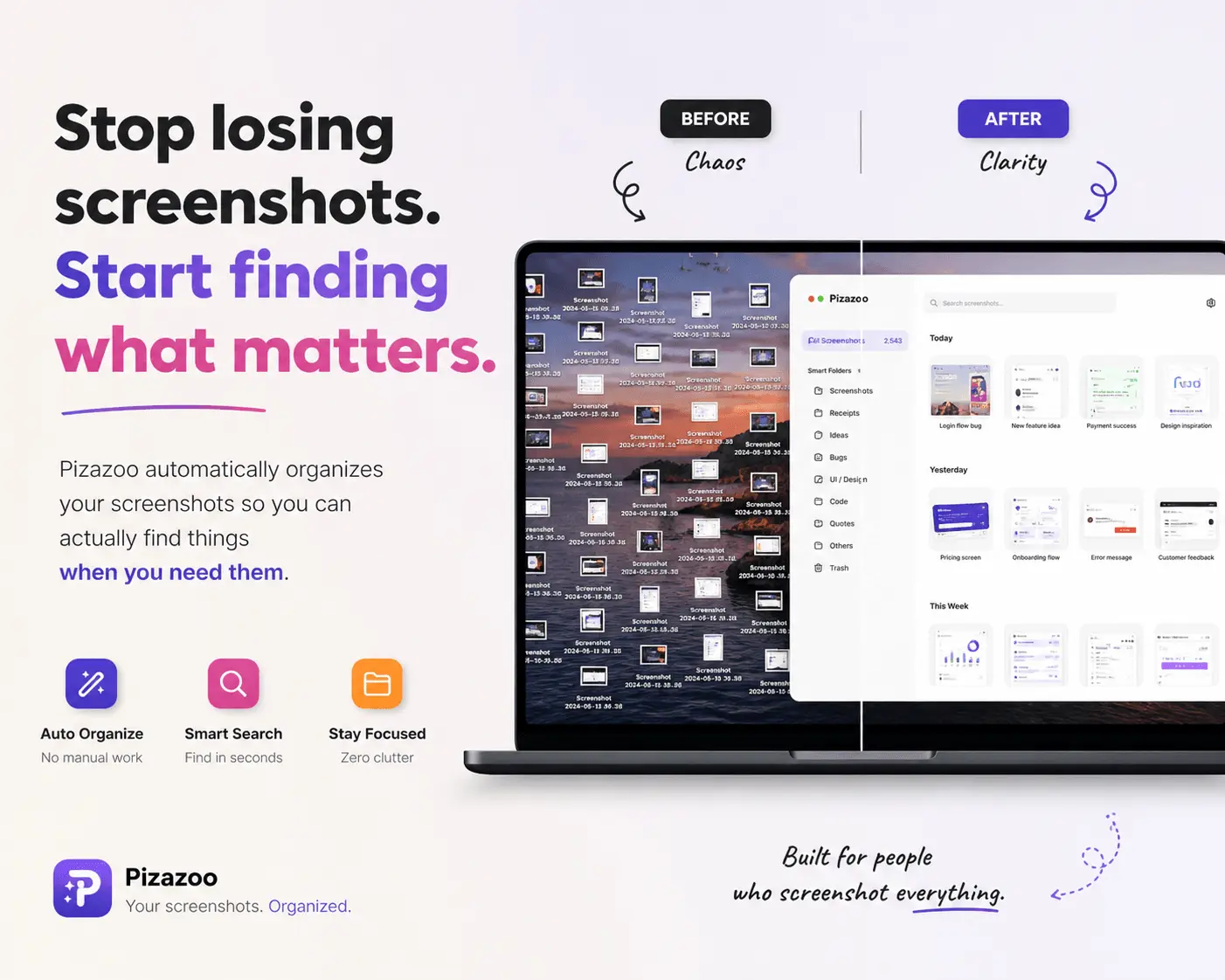
Pizazoo automatically organizes every screenshot you take on your Mac using on-device AI. It reads the content inside each screenshot — receipts, code, chats, travel, documents — and categorizes them instantly without any manual effort. Everything runs 100% on your Mac. No cloud, no subscriptions, no privacy trade-offs. Your screenshots never leave your device. Find any screenshot in seconds with full-text search across everything Pizazoo has ever captured. Bulk import your existing library and let it organize years of screenshots overnight. Built for Mac users who take screenshots constantly and are tired of losing them.
Product Insights
Pizazoo provides a desktop-based screenshot organization system for macOS that utilizes on-device AI for automated categorization and full-text search. The software operates through a freemium model with a one-time purchase starting at $15 for users who prioritize data privacy.
- Operates entirely on-device to ensure user privacy by keeping data off the cloud.
- Automates categorization of receipts, code, and documents using AI content analysis.
- Supports bulk import of existing image libraries for overnight organization.
- Enables rapid retrieval via full-text search across all captured visual content.
Ideal for: Product Managers, Designers, and Developers can use Pizazoo to organize visual documentation and notes without manual sorting or subscription costs.
Screenshots
Reviews (1)
Average 5.0 out of 5
Based on 1 review
Comments (1)
Built Pizazoo for Mac users drowning in screenshots 📸 On-device AI reads & organizes them automatically. Private, instant, zero effort. Would love your feedback!