Your AI assistant for workflow and beyond.
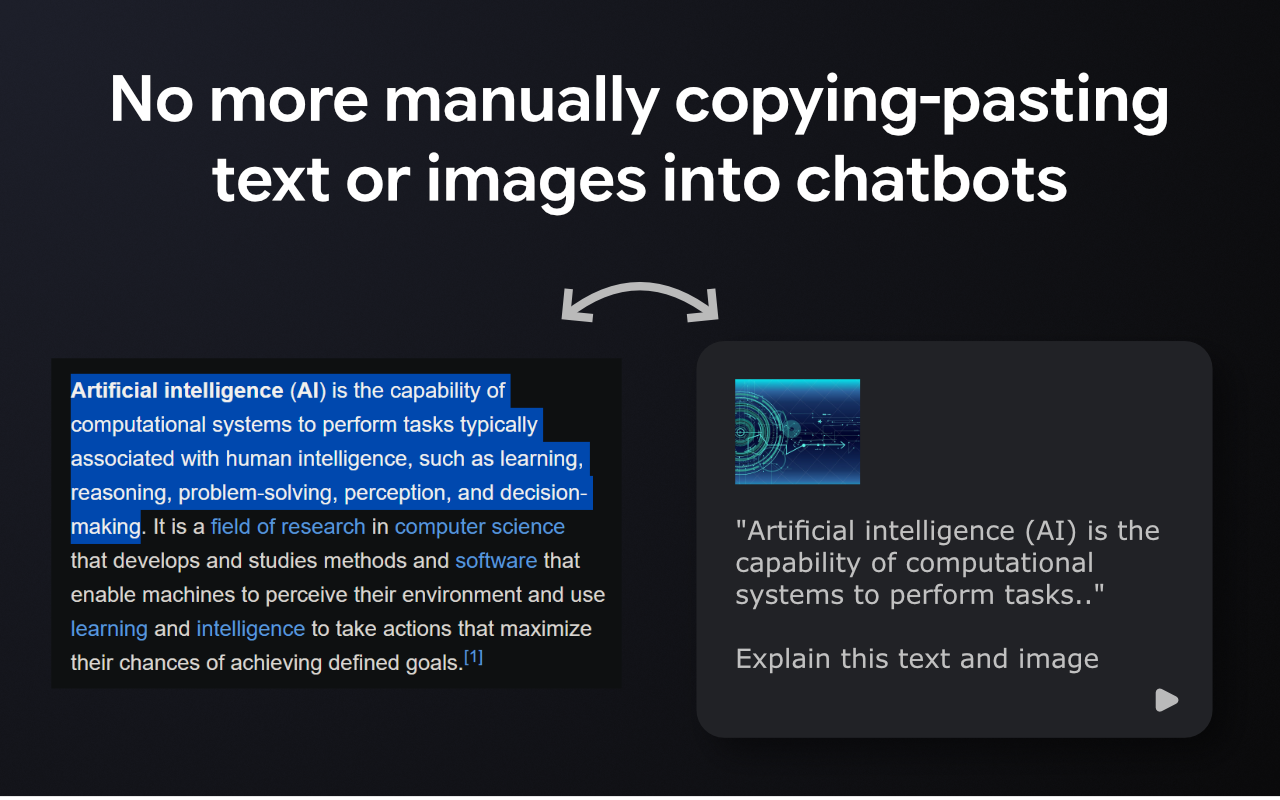
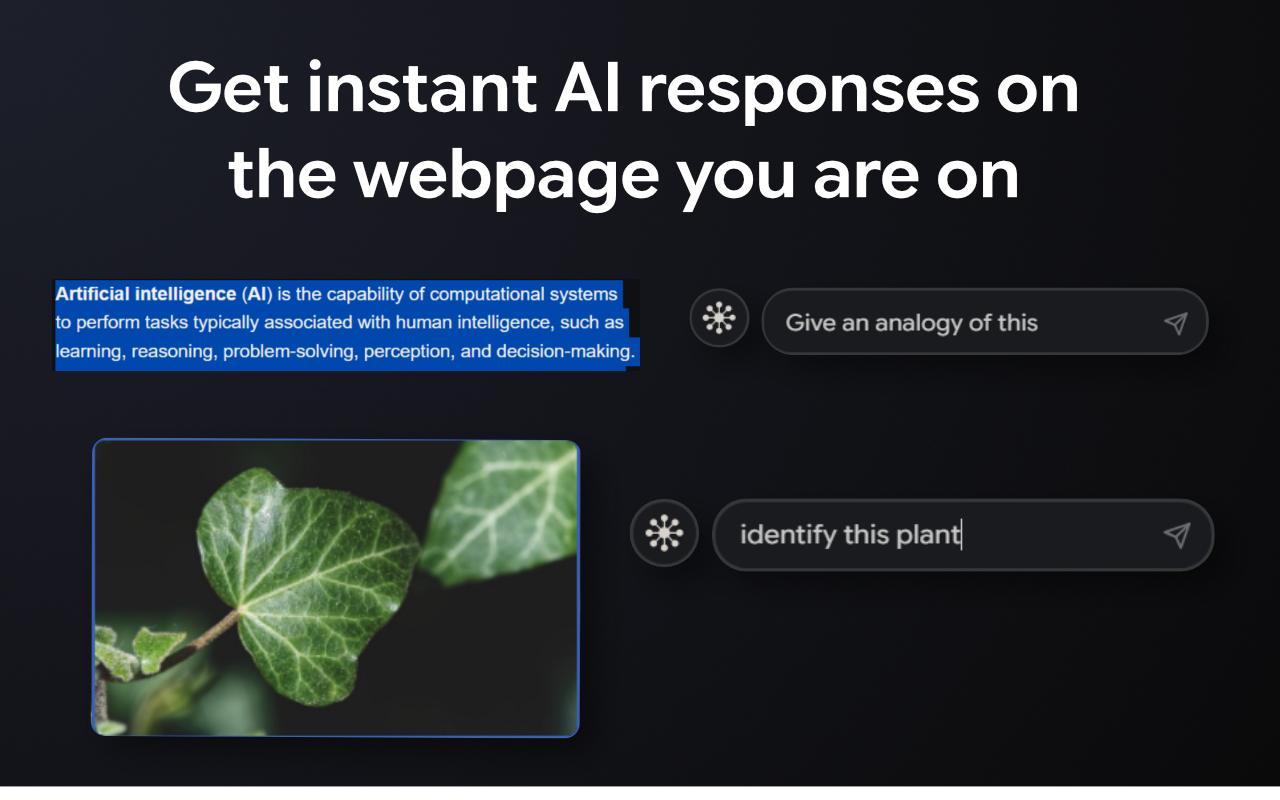
No more manually copying and pasting text into chatbots or switching tabs. Get instant AI responses on the webpage you are on — for text, images, and screenshots.
What You Can Do
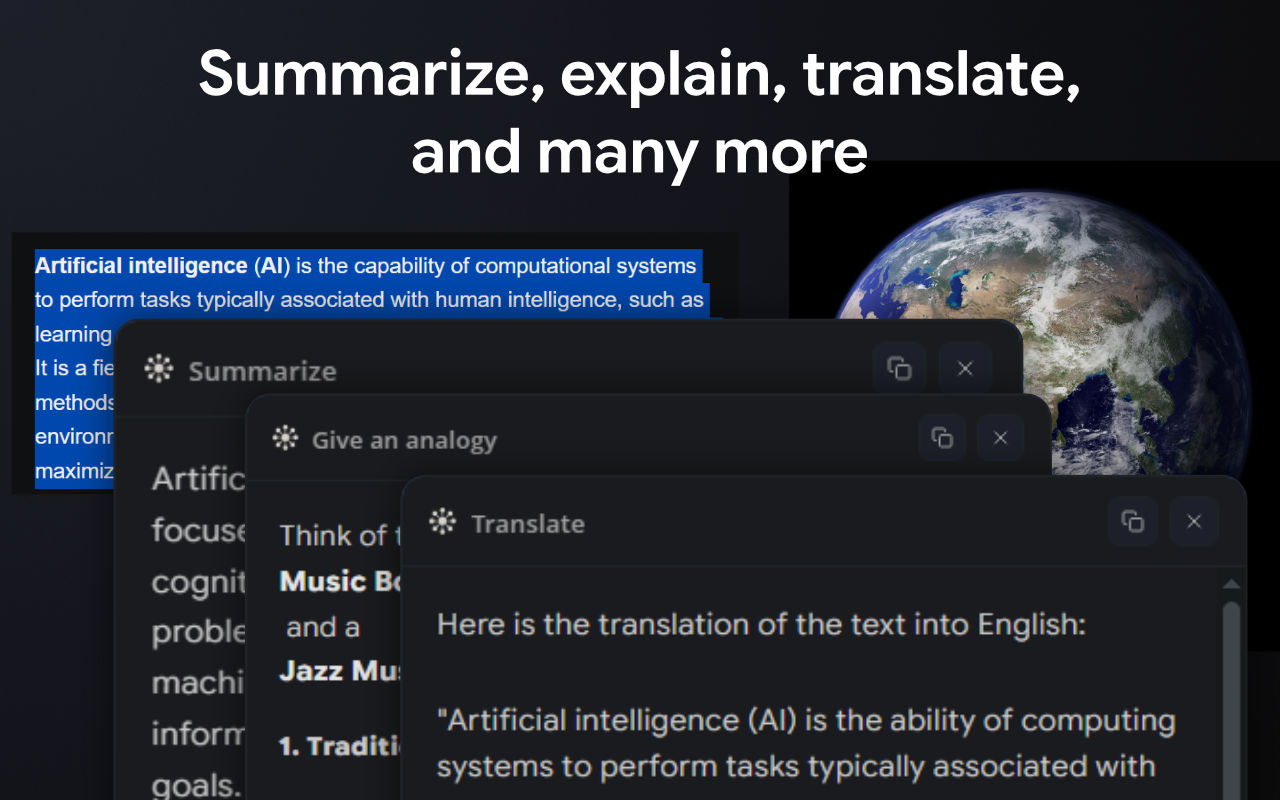
📰 Reading an article? Get a summary without leaving the page.
📚 Hit confusing jargon? Instantly explain it in plain English.
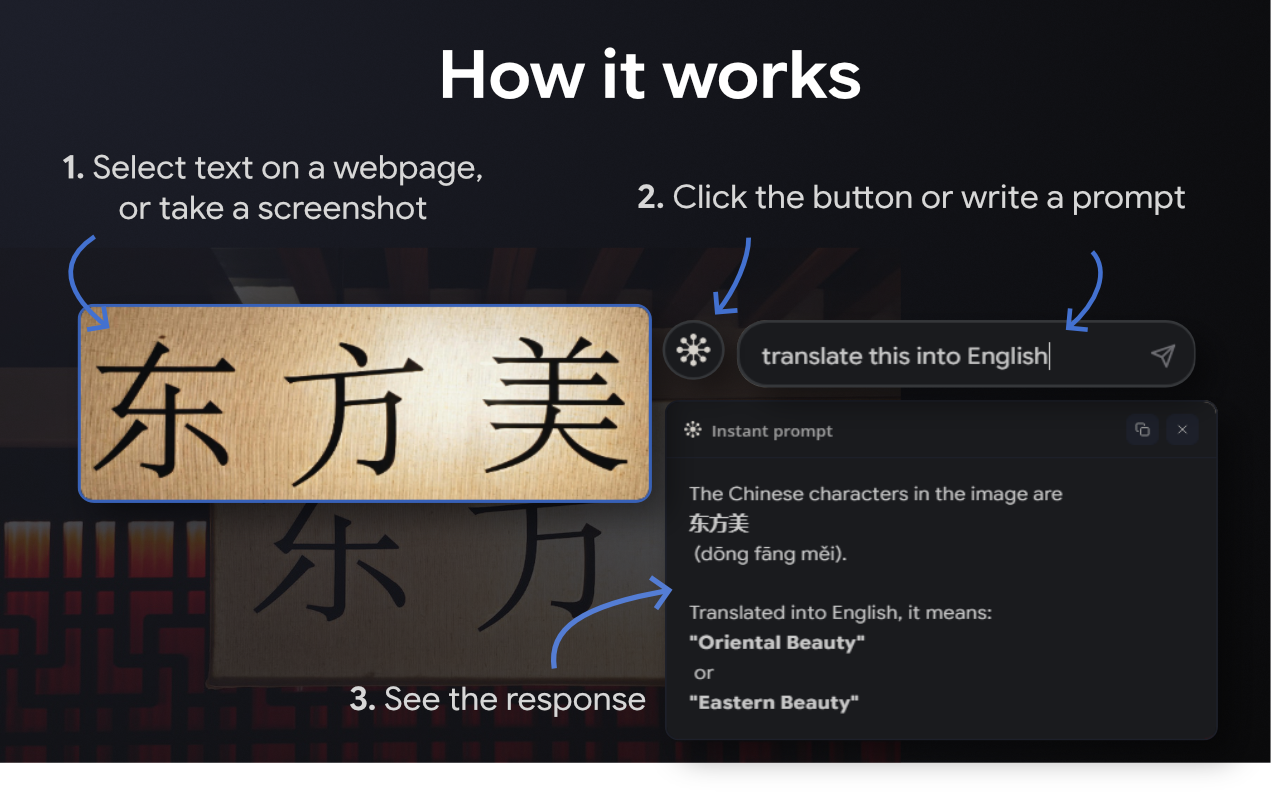
🌍 Foreign language? Translate text or images without opening another tab.
🖼️ See an image? Identify it, describe it, or ask anything about it.
📸 Want an answer to something you saw on screen? Take a screenshot and let AI process it instantly.
🧠 Studying? Turn any paragraph into flashcard-ready notes.
💼 Researching? Extract key points from long documents in seconds.
...and many more use cases.
Ask Anything, Right There
• Use the built-in prompt field to type any question or instruction — without picking from the list.
• Select text, image or capture a screenshot — then tell Quiro what you want.
Your Prompts, Your Way
• You can create and save prompts for easy access – for your workflow or beyond.
• Organize them by category.
• Pin your favorites to the right-click menu for even faster access.
Edit prompts as you want
• Prompt title and body
• Randomness of the responses; from precise to experimental.
• AI thinking level; from minimal to high.
Each prompt remembers its own AI settings.
That's it. Text, images, screenshots — answered instantly, right where you are.
Free credits to try.
🔒 Your data stays private and is never used to train AI or sold to third parties.






Comments (0)
No comments yet. Be the first to share your thoughts!