Screenshot Markup: Annotate
Annotate and mark up images and screenshots
Details
- Follow on
- @dropshare
- Categories
- Design ToolsMobile Apps
- Use Cases
- Photo Editing
- Target Audience
- HobbyistsIndie HackersPrivate persons
- Pricing
- One-time from $9
- Platforms
- Mobile
- Featured in
- Best Tools for Hobbyists
About Screenshot Markup: Annotate
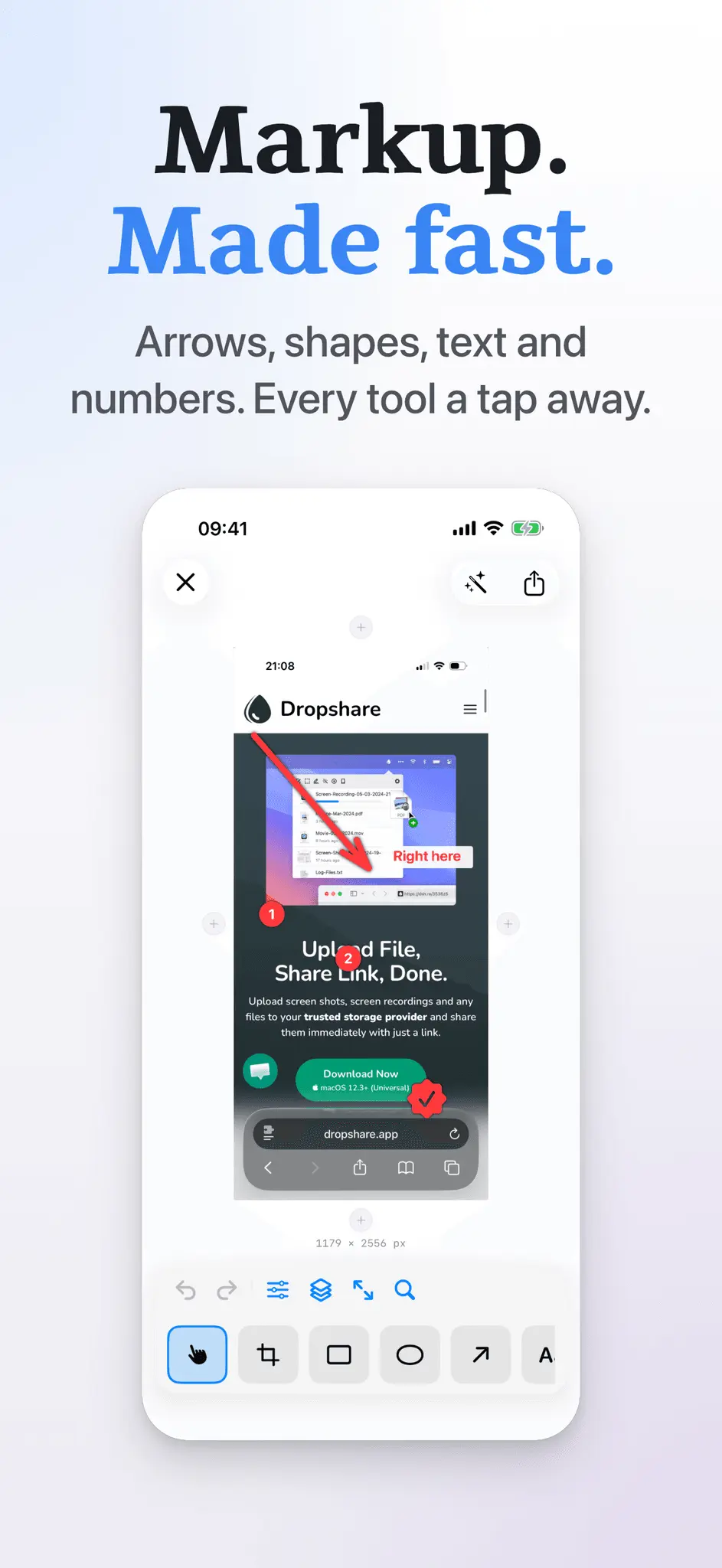
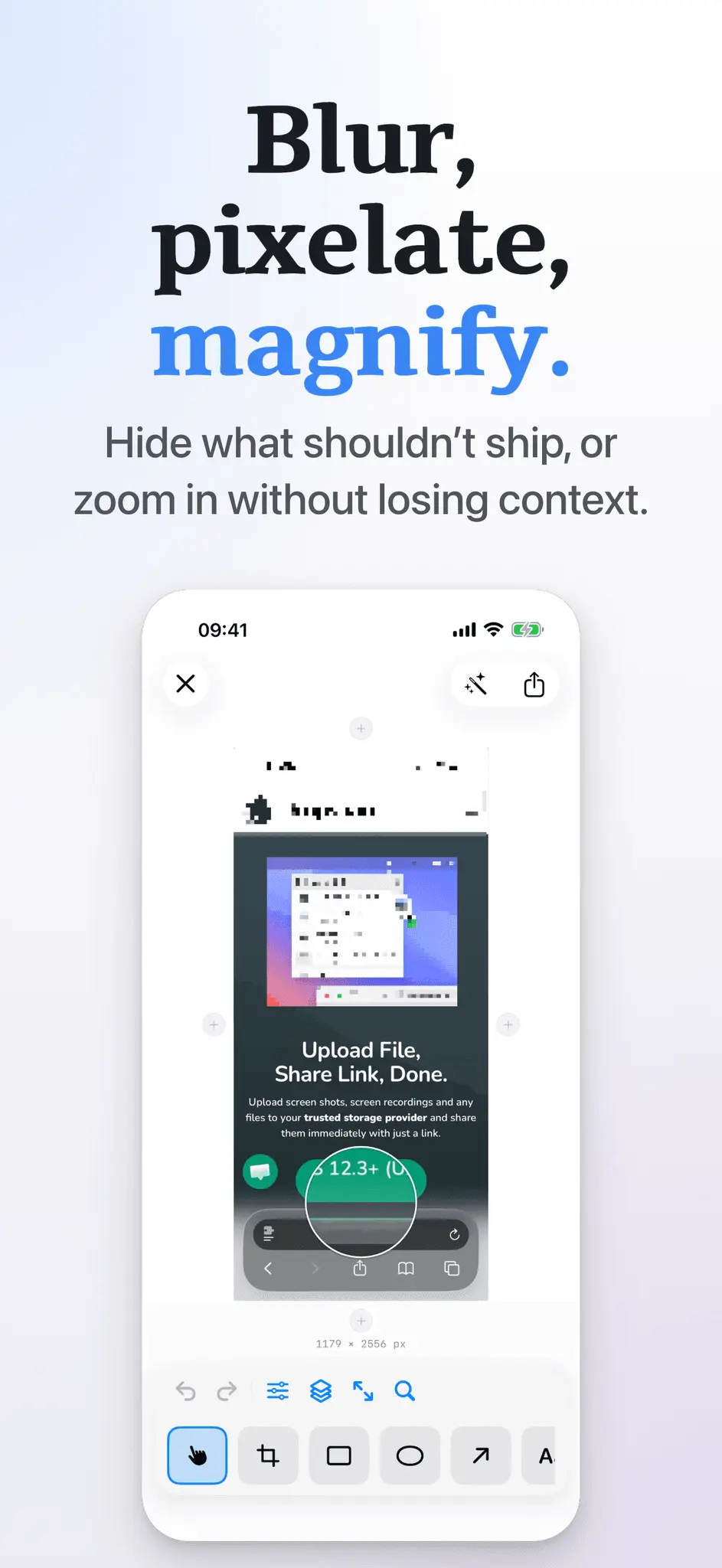
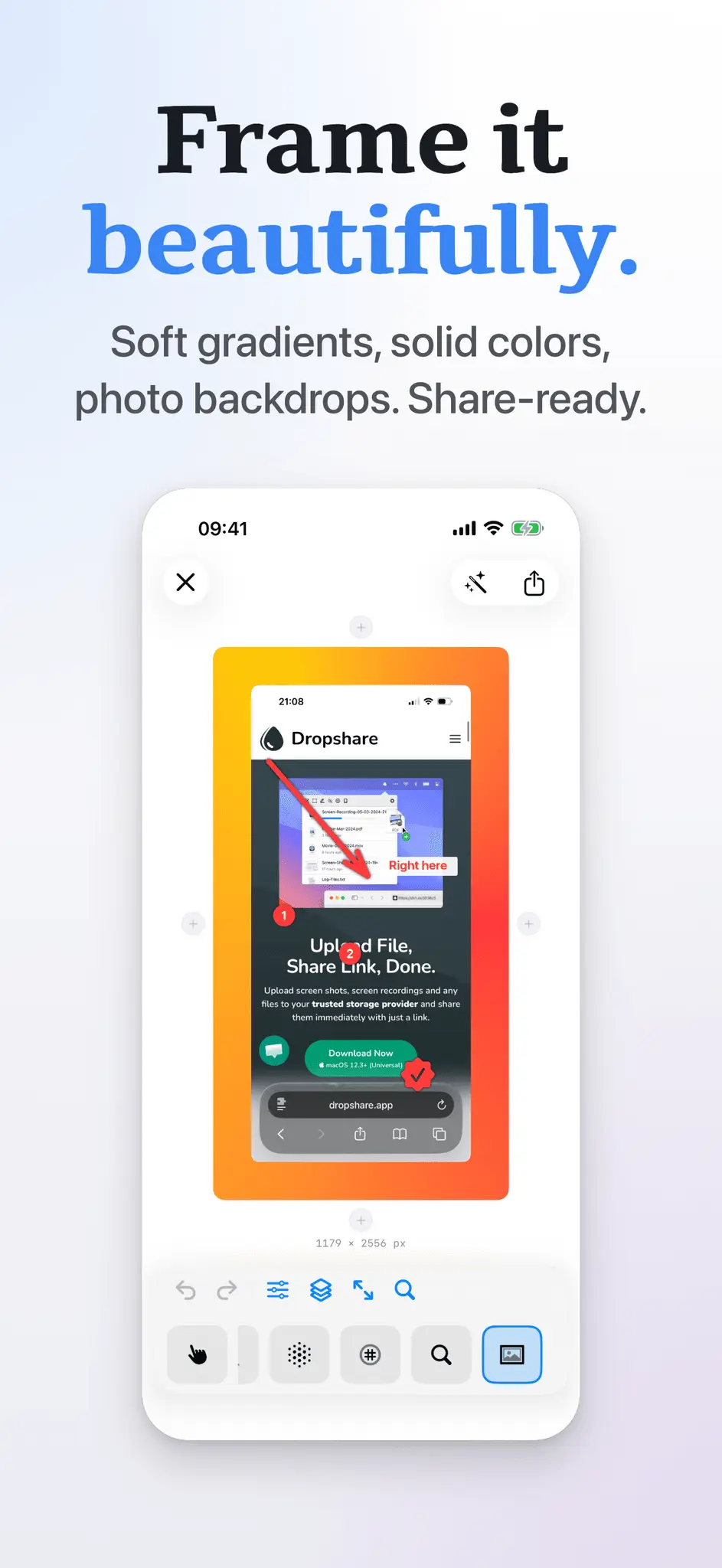
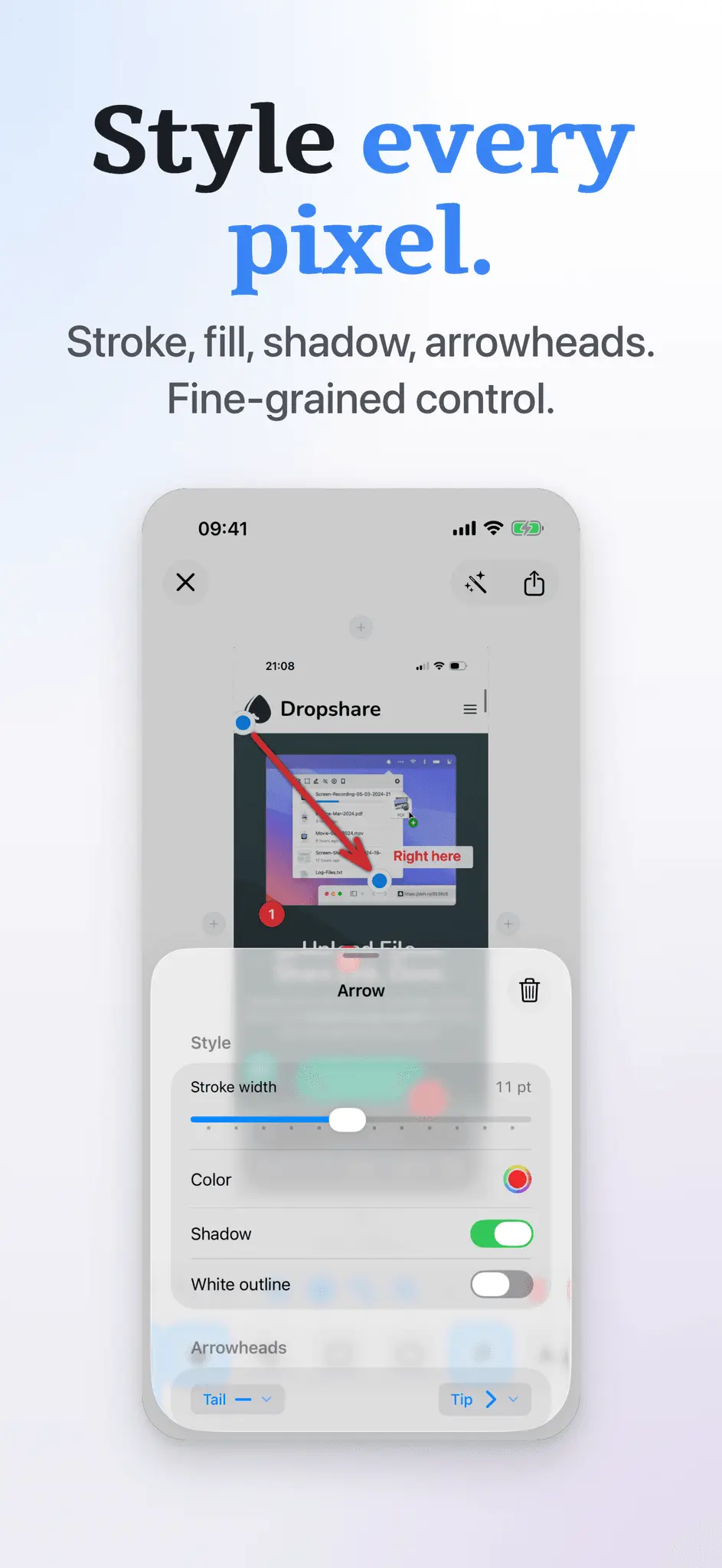
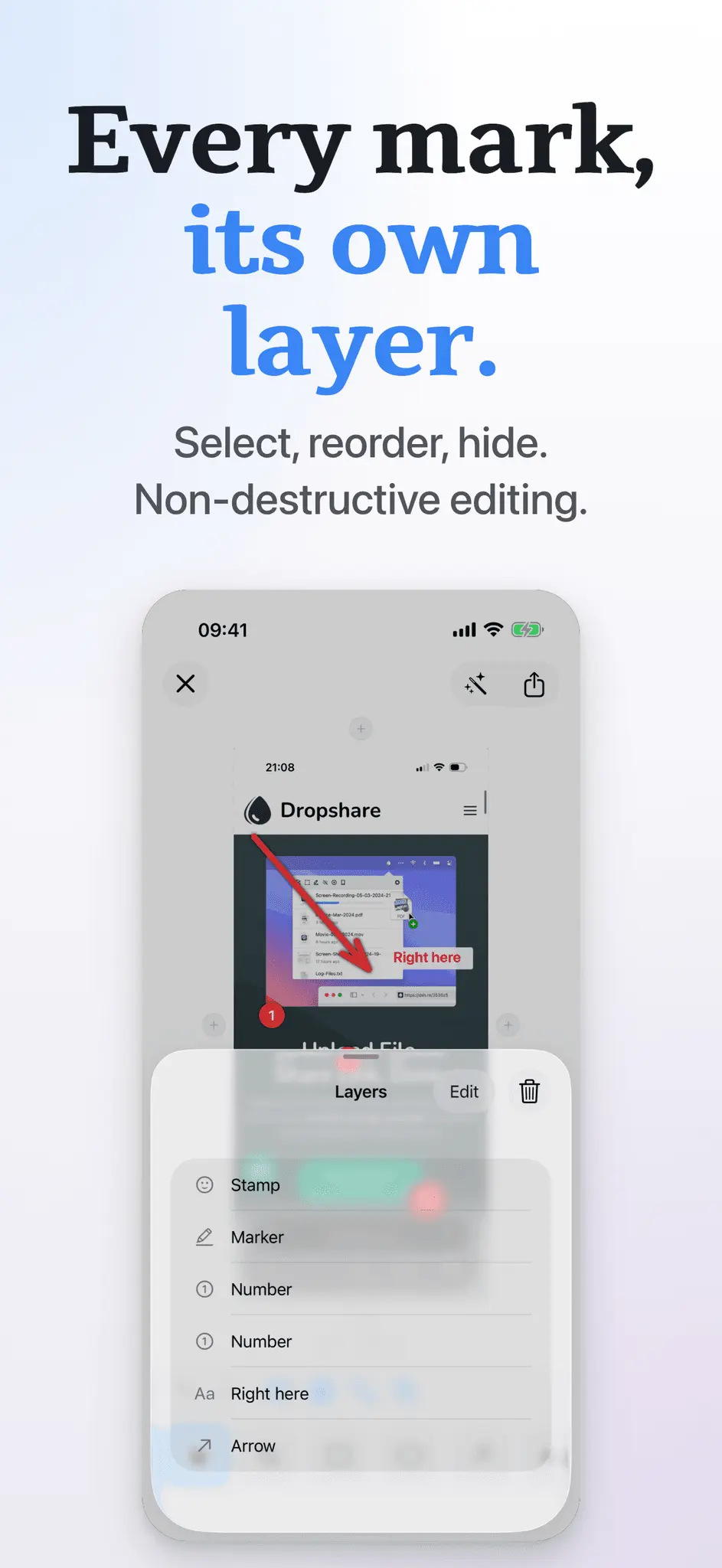
Annotate helps you quickly mark up screenshots and images with clean, readable shapes and text - built for fast, polished results on iPhone and iPad. • 14 tools: Crop, Blur, Pixelate, Text, Number, Stamp, Rect, Oval, Arrow, Pen, Marker, Loupe, Backdrop, Image • Clean shapes and highlights, plus freehand pen and marker • Text with font, size, alignment, and optional background • Number badges and SF Symbols stamps (with search) • Blur or pixelate areas, and use a loupe to magnify details • Full control over style: stroke width, fill, outlines, shadow, opacity, configurable arrowheads, and more • ∞ Layers: one layer per annotation - select, reorder, and delete • Helpful extras: snapping for neat alignment, undo/redo, zoom to fit/100% • Apple Pencil ready - palm rejection kicks in automatically so the Pencil draws while your fingers still pan and pinch • Grow the canvas - add space on any edge to make room for callouts and shapes • Backdrop styles - frame your screenshot with gradients or solid colors, and choose whether the backdrop pads the canvas or fits inside it • Start from Photos, Files, clipboard, or a blank canvas - or pick an iOS device preset (iPhone 17, iPad Pro, etc.) • Export and share fast (PNG, JPEG, or HEIC) Test free for the first 5 annotated images. Annotate is brought to you by the developer of Dropshare - the file sharing app for macOS and iOS.
Product Insights
Screenshot Markup: Annotate is a design tool that allows users to quickly mark up and enhance screenshots on iOS and iPadOS. Starting with a free five-image trial followed by a $9 one-time purchase, the mobile app provides 14 specialized editing and markup tools to create polished visual assets.
- Features 14 dedicated editing tools including backdrop styles, blur, pixelate, SF Symbols stamps, and layer controls.
- Integrated Apple Pencil support featuring automatic palm rejection so users can draw while panning with fingers.
- Flexible export configurations with support for PNG, JPEG, and HEIC file formats.
Ideal for: This utility is ideal for hobbyists, indie hackers, and private persons who need to quickly edit, crop, and annotate screenshots directly from their iPhone or iPad.
Discount Codes
Launch Discount(-30% OFF)
Valid until Sep 30, 2026
Product Video
Watch a video demo of Screenshot Markup: Annotate.
Screenshots
Reviews (0)
No reviews yet. Be the first to rate this product!
Comments (0)
No comments yet. Be the first to share your thoughts!