Swyshare Recordit
Simple but powerful screen recorder
Details
- Follow on
- @swysoftofficial
- Categories
- Other
- Target Audience
- Content CreatorsEducatorsNon-Technical Users
- Platforms
- Desktop
About Swyshare Recordit
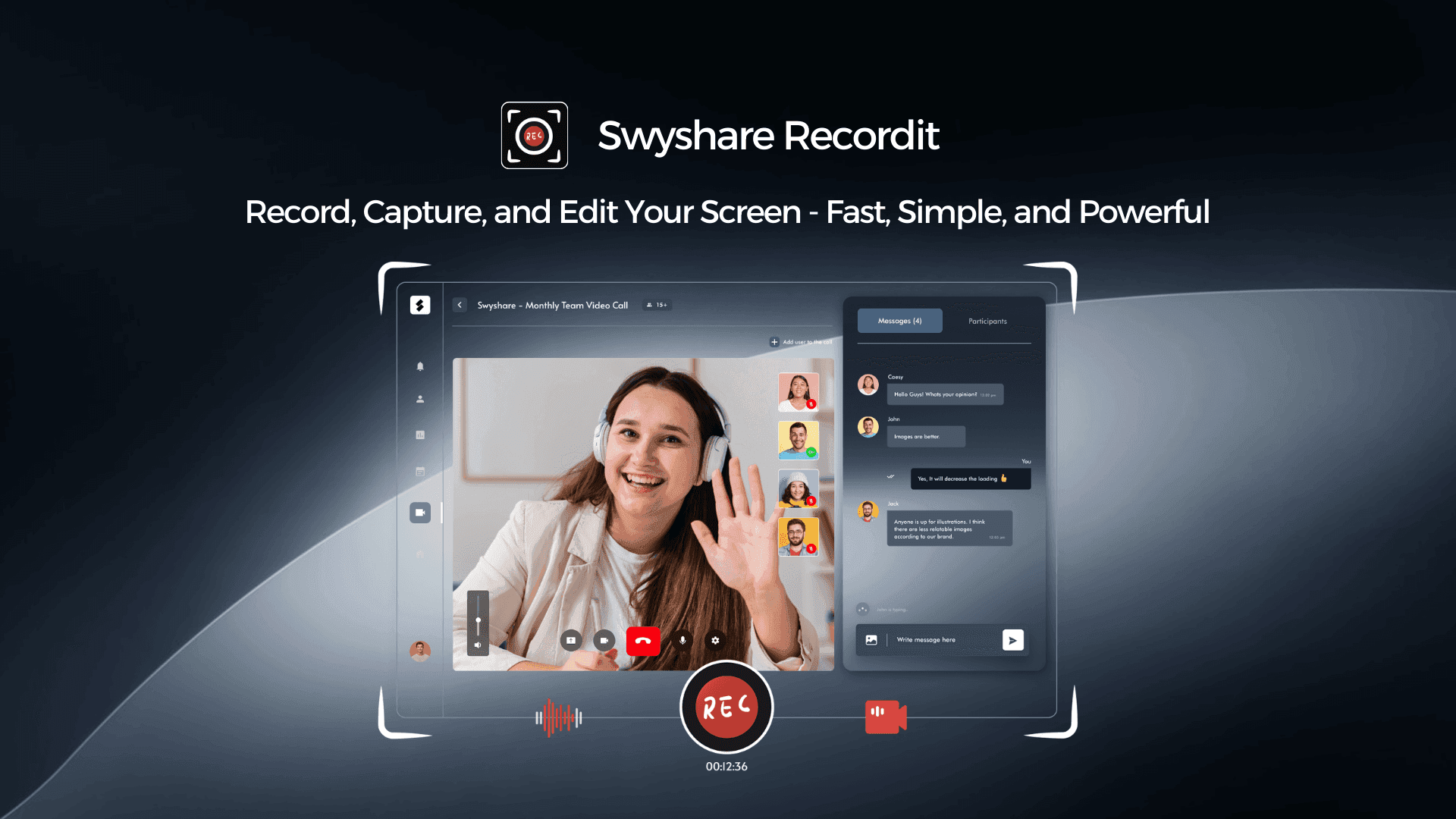
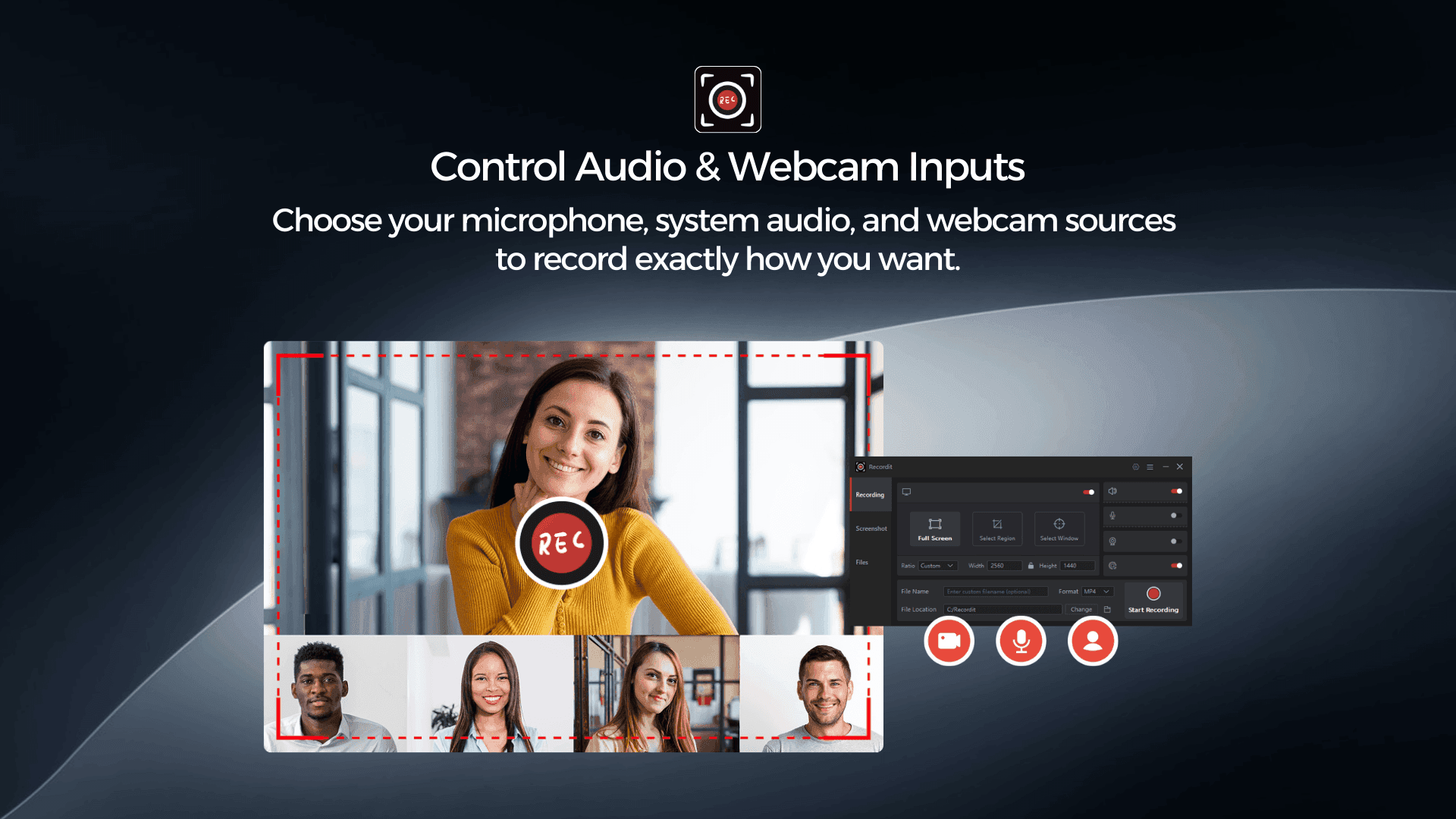
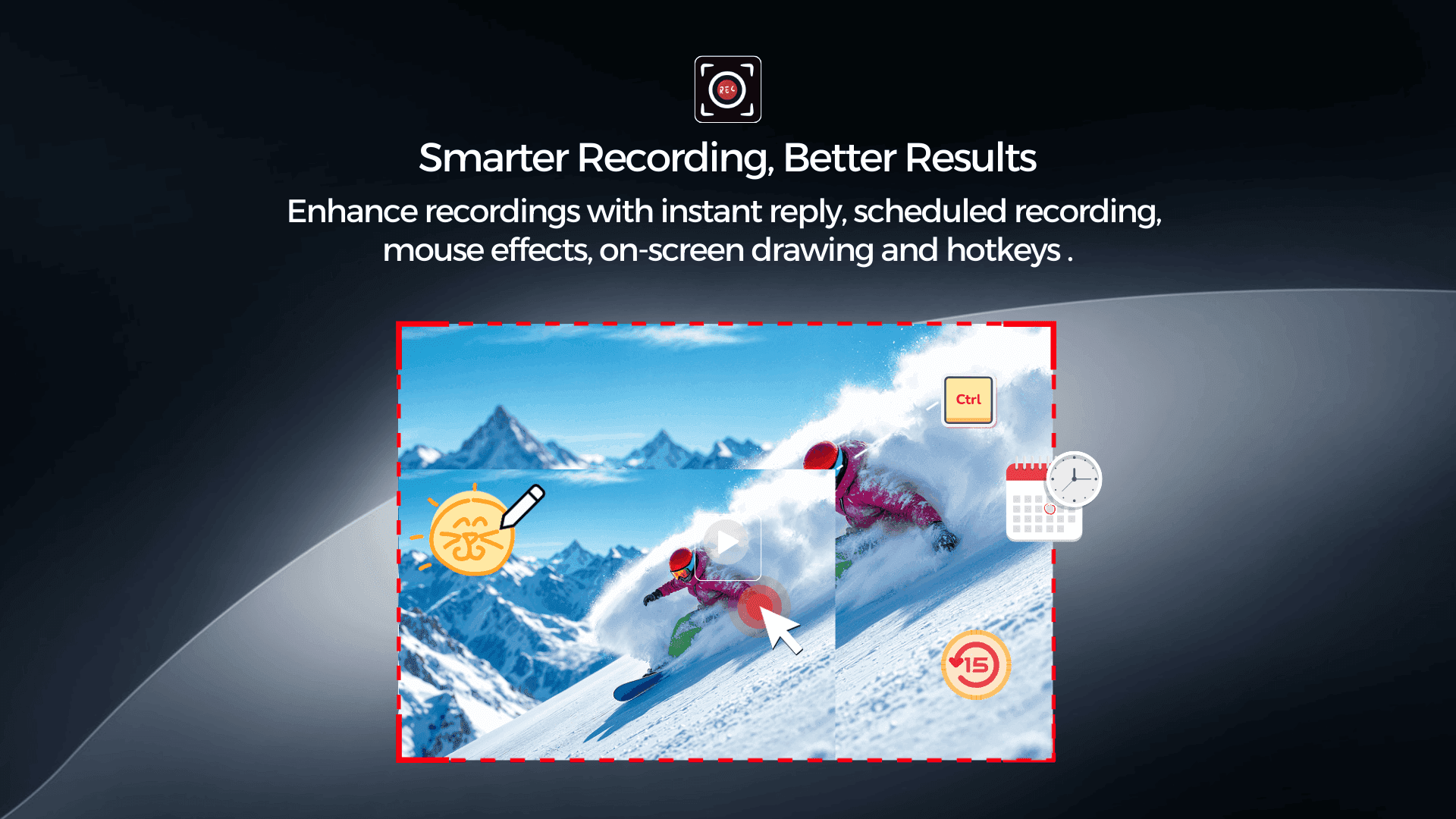
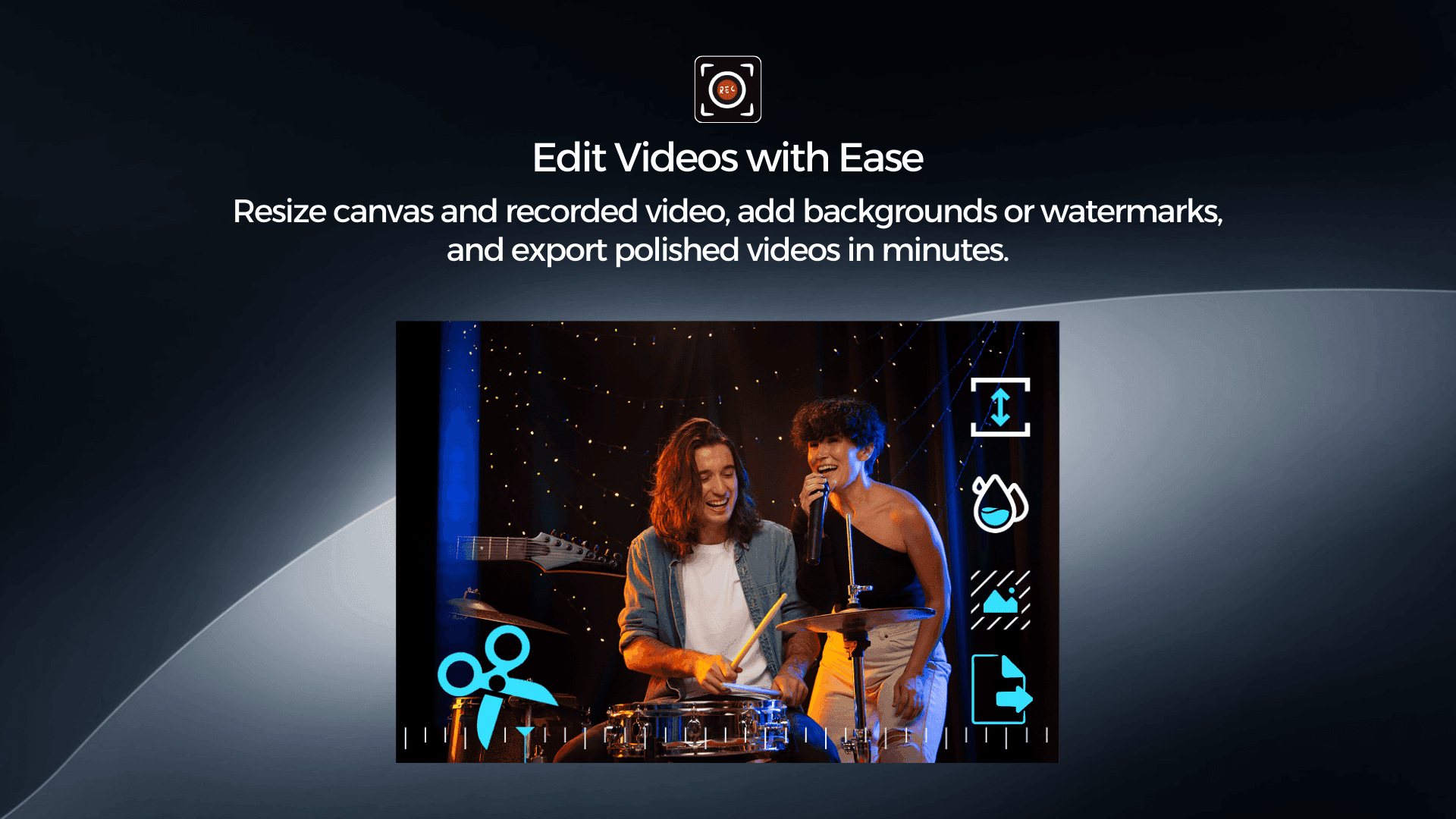
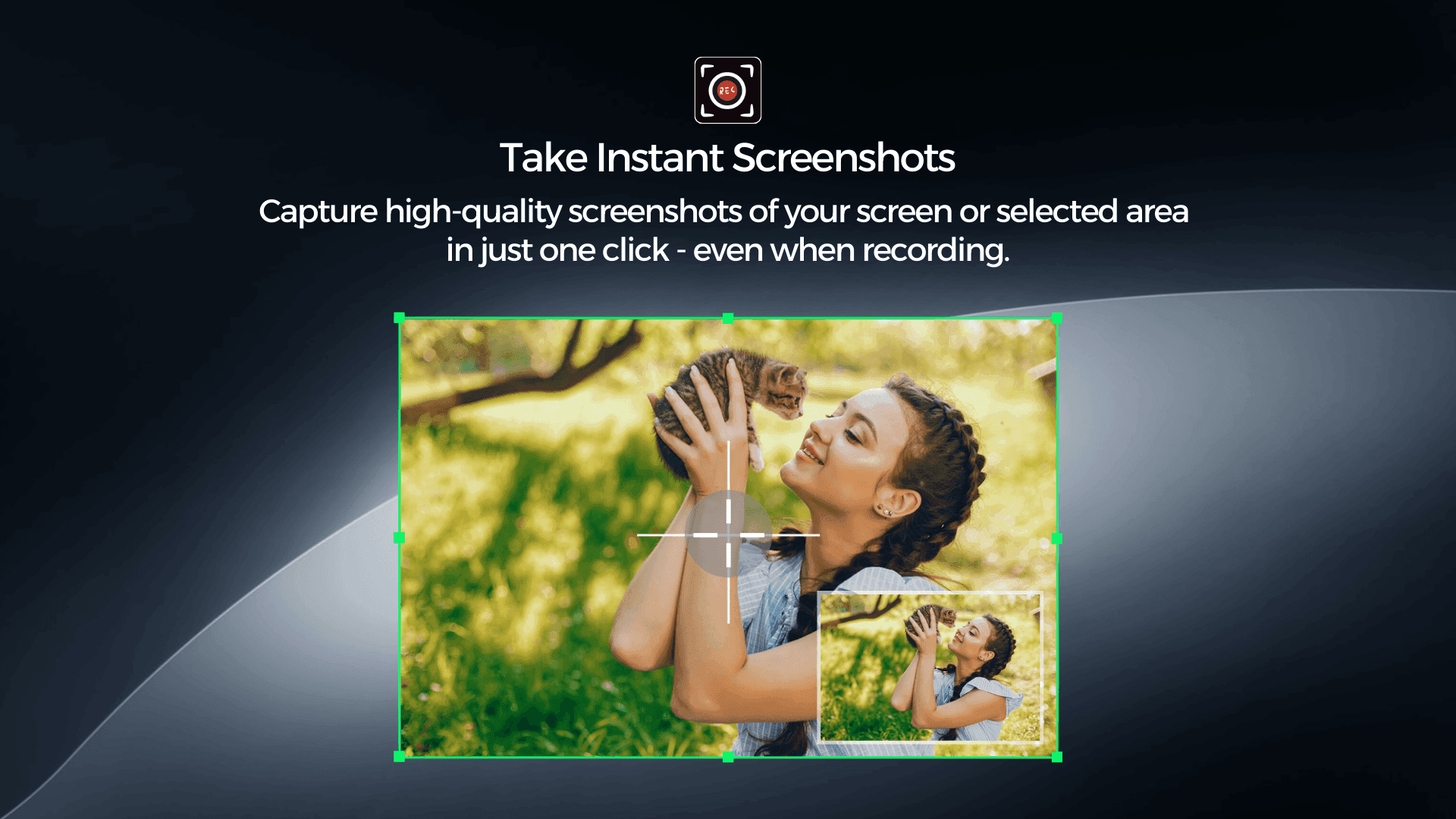
Swyshare Recordit is a powerful yet easy-to-use screen recording, screenshot, and video editing solution built for anyone who needs to capture on-screen content with precision and flexibility. Whether you are a content creator, educator, business professional, or casual user, Recordit provides a complete all-in-one toolkit that simplifies recording while still offering advanced features for more demanding workflows. At its core, Swyshare Recordit offers highly flexible screen capture options. You can choose to record your entire screen, focus on a specific application window, or define a custom recording area to capture exactly what matters. This flexibility ensures that your recordings stay clean, relevant, and distraction-free, making them ideal for tutorials, software demonstrations, presentations, and online courses. Instead of wasting time cropping footage later, you can capture the perfect frame from the start. Recordit also gives you full control over audio and video input sources. You can independently select your microphone, system audio, and webcam, allowing you to tailor each recording to your specific needs. For example, you can record system sound only for app walkthroughs, microphone narration for voice-over tutorials, or combine both for professional-quality instructional videos. Webcam support makes it easy to add a personal touch to reaction videos, online lessons, or presentations, helping you connect better with your audience. To enhance productivity and improve recording quality, Swyshare Recordit includes a range of smart recording tools. Features like instant replay ensure you never miss important moments—perfect for capturing unexpected highlights during gameplay, live demos, or meetings. Mouse effects help visually emphasize clicks and movements, making tutorials easier to follow. On-screen drawing tools allow you to annotate in real time, highlight key areas, and guide viewers’ attention while recording. Customizable hotkeys streamline your workflow, enabling you to start, pause, resume, or stop recordings instantly without interrupting your task. Scheduled recording adds even more convenience, letting you automatically capture webinars, live streams, or online classes at a specific time. After recording, Recordit continues to deliver value with its built-in video editing tools. You can quickly trim unwanted sections, resize the video canvas to fit different platforms, and add backgrounds or watermarks to create a more polished and branded result. These editing features are designed to be simple yet effective, allowing you to finalize videos in minutes without relying on additional editing software. This seamless transition from recording to editing saves time and makes the entire content creation process more efficient. In addition to screen recording, Swyshare Recordit makes it incredibly easy to take high-quality screenshots. With just one click, you can capture your entire screen or a selected area, making it perfect for documentation, visual guides, presentations, troubleshooting steps, and quick references. The screenshot feature is fast, accurate, and reliable, ensuring you always have clear visuals when words alone aren’t enough. What truly sets Swyshare Recordit apart is its intuitive interface and all-in-one design. The software is easy to navigate, even for beginners, while still offering enough depth for advanced users. You don’t need technical expertise to get started—everything is designed to be accessible, efficient, and user-friendly. This balance of simplicity and power makes Recordit a practical choice for daily work as well as professional content creation. Overall, Swyshare Recordit is a versatile and reliable solution for screen recording, screenshot capture, and quick video editing. It empowers users to create clear, engaging, and professional-looking content with minimal effort. Whether you’re recording tutorials, creating online courses, producing demos, or capturing quick screenshots for documentation, Recordit provides the tools you need to work smarter, faster, and more creatively.
Product Insights
Swyshare Recordit is a desktop-based all-in-one suite that combines flexible screen capture, real-time annotation tools, and integrated video editing. It enables users to record specific areas of their screen alongside microphone and webcam inputs for high-quality content production.
- Supports full screen, application window, or custom area recording for precise content capture.
- Integrated live annotation tools including on-screen drawing, mouse effects, and instant replay.
- Features scheduled recording capabilities for automated capture of live streams and webinars.
- Built-in editing tools allow for trimming, canvas resizing, and adding branded watermarks.
Ideal for: Content creators, educators, and non-technical users who need to produce instructional videos or documentation with real-time annotations on desktop platforms.
Screenshots
Reviews (0)
No reviews yet. Be the first to rate this product!
Comments (0)
No comments yet. Be the first to share your thoughts!