
TopShelf
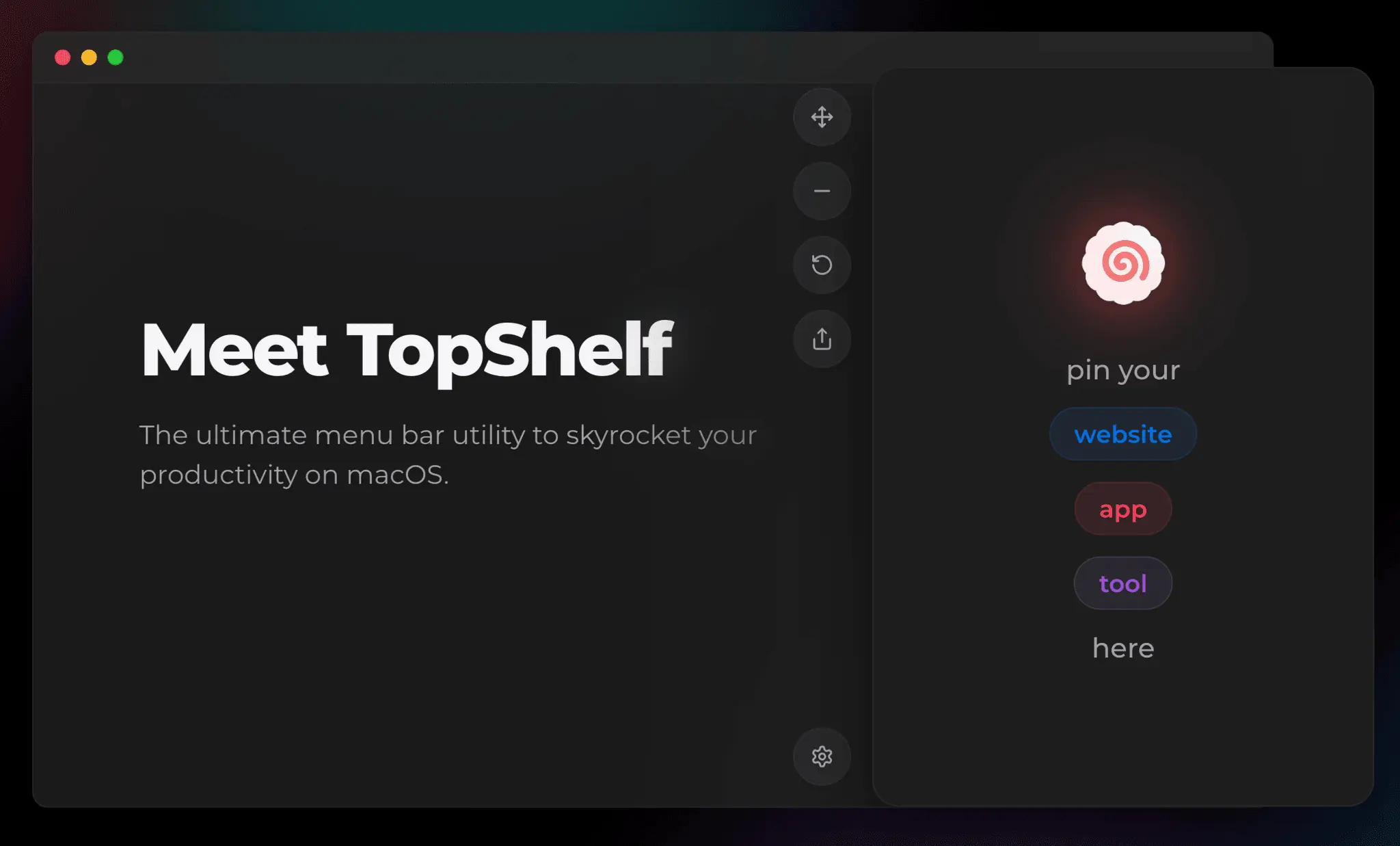
Pin your apps or websites to the menu bar

Details
- Target Audience
- DevelopersFreelancersEntrepreneurs
- Pricing
- One-time from $2.99
- Platforms
- Desktop
About TopShelf
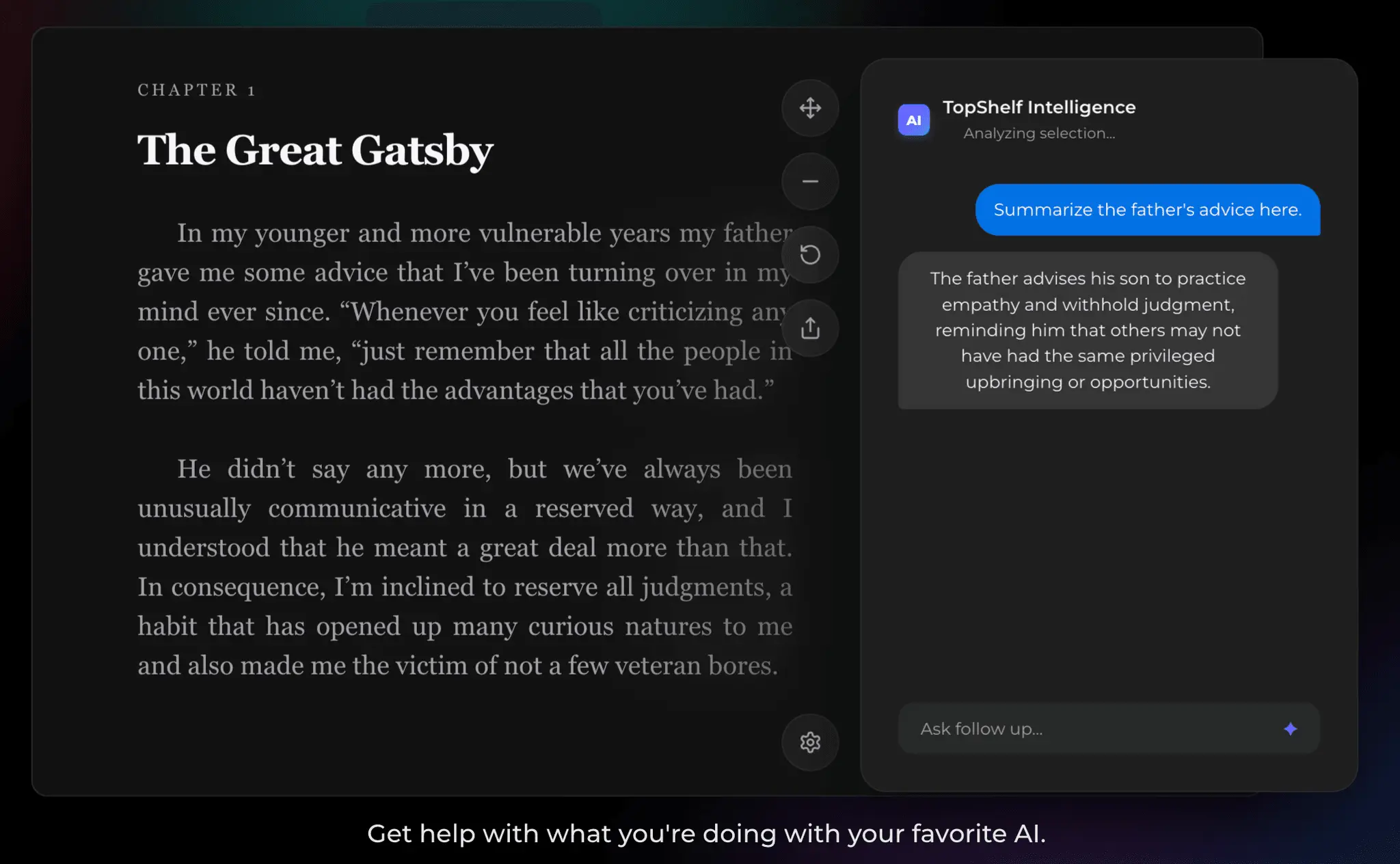
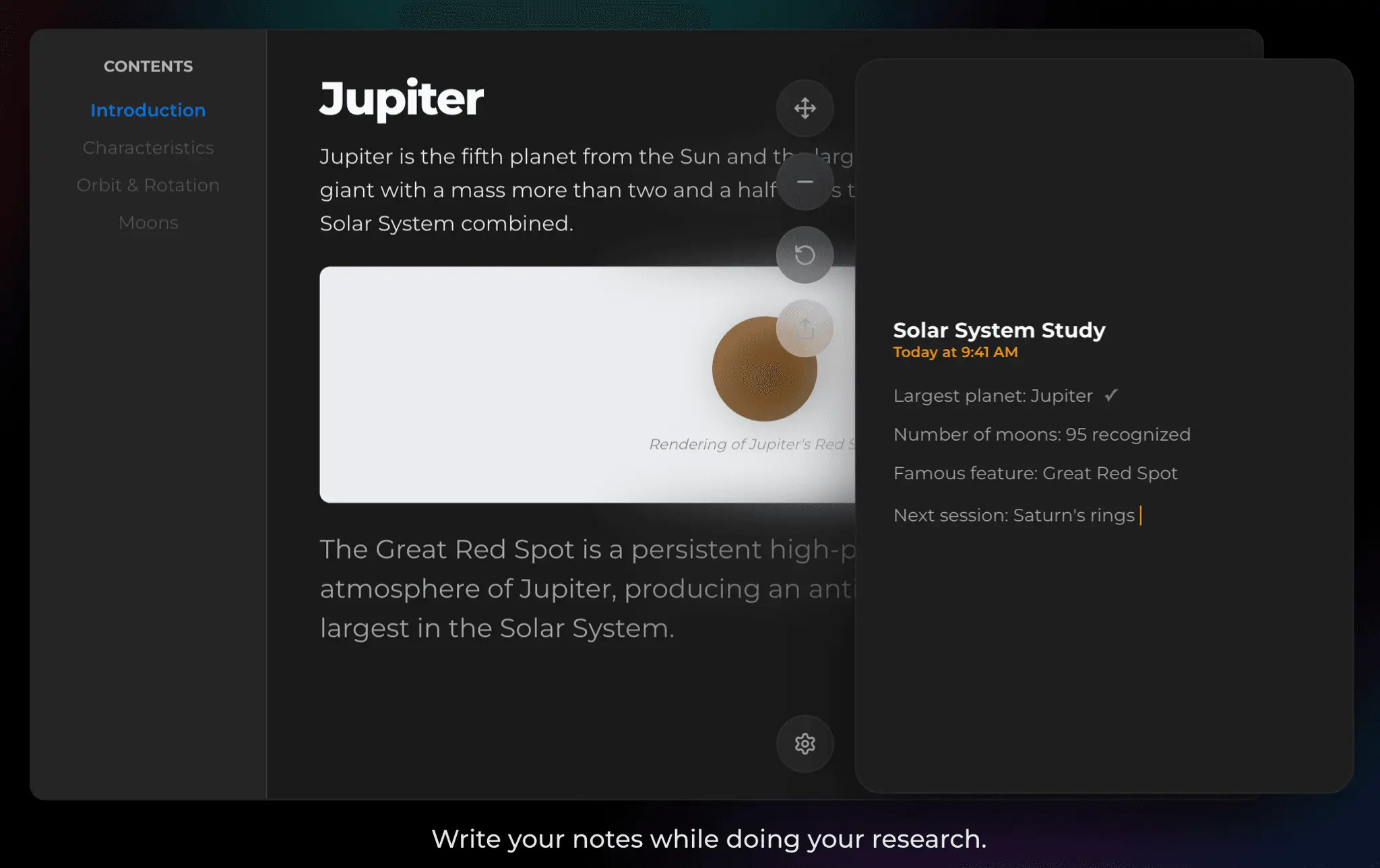
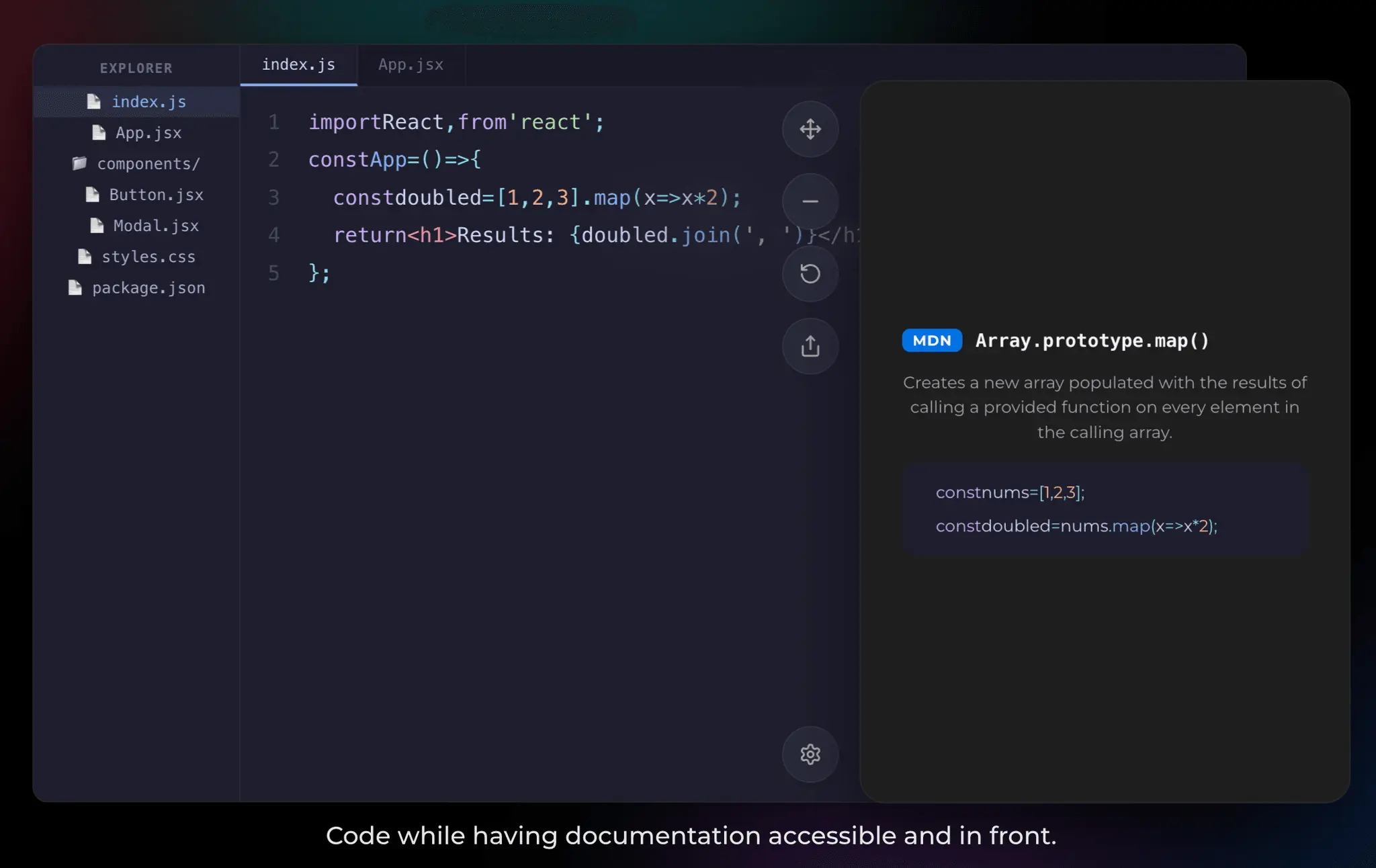
A small utility to solve a personal frustration. Like many of us, our workflow often involves cross-referencing notes, following tutorials, or keeping a specific chat/timer visible while working in other apps. You found myself constantly hunting through tabs or "Alt-Tabbing" back and forth, which was a huge distraction. You couldn't find a streamlined, modern tool that did exactly what you needed (especially one that stayed visible across all virtual desktops), so we decided to build this app. What it does: - Always on Top: Pins any window (browser, terminal, notes, etc.) to the foreground. - Lightweight: No heavy background processes; it’s designed to stay out of the way. - Sticky Windows: Your pinned window stays visible even when you switch between different desktops/spaces. - Native & Secure: It’s already notarized by Apple, so it runs smoothly and securely. No data being collected, its all saved on your device.
Product Insights
TopShelf is a macOS utility that pins applications or websites to the menu bar to ensure they remain in the foreground across all virtual desktops. This native desktop tool provides a persistent workspace for cross-referencing notes and tutorials without distraction.
- Sticky windows remain visible even when switching between different macOS virtual desktops and spaces.
- Native execution with Apple notarization ensures system security and smooth performance on desktop.
- Privacy-focused architecture stores all data locally on the device with no external data collection.
- Simple one-time payment model starting at $2.99 provides lifetime access without recurring fees.
Ideal for: Developers, freelancers, and entrepreneurs benefit from persistent window placement during code reviews, task management, and documentation workflows.
Screenshots

Reviews (0)
No reviews yet. Be the first to rate this product!
Comments (0)
No comments yet. Be the first to share your thoughts!