OpenTeleprompter V3
Free, open source, voice-activated, Invisible teleprompter

Details
- Follow on
- Categories
- Video & Audio ToolsProductivity & Notes
- Use Cases
- Content CreationWorkflow Automation
- Target Audience
- Content CreatorsEducatorsNon-Technical Users
- Pricing
- Free
- Platforms
- Desktop
About OpenTeleprompter V3
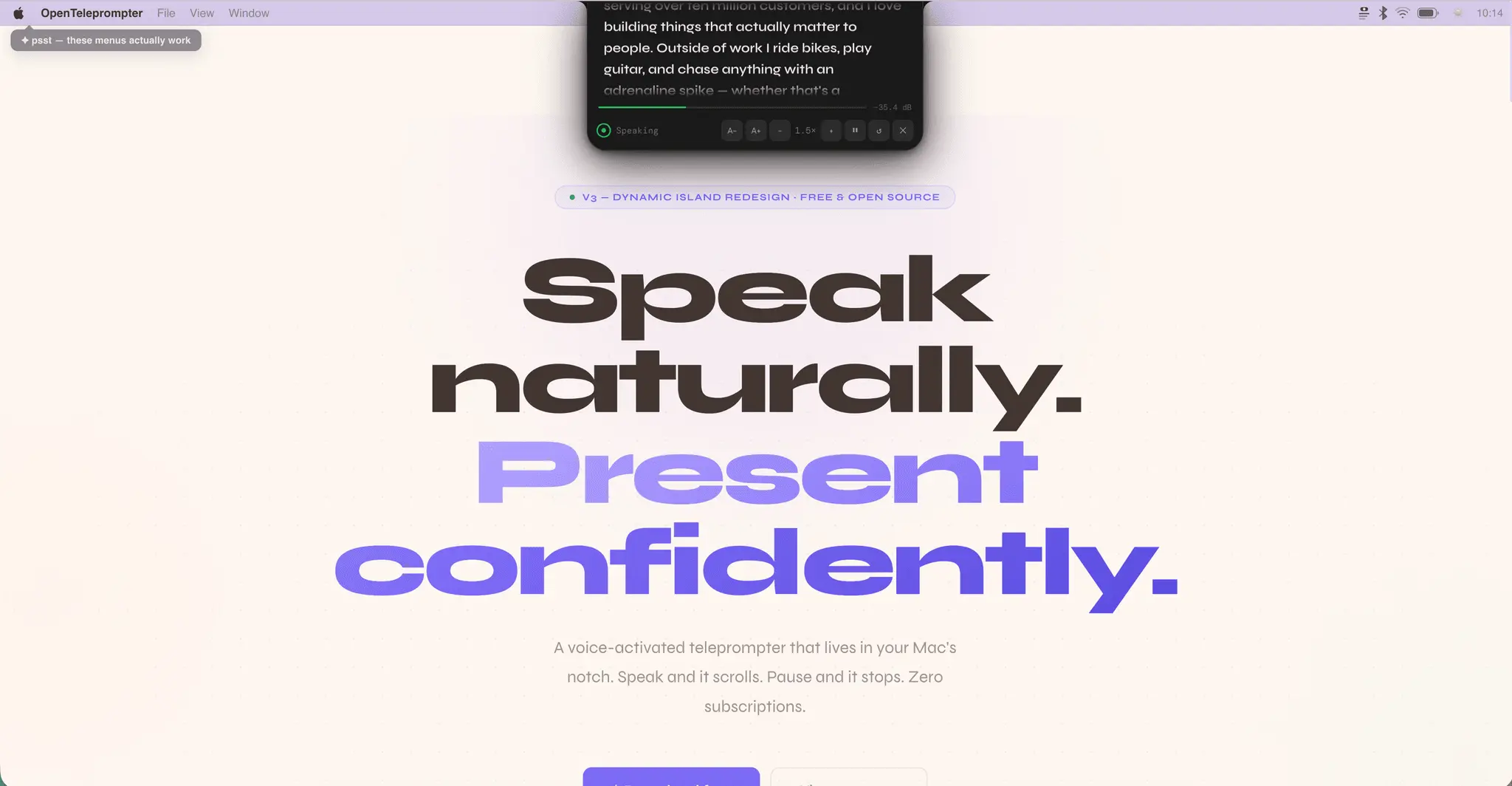
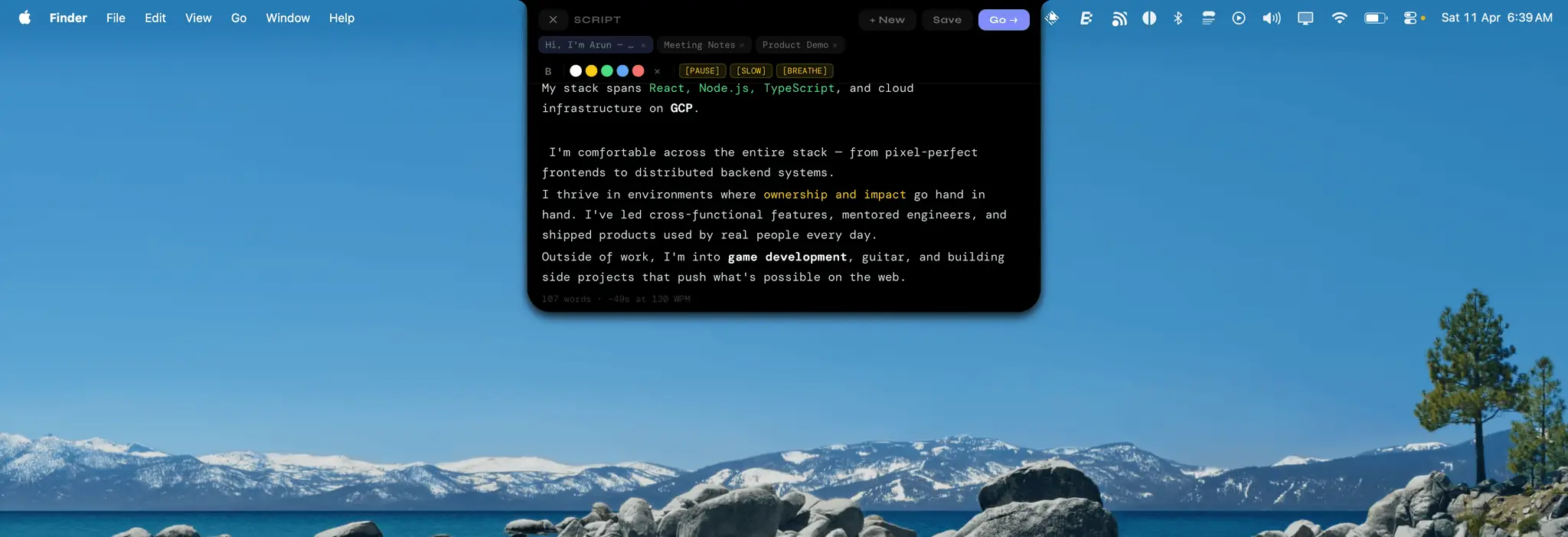
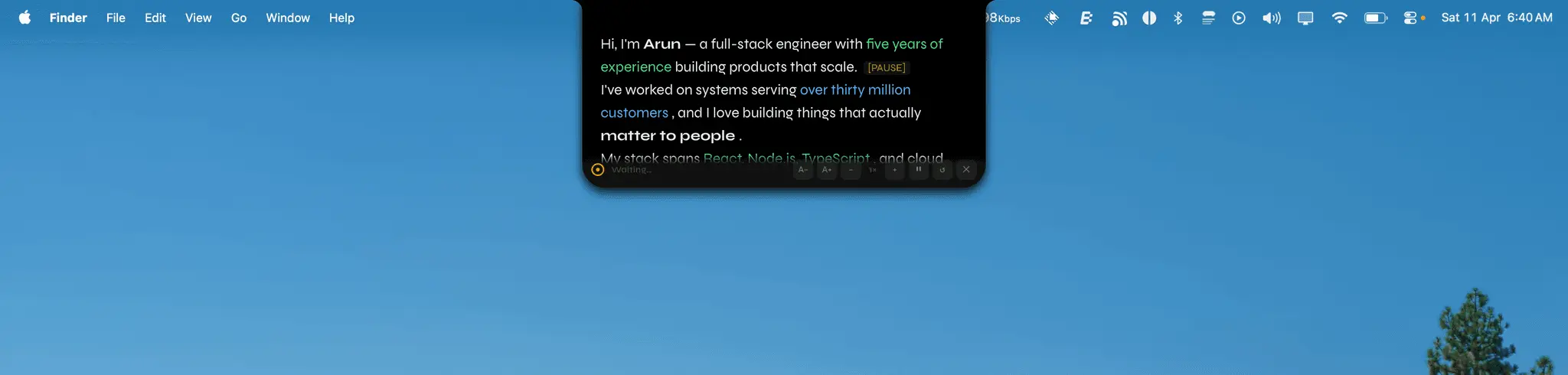
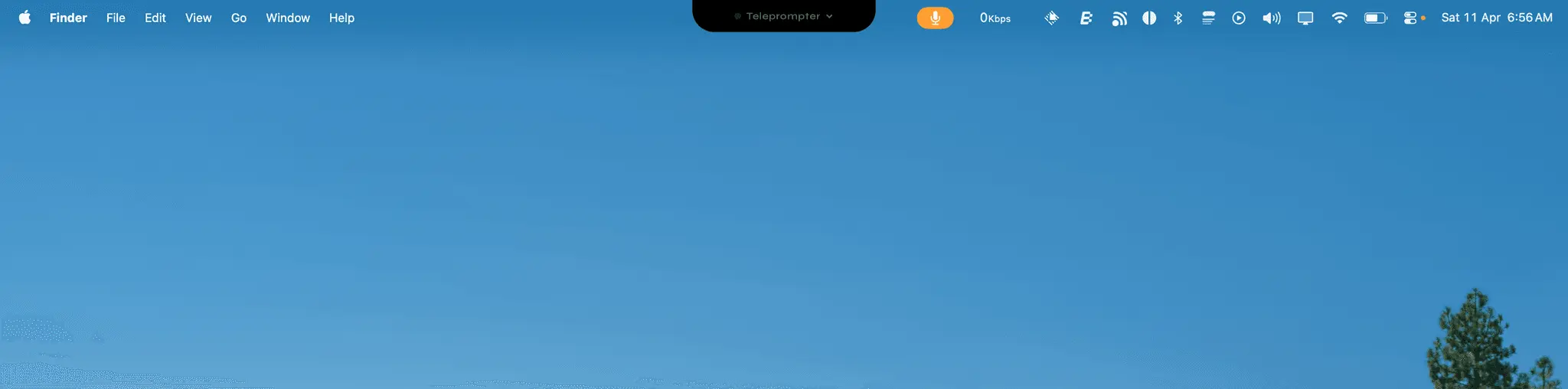
OpenTeleprompter v3 is a free, open source teleprompter for macOS / Windows that lives right in your Dynamic Island notch. Invisible to screen share, voice-activated, and weightless at 4.6MB. Speak and it scrolls. Stop speaking and it pauses. No manual scrolling, no foot pedals, no $30/month subscriptions. Key features: 🏝️ Dynamic Island Mode - Real concave corners that hug the macOS notch bezel. Looks native, not bolted on. 🎙️ Voice-Activated Scrolling - Frequency analysis (85–3400 Hz), not just volume. Background noise won't trigger it. Only your voice does. 👀 Invisible During Screen Share - Zoom, Meet, and Loom can't capture it. Built-in content protection so only you can see it. 📝 Rich Text Editor - Bold, color highlights, and cue markers like [PAUSE], [SLOW], [BREATHE] to format your delivery exactly how you want. 📚 Script Library - Save multiple scripts, switch instantly. Everything stays local. No cloud, no account required. ⚡ Live Controls While Reading - Adjust scroll speed and font size on the fly without stopping your delivery. 🌗 Light & Dark Theme - Pastel light default, toggleable dark mode. Persists across sessions. 💨 Tiny and Fast - 4.6MB binary built on Tauri + Rust. Uses ~40MB RAM vs ~200MB for Electron alternatives. 100% free, MIT licensed, no telemetry, no ads, no accounts. Ever. Built for creators, educators, developers, and anyone who presents on video calls.
Product Insights
OpenTeleprompter V3 is a free, open source desktop application for macOS and Windows that provides voice-activated script scrolling for video production. The software utilizes a lightweight Rust-based architecture to offer local script management and a specialized screen-share invisible mode.
- Voice-activated scrolling using frequency analysis to distinguish speech from background noise.
- Native Dynamic Island integration for macOS users with a design that conforms to the notch bezel.
- Hardware-efficient performance consuming only 40MB of RAM via a 4.6MB binary built on Tauri and Rust.
- Content protection features that keep scripts invisible during recordings or calls on Zoom, Meet, and Loom.
Ideal for: Content creators and educators who require a free, local-first teleprompter that automates scrolling based on their vocal delivery during video calls and recordings.
Screenshots
Reviews (2)
Average 5.0 out of 5
Based on 2 reviews

Comments (14)
This is a super cool idea. I could definitely make use of it when i have to do pre-planned demos
Great
Such an interesting idea
I like the idea that it is opensource and runs locally. It can be a good addition to a marketer/sales experts tool box.
@aakashhowlader 100%
@williamsbarnabas66 Thanks for the motivating words. Would you be interested in early access? In case you want to get in touch with us, please email us at - [email protected] Looking forward to hearing from you!
Fantastic idea. I love this and it will go places
@kaycee thank you
As someone who gives speeches pretty often, I can definitely say that this is a useful and valuable tool for people like me. Looking forward to checking this out!
@derekdunn5 thank you
Great Idea that not only saves efforts but also enables accessibility. .
@maria yes thank you
This is a seriously clever take on a teleprompter—voice-activated scrolling + invisible screen-share mode makes OpenTeleprompter V3 feel perfect for creators and educators who want a truly frictionless setup.
@farrukh haha thank you
Great job! Congrats on your launch!
@alex5616 thank you <3
Great work!!
@ramanisonduty <333
good stuff
Good work 👏
@asarjunsingh04 <333
congratulations on your lunch! what made you build this?
@vabuesconnect I present a lot, and I wanted something invisible to screenshare, and I looked for an app like this, but they were costly and more importantly, closed source. I wanted to build something transparent for others like me
Just looking for some feedback : )