Voxia Transcribe Audio
Turn audio recordings into structured transcripts with chapt
Details
- Target Audience
- Content CreatorsJournalistsFreelancers
- Pricing
- Freemium
About Voxia Transcribe Audio
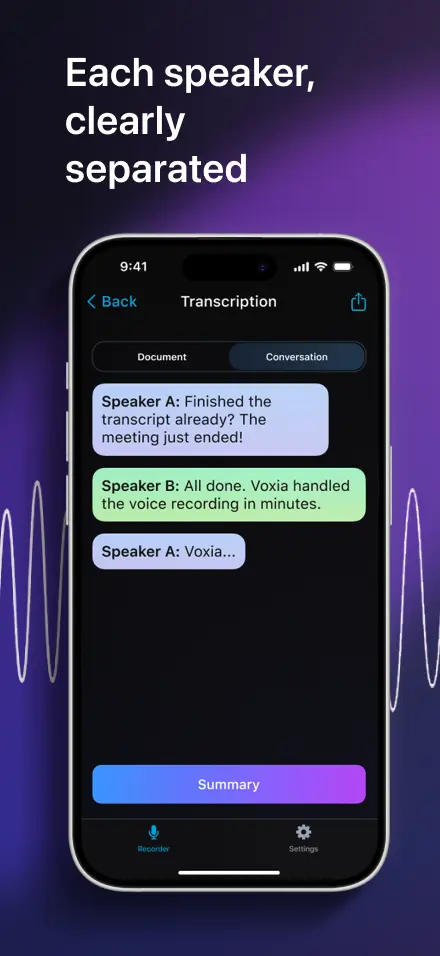
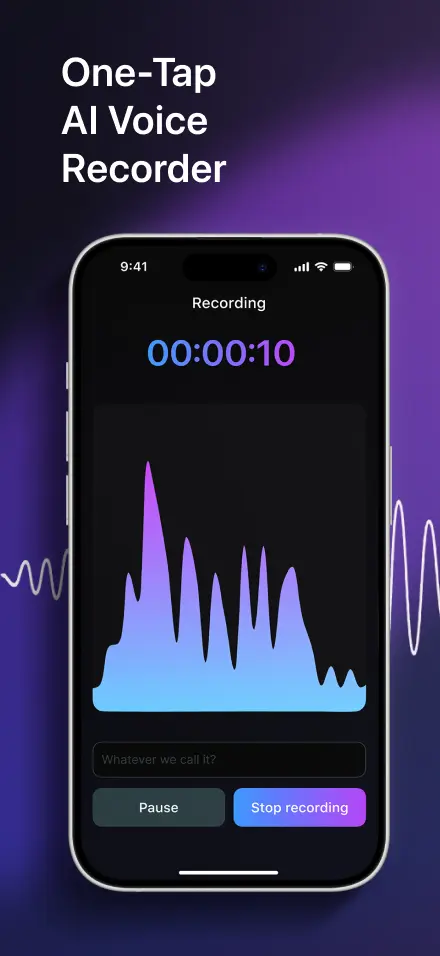
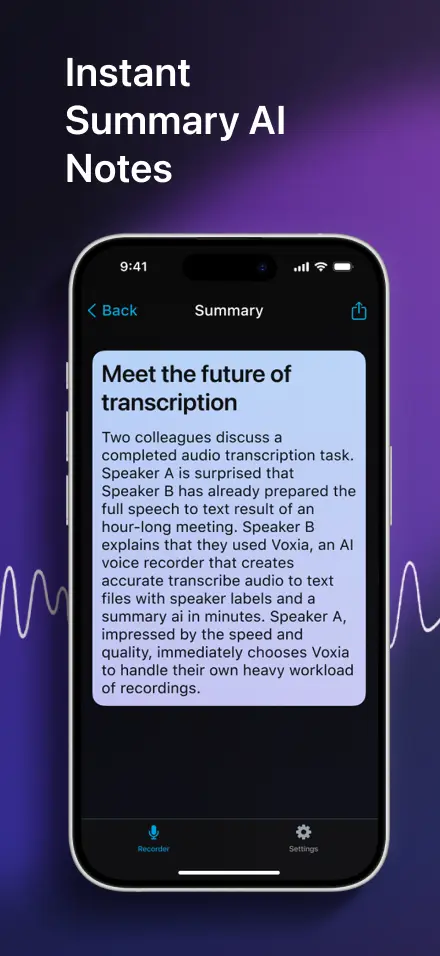
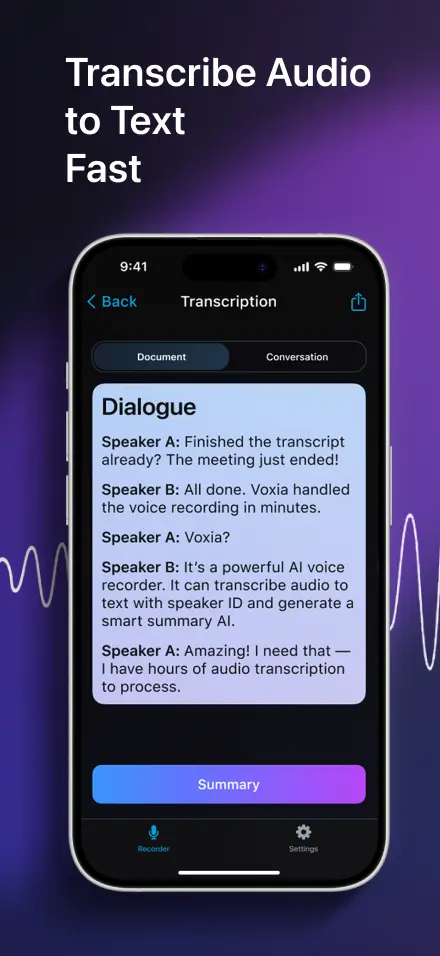
Most transcription apps give you a wall of unformatted text. You record a 45-minute interview or lecture, hit transcribe, and get 15 pages of raw text with no structure. Finding anything in that mess means re-listening to the whole recording. Voxia does it differently. Instead of dumping raw text, it automatically organizes your transcript into chapters with an outline and an AI-generated summary. You get something you can actually read and navigate - not a text dump you'll never open again. Record first, transcribe after. The app identifies different speakers, so interview and meeting transcripts show who said what. Export to Word, PDF, or Markdown when you're done.
Product Insights
Voxia Transcribe Audio converts long-form recordings into structured content through automated chaptering and summaries. It bridge the gap between raw transcription and usable notes on web and mobile platforms.
- Automatic structuring of transcripts into chapters with outlines and summaries.
- Speaker identification functionality for meetings and multi-person interviews.
- Multi-format export options including Word, PDF, and Markdown.
- Cross-platform accessibility via web and mobile applications.
Ideal for: Content creators, journalists, and freelancers can use this tool to transform raw audio into structured meeting notes and organized interview documentation.
This product serves as an alternative to Otter AI - Meeting Note Taker and Audio Transcription: iScribe.
Screenshots
Reviews (0)
No reviews yet. Be the first to rate this product!
Comments (1)
Structured transcripts with chapter summaries from audio recordings is a solid time-saver.