AI Image to Line Converter
Zero-cost, one-click photo-to-line-art conversion.
Details
- Target Audience
- DesignersArtistContent Creators
- Pricing
- Freemium
- Platforms
- Web
- Featured in
- Best Online Art Gallery Tools
About AI Image to Line Converter
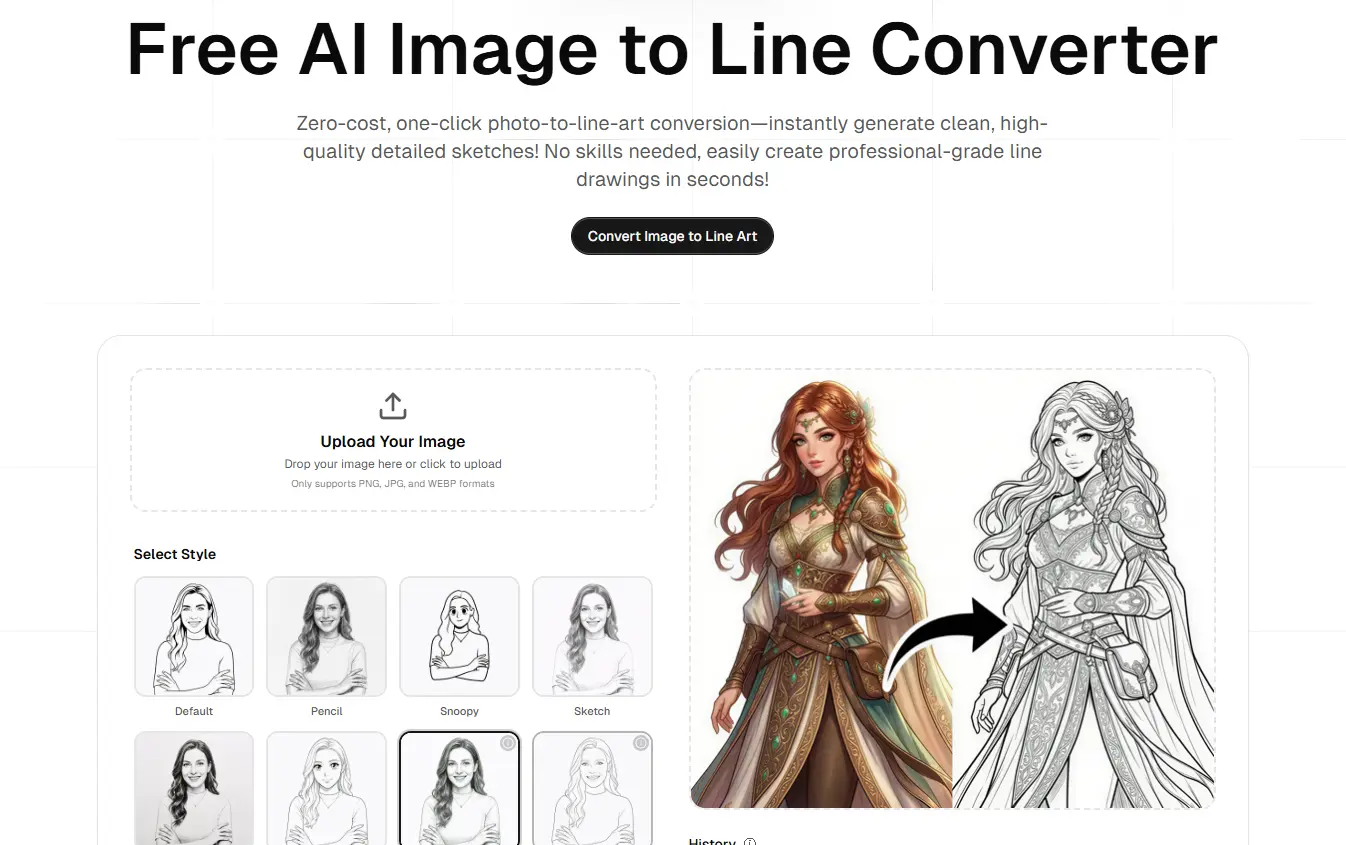
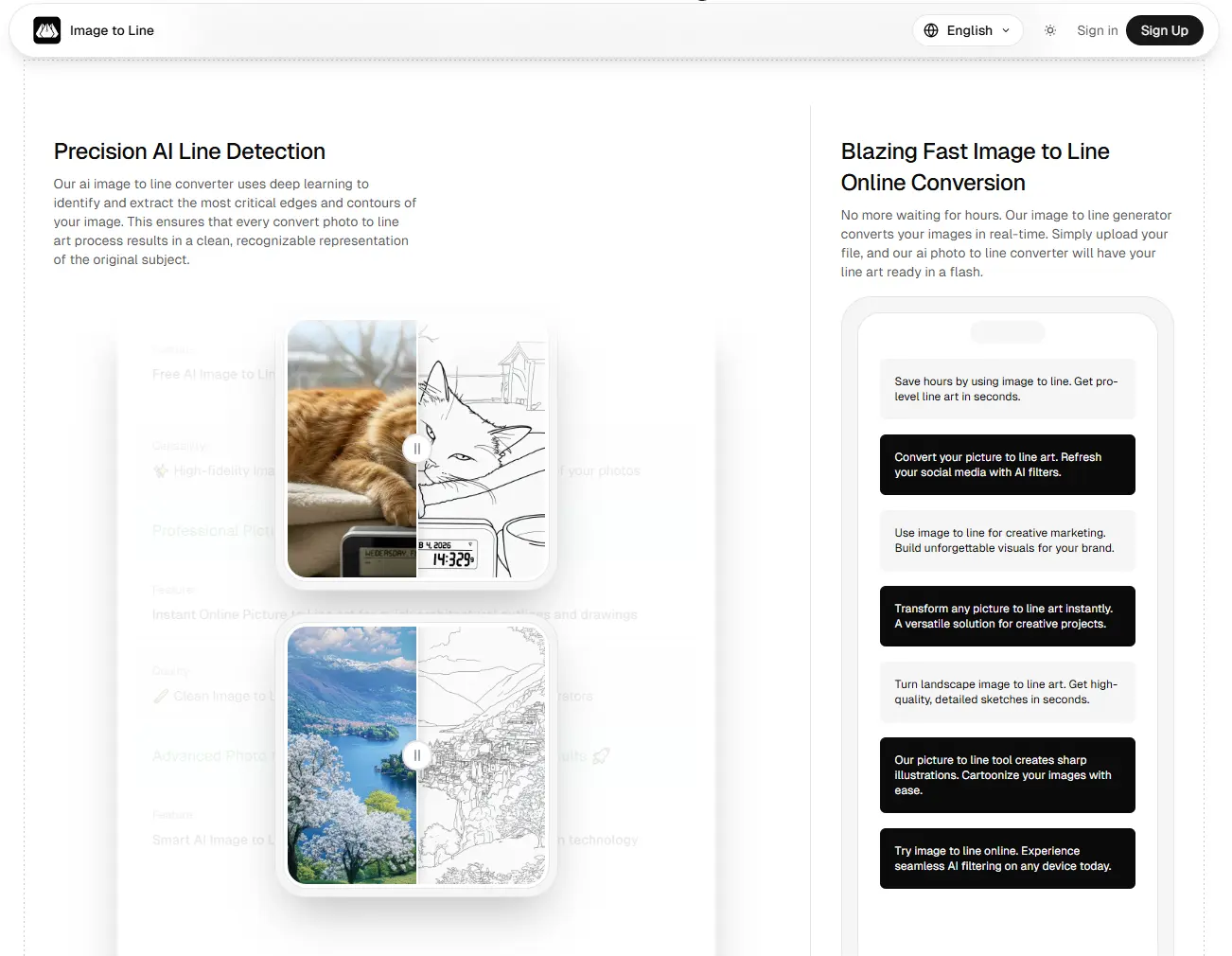
Image to Line Converter is a professional AI-driven tool designed to transform any photograph or complex image into clean, high-quality line art and pencil sketches instantly. Built for designers, coloring book enthusiasts, and hobbyists, our platform eliminates the need for manual tracing in expensive software like Illustrator. By leveraging advanced edge-detection AI, we provide a seamless "one-click" experience that delivers crisp outlines while preserving the essence of the original subject. Whether you are creating personalized coloring pages, vector-style outlines for design projects, or artistic pencil sketches, our converter ensures high-definition results in seconds.
Product Insights
AI Image to Line Converter is a web-based freemium platform that utilizes specialized edge-detection AI to automate the creation of high-definition line art and pencil sketches. It provides designers and content creators with a one-click alternative to manual tracing for graphic design and coloring book production.
- One-click edge-detection AI that eliminates manual tracing in complex design software.
- Freemium pricing model with a zero-cost entry point for web-based users.
- Specialized output formats suitable for coloring book creation and pencil sketch generation.
- High-definition result preservation for professional graphic design and artistic workflows.
Ideal for: Designers, artists, and content creators can use this tool to instantly generate vector-style outlines and personalized coloring pages for their creative projects.
Screenshots
Reviews (0)
No reviews yet. Be the first to rate this product!
Comments (1)
I’d love for you to try it out and let me know: 1. What do you think of the line quality? 2. What features should we add next? Thanks for the support! 🚀