
BlinkCAD
Open and measure DWG and DXF files online for free


Details
- Target Audience
- AEC FirmsDesignersFreelancers
- Pricing
- Free
- Platforms
- Web
- Featured in
- Best Tools for AEC Firms
- Alternative To
 ShareCAD
 dwgfastview.com
 AutoDesk
About BlinkCAD
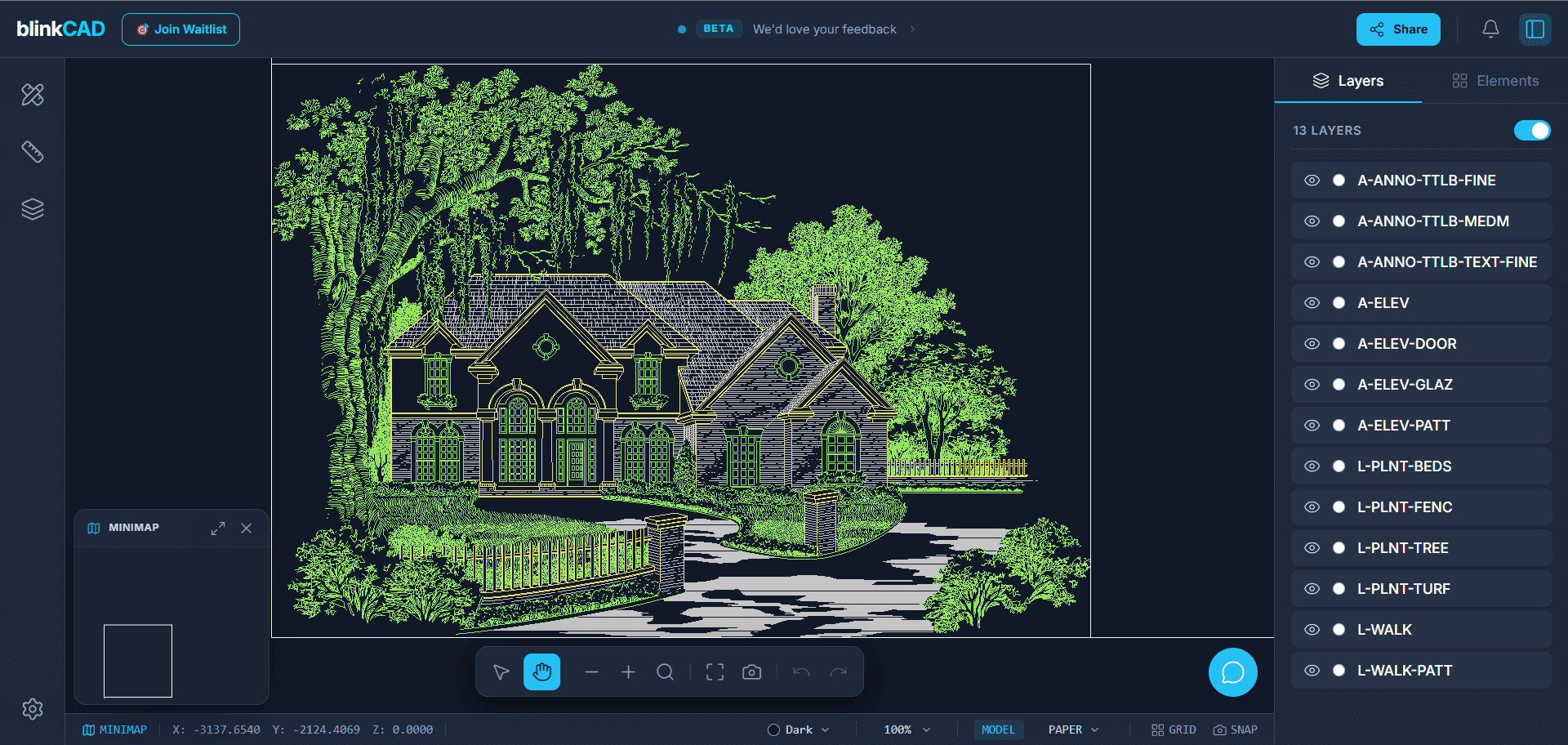
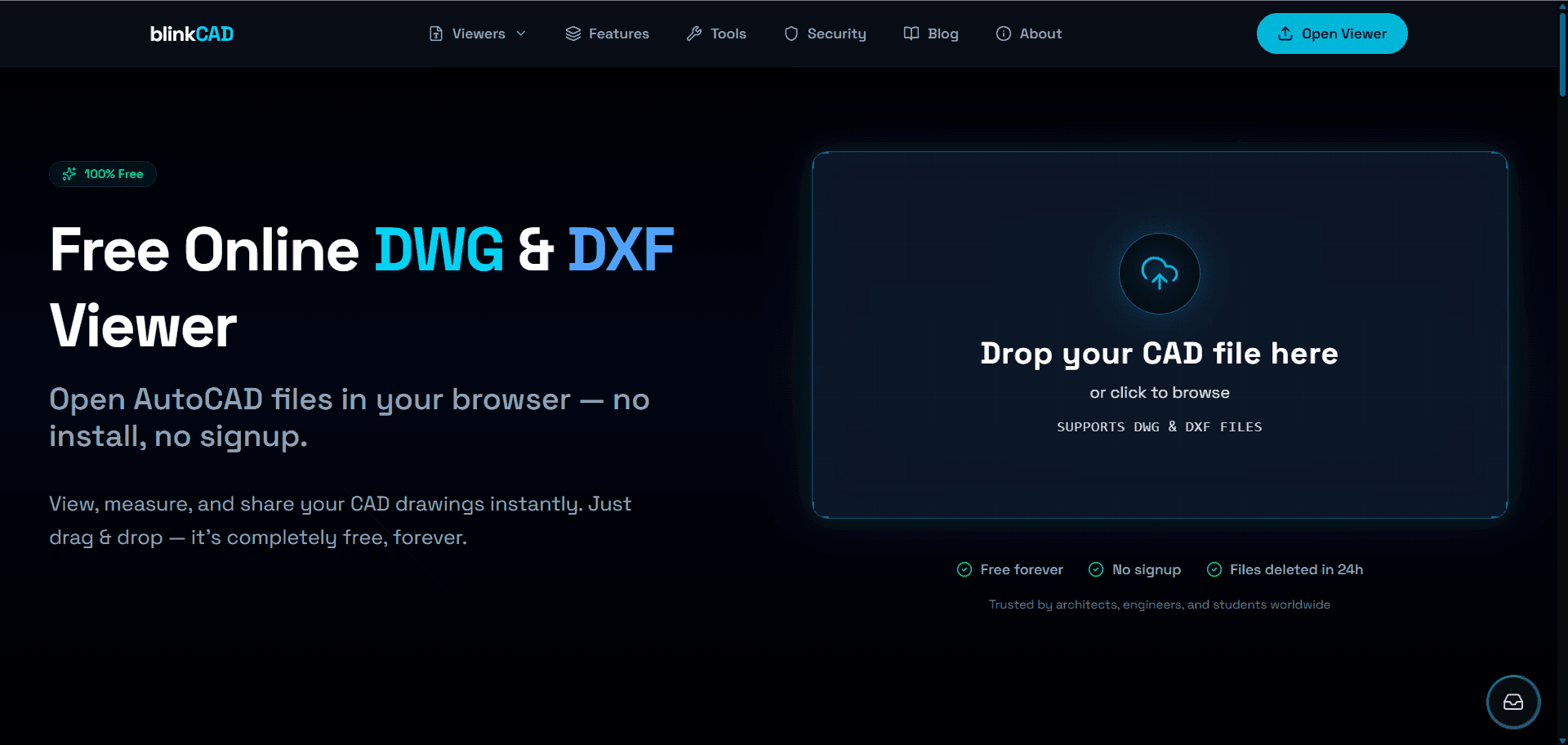
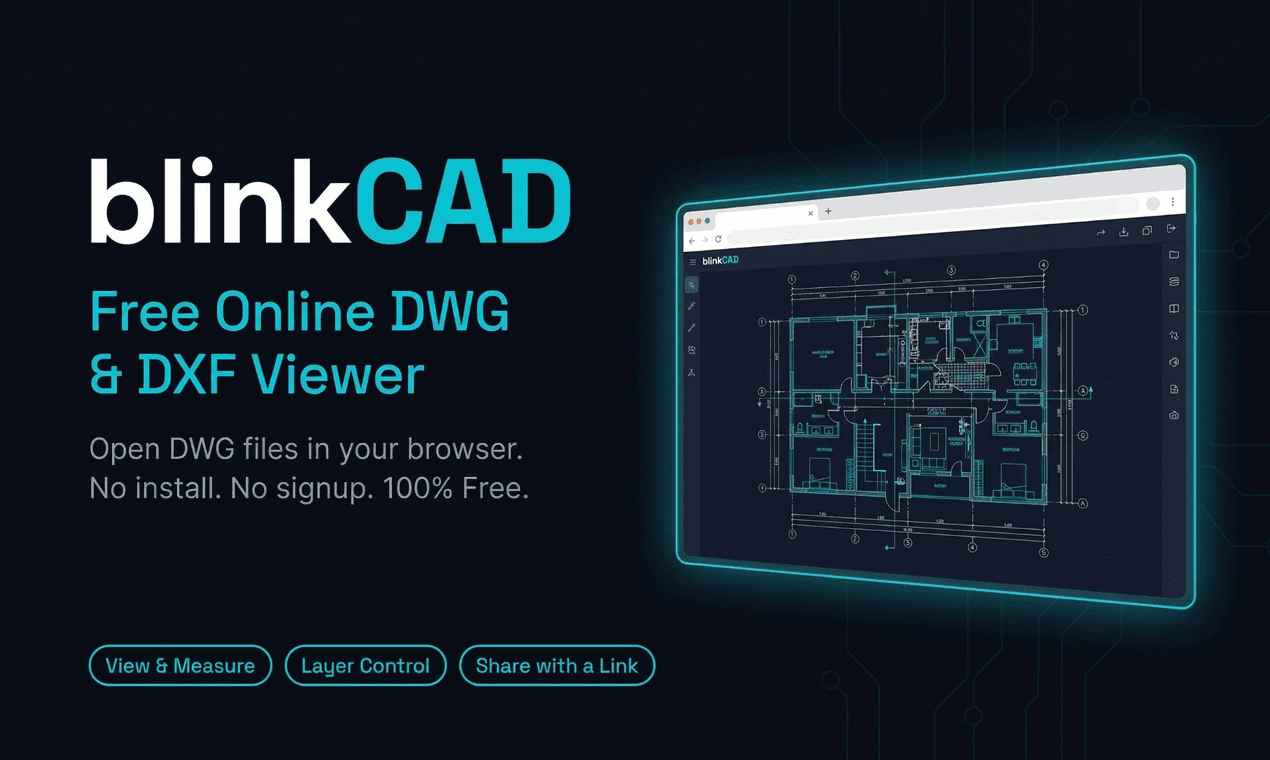
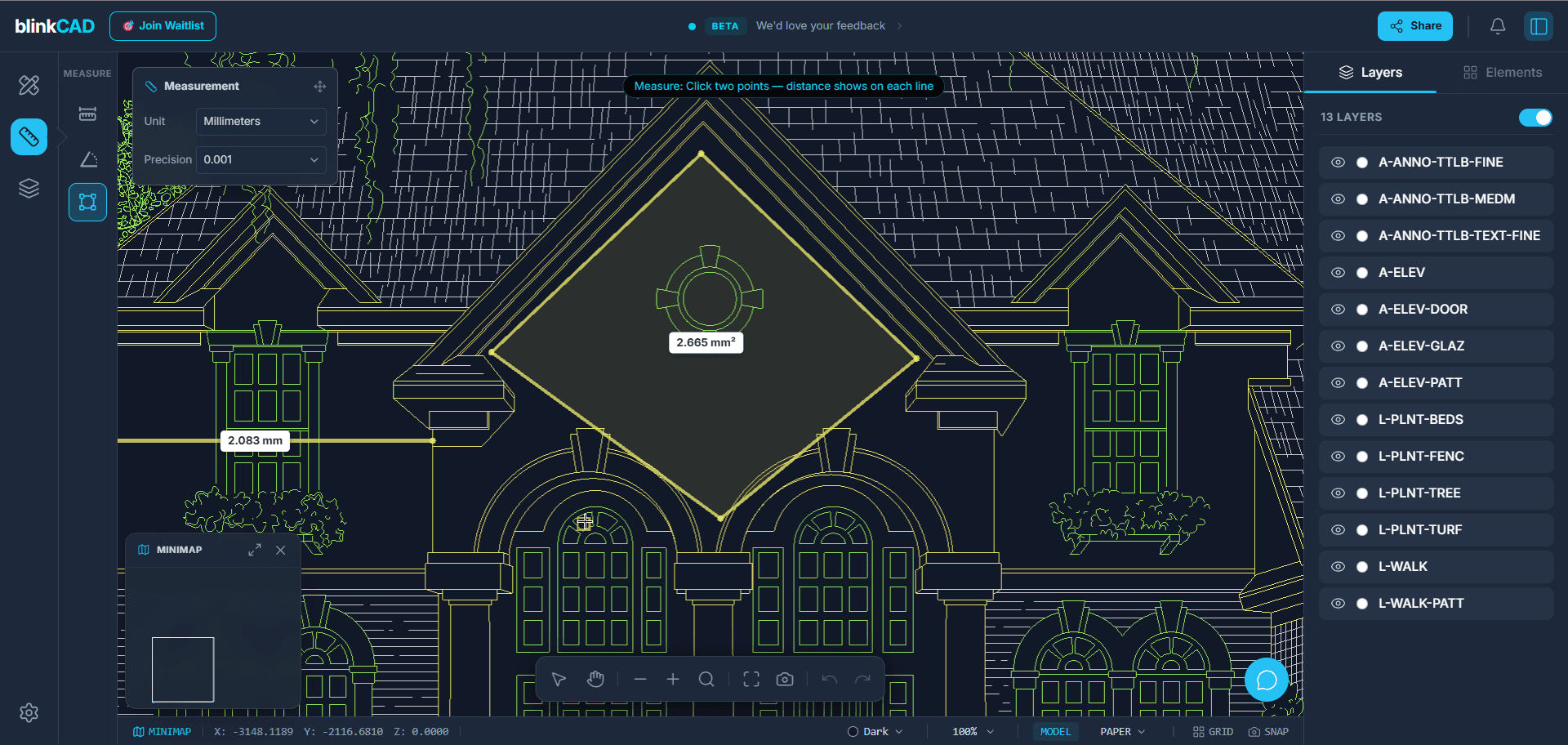
BlinkCAD is the fastest way to open and measure AutoCAD DWG and DXF files without the heavy software overhead. Simply drag and drop any DWG or DXF file to view it instantly in your browser—no signups, no installations, and 100% free. Designed for architects and engineers who need to check drawings on the go, it features precise measurement tools, layer toggling, and instant link sharing. Your privacy is a priority: all files are automatically deleted within 24 hours. Access your CAD drawings anywhere with BlinkCAD, a high-performance online viewer for DWG and DXF formats. Zero Friction: No account or plugin required. Powerful Tools: Measure real-world distances, view element properties, and manage layers. Universal Access: Works seamlessly across desktop, tablet, and mobile. Secure & Private: Files are processed server-side and wiped after 24 hours. Stop waiting for heavy CAD software to load and start viewing drawings in seconds.
Product Insights
BlinkCAD is a free web-based utility for viewing and measuring DWG and DXF files without software installation or account creation. It combines instant browser-based accessibility with privacy-focused server-side processing for technical design files.
- Zero-cost pricing model with no signup or registration required for users.
- Cross-platform compatibility across desktop, tablet, and mobile web browsers.
- Automated data privacy through 24-hour file deletion cycles.
- Real-world measurement tools and layer management capabilities.
Ideal for: AEC firms, designers, and freelancers can use this tool for quick CAD drawing inspections and team collaboration during design and prototyping phases.
This tool serves as a lightweight web alternative to desktop solutions like AutoCAD and AutoDesk, or online competitors such as ShareCAD and dwgfastview.com.
Screenshots
Product Updates (0)
No updates yet. Check back later for updates from the team.
Reviews (0)
No reviews yet. Be the first to rate this product!
Comments (0)
No comments yet. Be the first to share your thoughts!