Brisk Audio
Site offlineAll-in-One Online Audio Editor. Edit Your Files in Seconds

Details
- Follow on
- @BriskCloudware
- Target Audience
- Content CreatorsEducatorsStudents
- Platforms
- Web
About Brisk Audio
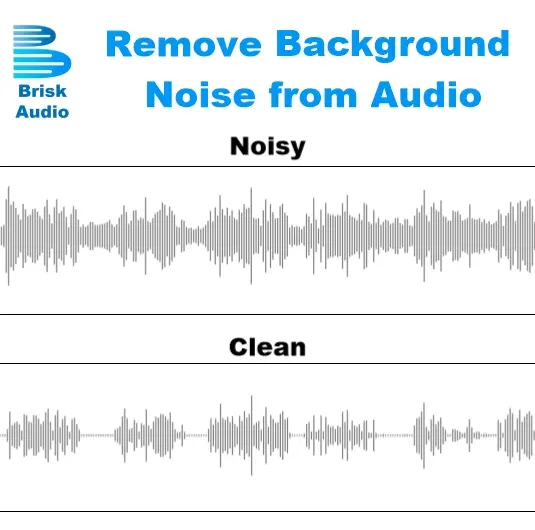
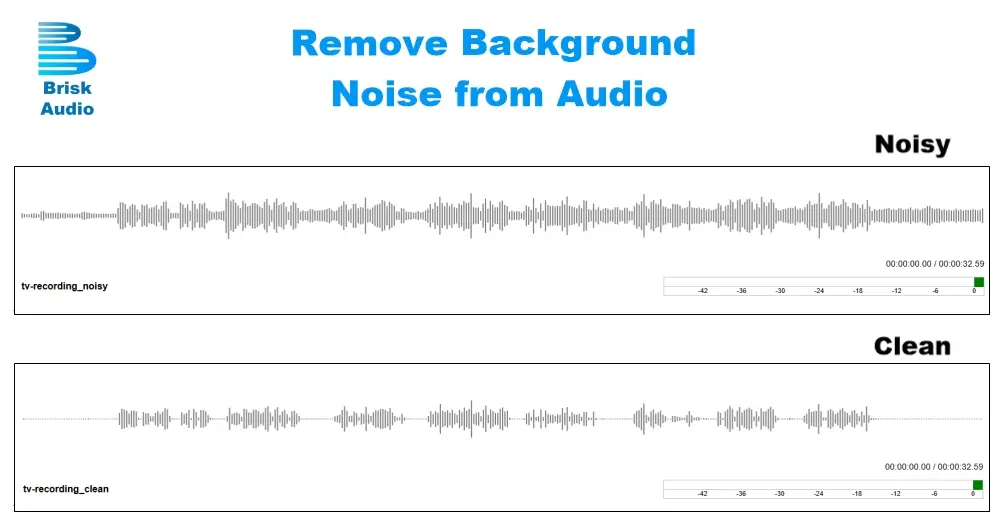
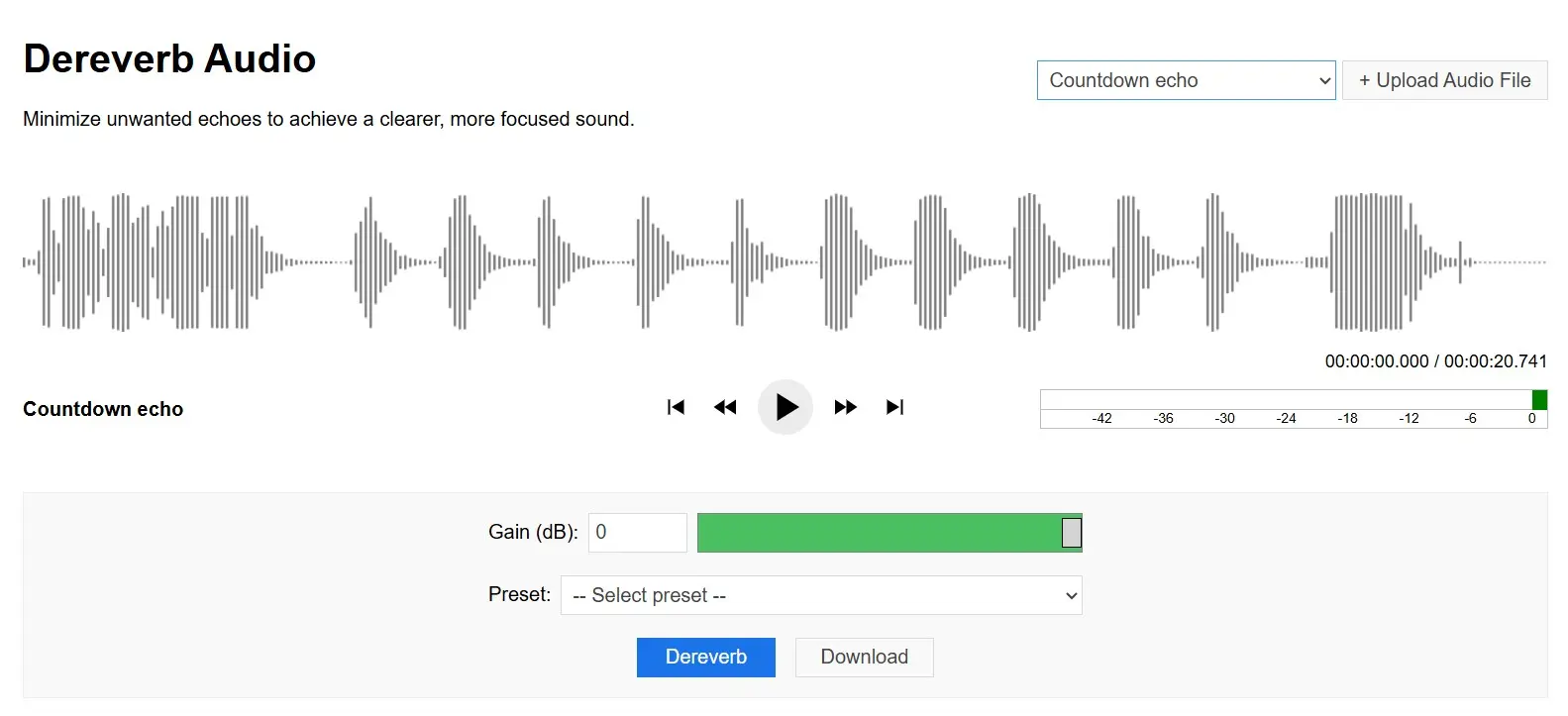
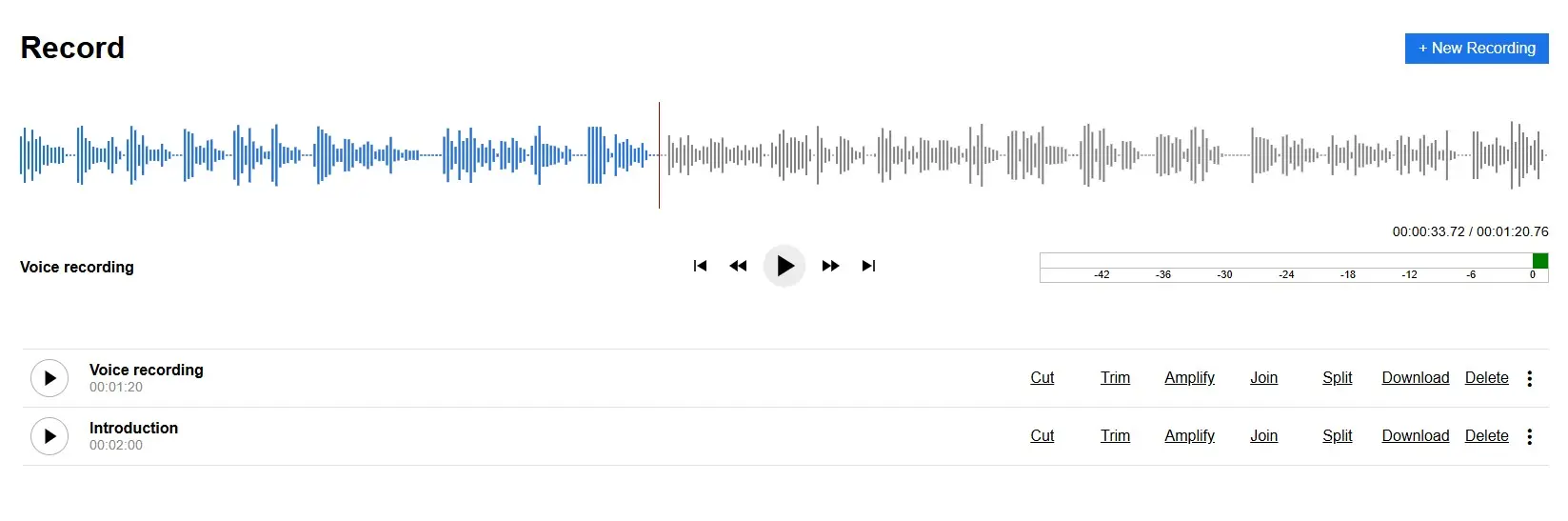
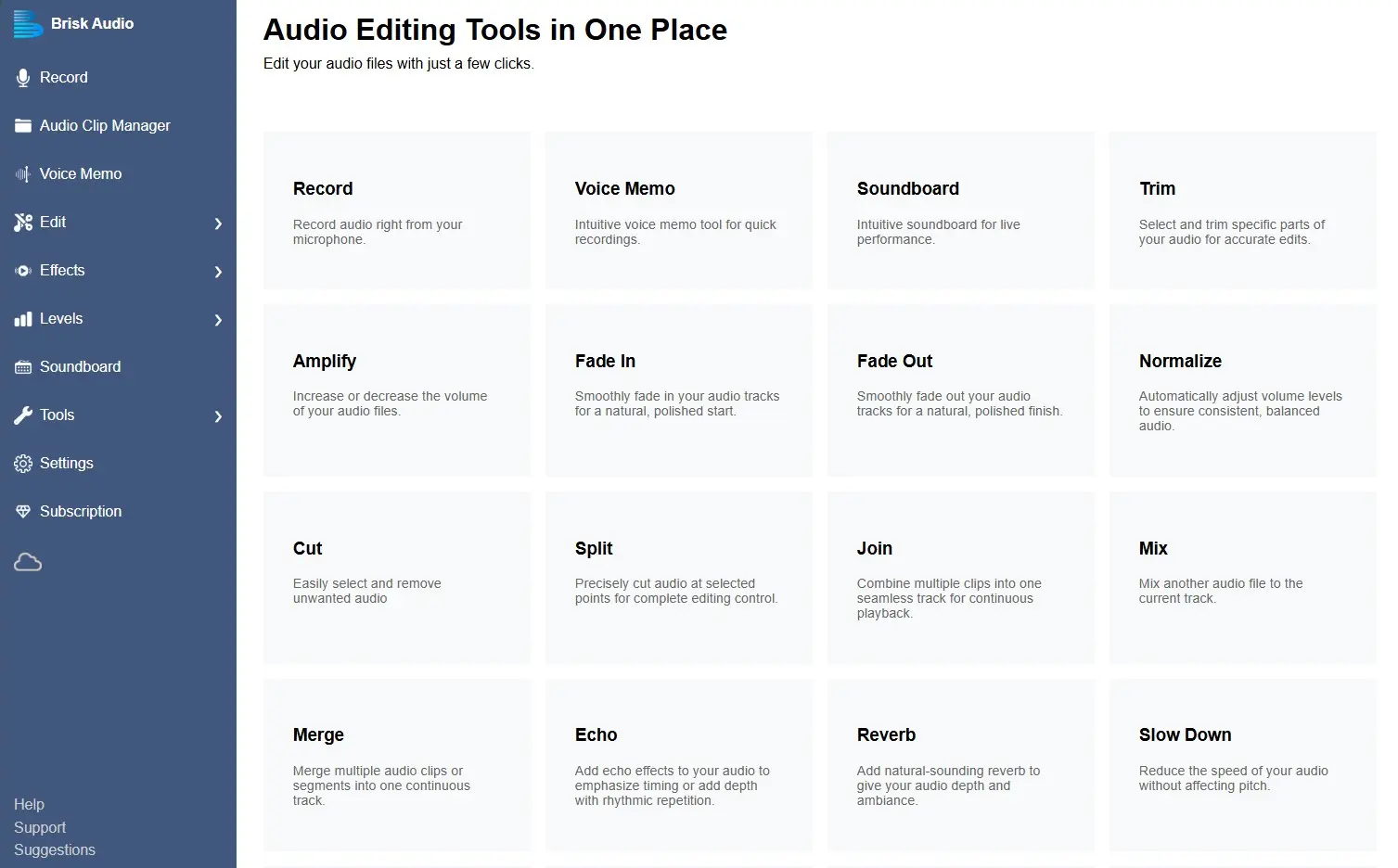
Brisk Audio is an easy-to-use browser-based audio editor that makes recording, editing, and improving audio simple and accessible for everyone. Whether you're a content creator, podcaster, musician, teacher or student, Brisk Audio provides a clean and straightforward way to work with audio directly from your browser, no software installation required. Many audio tools today are powerful but complicated. Brisk Audio focuses on simplicity, speed and usability, allowing users to edit audio quickly without needing professional audio engineering knowledge. With Brisk Audio, you can record voice memos, edit audio files, clean up recordings, and apply useful audio tools in just a few clicks. Key Features Voice Memo Recorder - Record voice notes directly from your browser. Perfect for quick ideas, podcasts, lectures, interviews, or reminders. After recording, you can instantly edit your audio or export it to your preferred format. Audio Editing Tools Brisk Audio includes simple editing features such as: -Cut audio sections -Trim clips -Split audio files -Adjust audio levels -Export recordings to common formats These tools make it easy to prepare audio for sharing, publishing, or further production. Remove Vocals Tool - Need an instrumental version of a song? Brisk Audio can remove vocals from music tracks to isolate the instrumental audio. This is useful for karaoke practice, music learning, remixing, and performances. Dereverb (Remove Echo) - Echo or room reverb can make recordings sound distant or unclear. The Dereverb tool reduces unwanted echo and improves speech clarity, helping voice recordings sound cleaner and more professional. Speed Adjustment Tools - You can easily slow down or speed up audio without changing pitch, which is useful for: -Music practice -Language learning -Podcast listening -Transcription work Amplify and Normalize Audio - Improve the quality of your recordings with built-in tools that boost volume or balance audio levels so your sound is clear and consistent. Soundboard Creator - Create your own sound effects board by uploading audio clips or adding sounds from free sound libraries. This is ideal for streamers, online communities, or gaming sessions. If you're looking for a simple online audio editor, a vocal remover tool, or an easy way to clean up recordings, Brisk Audio provides everything you need in one place.
Product Insights
Brisk Audio is a web-based suite for recording and modifying sound files directly in the browser across content creation and educational use cases. It centralizes specialized tasks like vocal removal, echo reduction, and soundboard creation into a single platform accessible without software installation.
- Browser-based accessibility eliminates the need for complex software installations.
- Integrated specialized processors for vocal removal, dereverb, and audio normalization.
- Built-in voice memo recorder for instant capturing of podcasts or lectures.
- Custom soundboard creator for streamers and online gaming communities.
Ideal for: Content creators, educators, and students who need to quickly edit recordings, remove background echo, or isolate instrumentals without professional engineering knowledge.
Screenshots
Reviews (0)
No reviews yet. Be the first to rate this product!
Comments (1)
We’re live! Brisk Audio is now available online. Record, edit, remove vocals, reduce echo, and more, all in your browser. Try it today and make your audio sound amazing! --> https://briskaudio.com