
GuideToDocs
Step by step instructions creation tool
Details
- Target Audience
- Technical WritersHR ManagersEducators
- Platforms
- Web
About GuideToDocs
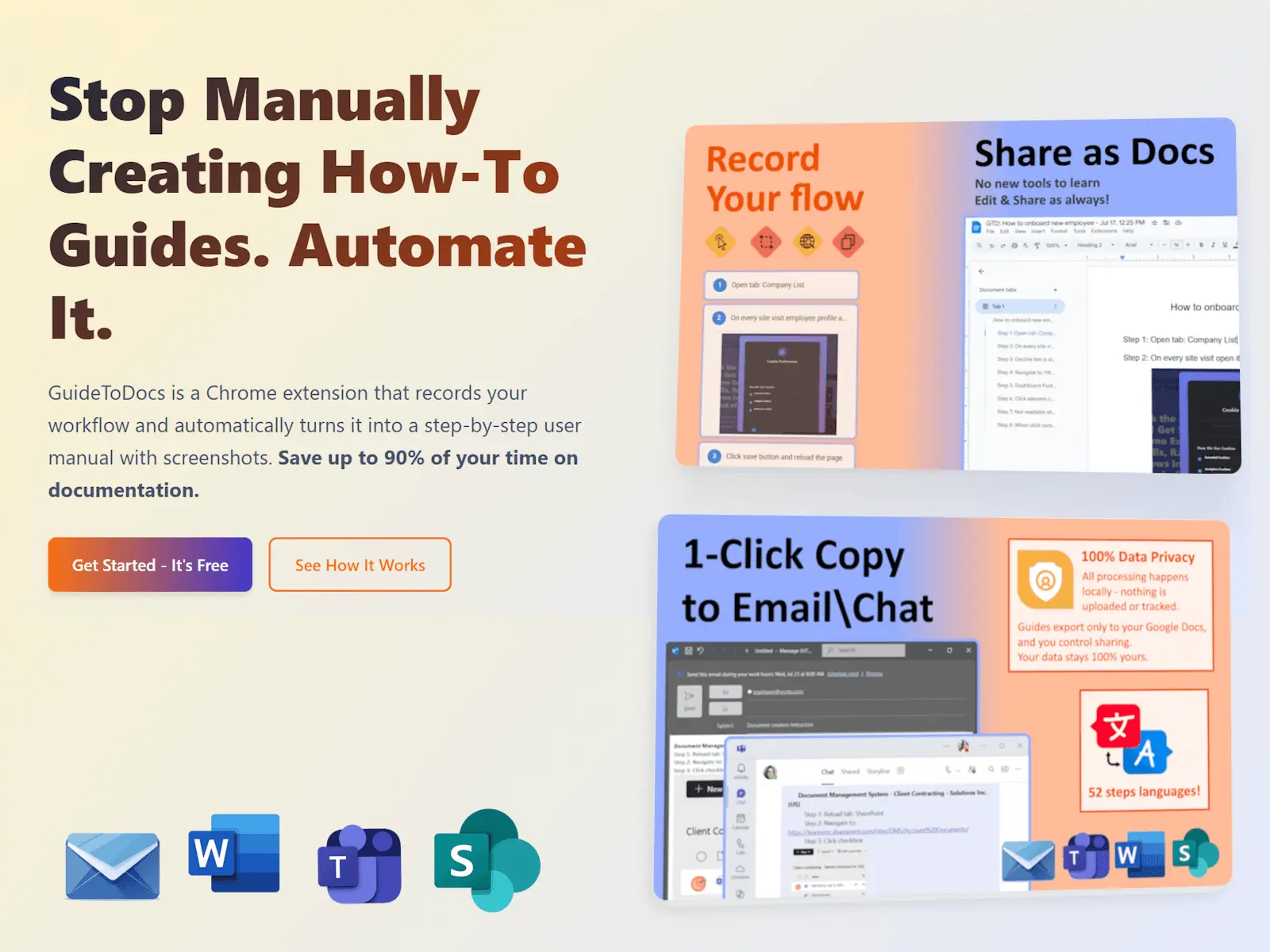
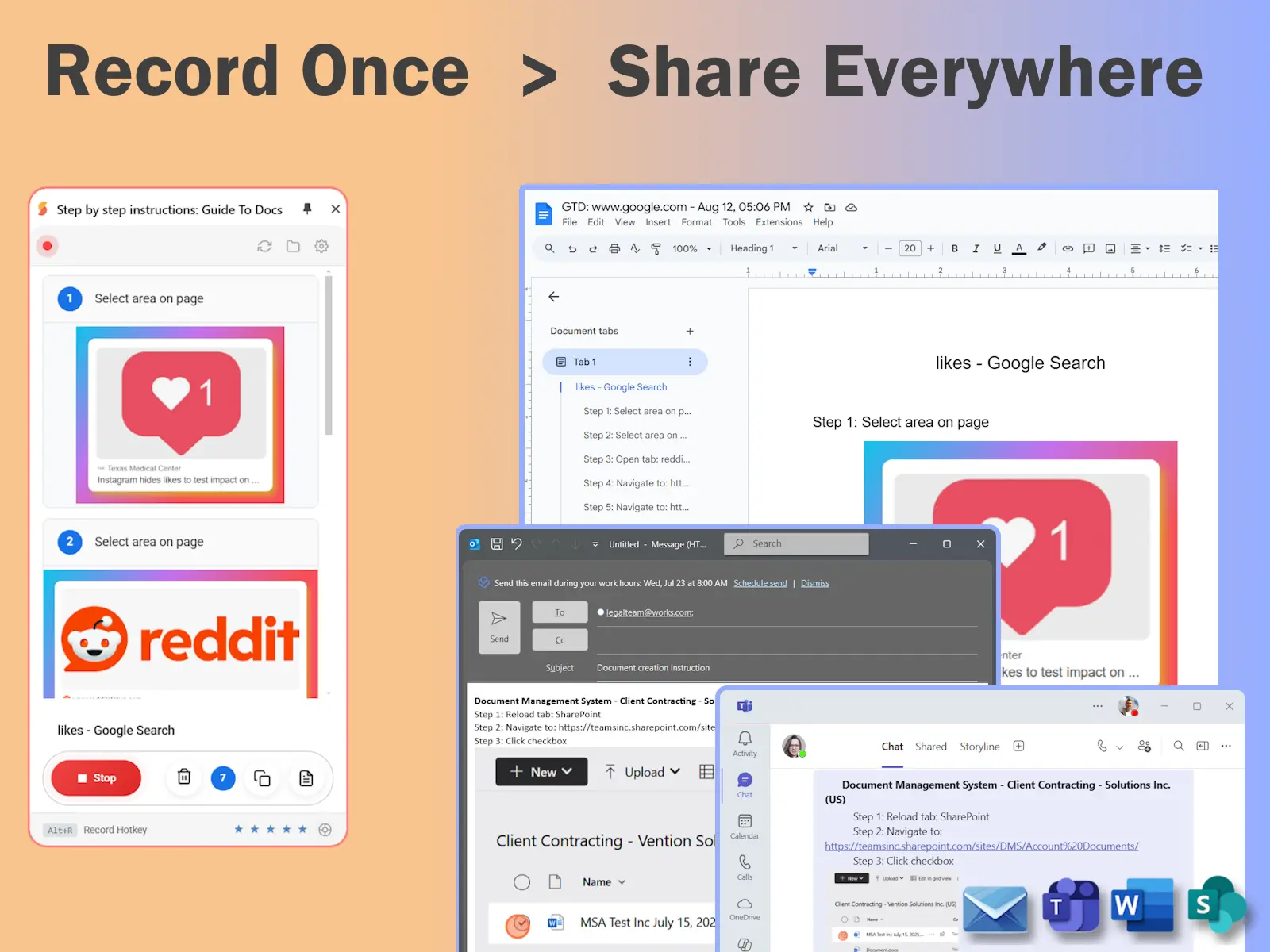
Tired of manually documenting processes? Guide to Docs is the ultimate Chrome extension that records your screen actions and instantly generates professional user guides — complete with screenshots and step-by-step instructions. Perfect for IT teams, educators, HR, and content creators! ✨ Key Features ✔ One-Click Recording – Start/stop with Alt\Command+R (can be changed in options). ✔ Professional Export Options – Export directly to Google Docs with formatted documents, or download all screenshots as organized ZIP files with metadata and interaction details. ✔ Rich HTML Copy – Copy interactions as formatted HTML with embedded images, preserving styling and layout for seamless pasting into emails, documents, and web applications. ✔ Beautiful Screenshot Styling – Add elegant backgrounds, gradients, rounded corners, and shadows to screenshots with live preview and customizable appearance settings. ✔ Smart Copy Options – Hover over the copy button to access two options - copy all interactions with full text and images, or copy only images with minimal descriptions for quick sharing. ✨ Guide to Docs solves this by auto-capturing every action into version-controlled, editable Google Docs with timestamped screenshots - transforming hours into minutes! ✨ Top 5 Benefits of Guide to Docs 1️⃣ Stop Manual Documentation Pain • No more tedious screenshot taking and step-by-step writing • Focus on your actual work while Guide to Docs automatically captures everything you need for professional documentation 2️⃣ Look Professional Without Design Skills • Create polished, designer-quality documentation that impresses clients and teams • No need to hire a designer or spend hours formatting - your guides will look professional instantly 3️⃣ Share Without Broken Links • Copy your documentation anywhere and the images stay embedded with perfect formatting • Recipients see exactly what you intended, with no missing visuals or broken links 4️⃣ Make Screenshots Stand Out • Transform basic screenshots into elegant, visually appealing content with backgrounds, shadows, and professional styling • Your documentation will look polished, not plain 5️⃣ Choose the Right Format for Each Situation • Share full guides for training, image-only copies for quick references, or professional exports for formal documentation • The right format for every context
Product Insights
GuideToDocs is a web-based automation tool that converts browser-based screen actions into structured user guides. It integrates recording capabilities with Google Docs export and HTML formatting to streamline documentation for technical and administrative workflows.
- Automated capture of screen actions into formatted step-by-step instructions with screenshots.
- Integrated export to Google Docs and ZIP files with interaction metadata.
- Customizable screenshot styling including gradients, shadows, and rounded corners for professional visuals.
- Rich HTML copy feature that embeds images directly for use in emails and web applications.
Ideal for: Technical Writers, HR Managers, and Educators who need to automate the creation of user guides and onboarding materials directly from their web browser.
Screenshots
Reviews (0)
No reviews yet. Be the first to rate this product!
Comments (0)
No comments yet. Be the first to share your thoughts!