Stop finding errors after you publish. Catch them while you read.
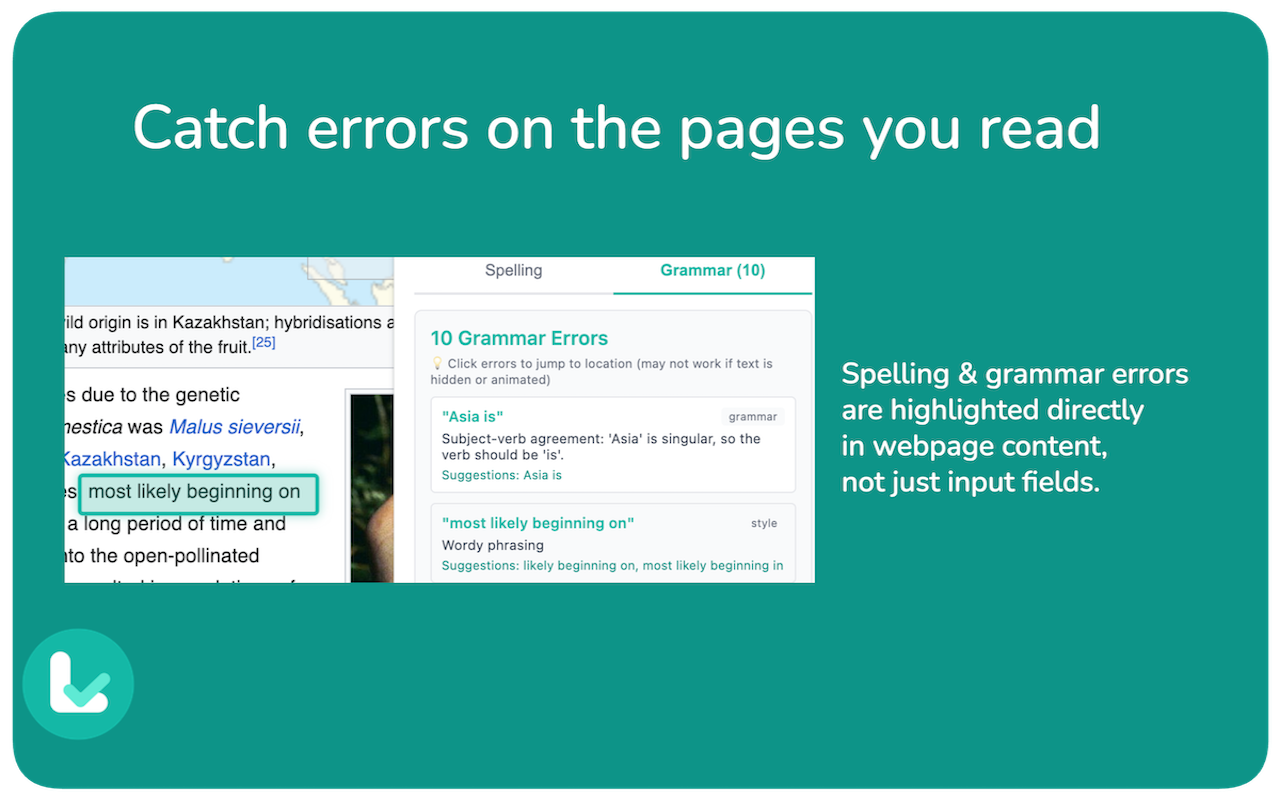
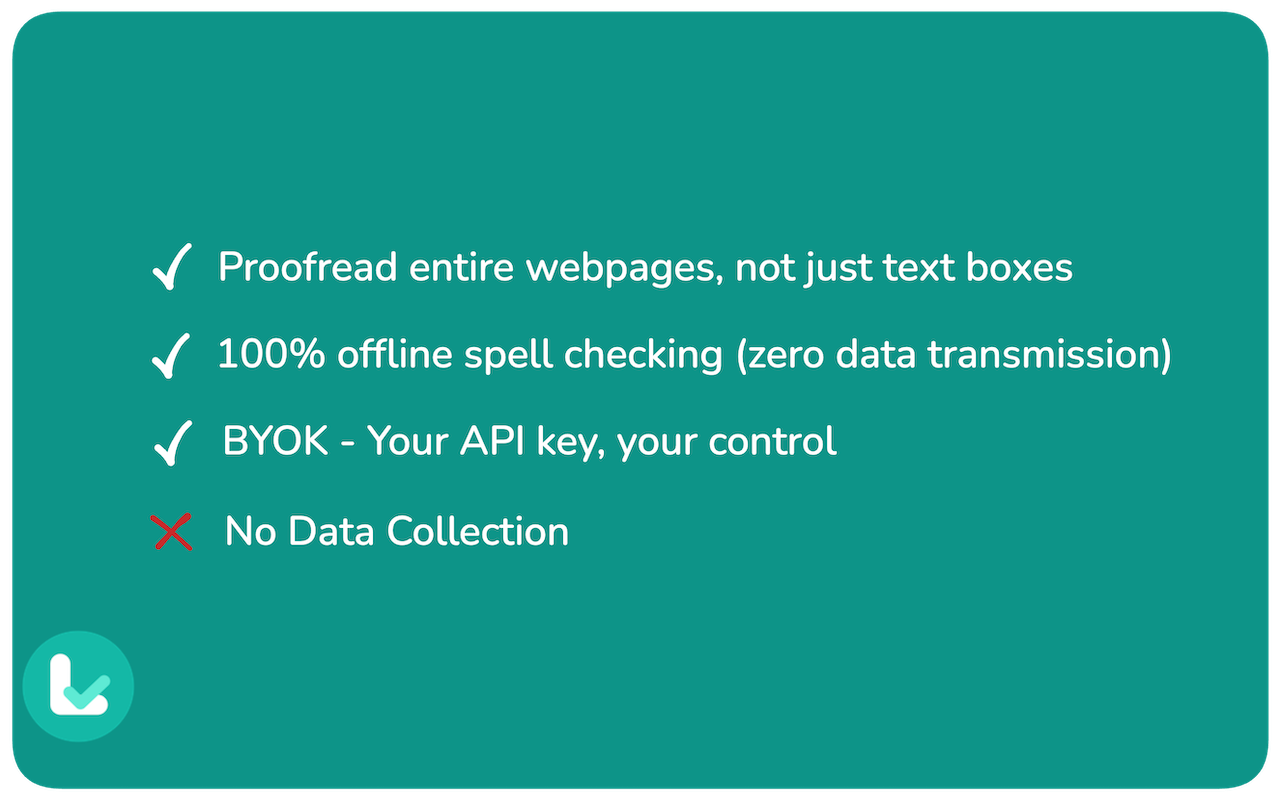
LexiLint is the first Chrome extension that spell-checks AND grammar-checks entire webpages - not just input fields. Whether you're reviewing your blog post on Medium, proofreading documentation on GitHub, or checking an article before sharing, LexiLint helps you catch errors before your audience does.
What makes LexiLint different?
🆓 Free Forever
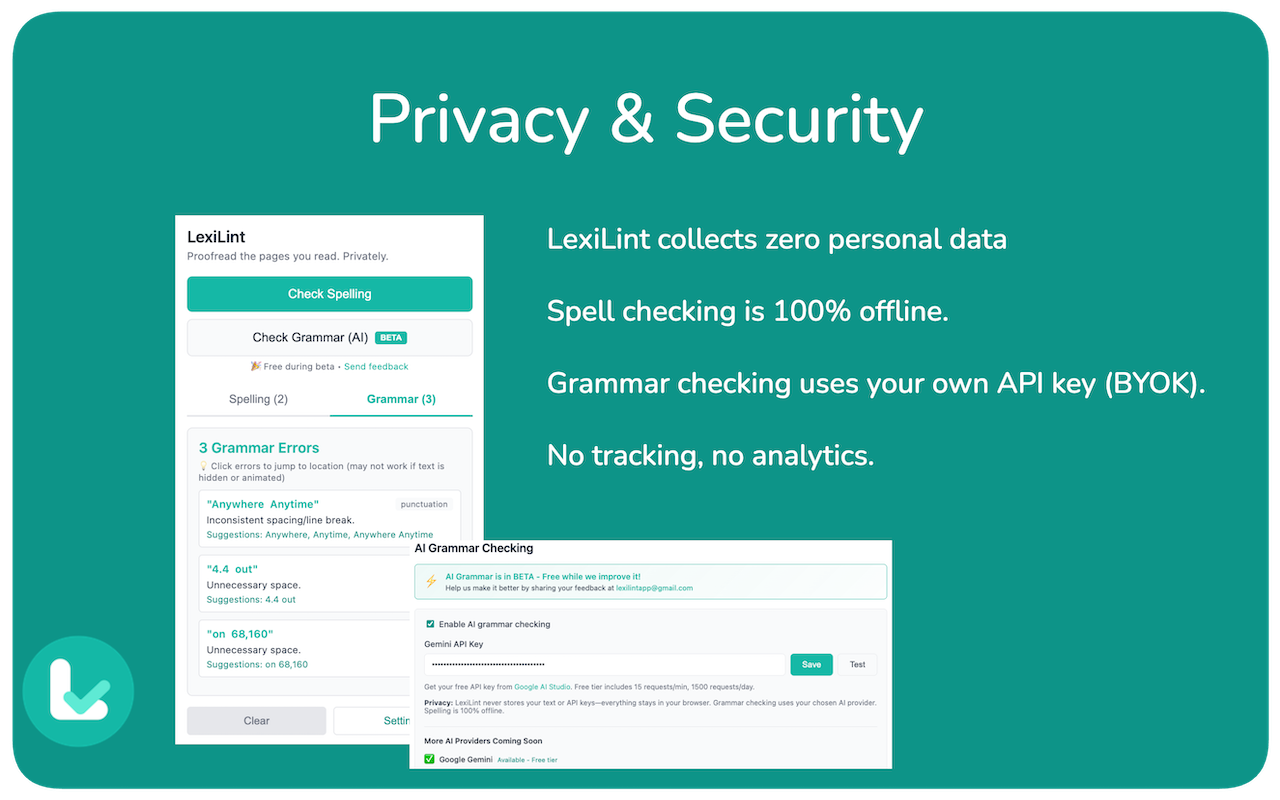
- Spell checking: 100% offline, no internet required
- Grammar checking: Free with Google Gemini (BYOK - bring your own API key)
- No hidden costs, no mandatory subscriptions
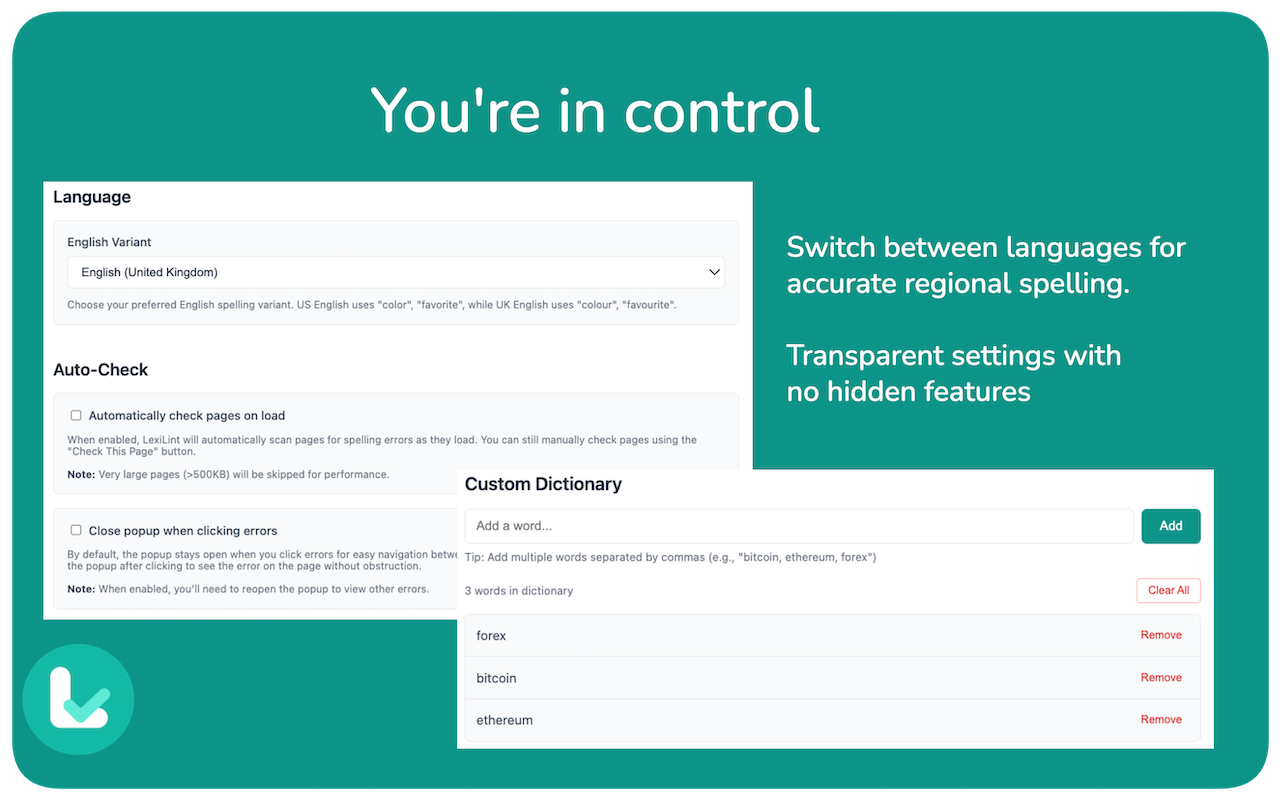
🌍 Multi-Language Support
- Free: English (US & UK)
- Premium: French, German, Polish, Russian, Turkish
- Language auto-detection
🤖 Multi-Provider AI Grammar
- Google Gemini 2.5 Flash (FREE)
- OpenAI GPT-4/GPT-4o (Premium)
- Anthropic Claude 3.5 Sonnet (Premium)
- Choose your preferred AI provider
🔒 Privacy-First
- Spell checking: 100% offline
- Grammar checking: Uses YOUR API key (you control the data)
- No tracking, no data collection
- BYOK model means we never see your content
💎 Premium Options
- $29.99 lifetime OR $2.99/month (7-day free trial)
- Unlock 5 additional languages
- Advanced AI providers (OpenAI, Claude)
- Multi-device license sync
Why we built this
Grammarly and LanguageTool only work in input fields while you're typing. But what about the content you're reading? Your published blog posts, documentation, articles, or even other people's content you want to verify?
LexiLint works everywhere - on ANY webpage - so you can proofread published content before sharing it with your audience.
Perfect for:
✍️ Writers - Proofread Medium/Substack articles before publishing
👨💻 Developers - Check GitHub READMEs and documentation
📢 Marketers - Review landing pages and blog posts
🎓 Students - Verify citations and research papers
🌐 Content creators - Ensure quality across all platforms
Install now: https://chromewebstore.google.com/detail/LexiLint/mfjmhhjncojfdhflkcfblibfebkolfge
Website: https://igniteapp.net/lexilint
Privacy policy: https://igniteapp.net/lexilint/privacy/







Comments (5)
Congrats on the launch!
Thanks for the discount!
Thanks
Wow awesome. Hoping to try it soon
Thanks
Congratulations on the launch 🚀
Thanks
Hey PeerPush! 👋 Built LexiLint to catch typos in published content, not just drafts. Free spell+grammar checking. 50% OFF premium ($29.99 lifetime, $2.99 monthly with free trial). Questions welcome!