
VideoPad Video Editor
Edit video as easily as editing text
Details
- Follow on
- @nchsoftware
- Categories
- Video & Audio ToolsMobile Apps
- Use Cases
- Video EditingContent Creation
- Target Audience
- Content CreatorsNon-Technical UsersSocial Media Managers
- Pricing
- Freemium
About VideoPad Video Editor
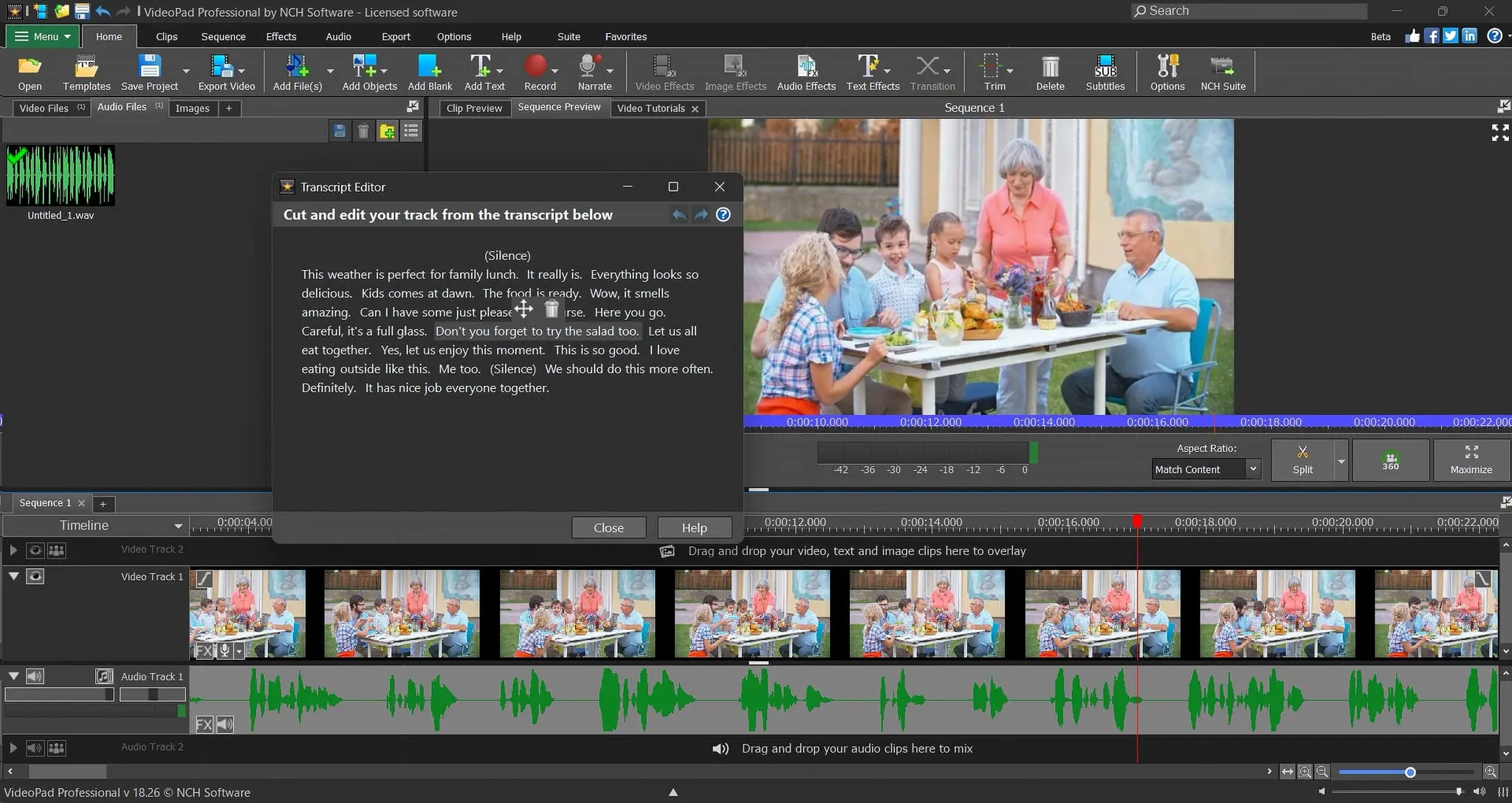
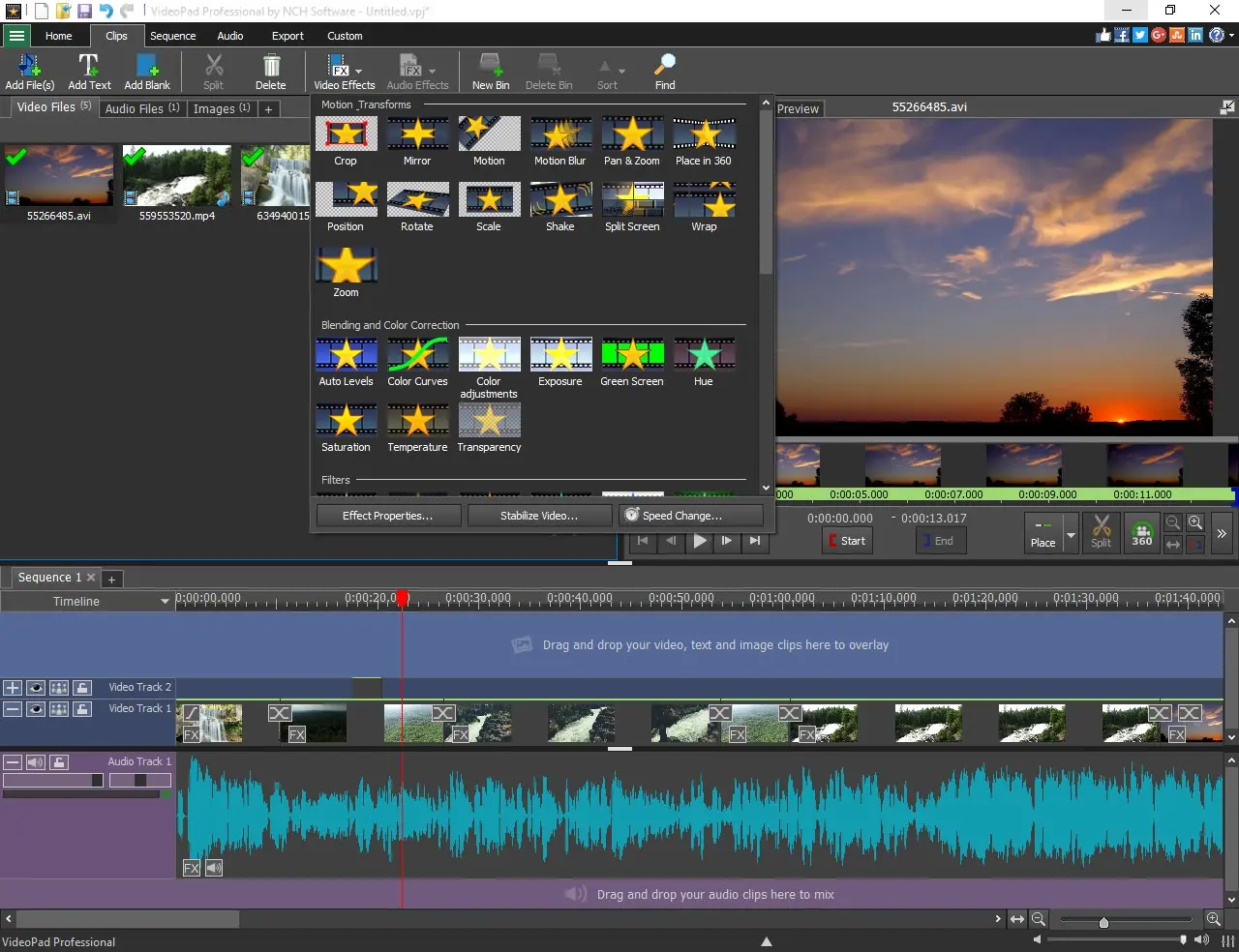
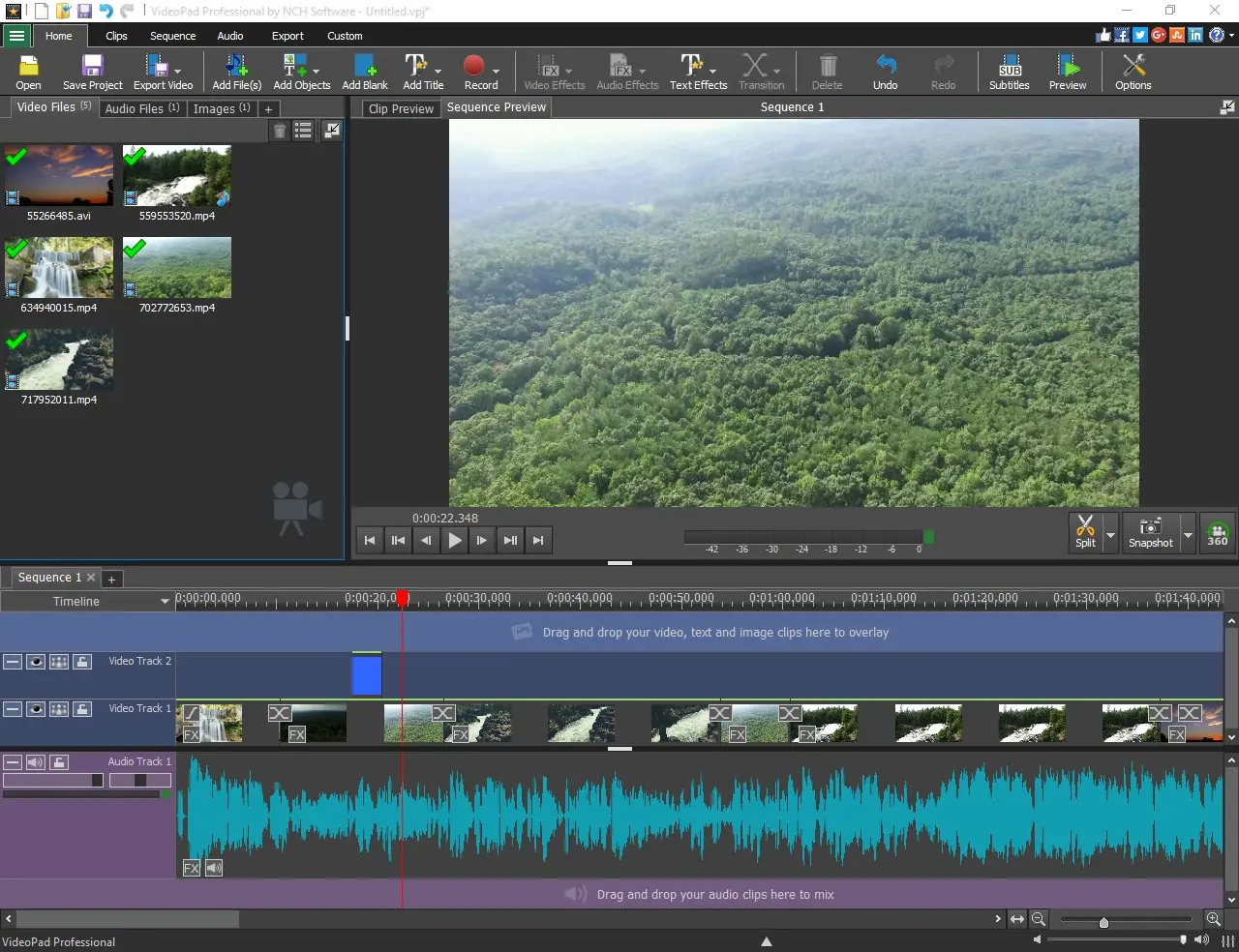
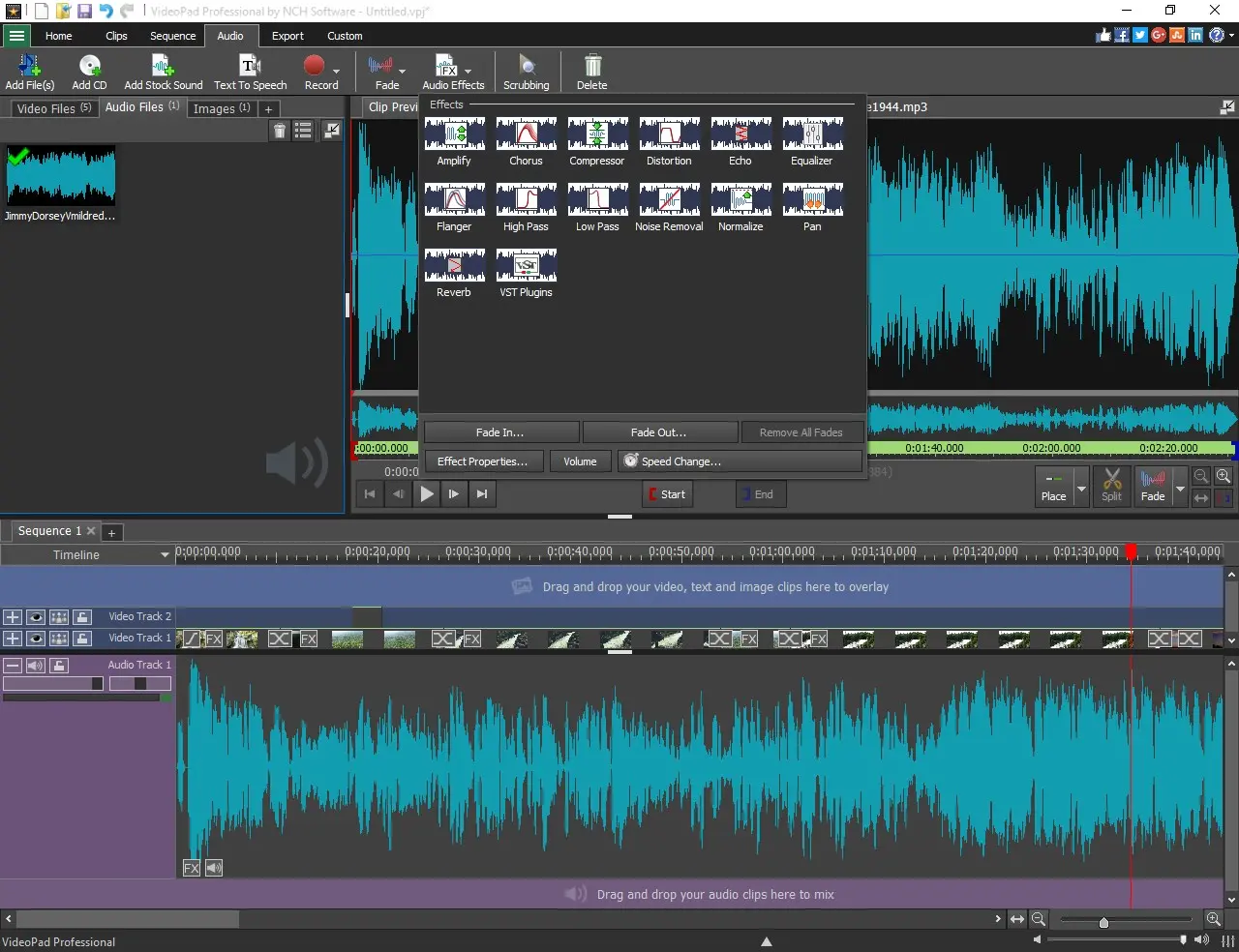
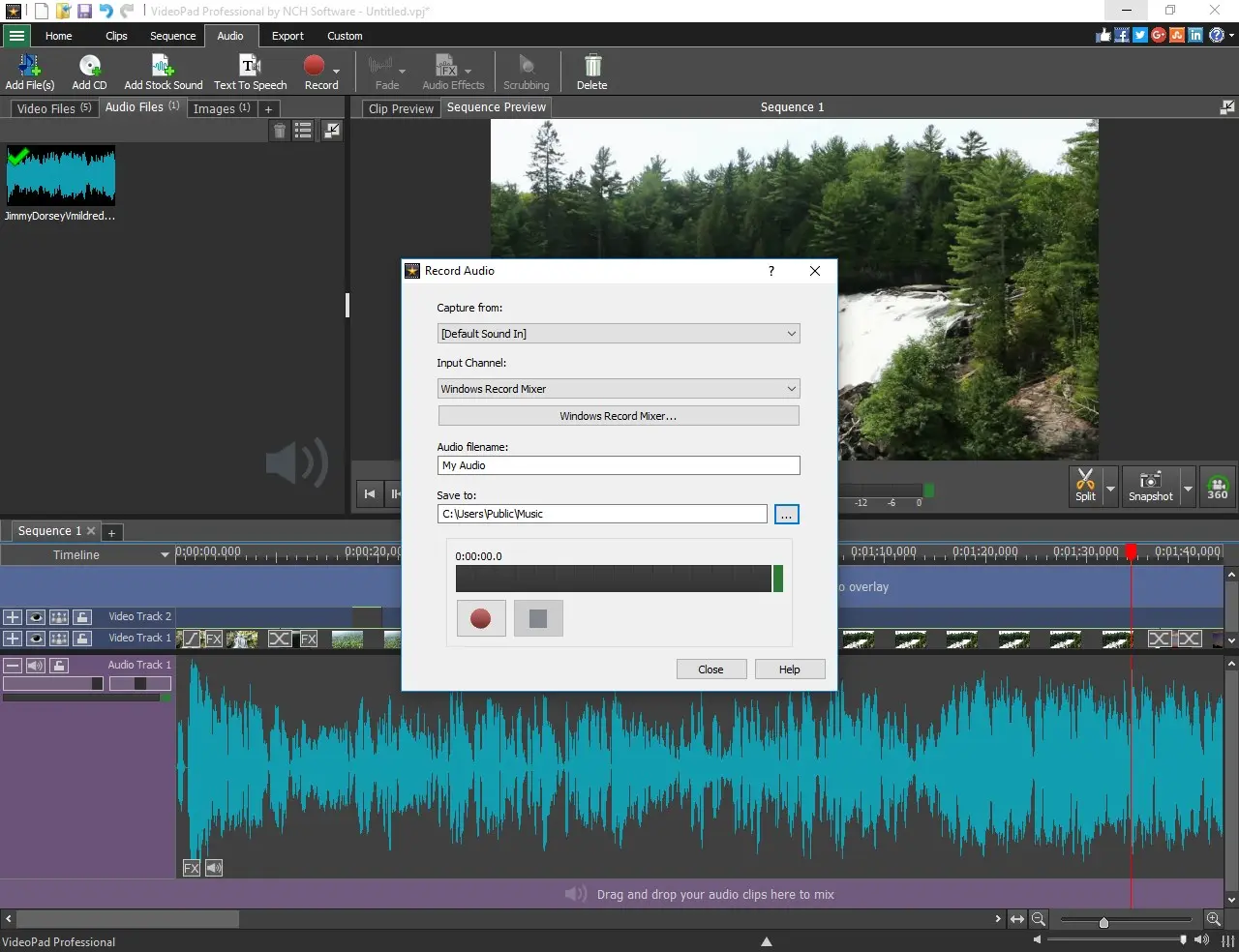
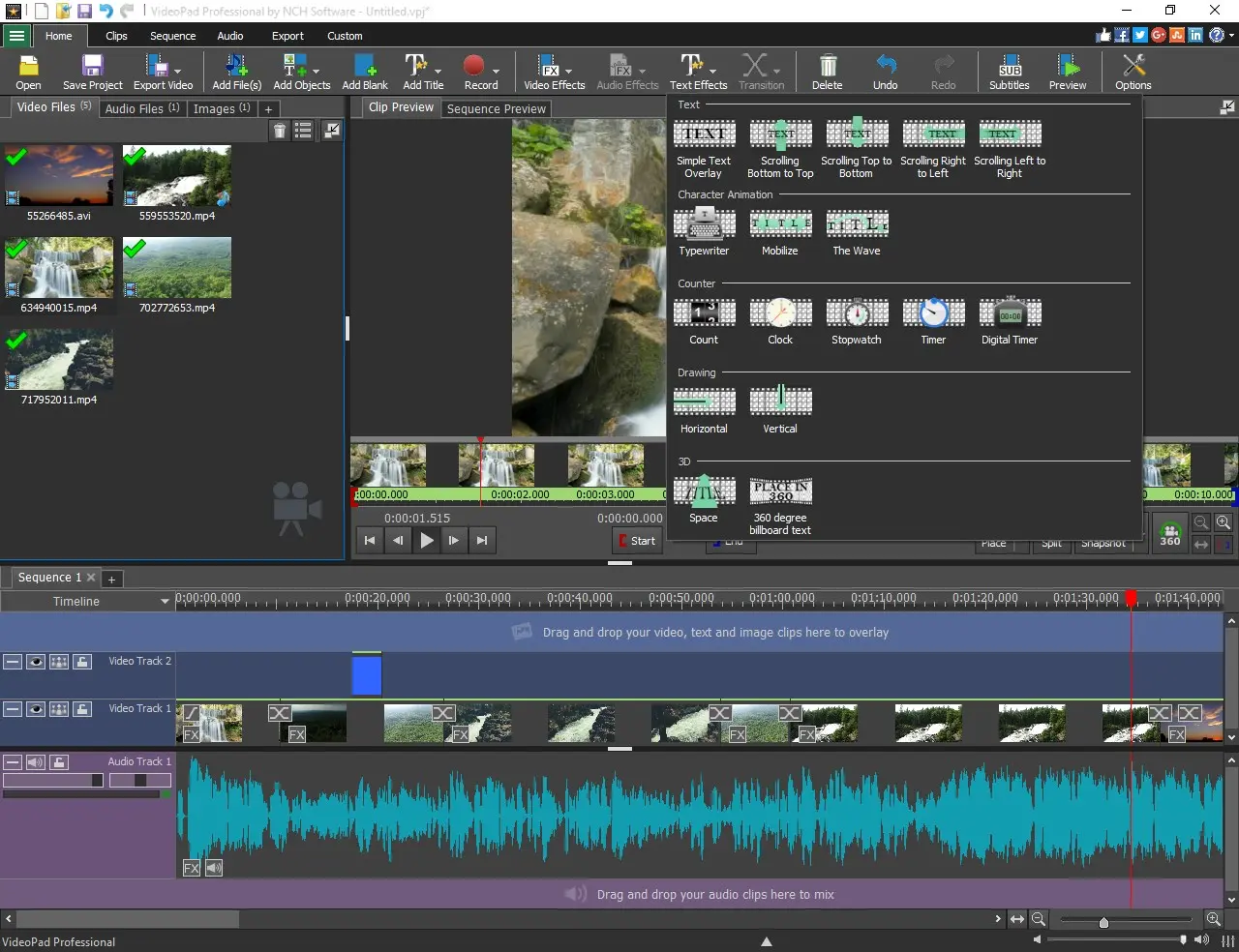
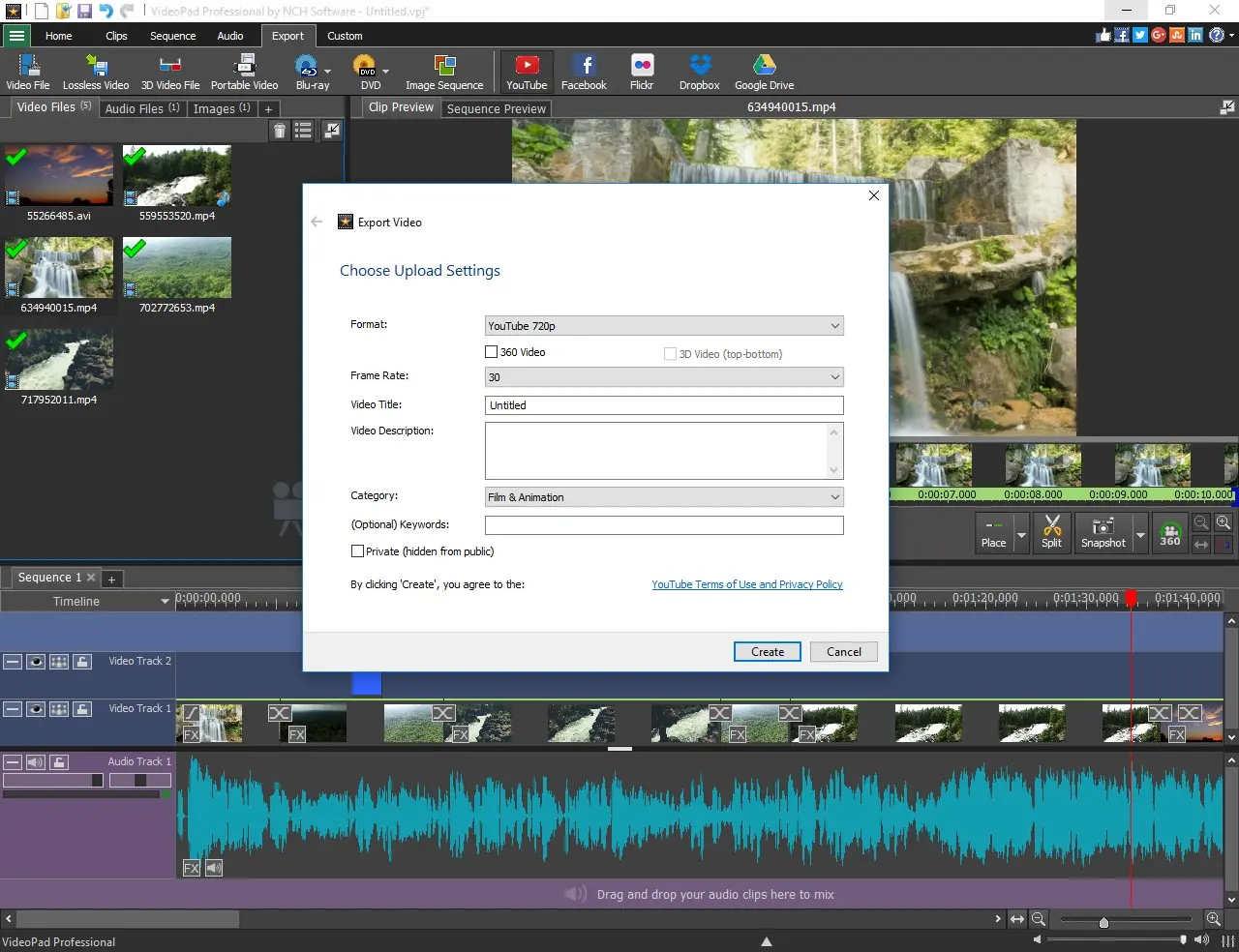
VideoPad Video Editor is a long-established video editing software used by creators worldwide. It is designed for creators who need fast, structured video editing for content such as interviews, tutorials, podcasts, and dialogue-heavy videos. Clear editing workflow (Fast) VideoPad introduces transcript-based editing, allowing you to convert speech into text and edit video by modifying words instead of manually cutting clips. All-in-one production tool (Scope) It combines the full video production process in a single application. Users can trim clips, arrange sequences, add effects, edit audio, and export finished videos without switching tools. Easy to use (Accessibility) A drag-and-drop interface keeps editing simple and fast, while still supporting detailed control over timing, structure, and visual output. Broad compatibility (Input) Supports a wide range of formats including MP4, AVI, MOV, and footage from cameras, webcams, and screen recordings. Built-in creative tools (Features) Includes 50+ transitions and effects, color correction, speed adjustment, green screen, picture-in-picture, motion graphics, and more. Audio editing included (Audio) Record voiceovers, mix multiple tracks, and apply effects such as normalization and echo directly inside the editor. Export and publishing (Output) Export in HD, 2K, or 4K, burn to DVD, or upload directly to online platforms such as YouTube. Templates and extensions (Acceleration) Includes templates for intros, outros, subtitles, and full projects, plus plugin support for extended functionality. VideoPad is available on Windows, Mac, iOS, and Android.
Product Insights
VideoPad Video Editor provides a cross-platform editing environment for Windows, Mac, and mobile devices with a freemium pricing model starting at $0. It integrates transcript-based editing with over 50 transitions and effects for a comprehensive content creation workflow.
- Supports transcript-based editing to modify video by editing speech-to-text data.
- Available on Windows, Mac, iOS, and Android for cross-platform project accessibility.
- Offers a free starting price point with support for HD, 2K, and 4K exporting.
- Includes built-in audio tools for voiceover recording, track mixing, and normalization.
Ideal for: VideoPad is ideal for content creators, social media managers, and non-technical users who need an accessible drag-and-drop tool for dialogue-heavy videos and tutorials.
Screenshots
Reviews (2)
Average 4.5 out of 5
Based on 2 reviews
Comments (2)
Interesting. I will give it a try soon.
Hi everyone 👋 VideoPad has been trusted by creators worldwide, now offering Transcript-based editing to help you edit even faster! What’s one feature that would make video editing easier for you?