
WebsiteArchiver
Save, archive, and manage websites locally
Details
- Follow on
- @kip_apps
- Target Audience
- ResearchersJournalistsPrivate persons
- Pricing
- Paid from $20
- Platforms
- Desktop
- Alternative To
 ArchiveBox
 SingleFile
 HTTrack
About WebsiteArchiver
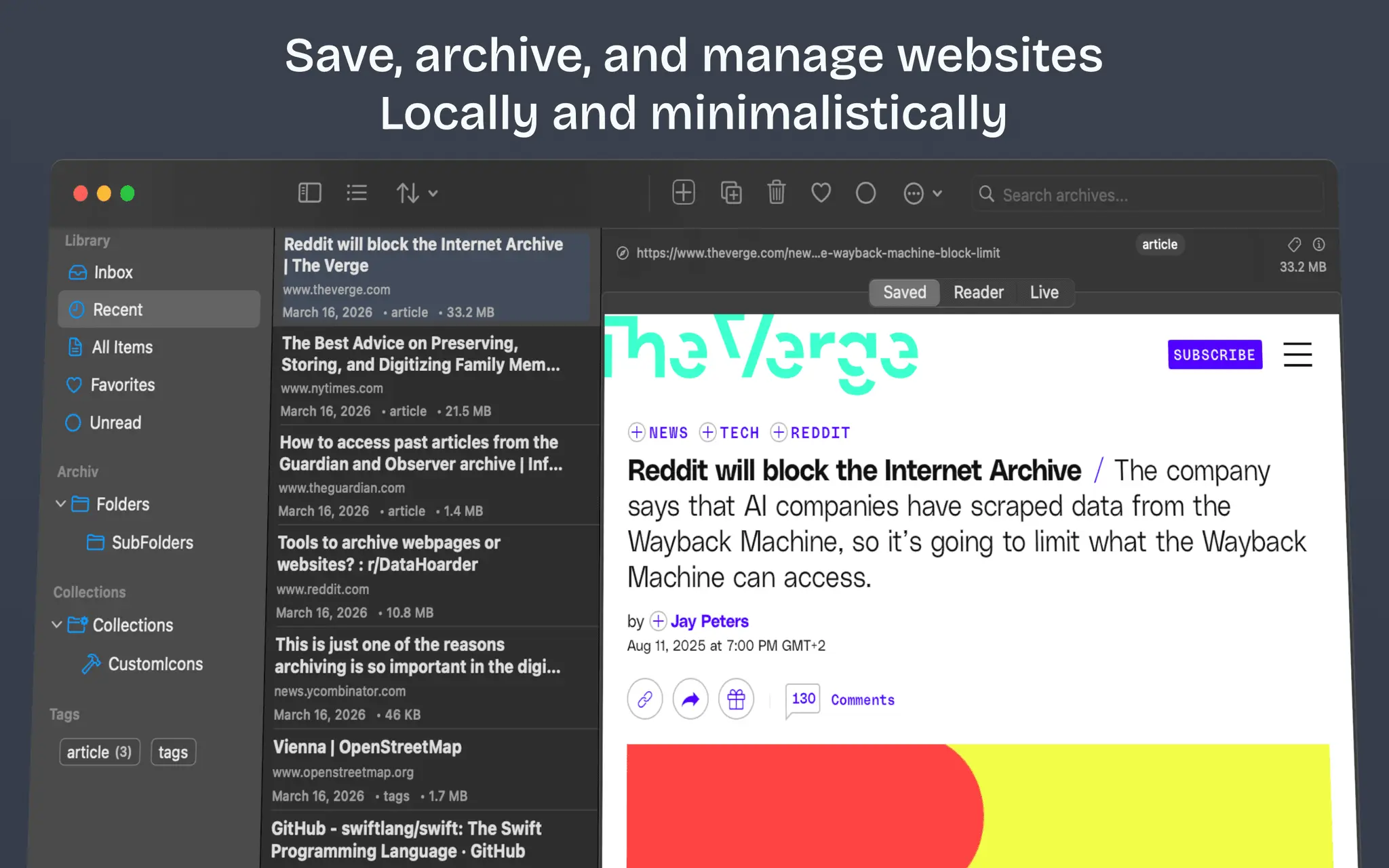
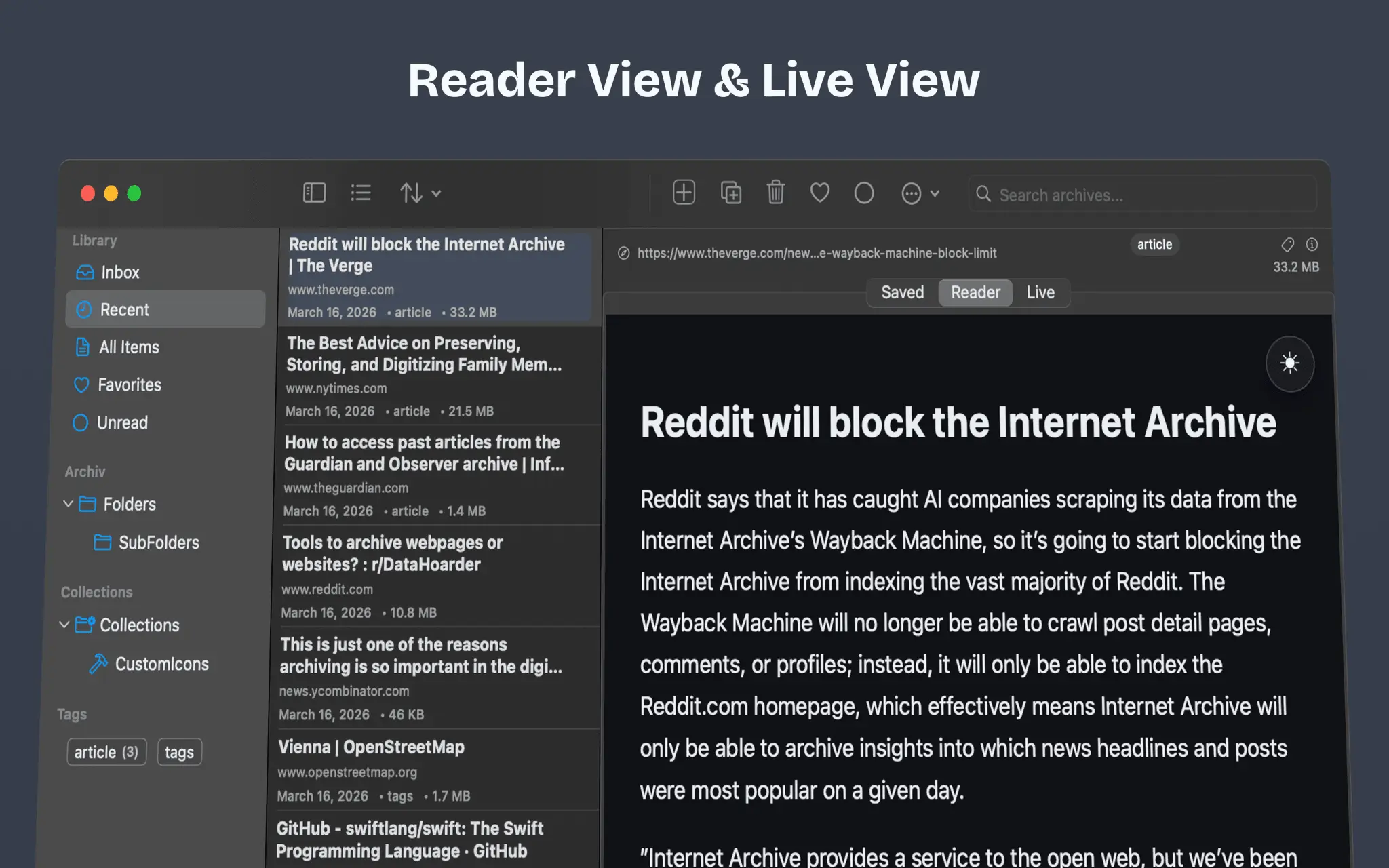
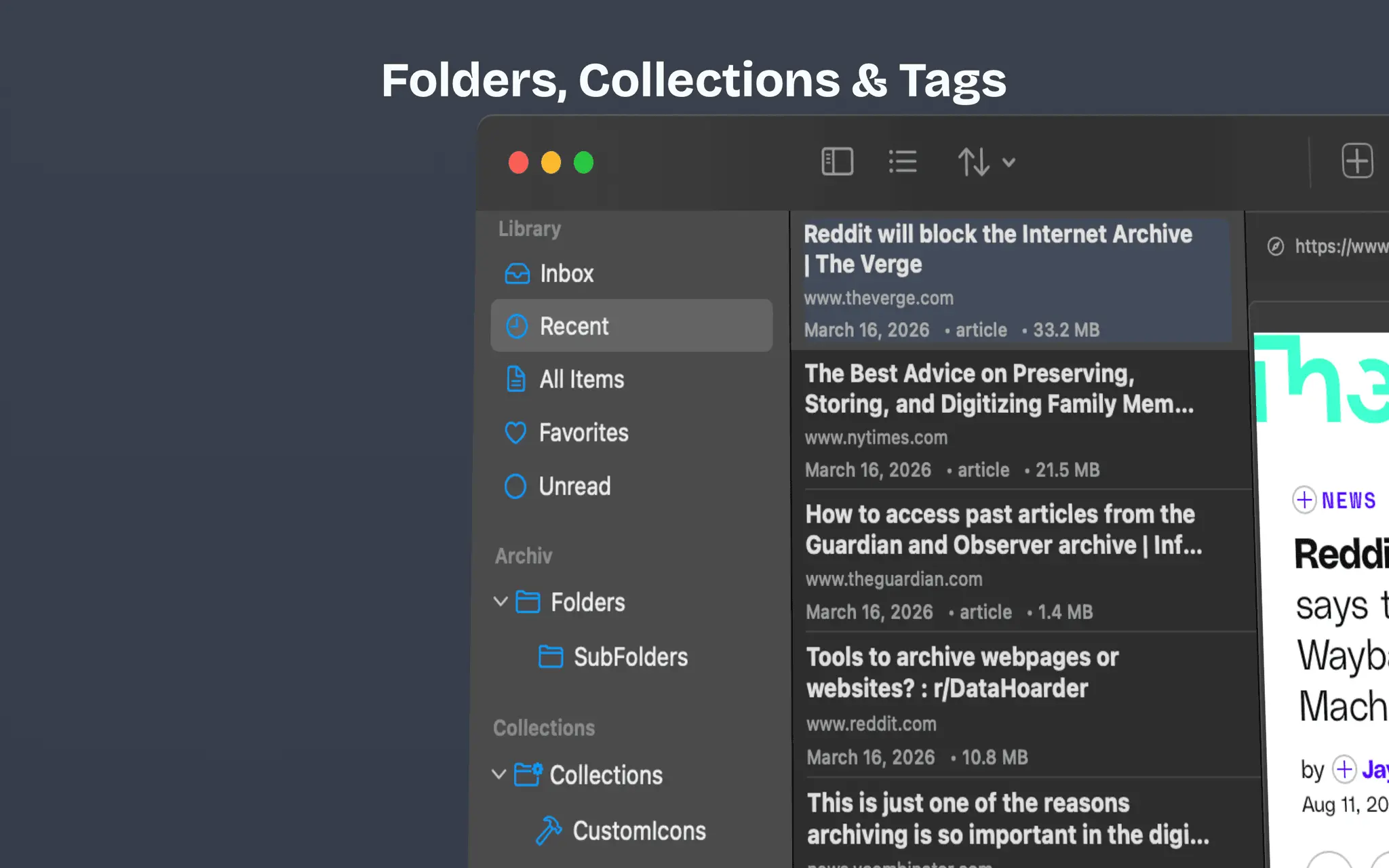
Don't rely on the internet to remember. Make sure it does. Public archives like archive.org are valuable, but not always accessible. Content disappears, access gets restricted, and entire pages can suddenly become unavailable. With the Websitearchiver app, you're in control: Your webpages are saved locally as .html files, permanently available and independent of external services. Because what’s saved locally stays accessible, no matter what happens online. - Reader View & Live View - Folders, Collections & Tags - Use cookies, for loginwalls or cookie banners. - Saved in .html - Export as .warc , .webarchive or .PDF - Safari Extension
Product Insights
WebsiteArchiver is a paid desktop application designed to capture and archive web content locally as HTML files to ensure permanent availability. It combines Safari browser integration with advanced export options like WARC and PDF for offline document management.
- Supports multiple export formats including .html, .warc, .webarchive, and .PDF.
- Bypasses loginwalls and cookie banners by utilizing browser cookies during archives.
- Provides organization tools through folders, collections, and tagging systems.
- Integrated Safari extension enables seamless archiving directly from the browser.
Ideal for: Researchers, journalists, and private persons can use this tool to maintain persistent local archives for document organization and web scraping tasks.
WebsiteArchiver serves as a desktop alternative to tools like ArchiveBox, SiteSucker, SingleFile, and HTTrack.
Screenshots
Reviews (0)
No reviews yet. Be the first to rate this product!
Comments (0)
No comments yet. Be the first to share your thoughts!