
Pull Panda
A better way to review pull requests on GitHub

Details
- Follow on
- @trypullpanda
- Categories
- AIDeveloper Tools
- Target Audience
- DevelopersSoftware DevelopersWeb Developers
- Pricing
- Free
- Platforms
- Desktop
About Pull Panda
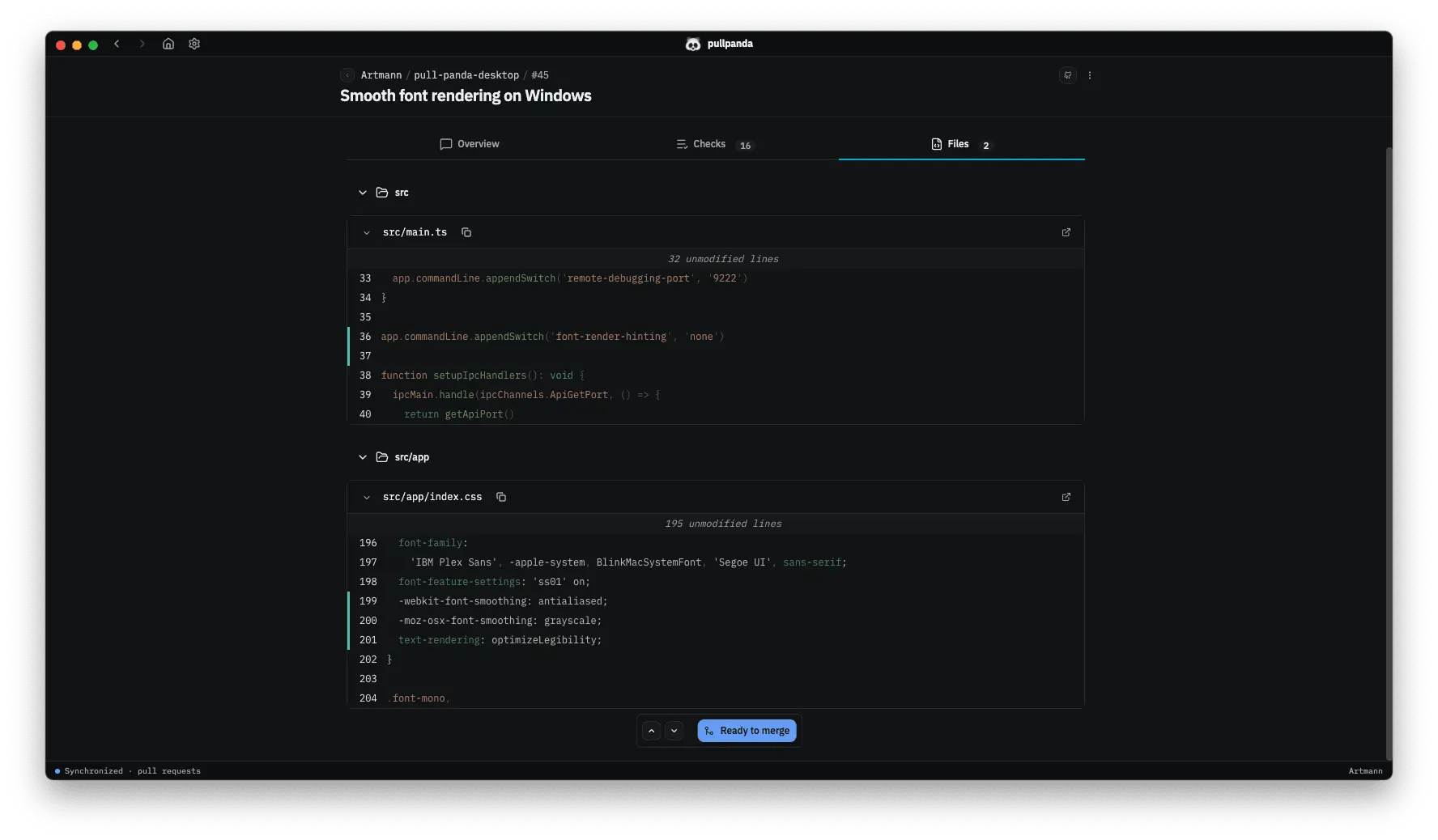
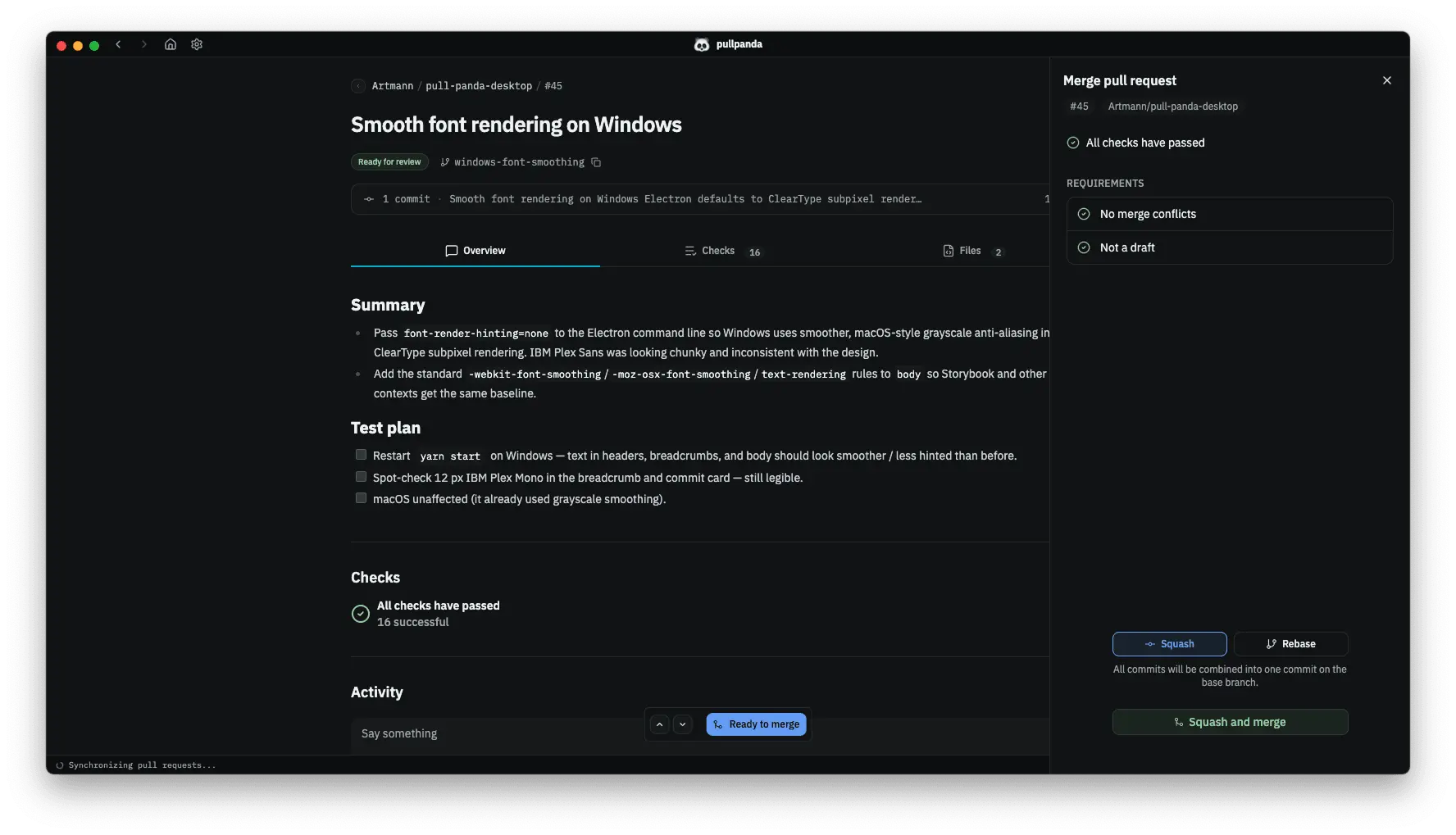
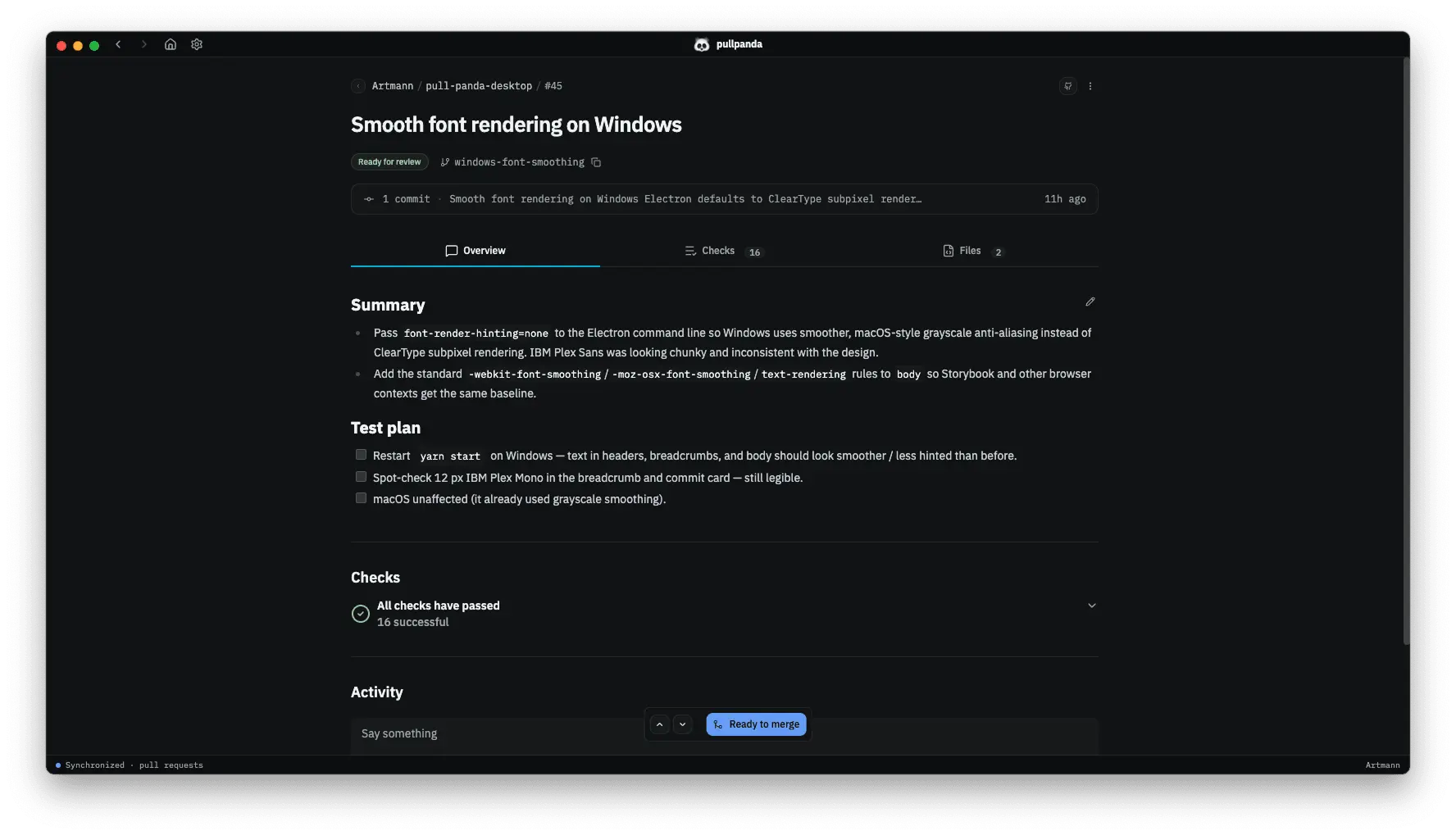
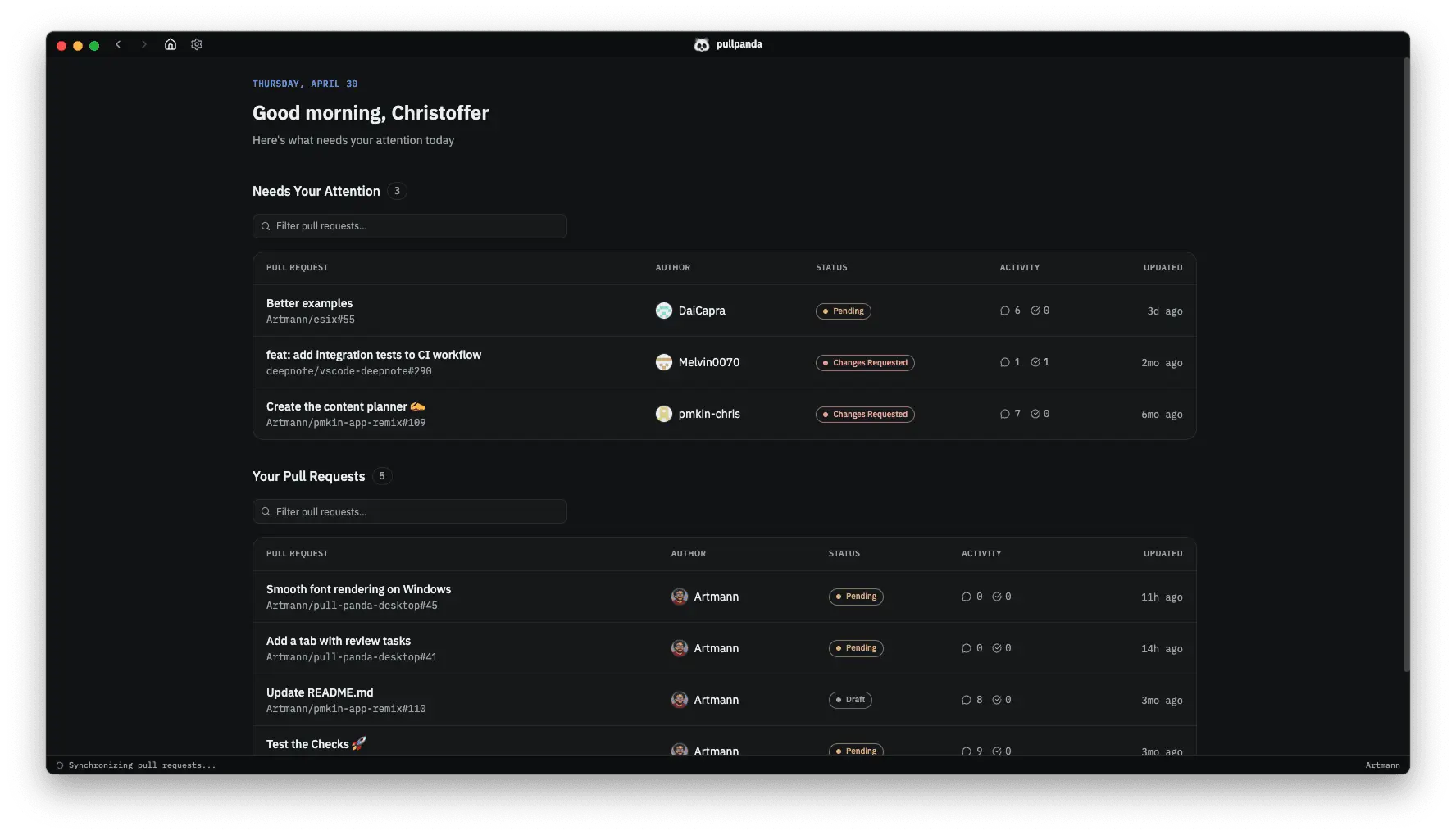
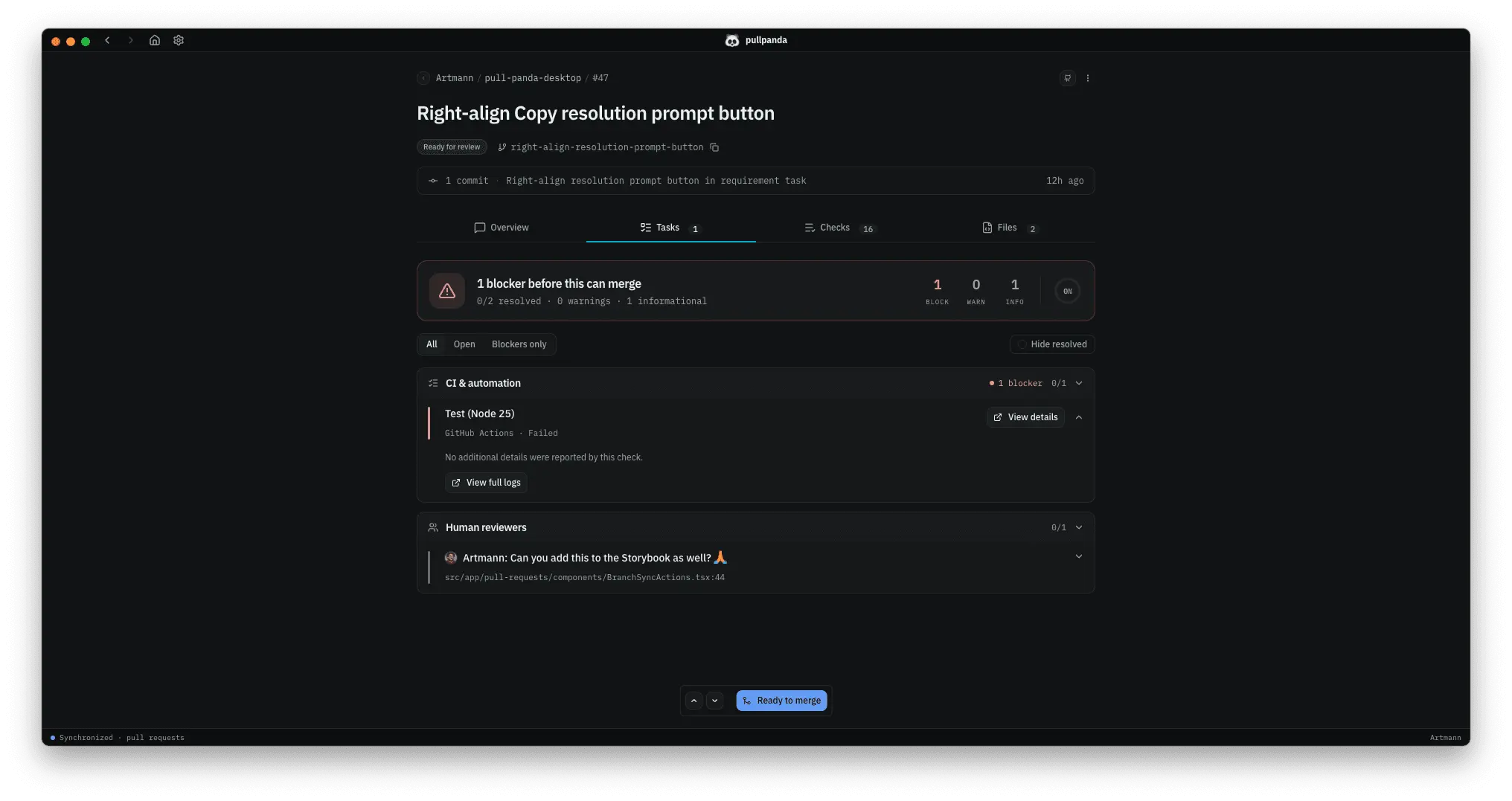
Pull Panda is a desktop app for reviewing GitHub pull requests. We built it because cramming code reviews into a browser tab, squeezed between Slack and Jira, makes it hard to give changes the attention they deserve. Pull Panda runs alongside your existing GitHub workflow and gives the review itself a dedicated space. You get room to read diffs properly, easier navigation between files, and an interface built around the way reviews actually happen instead of one that treats them like an afterthought. We don't replace GitHub. Pull Panda plugs into the workflow you already use and makes the day-to-day parts faster. Comments stay organized so important feedback doesn't get buried under nitpicks. Large PRs become navigable instead of overwhelming. Context from the author travels with the code, so reviewers spend less time guessing at intent. The result is reviews that catch real issues, conversations that improve the code, and a process that feels collaborative instead of adversarial.
Product Insights
Pull Panda is a free desktop application designed to streamline the code review process for GitHub-based workflows. It provides a dedicated workspace for software developers to manage pull requests, emphasizing navigability and organized communication.
- Native desktop application providing a dedicated environment outside the web browser.
- Integrated workflow that synchronizes with existing GitHub pull requests and comments.
- Organized interface designed to prevent feedback from being lost and improve file navigation.
- Available as a free tool for individual developers and teams across web and software development.
Ideal for: Pull Panda is ideal for software and web developers who need a dedicated desktop interface to manage large pull requests and team collaboration on GitHub.
Screenshots
Reviews (1)
Average 5.0 out of 5
Based on 1 review

Comments (0)
No comments yet. Be the first to share your thoughts!